
Password Manager iPassSafe .
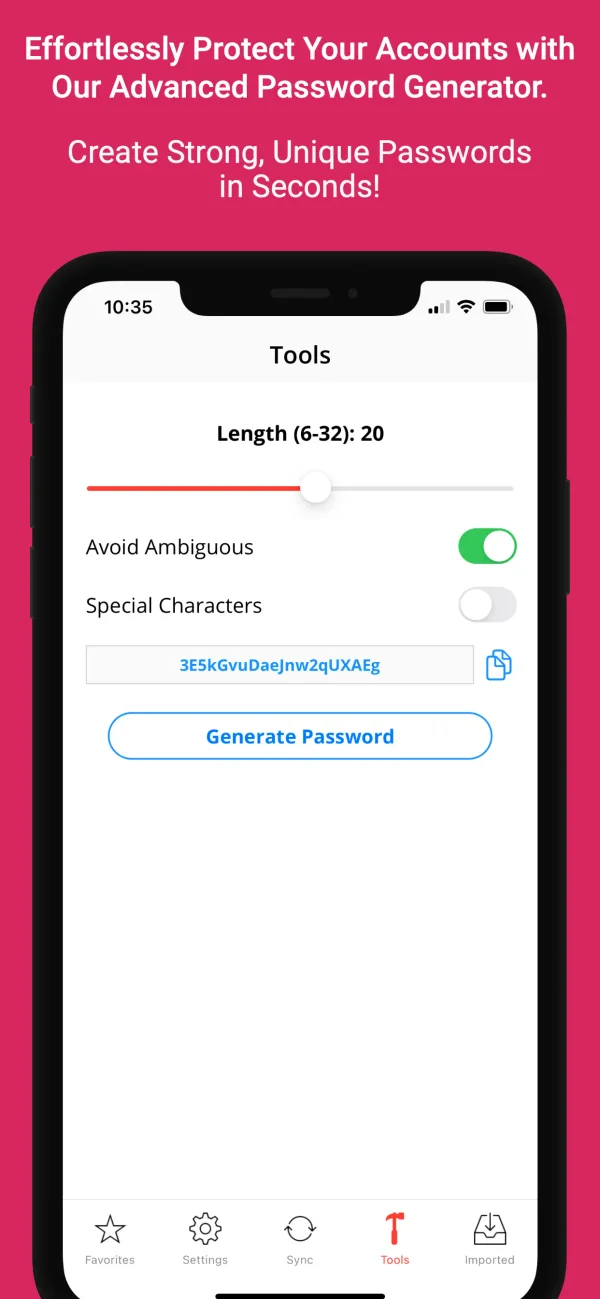
Password Generator & Autofill
Designed for iPhone, iPod touch
$7.99
- Age rating4+
- CategoryProductivity
- DeveloperNetanel Software
- LanguagesEnglish+ 16 more
- Size12.5 MB
Links to the official App Store page
Download.org hosts no file of Password Manager iPassSafe . The button opens its official App Store page, published by Netanel Software. Listing last checked on Nov 14, 2026.
Screenshots
About
iPassSafe – Advanced Privacy and Security in Password Management
> WHY IPASSSAFE IS THE SECURE CHOICE?
○ ADVANCED ENCRYPTION:
iPassSafe uses AES-256 encryption combined with PBKDF2 key strengthening to secure your data. This industry-standard encryption ensures your information is protected from unauthorized access, even if a backup is compromised, offering robust defense against any threats.
○ EXCLUSIVE USE OF APPLE’S OFFICIAL FRAMEWORKS:
Unlike many competitors that integrate third-party libraries for analytics, push notifications, and other services, iPassSafe relies solely on Apple’s official frameworks. By avoiding external code, iPassSafe minimizes potential security risks and ensures that your data is handled within a highly secure and trusted environment.
○ PRIVACY POLICY:
Our privacy policy is straightforward—iPassSafe does NOT collect or track ANY user data. iPassSafe stands out by NOT collecting or tracking ANY user data. Unlike most other apps, your information stays completely private and secure, with NO third-party involvement.
○ LOCAL DATA STORAGE WITH SECURE CLOUD SYNC OPTION:
Unlike some popular password managers that have been compromised due to reliance on centralized private clouds, which have faced security breaches, iPassSafe avoids these risks. Your data is stored directly on your device and in your iCloud (optional), benefiting from Apple’s secure infrastructure. This approach makes such breaches impossible and ensures robust privacy and control while offering seamless sync and password autofill across iPhone, iPad, Mac, and Safari.
This App Supports iPhone. If you own an iPad, please check out iPassSafe Pro - universal app (Supports iPad, iPhone).
◆ Available on both iOS and macOS!
PassSafe offers the same high level of security and convenience across all your Apple devices, with a macOS version available on the Mac App Store.
> ALL YOUR DATA
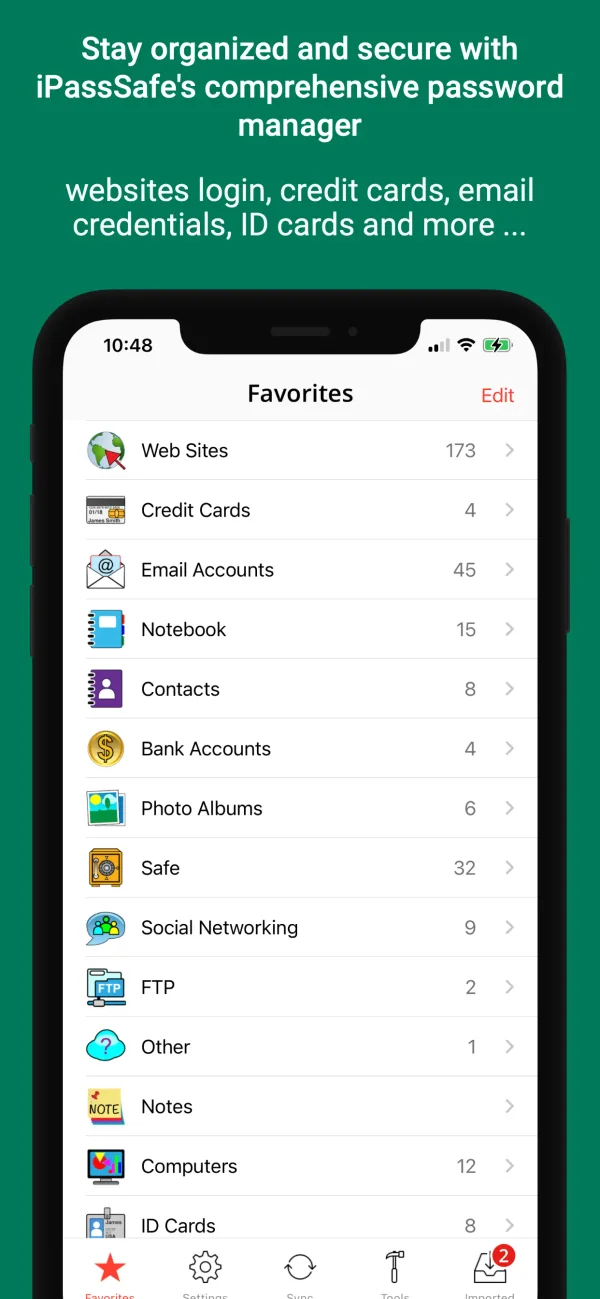
• 24 x Custom categories you can design as you want
• 19 x Built-in categories including:
○ Logins (Web, Email, FTP...)
○ Credit Cards
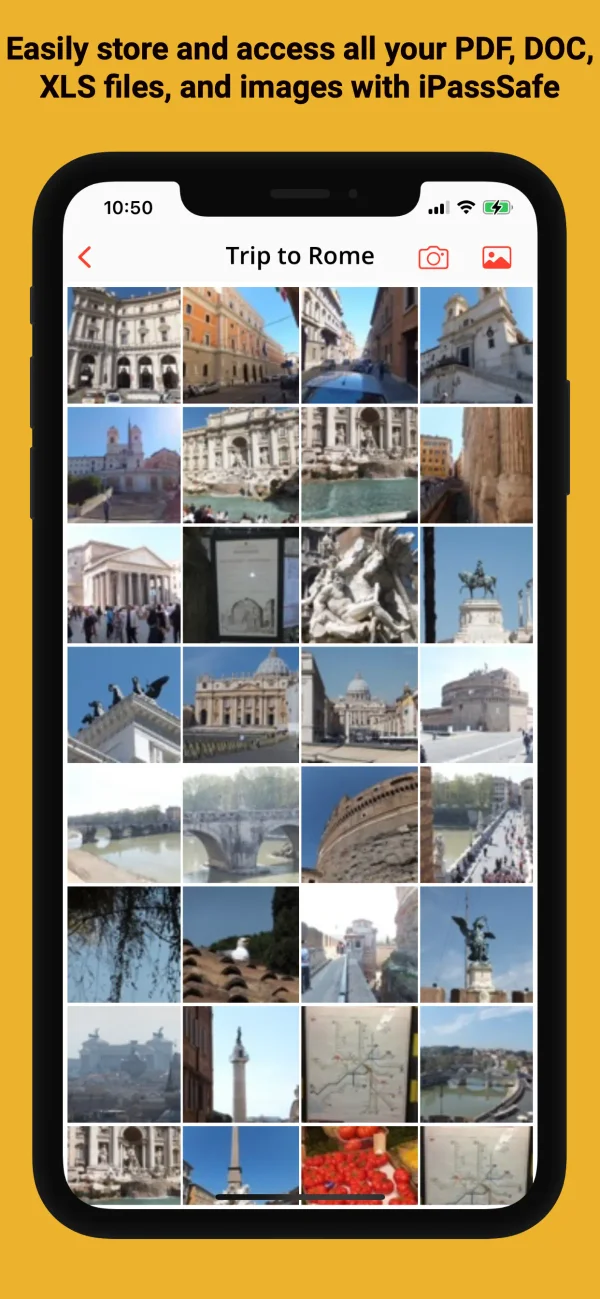
○ Photos (from Gallery/Camera)
○ Bank accounts details
○ Safe/PIN numbers
○ Text notes
○ Documents (PDF, Word, Excel, PPT ...)
○ Contacts with Build-it call/send email option
○ ID cards
○ Passports
○ Driving License
○ Software License
> SYNC/BACKUP
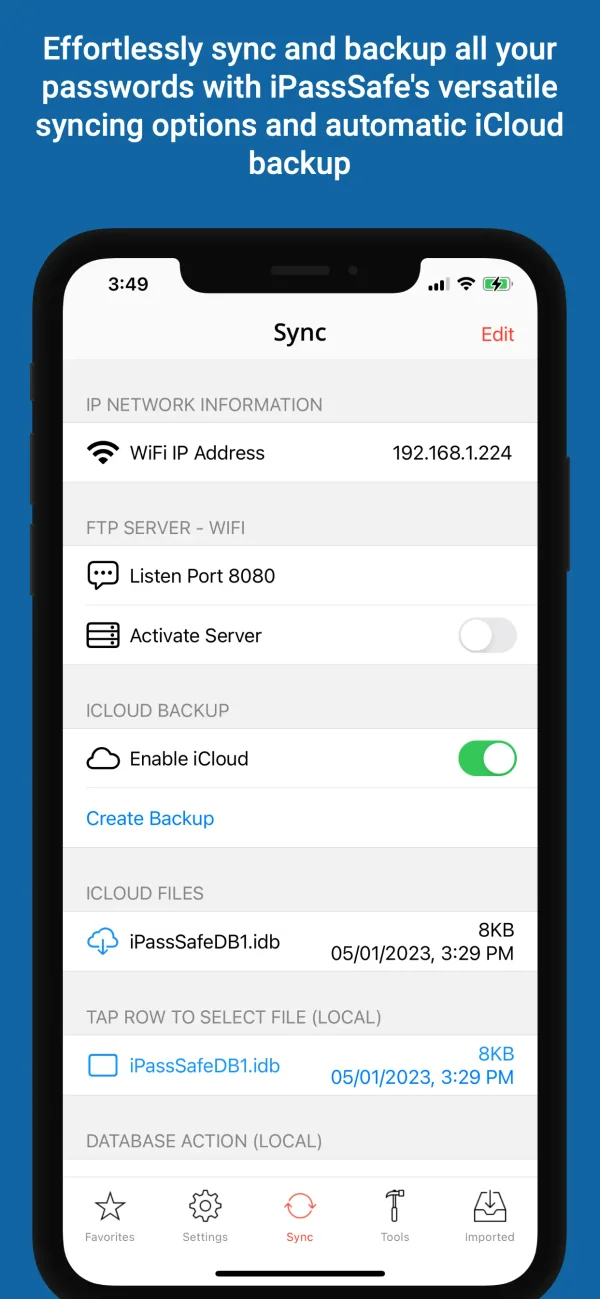
○ 4 Sync options: iCloud, FTP, AirDrop (Files,Dropbox, iOS devices ...)
○ All data get encrypted before sync
○ Cloud is optional but not a requirement
> ADVANCED FEATURES
○ Safari extension support
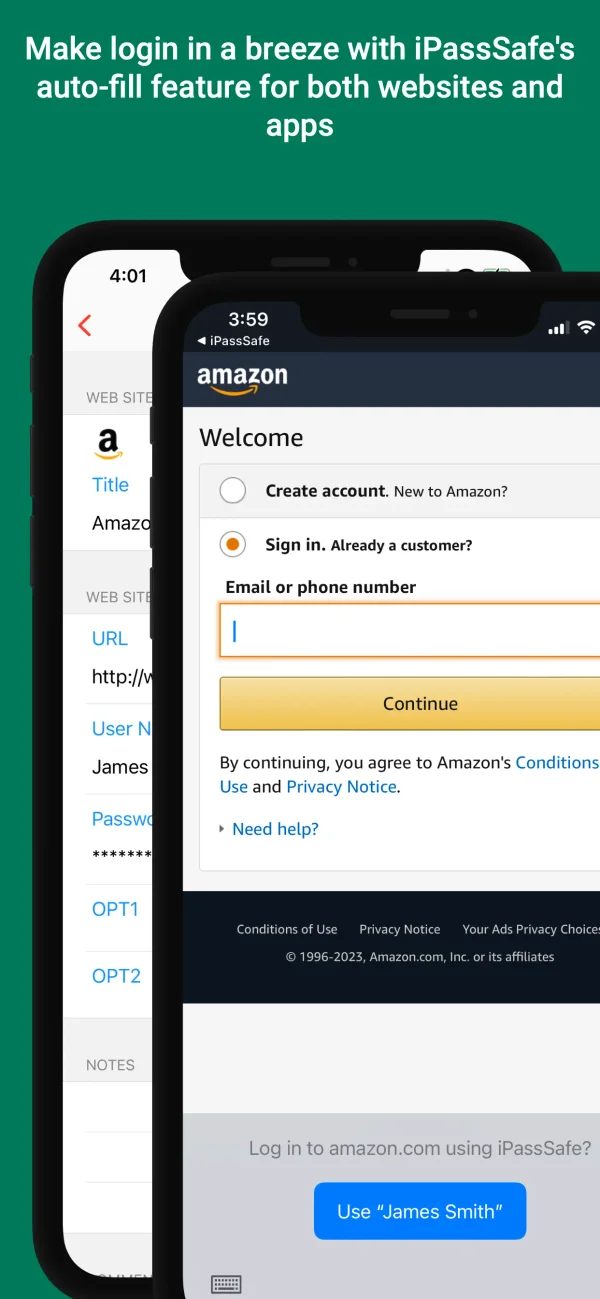
○ AutoFill extension support
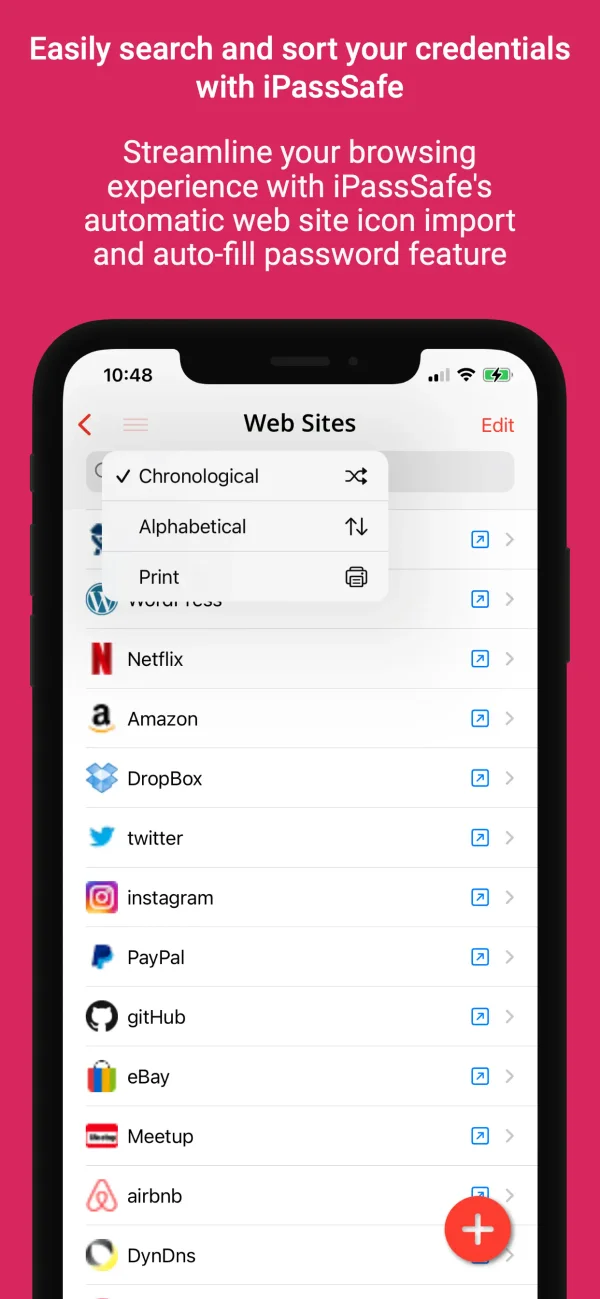
○ Icons pulled in from any of your websites automatically !
○ Seamlessly autofill usernames and passwords directly from the QuickType bar to apps and Safari
○ Contact import from Address Book
○ Built-in search tool
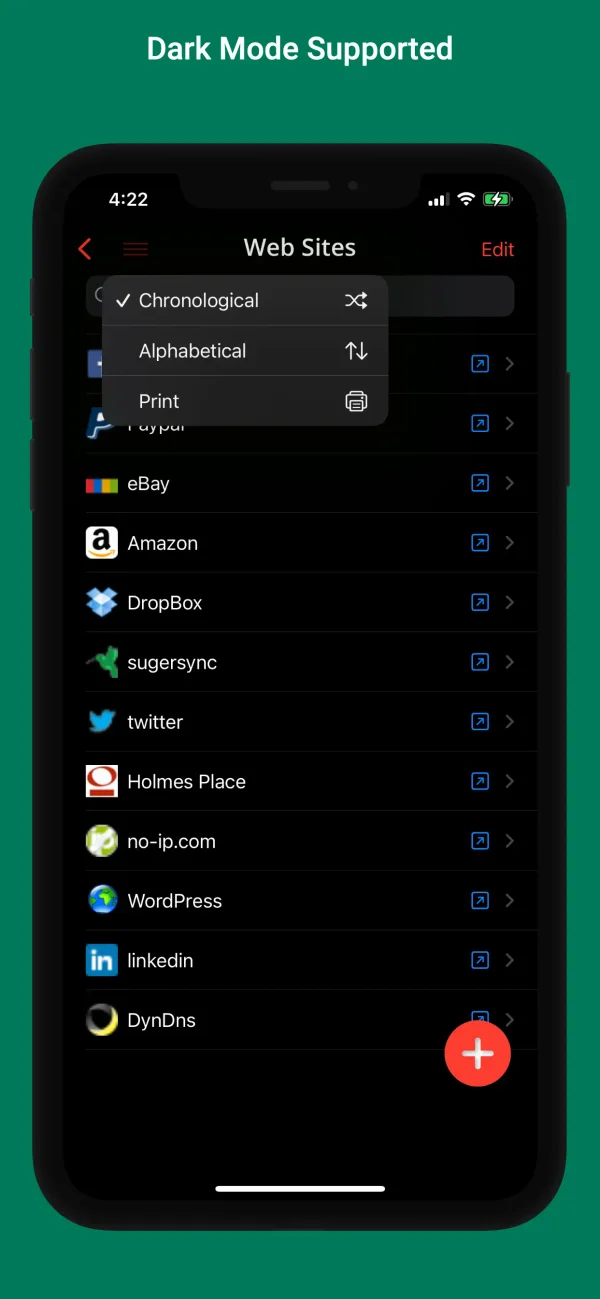
○ Dynamic sorting option
○ Multiple Databases (per users or contents)
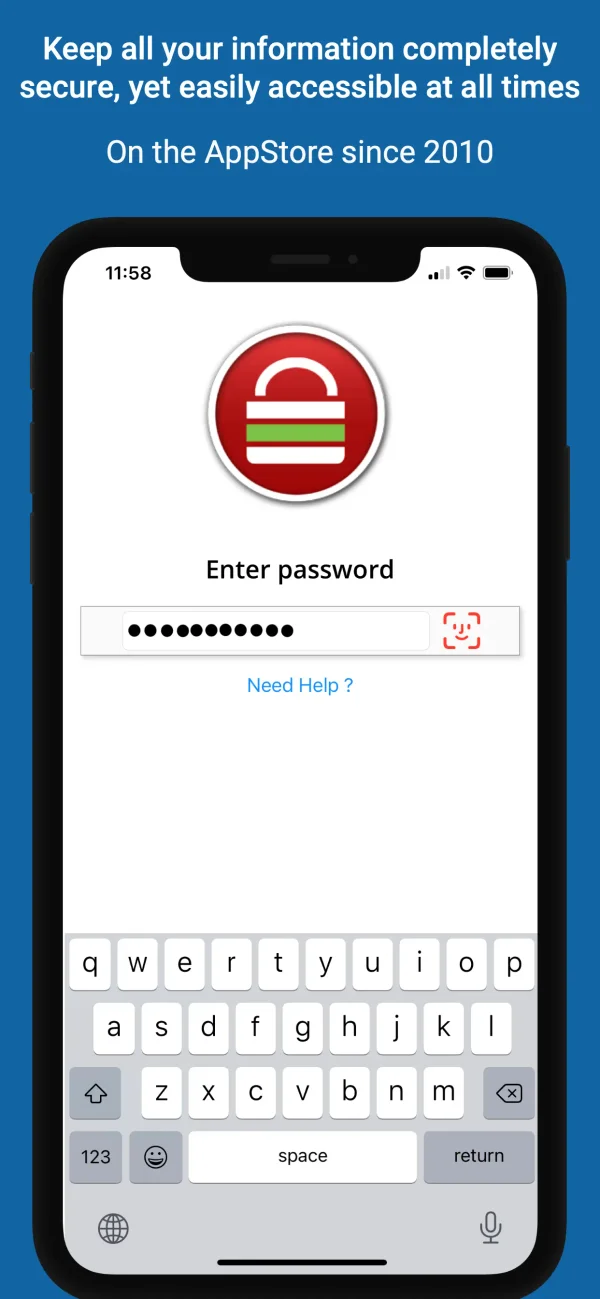
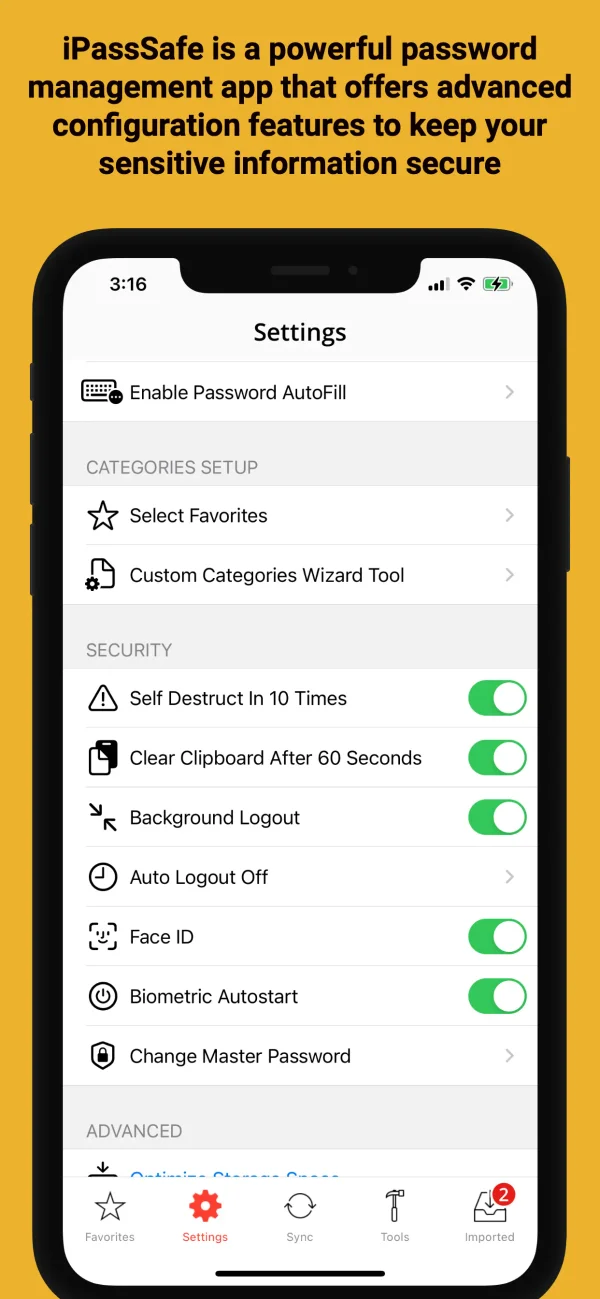
○ Face/Touch ID support
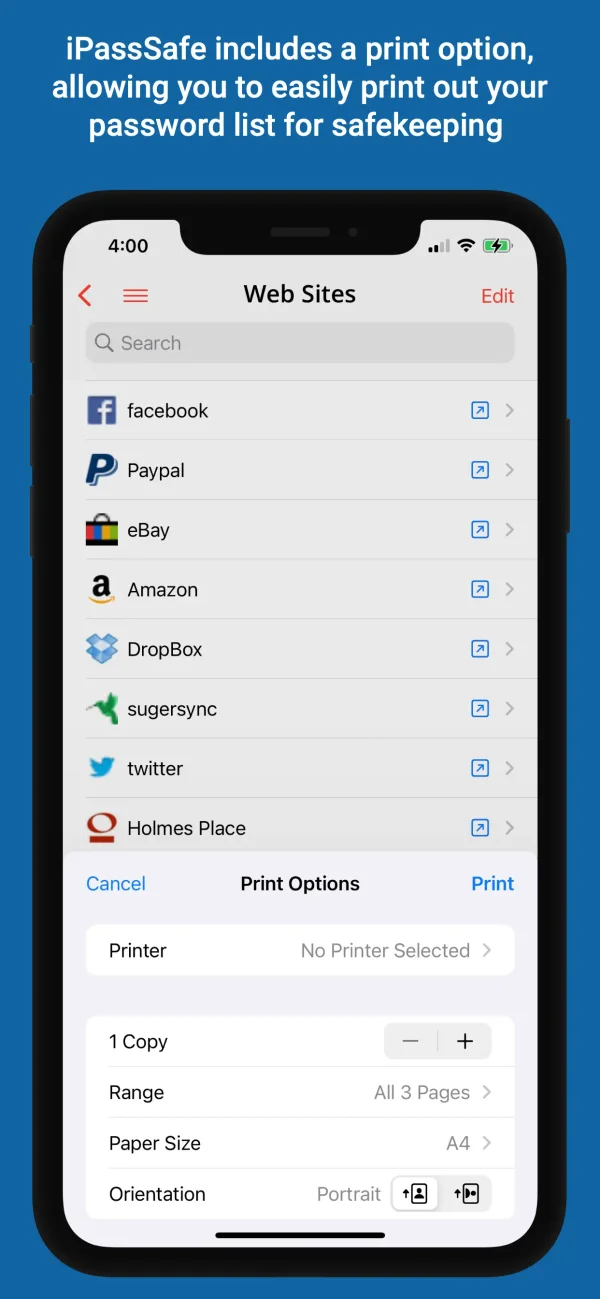
○ Air Print
○ Dark Mode support
○ Private Reminders
○ Available in 17 languages
> NOTES:
1. Remember Your Password !
without it , you will not be able to see your data.
2. Backup is not done automatically, the user is responsible for such a backup (IDB file) using features (iCloud, Dropbox, email, FTP ...) exists in iPassSafe to avoid loss of data when device is lost, damaged or any other reason, furthermore iPassSafe is NOT providing any direct cloud service, password retrieval, or backup service for security reason (all data stored on your device only!), user need to decide where to do the backup (iCloud, user's private Dropbox account, user's diskonkey using FTP, or user's email ...), the user is also responsible for this backup safety.
3. Sync is not merging data, you have to keep all updated data on one device and use sync option upload file, then load and activate with a password on all your other devices
4. Smart auto login algorithm is compatible with most web sites
What’s new
Version 16.20 · Dec 21, 2025
○ Bug fixes and performance improvements.
If you love using iPassSafe, please take a moment to rate us :-)
App privacy
What Netanel Software declares on the App Store about how this app handles data.
-
Data not collected
The developer does not collect any data from this app.
Privacy practices may vary, for example with the features you use or your age.
Information
- Seller
- Moshe Netanel
- Category
- Productivity
- Version
- 16.20
- Updated
- Dec 21, 2025
- Released
- Dec 23, 2010
- Size
- 12.5 MB
- Requires
- iOS 15.0 or later
- Age rating
- 4+
- Price
- $7.99
- Languages
- English, Arabic, Danish, Dutch, Finnish, French, German, Hebrew, Italian, Japanese, Korean, Portuguese + 5 more
- Copyright
- © 2010 MSNET-Solutions
You might also like
-
 Cloud PasswordsProductivity
-
 Copy URL ExtensionIn plaintext or markdown
-
 World Sounds: for watchIdentify over 300 sounds
-
 MyCena Business FortressMost secure password manager
-
 MY BCBAProductivity
-
 Photo Cleaner - SomPhotosFree Up Space & Clean Library
-
 Airmail for BusinessProductivity
-
 WebPrivatAdvanced privacy protection
-
 PM Pro: Password ManagerStore & Manage Secrets Offline
-
 myGDC Student AppProductivity