
Password Manager: Safe Lock
Store, Autofill Passwords
Designed for iPhone, iPod touch
Free
- Age rating4+
- CategoryProductivity
- DeveloperMohit Rudani
- LanguagesEnglish
- Size13.7 MB
Links to the official App Store page
Download.org hosts no file of Password Manager: Safe Lock. The button opens its official App Store page, published by Mohit Rudani. Listing last checked on Nov 17, 2026.
Screenshots


About
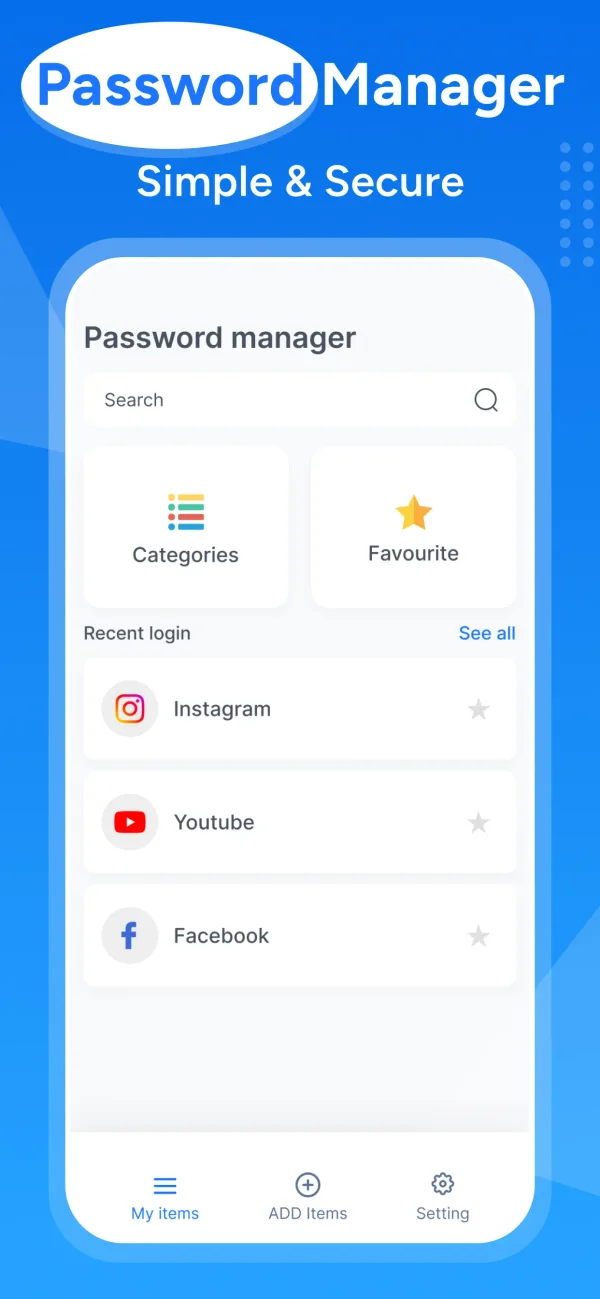
Looking for a free and robust solution to manage your passwords? Our Password Manager offers an all-in-one tool to securely store and manage your unique passwords. Remembering complex combinations of symbols, numbers, and capital letters can be tough, but having strong passwords is essential to safeguard your personal data. With Password Manager, your information is encrypted, ensuring your security while still giving you seamless access across all your devices. Best of all, it’s completely free to use!*
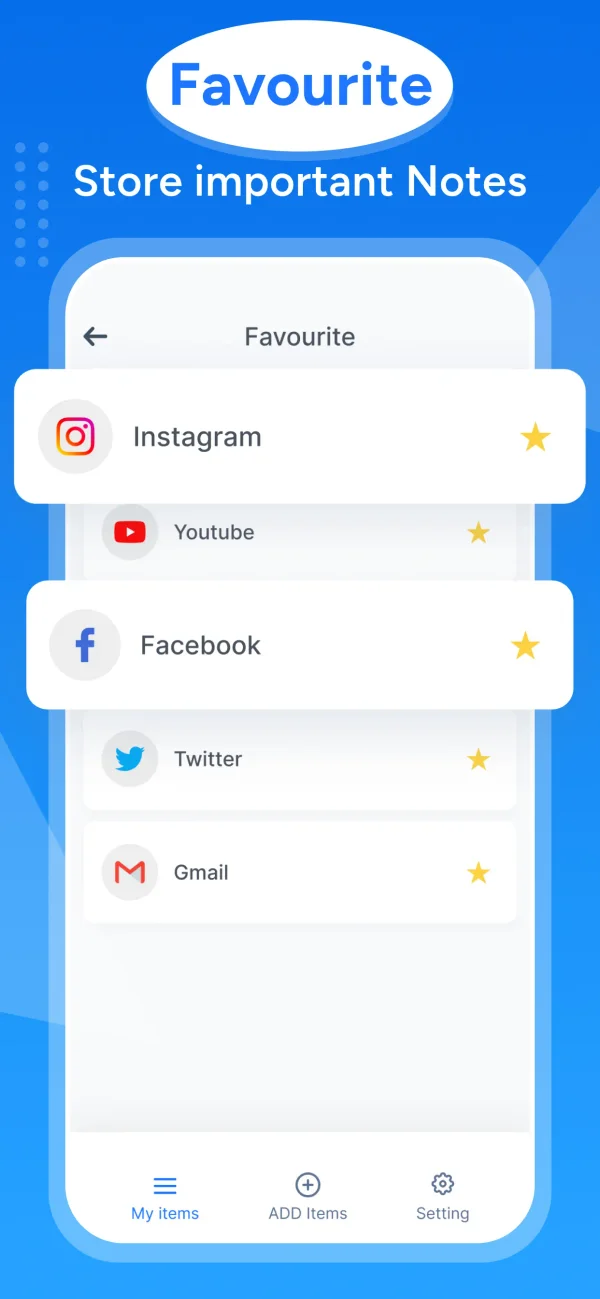
Take control of your social media passwords with our secure and easy-to-use Password Manager app! Manage and store all your social media passwords in one safe place. No more struggling to remember multiple passwords—keep everything at your fingertips, protected with advanced encryption technology.
Key Features:
• One-App Password Storage: Store all your social media account passwords securely in one place.
• Advanced Encryption: Your data is protected by industry-leading encryption, ensuring only you have access to your passwords.
• Secure Access: Set up a master password, Face ID, or Touch ID for quick, secure access to your password vault.
• Password Generator: Create strong, unique passwords for your accounts to enhance security.
• Password Autofill: Automatically fill in passwords across apps and browsers with just a tap.
• Security Alerts: Get notified if any of your saved passwords are involved in a data breach, allowing you to take action quickly.
How to Use:
• Sign Up/Log In: Create your account and set a master password to secure your vault.
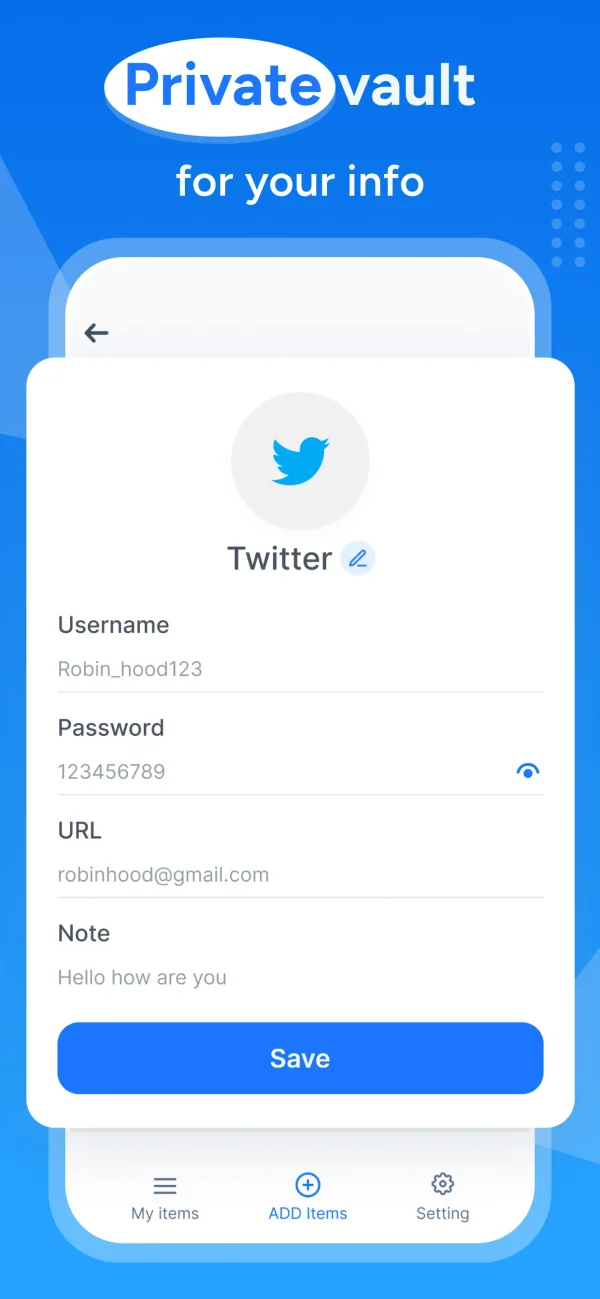
• Add Passwords: Start adding your social media account credentials by selecting the platform and entering your login information.
• Autofill Passwords: Enable autofill in settings, and let the app automatically fill your passwords when logging in.
• Generate Strong Passwords: Use the built-in password generator to create secure passwords for your accounts.
• Stay Updated: Get security alerts and regularly update your passwords for better protection.
Stay organized and never lose a password again with the ultimate Password Manager. Download now to secure your social media accounts with ease!
Privacy policy : https://passwordmanagerpp.blogspot.com
Terms of use : https://sites.google.com/view/mr-apps-termsofuse/home
App privacy
What Mohit Rudani declares on the App Store about how this app handles data.
-
Data not collected
The developer does not collect any data from this app.
Privacy practices may vary, for example with the features you use or your age.
Information
- Seller
- Mohit Rudani
- Category
- Productivity
- Version
- 1.0
- Updated
- Oct 2, 2024
- Released
- Oct 2, 2024
- Size
- 13.7 MB
- Requires
- iOS 13.0 or later
- Age rating
- 4+
- Price
- Free
- Languages
- English
- Copyright
- © MR2023
You might also like
-
 Easy Password Manager:EasyPasswordManager
-
 MyPasswords Password ManagerYour passwords in one place
-
 Passsword Manager VaultMaster PIN : Password Reminder
-
 All In One : Password ManagerSecret,Password Vault,safe
-
 Widerpay OtpWiderpay otp app offers secure
-
 Password Manager - SafeBoxPasswords Vault & Lock Safe
-
 ForPassword - Password ManagerSecure & AutoFill Passwords.
-
 SafeKey - Password ManagerSecure Password Wallet
-
 Risk Free Password ManagerKeePass: Passcode, One Safe
-
 Vaultix: Password ManagerOffline vault, 2FA & autofill