
Passwords & Vault - SecureKit
Authenticator & Secure Notes
Designed for iPhone
In-app purchases
- Age rating4+
- CategoryUtilities
- DeveloperNiko Inas
- LanguagesEnglish+ 5 more
- Size27.7 MB
Links to the official App Store page
Download.org hosts no file of Passwords & Vault - SecureKit. The button opens its official App Store page, published by Niko Inas. Listing last checked on Nov 23, 2026.
Screenshots

About
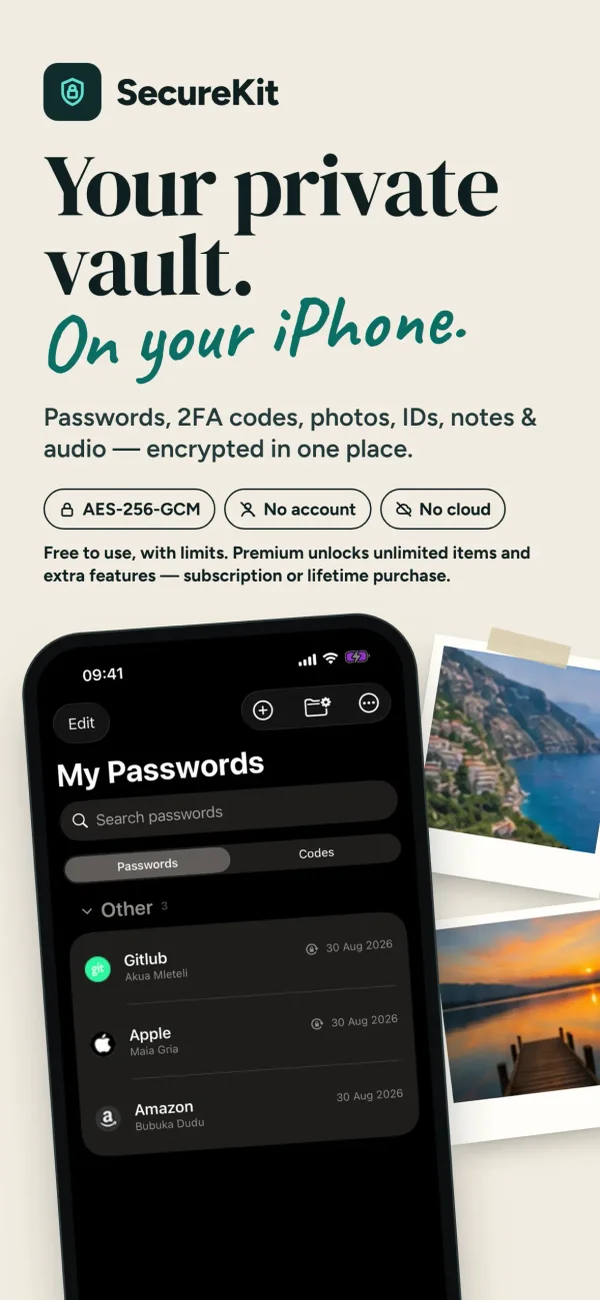
YOUR PRIVATE VAULT, ON YOUR IPHONE
Keep passwords, private notes, audio, documents and photos in one encrypted place. No SecureKit account or cloud synchronization is required.
START FREE
New users can save up to:
• 10 passwords
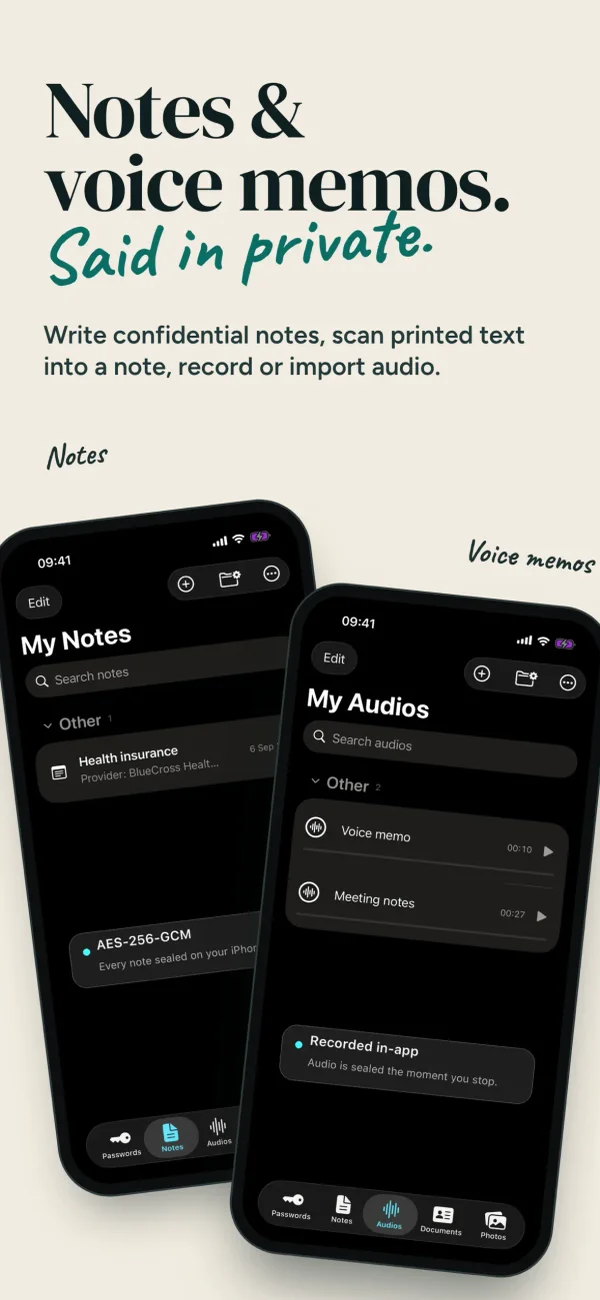
• 10 private notes
• 5 audio items, combining recordings and imports
• 3 documents
• 20 private photos
Each category has its own allowance. Recently Deleted items do not count. No purchase is required to enter the app; you can close the Premium offer and continue free.
PASSWORDS, PHOTOS, DOCUMENTS, NOTES & AUDIO
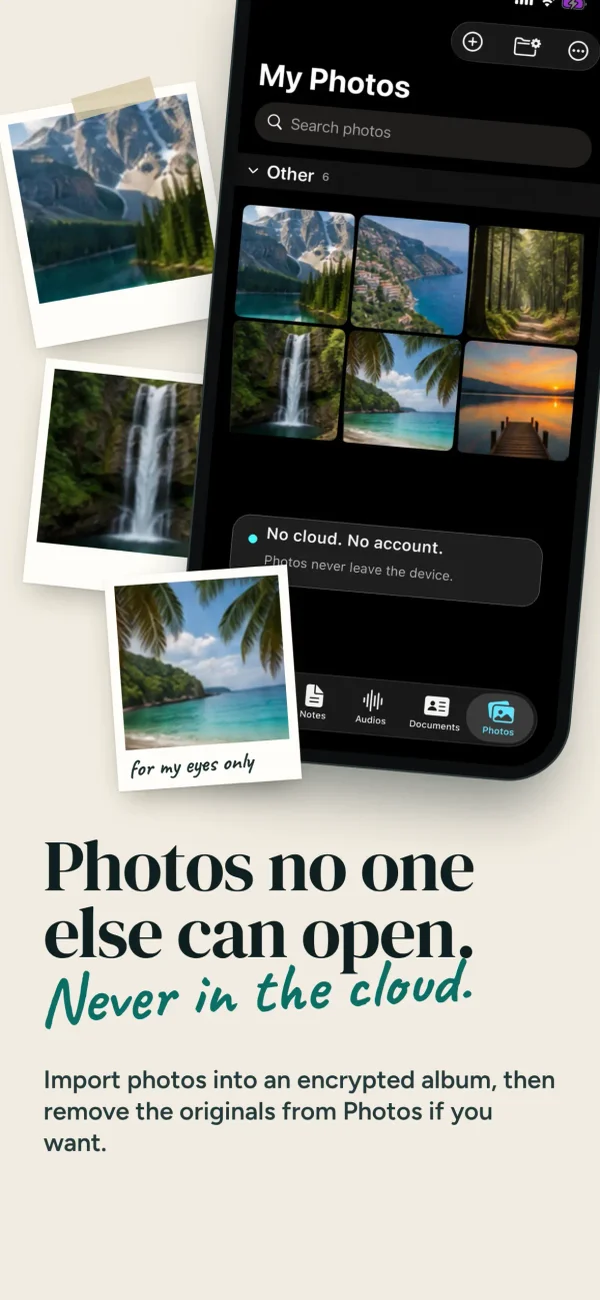
Organise passwords and account notes into groups. Import private photos and optionally remove originals from Photos with iOS confirmation. Scan or import multipage documents, save document numbers and expiry dates, and receive expiry reminders. Turn scanned printed text into notes. Record voice notes or import audio files.
PRIVACY & SECURITY
• 256-bit AES-GCM encryption
• Vault key protected by the iOS Keychain
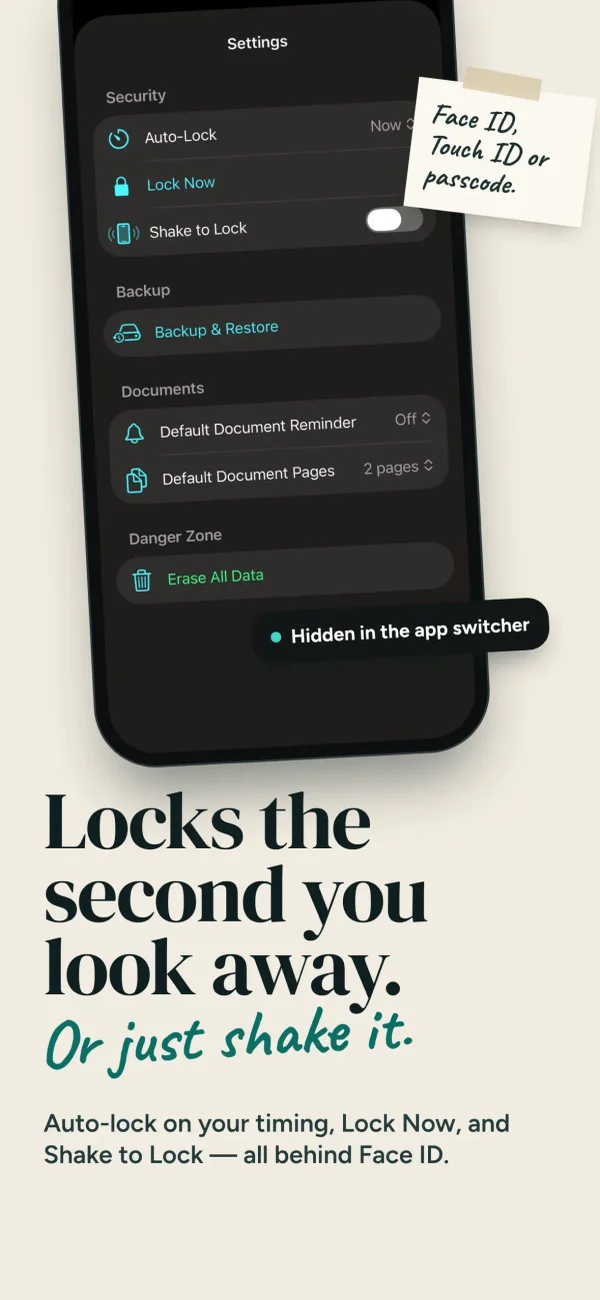
• Face ID, Touch ID or device-passcode authentication
• Local vault storage without cloud synchronization
• Sensitive content hidden from the app switcher
• Automatic locking and Shake to Lock
OPTIONAL PREMIUM
Monthly Premium or a one-time Lifetime purchase unlocks:
• Unlimited items in all five categories
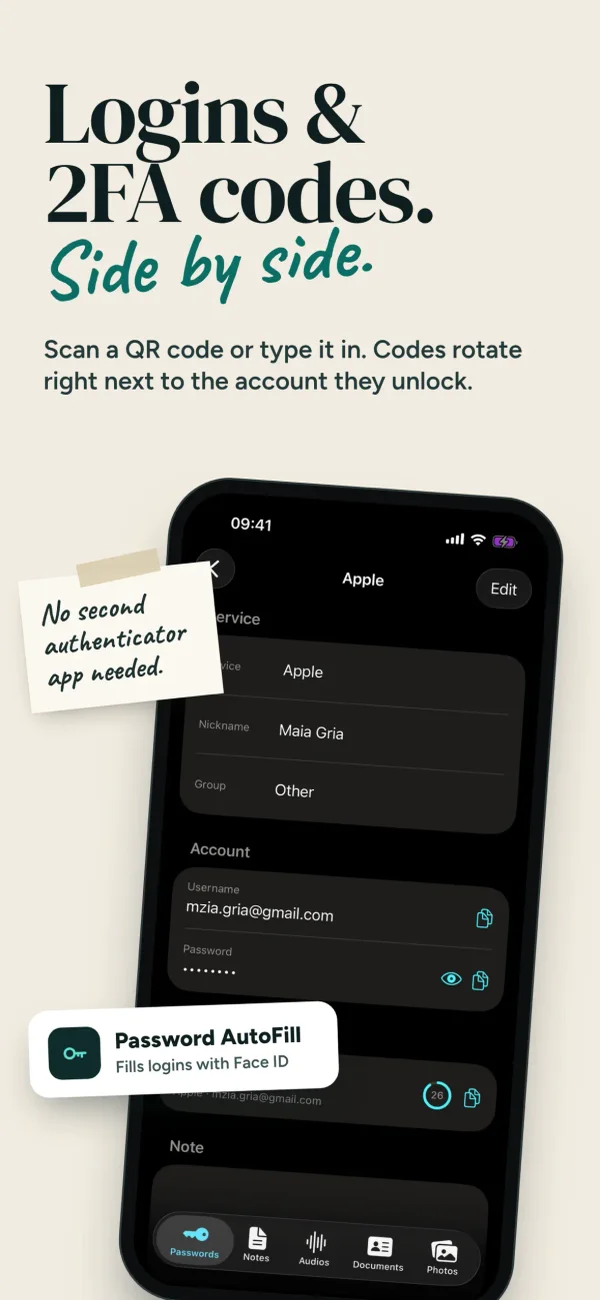
• Password AutoFill in compatible apps and websites
• Adding 2FA accounts by QR code or manual key
• Creating password-protected encrypted backups
Enable SecureKit in the iOS AutoFill settings and save the website domain with each account. AutoFill fills credentials; the app or website handles sign-in.
Monthly subscriptions renew unless cancelled. If you cancel, Premium remains active through the paid period. Lifetime provides permanent Premium access with one payment and no recurring charge. The purchase screen shows your local price. Previous purchases can be restored.
YOUR SAVED DATA STAYS USABLE
After Premium ends, you can still view, edit and export saved items and use existing 2FA codes. New items follow your free allowance or permanent legacy rights. AutoFill, adding new 2FA accounts and creating new backups require Premium.
Restoring an encrypted backup is always free. Restore missing content without overwriting existing items. Your recovery password is not stored and your vault key is not included in the backup.
PERMANENT LEGACY ACCESS
Recognized legacy installations keep unlimited passwords, notes, audio and documents. Adding photos and using Premium features requires Premium. Purchasing or ending a subscription does not remove legacy rights. A reinstall without saved settings follows the new-installation rules; verified purchases can be restored.
Terms of Use:
https://www.apple.com/legal/internet-services/itunes/dev/stdeula/
What’s new
Version 2.4.0 · Nov 20, 2026
• New: SecureKit for Mac. Settings now has a link to get SecureKit for Mac, and the Mac transfer screen shows it too.
• Settings shows your Premium plan, when it renews or ends, and lets you manage or cancel your subscription, restore purchases or get Lifetime.
• After you cancel, Premium keeps working until the end of the period you paid for.
• New free allowances for new users: 10 passwords, 10 notes, 5 audio items, 3 documents and 20 photos. Items you already saved are never removed.
• More service logos and general improvements.
App privacy
What Niko Inas declares on the App Store about how this app handles data.
-
Data not collected
The developer does not collect any data from this app.
Privacy practices may vary, for example with the features you use or your age.
Information
- Seller
- Niko Inas
- Category
- Utilities
- Version
- 2.4.0
- Updated
- Nov 20, 2026
- Released
- Apr 30, 2026
- Size
- 27.7 MB
- Requires
- iOS 18.0 or later
- Age rating
- 4+
- In-app purchases
- Yes
- Languages
- English, French, German, Japanese, Simplified Chinese, Spanish
- Copyright
- © 2026 Inas Group
You might also like
-
 VaultaFree – Secure File VaultOffline private storage
-
 MySkylinkBroadband, TV & OTT in one app
-
 SecurePass AI: Password GenStrong & Secure Passwords
-
 Local Vault: PIN Lock SafeUtilities
-
 Secure Files & FolderHide any Photo, Video & Doc
-
 unZipper Pro: ZIP, RAR, 7ZMore than just a tool
-
 Detector Home Protection: FindAnalyzer Scanner WiFi Signal
-
 SliP Symbolic CalculatorA programmable calculator
-
 Docarus: Documents OrganizerPrivate document vault
-
 Lively Wallpaper: 4K VideoUltra HD Dynamic Lock Screen