
Paste It - Clipboard Keyboard
Auto Paste, Text Shortcuts
Designed for iPhone, iPod touch
Free · In-app purchases
- Age rating4+
- CategoryProductivity
- DeveloperMobime
- LanguagesEnglish
- Size15.9 MB
Links to the official App Store page
Download.org hosts no file of Paste It - Clipboard Keyboard. The button opens its official App Store page, published by Mobime. Listing last checked on Nov 12, 2026.
Screenshots
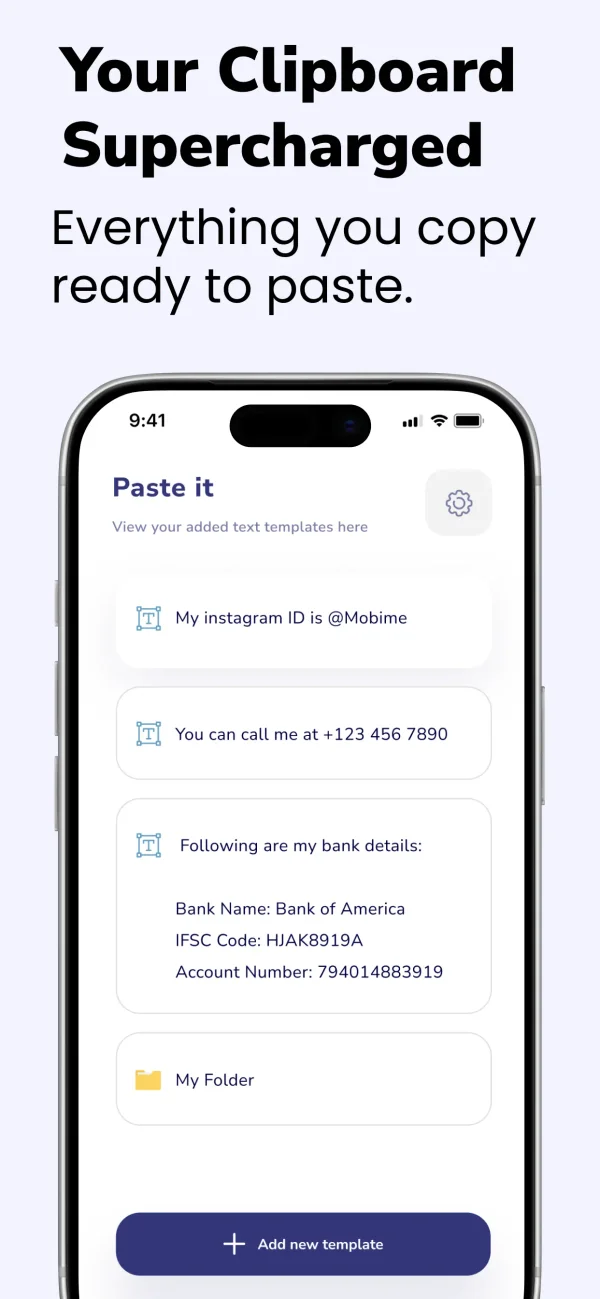
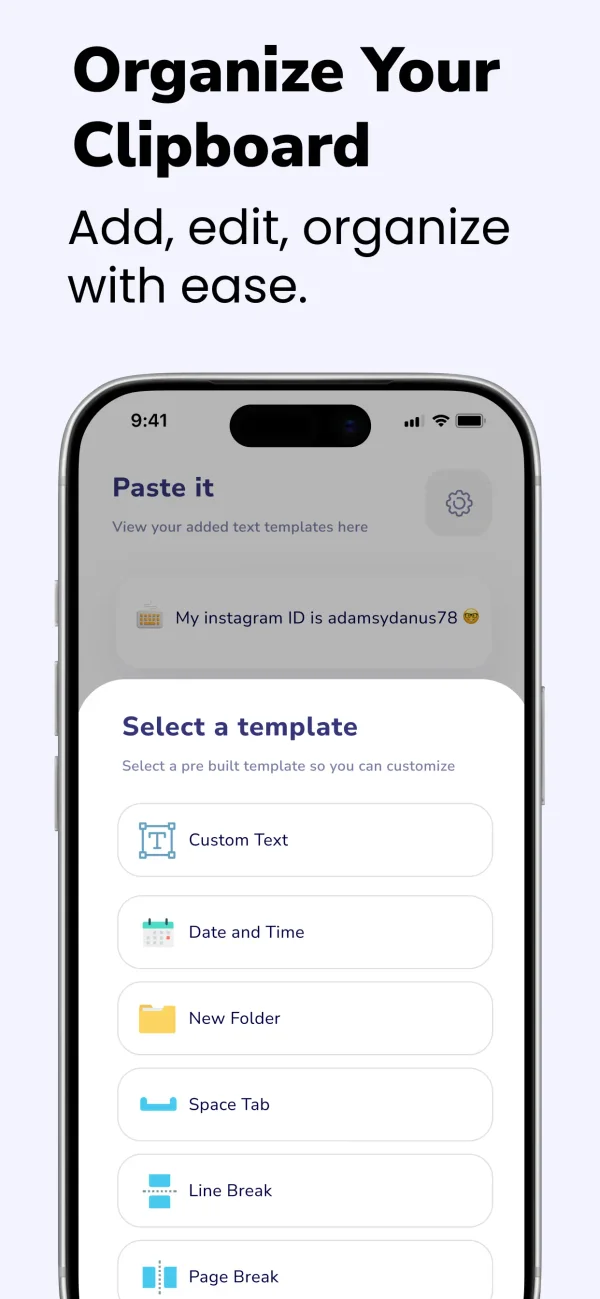
About
Save Time with the Ultimate Clipboard Manager and Custom Keyboard
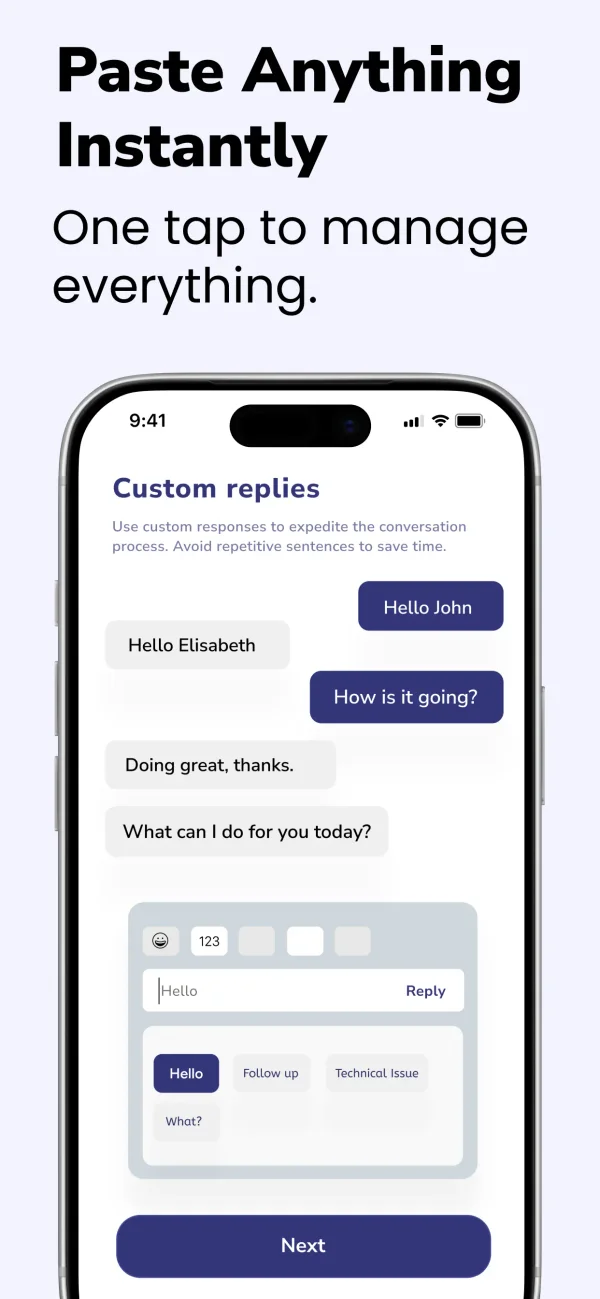
Paste your emails, templates, signatures, and saved text instantly—no more retyping!
Why Choose Paste it?
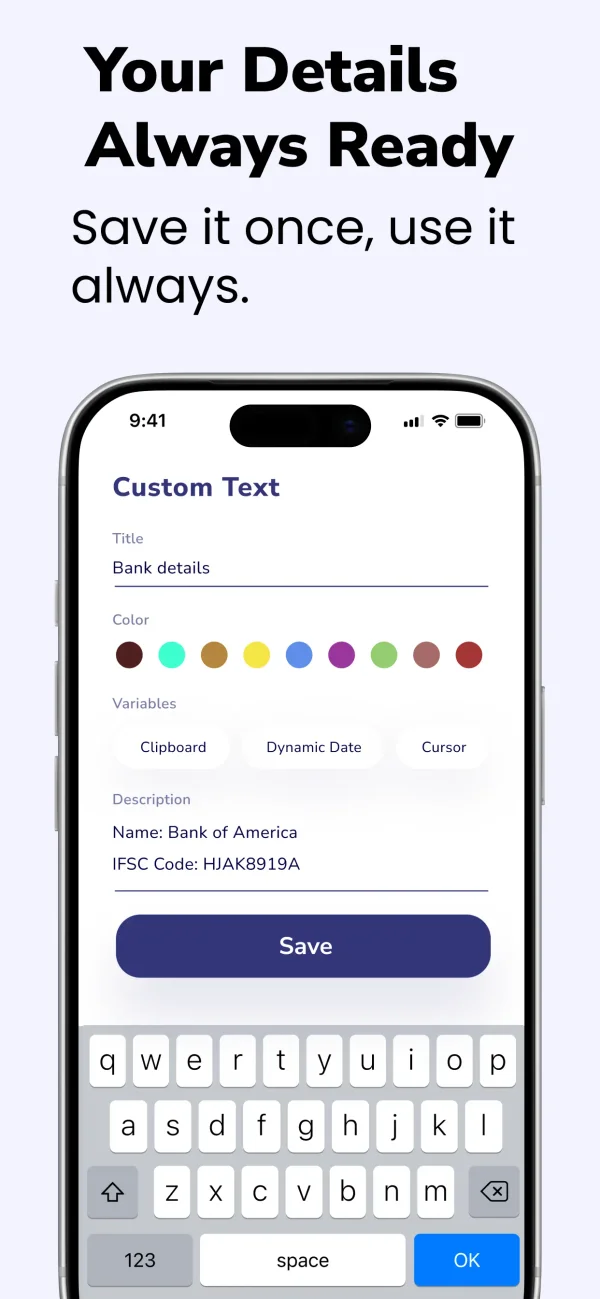
Are you tired of typing the same emails, responses, and phrases repeatedly? Paste it allows you to save your text snippets and paste them anywhere with just one tap. It’s perfect for professionals, customer support agents, and anyone who values their time.
Features:
- Clipboard History: Access everything you copy, ready to paste at any time.
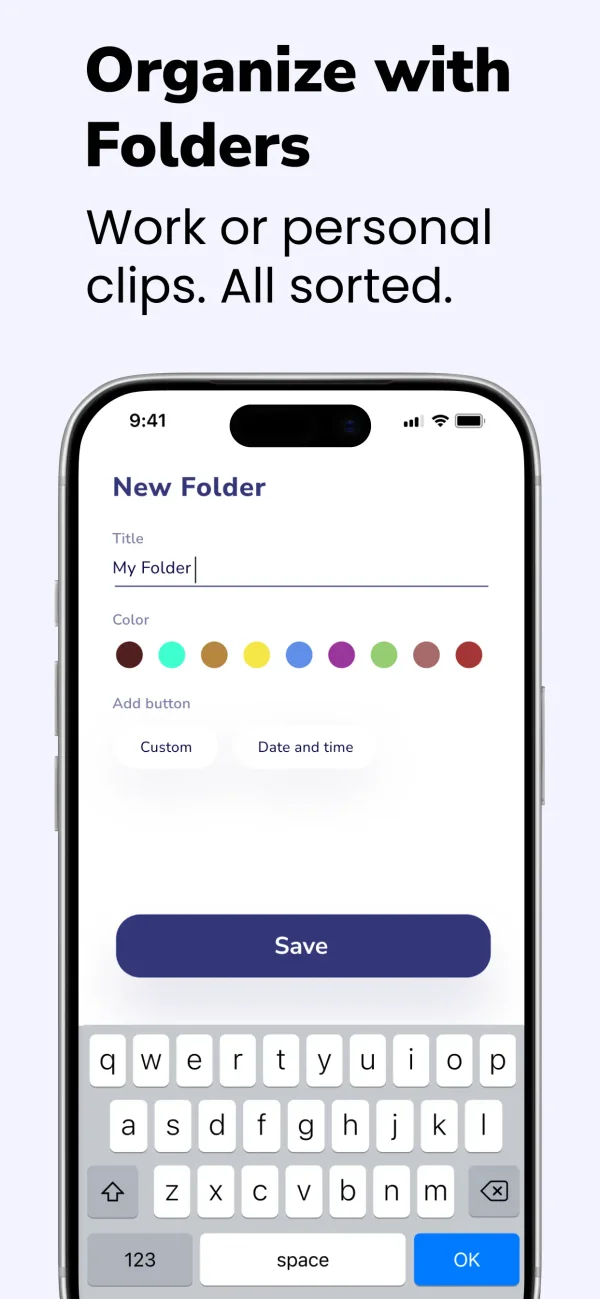
- Custom Folders: Organize snippets by category: work, personal, emails, and more.
- Color-Coded Keys: Easily identify your clips with custom colors.
- Multiple Pages & Screens: Split your keyboard by pages, screens, and cursors for more flexibility.
- Date Formats: Instantly insert today's date in multiple formats.
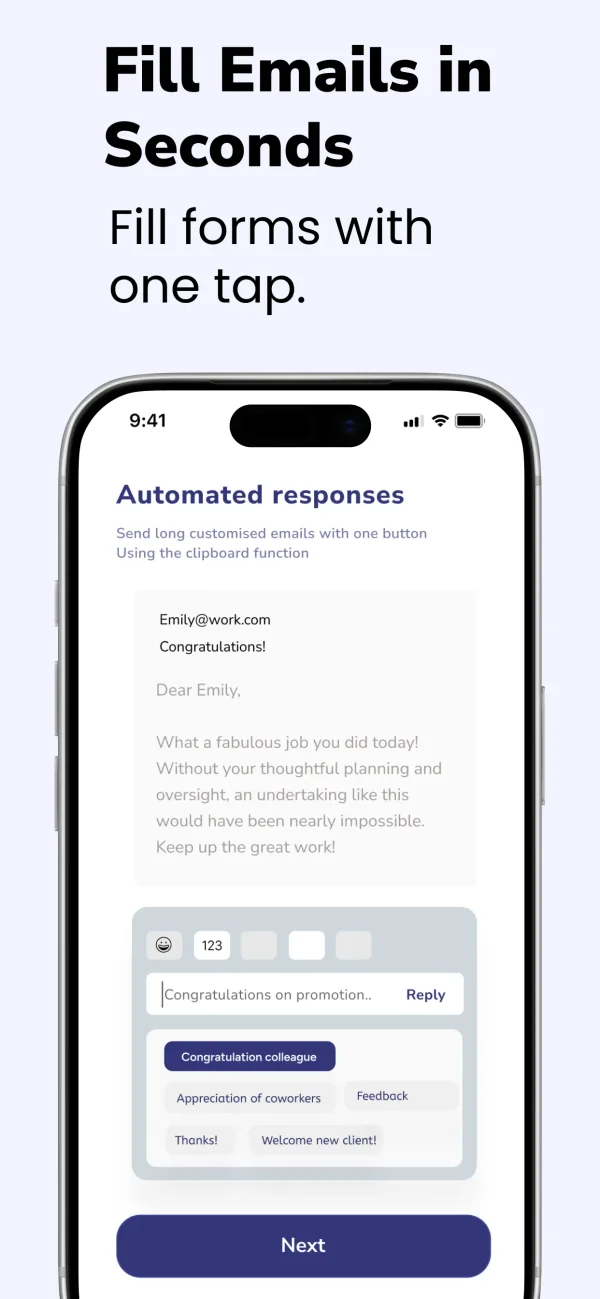
- Fast Email Templates: Send professional emails in seconds instead of minutes.
Paste it is the best custom keyboard for clipboard management, text shortcuts, and quick responses. Download now to speed up your workflow!
Subscription Terms:
Payment will be charged to your iTunes account at the confirmation of purchase. Subscriptions automatically renew unless auto-renewal is turned off at least 24 hours before the end of the current period. Your account will be charged for renewal within 24 hours after the end of the current period. You can manage your subscriptions in your Account Settings after purchase. Please note that cancellation of your current subscription is not allowed during the active subscription period. Any unused portion of a free trial period will be forfeited when purchasing a subscription.
Terms of Use: https://mobime.org/terms
Privacy Policy: https://mobime.org/privacy
What’s new
Version 4.0.0 · Feb 8, 2026
Hello everyone,
We are excited to share that this update includes several improvements designed to enhance your clipboard management experience. We have optimized performance, increased stability, and resolved a few minor bugs to ensure a smoother overall experience.
If you have any ideas for new features or suggestions, please don't hesitate to contact us anytime at support@mobime.org.
App privacy
What Mobime declares on the App Store about how this app handles data.
-
Data not collected
The developer does not collect any data from this app.
Privacy practices may vary, for example with the features you use or your age.
Information
- Seller
- MOBIME
- Category
- Productivity
- Version
- 4.0.0
- Updated
- Feb 8, 2026
- Released
- Feb 13, 2022
- Size
- 15.9 MB
- Requires
- iOS 14.3 or later
- Age rating
- 4+
- Price
- Free
- In-app purchases
- Yes
- Languages
- English
- Copyright
- © Autopaste - Mobime
You might also like
-
 Paste Manager - Clipboard syncOrganize data, copy and paste
-
 Dmyst - Clipboard ManagerDirect Message Yourself Notes
-
 Fast Paste Keyboard+ Auto CopyAuto Paste with Text & Image
-
 Quicki: Auto Paste KeyboardSave & Paste Text Snippets
-
 Snippeta - copy, manage, pasteText manager & paste keyboard
-
 PastePal - Clipboard Assistantcopy, paste, efficiency, tools
-
 Clipster Clipboard ManagerCopy History Synced Everywhere
-
 Copy & Paste - Clipboard AppHashtag Password Copy Paste
-
 Copy 'Em + Paste KeyboardCopy. Paste. Organize. Sync.
-
 Clipboard: Copy Paste KeyboardAuto save your clipboard