
Paste Keyboard | MagicBoard AI
Text Shortcuts, Mail Template
Designed for iPhone, iPad
Free · In-app purchases
- Age rating4+
- CategoryProductivity
- DeveloperEdouard Barbier
- LanguagesEnglish+ 16 more
- Size45.1 MB
Links to the official App Store page
Download.org hosts no file of Paste Keyboard | MagicBoard AI. The button opens its official App Store page, published by Edouard Barbier. Listing last checked on Nov 23, 2026.
Screenshots

About
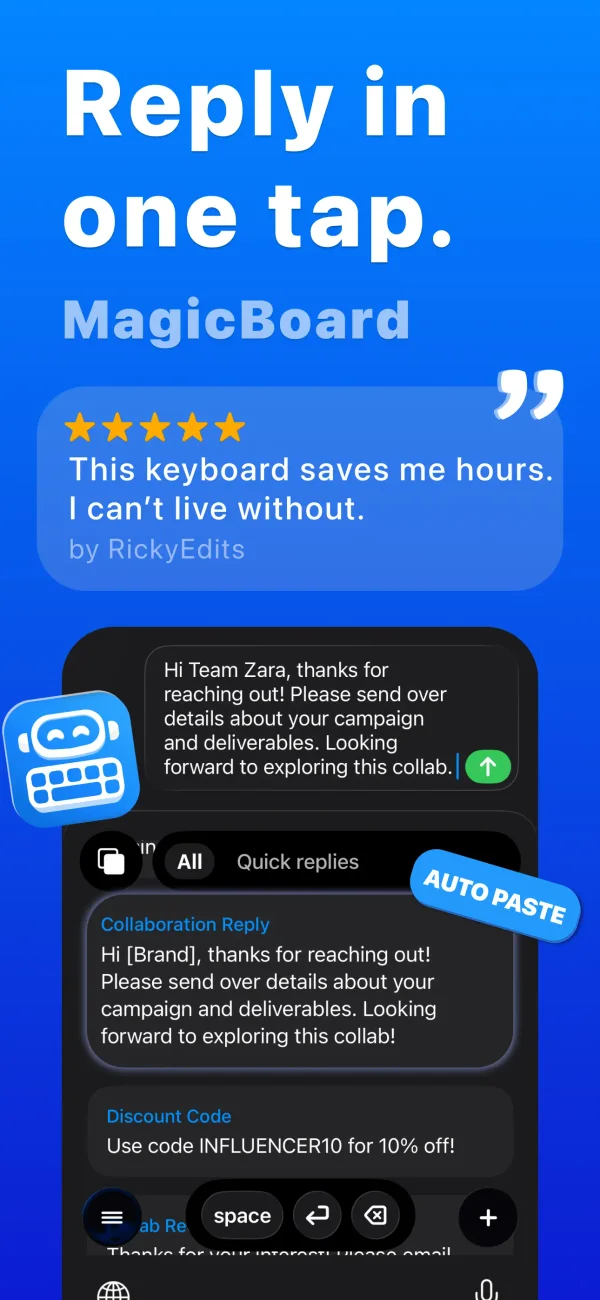
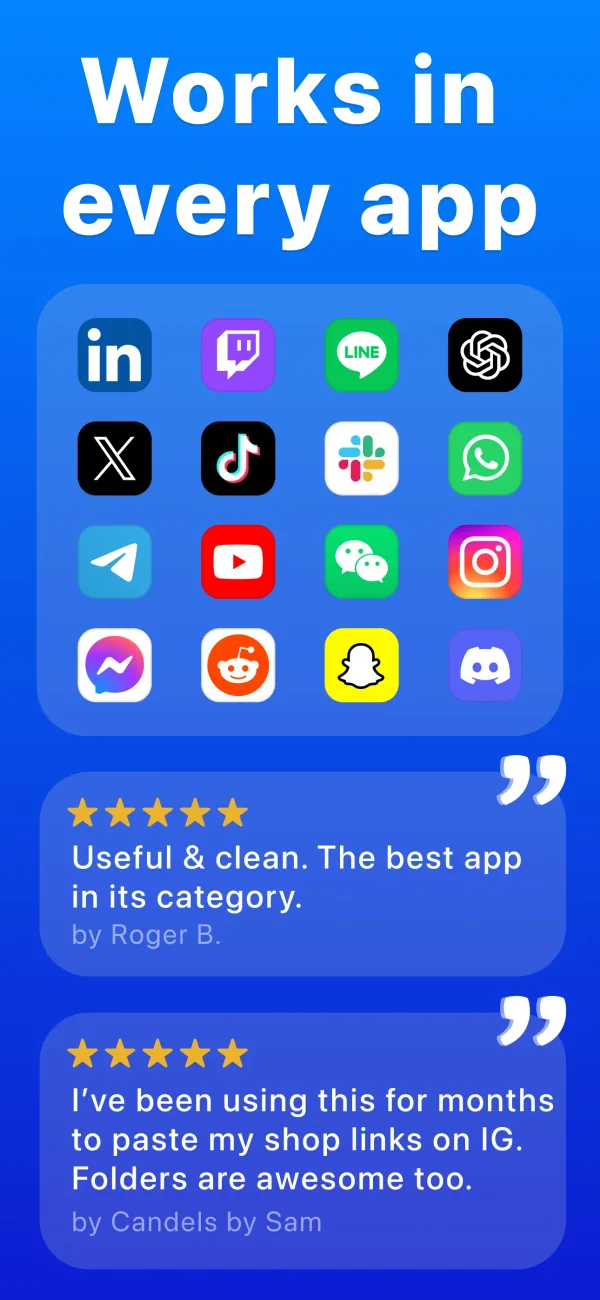
Stop retyping the same replies, links and templates. Save them once, then paste them from your keyboard into any app with a single tap.
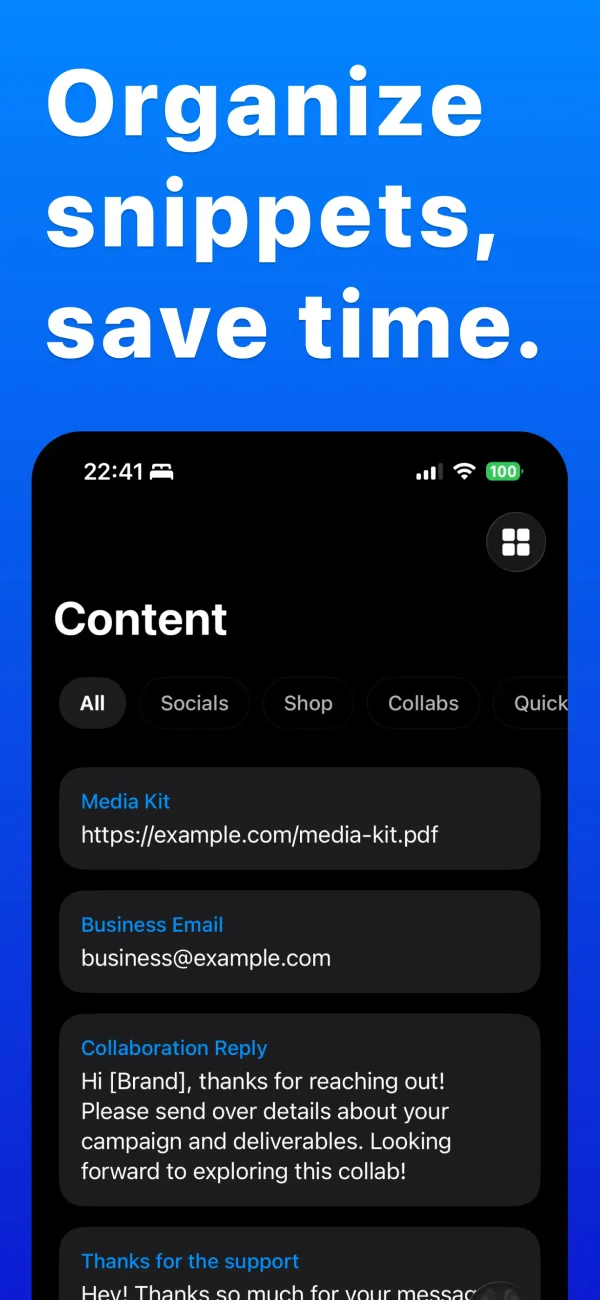
Emails, DMs, addresses, forms, video links, app links: we all write the same things again and again. MagicBoard keeps your most-used text inside your keyboard, organized in folders, so it's always one tap away.
WHAT YOU CAN DO
• Save snippets in folders and reach them from the MagicBoard keyboard in any app.
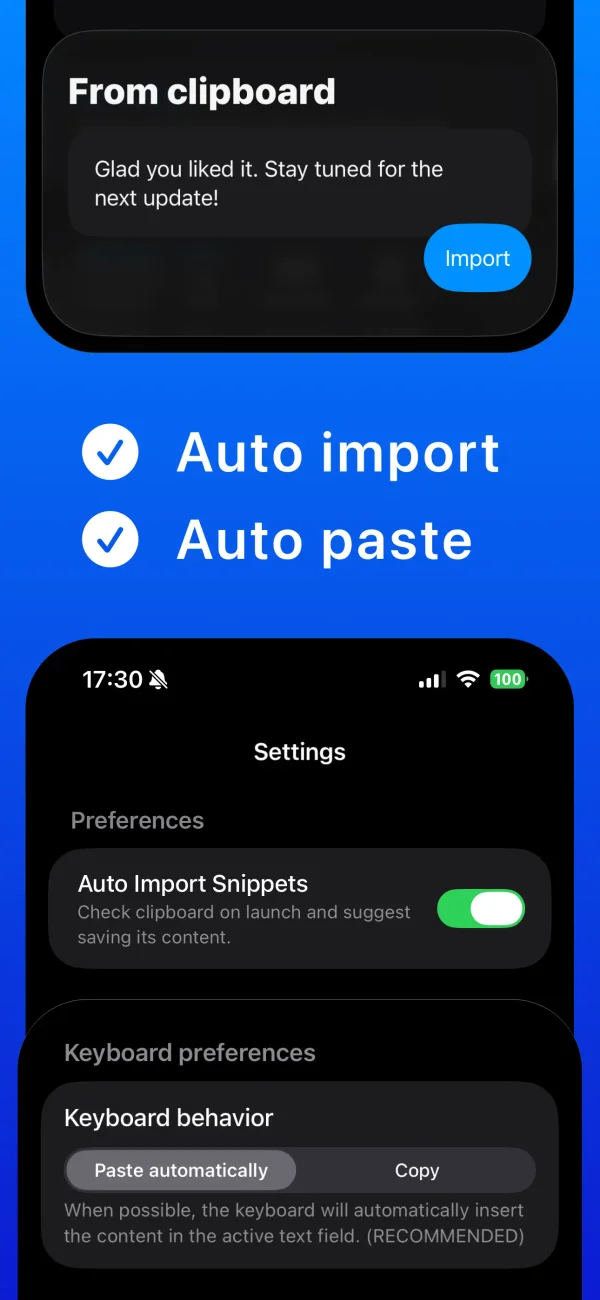
• Paste automatically, or copy with one tap.
• Blast paste: press and hold a snippet to insert it again and again, one per line.
• Put snippets and folders in your own order.
• Keep what you just copied: MagicBoard can spot text on your clipboard and offer to save it.
• Magic Reply: paste a message and get a reply in a casual, professional or Gen Z tone.
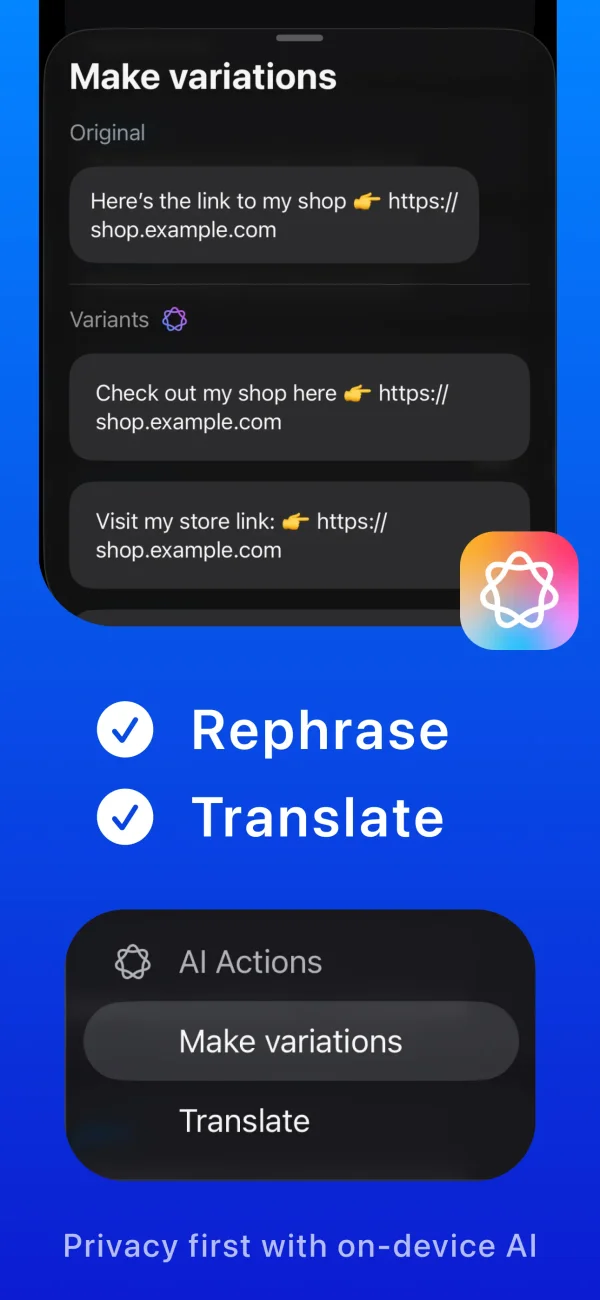
• Rewrite and translate snippets with Apple Intelligence, right on your device, so you never sound repetitive.
• iCloud Sync: your snippets, folders and integrations on all your iPhones and iPads.
FOR CREATORS
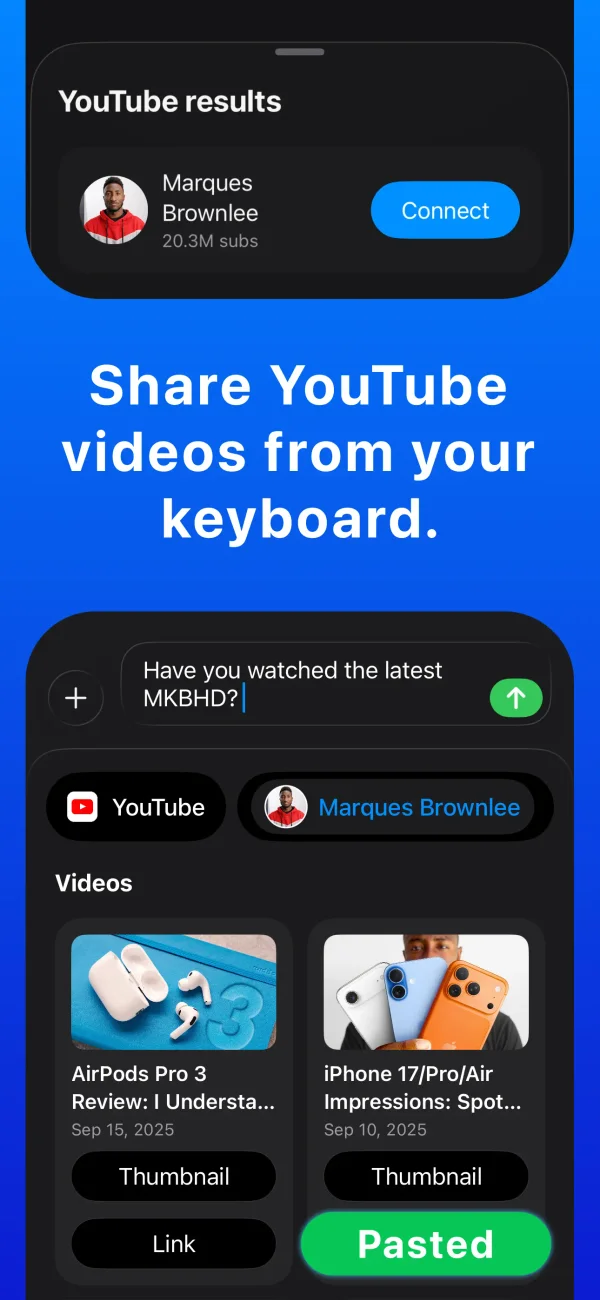
Add your YouTube channel to share video links, titles and thumbnails straight from the keyboard.
FOR DEVELOPERS
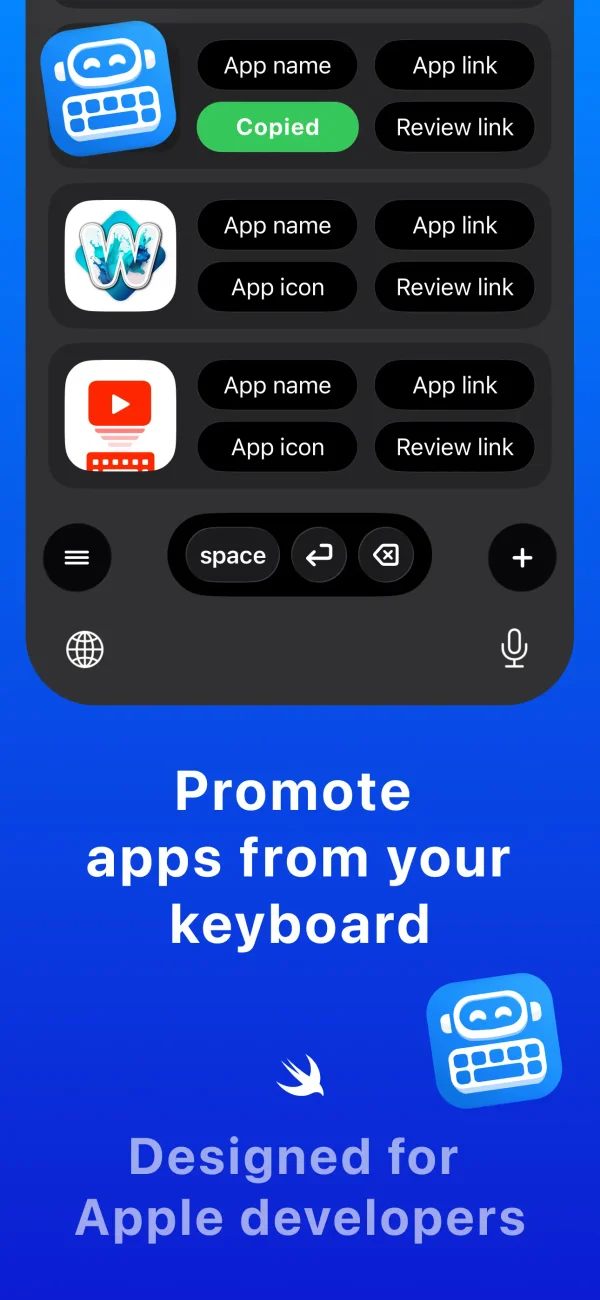
Add your App Store developer account to share app links and ask for reviews in seconds.
WHY MAGICBOARD
• Simple, fast and reliable, crafted with care and improved year after year.
• Private by design: your snippets stay on your device, and with iCloud Sync they travel only through your own iCloud account.
• A few seconds saved each time add up to hours every year.
I first built MagicBoard for myself and used it every day long before it was on the App Store. It has saved me hundreds of hours. Now it can do the same for you.
MAGICBOARD PRO
Pro unlocks unlimited snippets and folders, iCloud Sync, blast paste, AI rewrite and translation, and more. Choose a weekly, monthly or yearly plan; the yearly plan can start with a 3-day free trial. Cancel anytime in your App Store account settings.
AI features need a device that supports Apple Intelligence, with Apple Intelligence turned on.
Terms and privacy policy: https://www.edouardbarbier.com/apps/fast-paste/privacy/
TL;DR: No data collected, besides a few analytics events to understand how the features are used so I can improve the app.
What’s new
Version 2026.11 · Nov 17, 2026
Thanks for using MagicBoard! This version fixes a couple of bugs that could change the order of your snippets.
App privacy
What Edouard Barbier declares on the App Store about how this app handles data.
-
Data not linked to you
May be collected but is not linked to your identity.
- Usage data
Privacy practices may vary, for example with the features you use or your age.
Information
- Seller
- Edouard Barbier
- Category
- Productivity
- Version
- 2026.11
- Updated
- Nov 17, 2026
- Released
- Sep 14, 2022
- Size
- 45.1 MB
- Requires
- iOS 18.0 or later
- Age rating
- 4+
- Price
- Free
- In-app purchases
- Yes
- Languages
- English, Arabic, Dutch, French, German, Indonesian, Italian, Japanese, Korean, Polish, Portuguese, Simplified Chinese + 5 more
- Copyright
- © Edouard Barbier 2026 Ⓒ
You might also like
-
 Bridges: Link FormattingSave links, stay productive
-
 QR Scanner: Scan Store CreateScan, Store Scans, Generate QR
-
 Time Tracker : TimyLog Daily Work Hours & Routine
-
 AI Meeting Notes - TabloTranscribe, Summarize, ToDos
-
 Be Present: Daily RoutineFocus Timer, Music & Self Care
-
 Dictation Speech to TextLive Transcribe Audio Notes
-
 PDF Converter: Pictures To PDFPhotos to PDF & Word to PDF
-
 Moonlight: Sleep & SoundsBackground Noise & Brainwaves
-
 AI Keyboard - OrkiParaphrase Writer