
Paste Keyboard: Quick Content
Text Expander & Saved Replies
Designed for iPhone
Free · In-app purchases
- Age rating4+
- CategoryProductivity
- Developer雪梅 黄
- LanguagesEnglish+ 8 more
- Size3.9 MB
Links to the official App Store page
Download.org hosts no file of Paste Keyboard: Quick Content. The button opens its official App Store page, published by 雪梅 黄. Listing last checked on Nov 18, 2026.
Screenshots

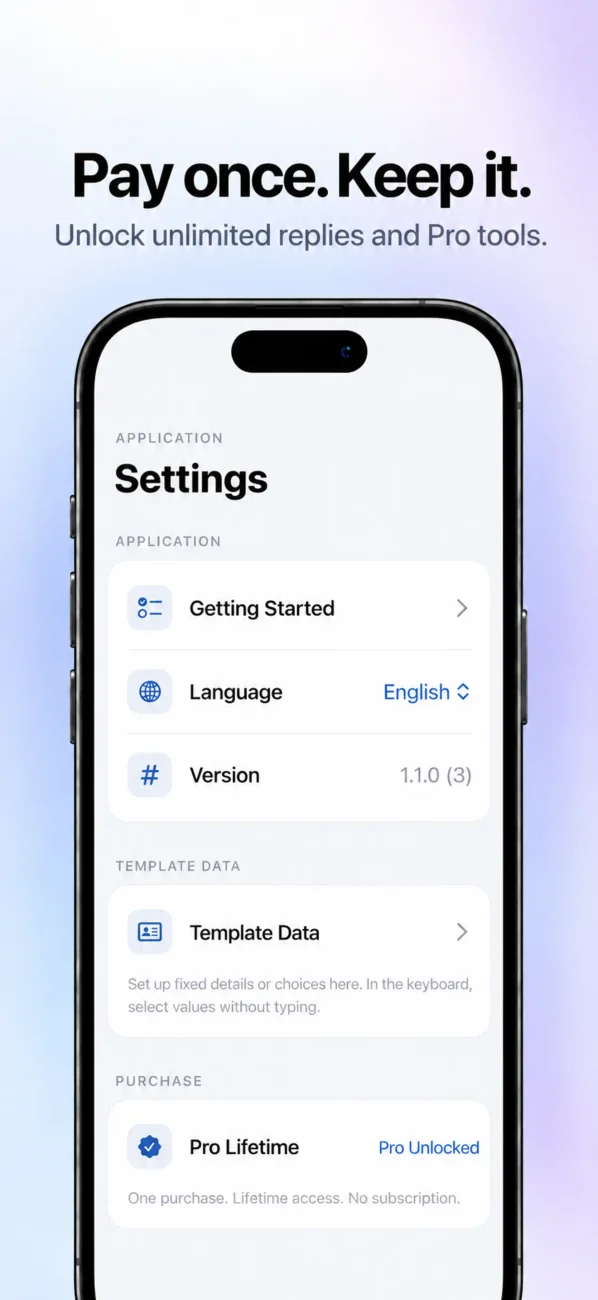
About
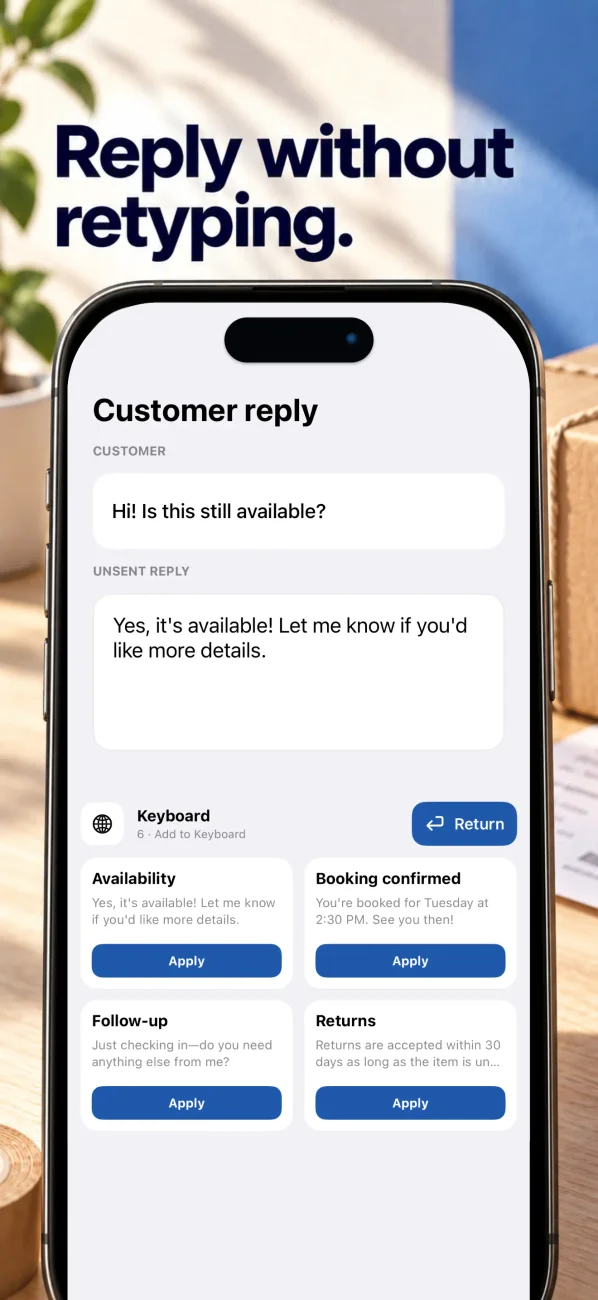
Stop retyping the same replies. Save messages, email templates, addresses, signatures and links, then paste them from your iPhone keyboard in one tap.
Quick Content helps with customer replies, appointment details, email signatures, addresses and hashtag sets.
YOUR WORDS, READY TO REUSE
• Save text once and tap to insert it in supported text fields.
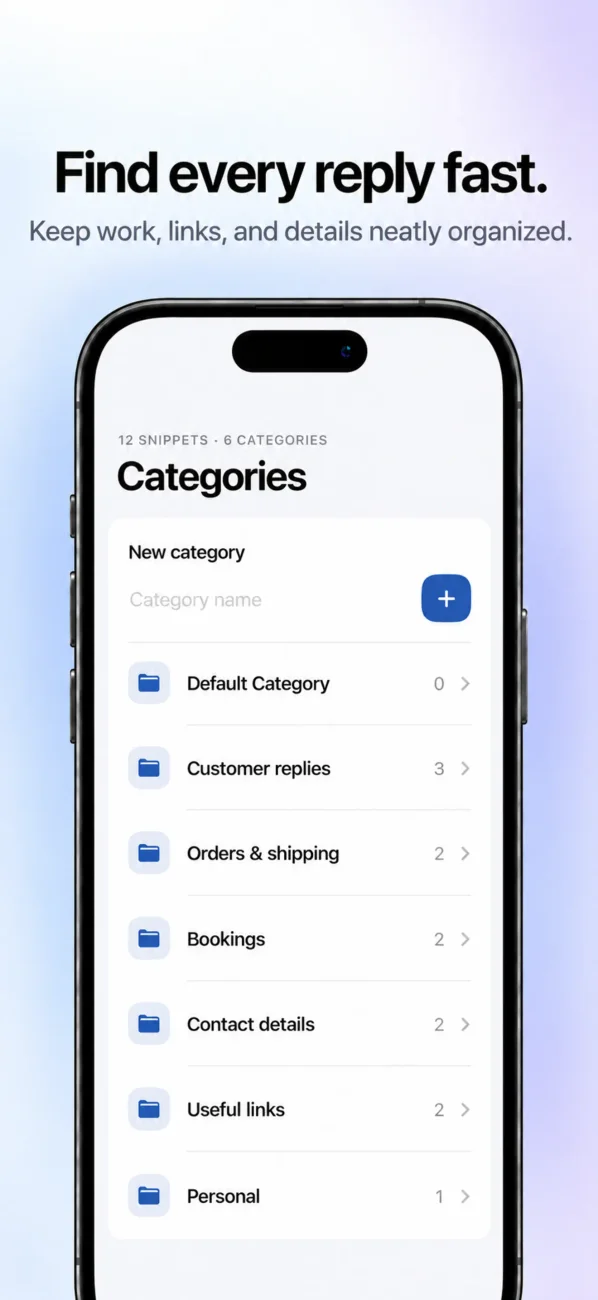
• Organize work replies, personal details and links into categories.
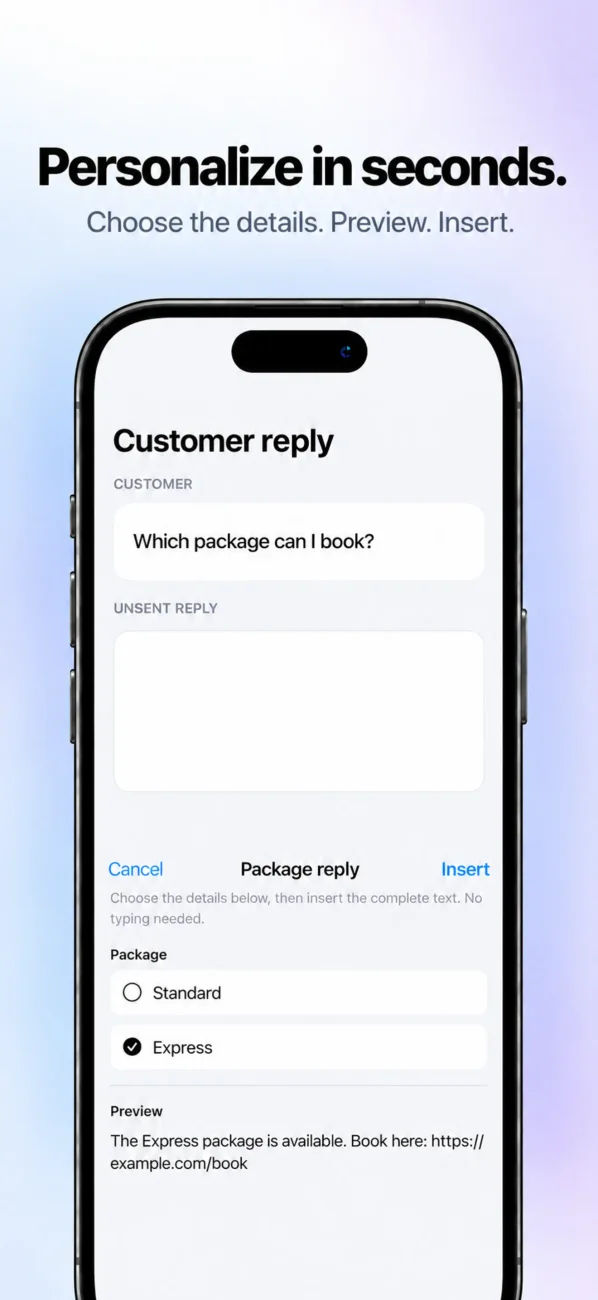
• Build reusable templates with fixed information and selectable options. Choose the details from the keyboard and preview the complete message before inserting.
• Add supported date and time fields, and adjust dates when needed.
• Require device authentication before viewing or using selected snippets.
• Import and export JSON backups of your snippets and template details.
DESIGNED TO WORK LOCALLY
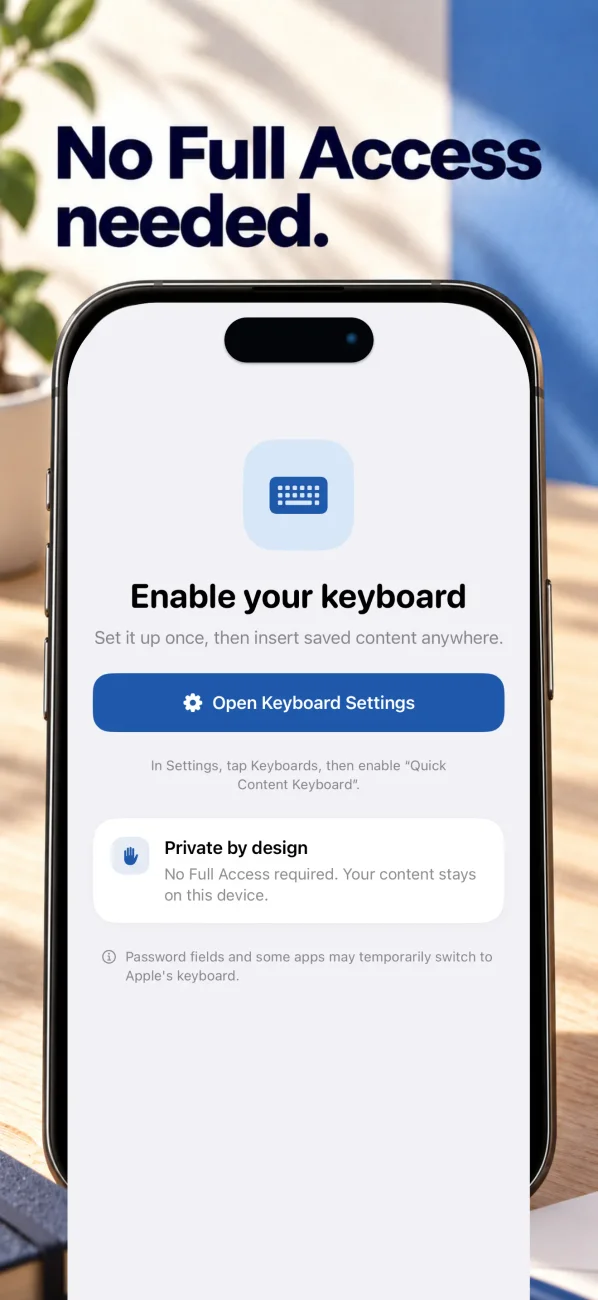
Content stays on your device. No account, advertising, third-party analytics or cloud AI. The keyboard does not request Full Access.
GET STARTED
1. Save your first reply in the app.
2. Add Quick Content Keyboard in iOS Settings.
3. Switch to it in a supported app and select your text.
Some apps and password fields do not support third-party keyboards. Review inserted text and send it yourself. Authentication controls access in the interface; it does not encrypt stored data.
Some features require an optional one-time in-app purchase.
Save the reply you send most often. Have it ready next time.
What’s new
Version 1.1.2 · Oct 31, 2026
We streamlined keyboard startup and saved content loading when you switch back after a while.
App privacy
What 雪梅 黄 declares on the App Store about how this app handles data.
-
Data not collected
The developer does not collect any data from this app.
Privacy practices may vary, for example with the features you use or your age.
Information
- Seller
- 雪梅 黄
- Category
- Productivity
- Version
- 1.1.2
- Updated
- Oct 31, 2026
- Released
- Sep 24, 2026
- Size
- 3.9 MB
- Requires
- iOS 17.0 or later
- Age rating
- 4+
- Price
- Free
- In-app purchases
- Yes
- Languages
- English, French, German, Japanese, Korean, Portuguese, Simplified Chinese, Spanish, Traditional Chinese
- Copyright
- © @2026 huangxuemei
You might also like
-
 TapCopy: Text SnippetsCopy replies & signatures
-
 PasteSync: AI Snippet KeyboardClipboard sync & text expander
-
 Prismical - AI Note TakerTranscribe meetings and memos
-
 Reusable ListsCreate reusable lists.
-
 Grabd: Save & OrganizeBookmarks, notes & voice memos
-
 Text Preset: Keyboard PhrasesQuick Replies & Templates
-
 HisboardKeyboard clipboard history
-
 NotedUp: Notes and GroupsAd-free offline note-taking
-
 Task List Widget, Sticky NotesPhotos Handwritten Notes Tasks
-
 TimeNoder2 - Timeboxing MasterMaster your potential