Pastel
Beautiful color palettes
Designed for iPhone, iPad, Mac
Free · In-app purchases
- Age rating4+
- CategoryDeveloper Tools
- DeveloperSteven Troughton-Smith
- LanguagesEnglish+ 1 more
- Size11.6 MB
Links to the official App Store page
Download.org hosts no file of Pastel. The button opens its official App Store page, published by Steven Troughton-Smith. Listing last checked on Nov 24, 2026.
Screenshots

About
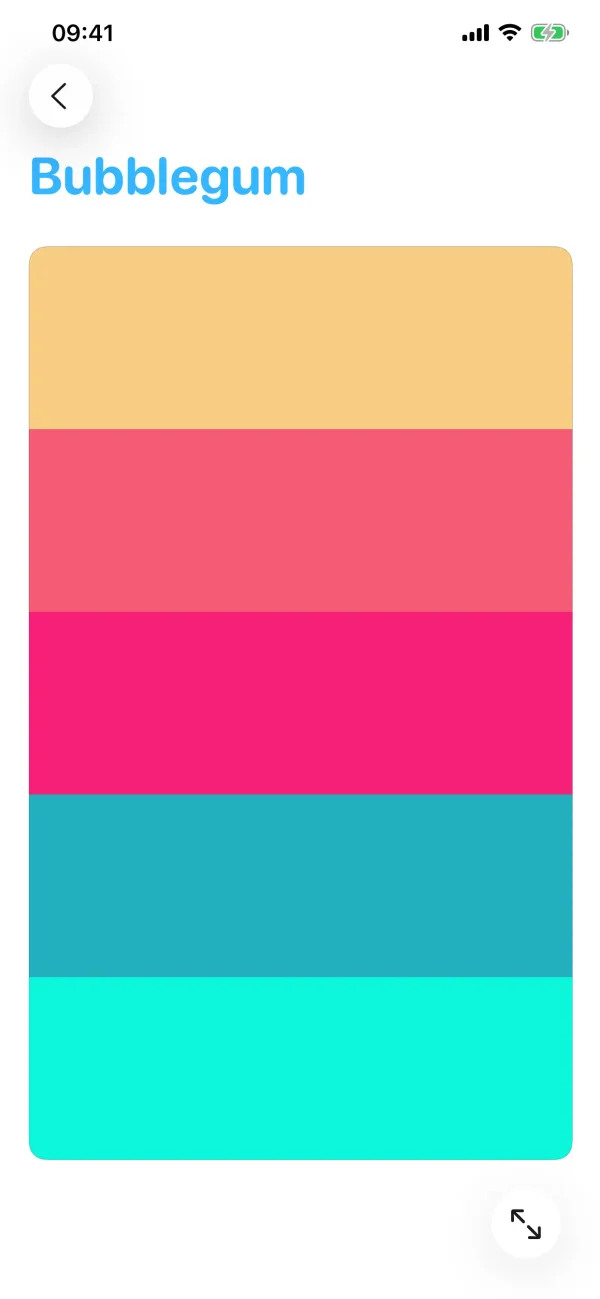
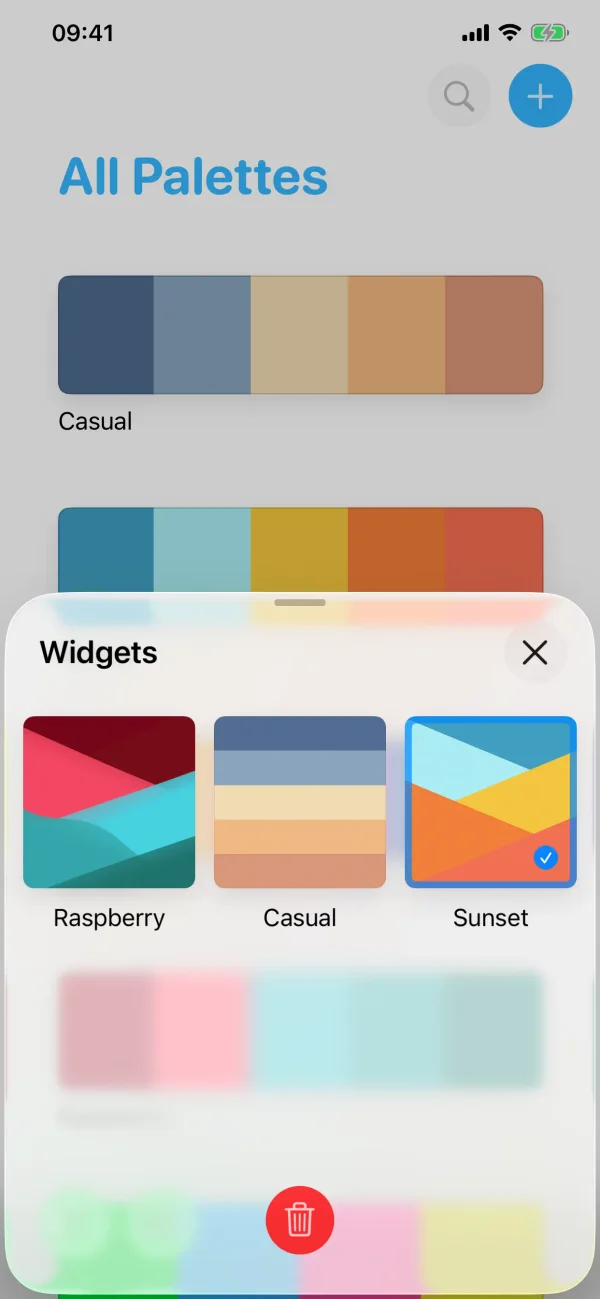
Capture and collect color palettes with Pastel!
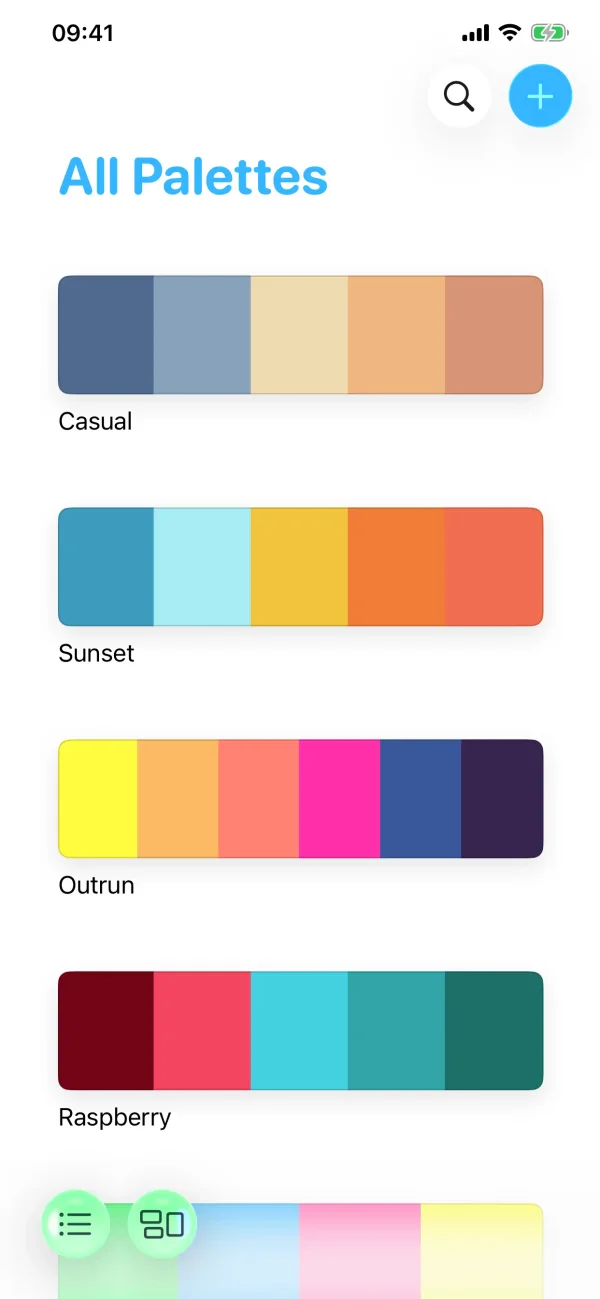
Pastel is an app for amateur developers & artists (like us!) that lets you build up a library of color palettes to use in your projects.
With drag & drop on iPad, drag colors out into other apps that support dropped colors, like Pages and Keynote, or many third-party apps from your favorite developers, so you can use your Pastel library as your master color collection across apps.
Seamlessly sync your library across devices with iCloud.
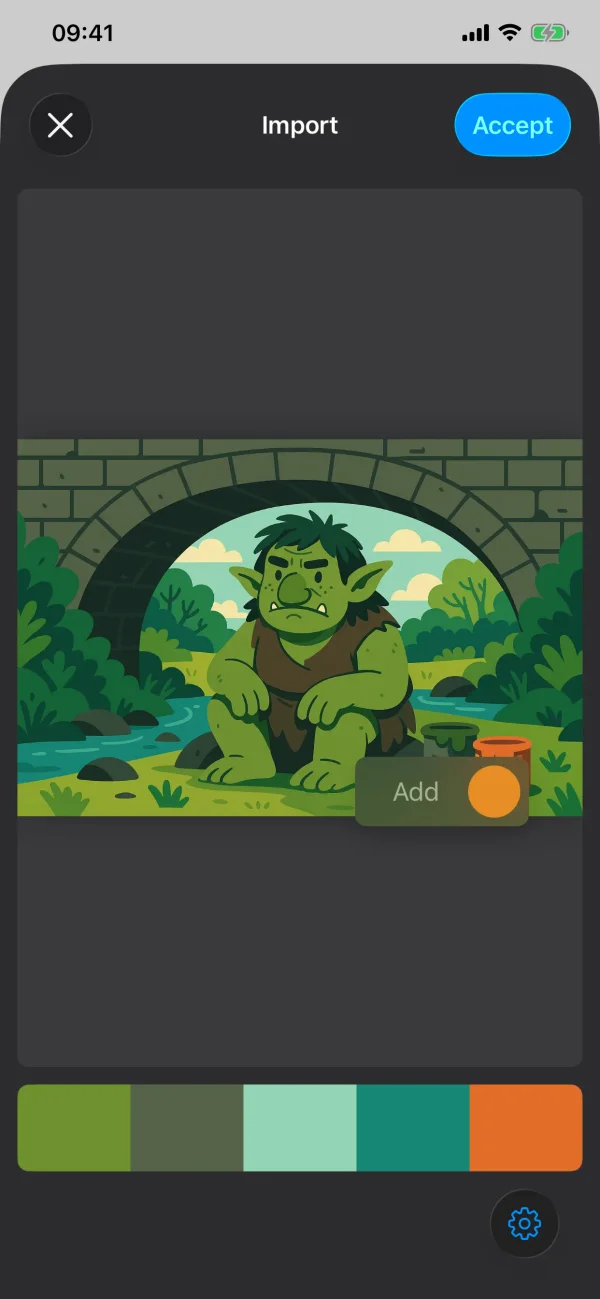
Analyze photos from the photo library or from Files to determine their dominant colors — choosing specific colors manually if you wish — and save their color palettes to Pastel.
Includes a variety of color pickers, like wheel, RGB sliders, and crayons, or pick named colors from your color library that you curate yourself. On iPad, drag and drop from the sidebar to any palette.
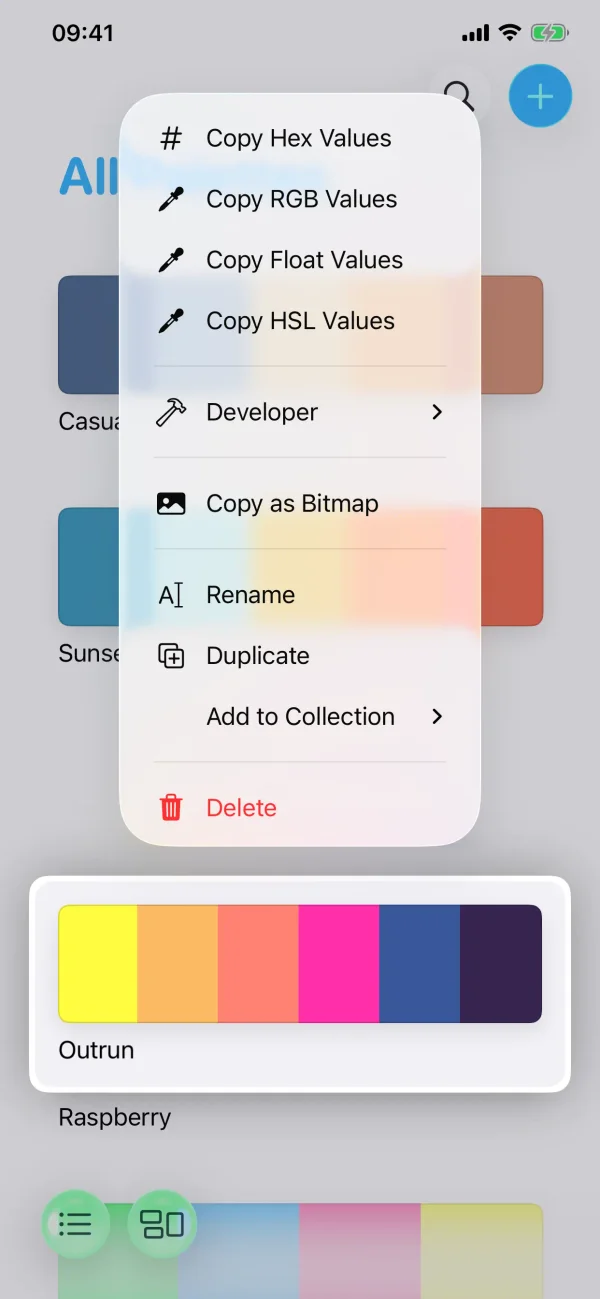
Copy a variety of developer-focused code representations, like RGB, hex, Objective-C, Swift and SwiftUI. Paste hex codes into the sliders color picker.
Copy a pixel bitmap representation of a palette to paste into your favorite pixel editor, share a screen-sized version to set as your wallpaper or Apple Watch face, or export a palette to Procreate®.
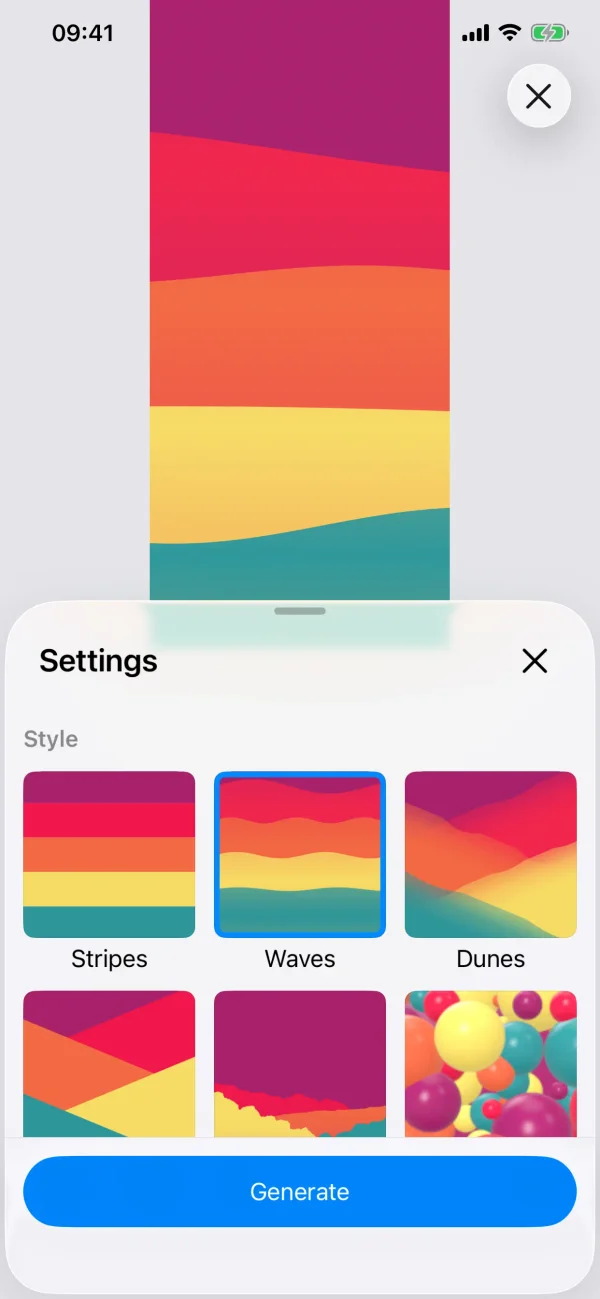
Create beautiful, colorful wallpapers in various different 2D & 3D styles using Pastel's wallpaper creator.
In the free version, try out the built-in library, and add your own palettes up to a limit of 8 items total. Upgrade to the unlimited version using in-app purchase.
---
Terms of Use: https://www.apple.com/legal/internet-services/itunes/dev/stdeula/
Privacy policy: https://www.highcaffeinecontent.com/privacy
What’s new
Version 2.7 · Oct 15, 2026
• Now supports iPhone Duo
• A new library sync architecture to improve the iCloud sync experience
App privacy
What Steven Troughton-Smith declares on the App Store about how this app handles data.
-
Data not collected
The developer does not collect any data from this app.
Privacy practices may vary, for example with the features you use or your age.
Information
- Seller
- Steven Troughton-Smith
- Category
- Developer Tools
- Version
- 2.7
- Updated
- Oct 15, 2026
- Released
- Jun 8, 2020
- Size
- 11.6 MB
- Requires
- iOS 18.0 or later
- Age rating
- 4+
- Price
- Free
- In-app purchases
- Yes
- Languages
- English, Japanese
- Copyright
- © 2020–2026 High Caffeine Content
You might also like
-
 Code Runner App Compiler & IDERun C,C++,Java,JS,C#,Rust,Go
-
 Hodor - HTTP(s) Packet SnifferFlutter Capture & API Testing
-
 SMS Verification Number GetSMSGet Temp & Virtual Text Codes
-
 Code Editor: HTML, Python, JSWebsites & Scripts on the Go
-
 SSH Client - Terminal & TermuxSFTP, iSH, PuTTY, Telnet & Cmd
-
 DBConnectMobile Database - SQL, NoSQL
-
 C++ Shell - C++ code compilerLinux commands line console
-
 Vip Proxy Serverwelcome to FF Proxy Server
-
 Screen Mirroring: AirPlay CastConnect Devices, Share Display
-
 ServerCat - SSH Terminal & VPSDeveloper Tools