
- Age rating4+
- CategoryProductivity
- DeveloperMADHURI ANNABHEEMOJU
- LanguagesEnglish
- Size13.4 MB
Links to the official App Store page
Download.org hosts no file of Pause: Screen Time Control. The button opens its official App Store page, published by MADHURI ANNABHEEMOJU. Listing last checked on Nov 20, 2026.
Screenshots



About
Pause helps you reduce screen time, stop mindless scrolling, and take back control of distracting apps.
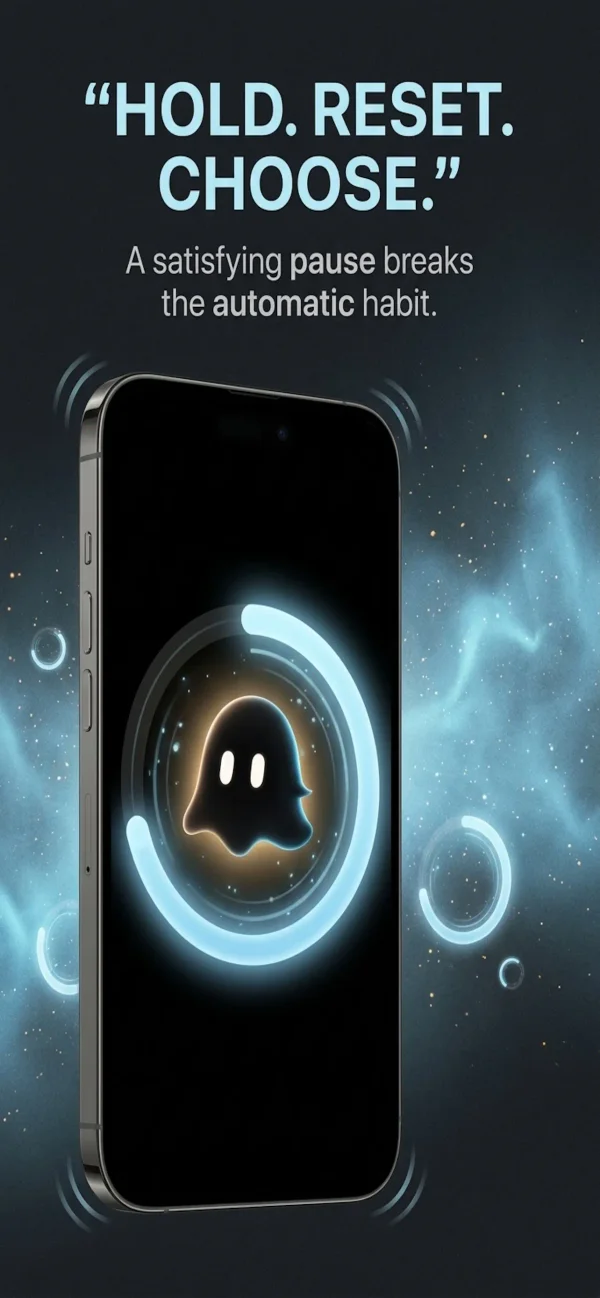
Most app blockers only add limits or lock apps completely. Pause creates a meaningful interruption before you open social media, games, or other distracting apps. Instead of opening them automatically, you get a moment to breathe, remember your goals, and decide whether you actually want to continue.
Pause is not designed to make you stop using your phone completely. It helps you use it with intention.
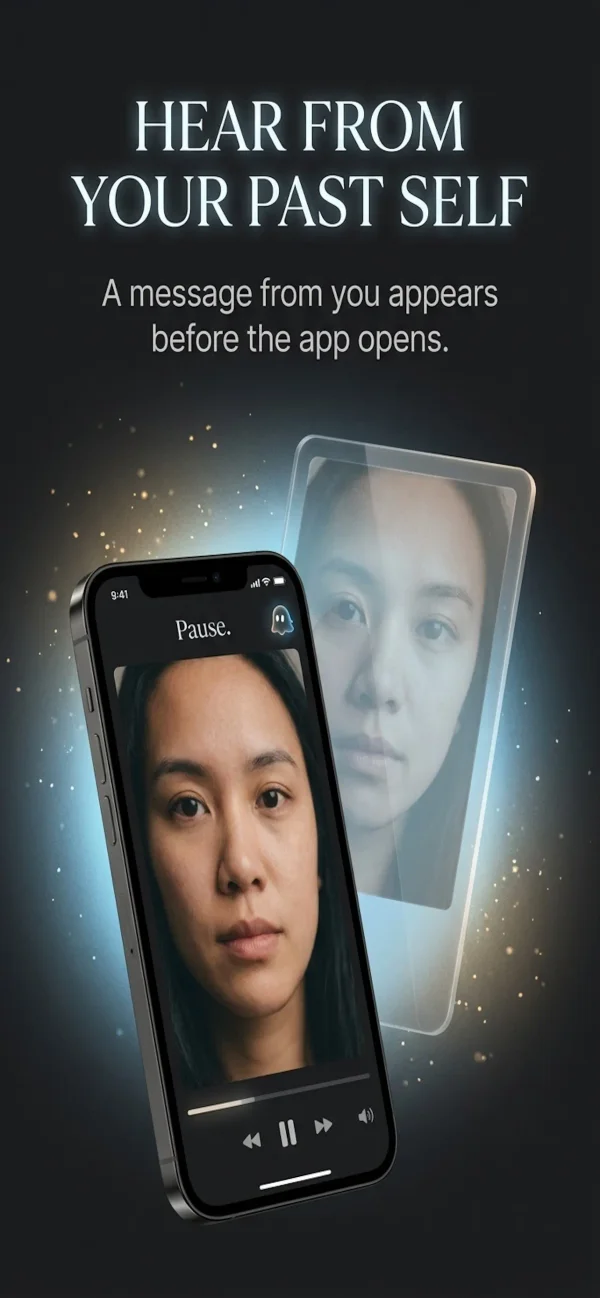
YOUR PAST SELF KEEPS YOU ACCOUNTABLE
Record a short video when you feel focused and motivated.
The next time you try to open a distracting app, Pause can show you that message before you continue. Your Past Self can remind you what you were working toward, why you wanted to reduce your screen time, and what you would rather be doing.
It is personal accountability from the person who understands your goals best: you.
BREATHE—FOR REAL
Pause includes an AI-assisted, camera-guided breathing activity.
With your permission, the camera analyzes visible movement while you follow the inhale and exhale instructions. This helps make sure you are participating in the activity instead of simply waiting for a timer to finish.
The breathing activity is designed for focus and mindfulness. It is not intended to provide medical advice, diagnosis, treatment, or health monitoring.
INTERVENTIONS THAT STAY FRESH
Repeating the same breathing exercise every time can become easy to ignore.
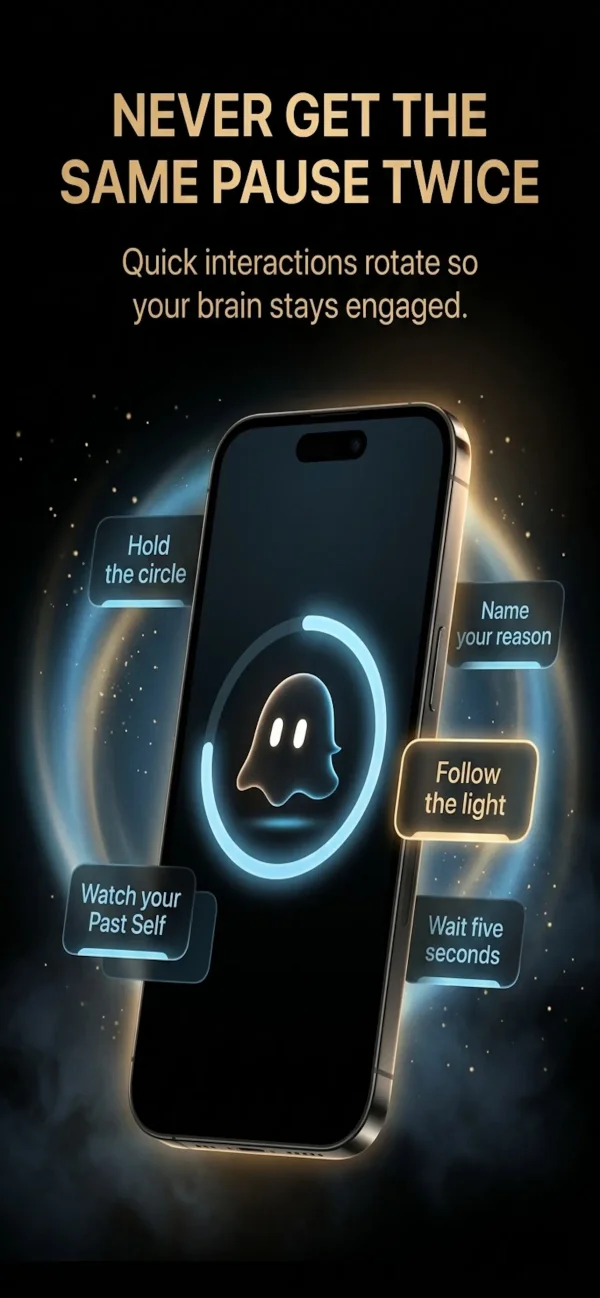
Pause rotates between different short interventions so each app opening feels less predictable and harder to complete automatically.
Activities may include:
• Guided breathing
• Quick reflection questions
• Short movement exercises
• Focus resets
• Mindfulness activities
• Goal reminders
• Messages from your Past Self
Each activity is designed to create a small break between the urge to open an app and the decision to continue.
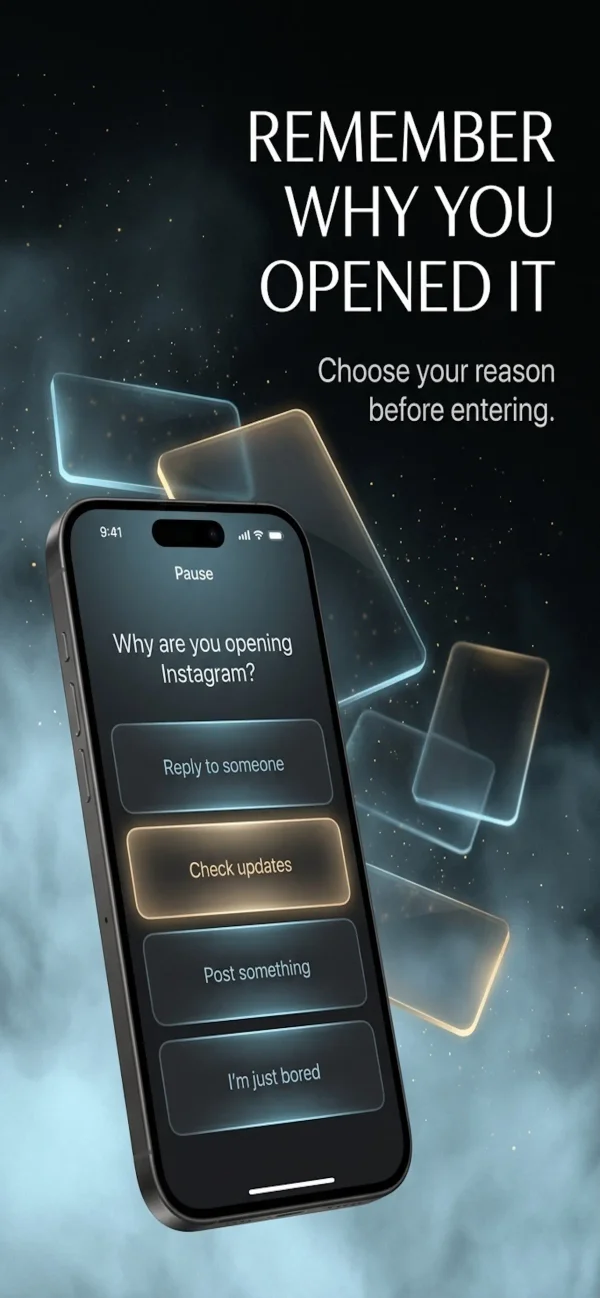
REMEMBER WHY YOU OPENED THE APP
Before entering a distracting app, Pause can ask why you are opening it.
Maybe you need to reply to a message, post something, look up information, or complete a specific task. Maybe you opened it because you were bored or acting out of habit.
Choosing a reason helps turn an automatic app opening into an intentional decision.
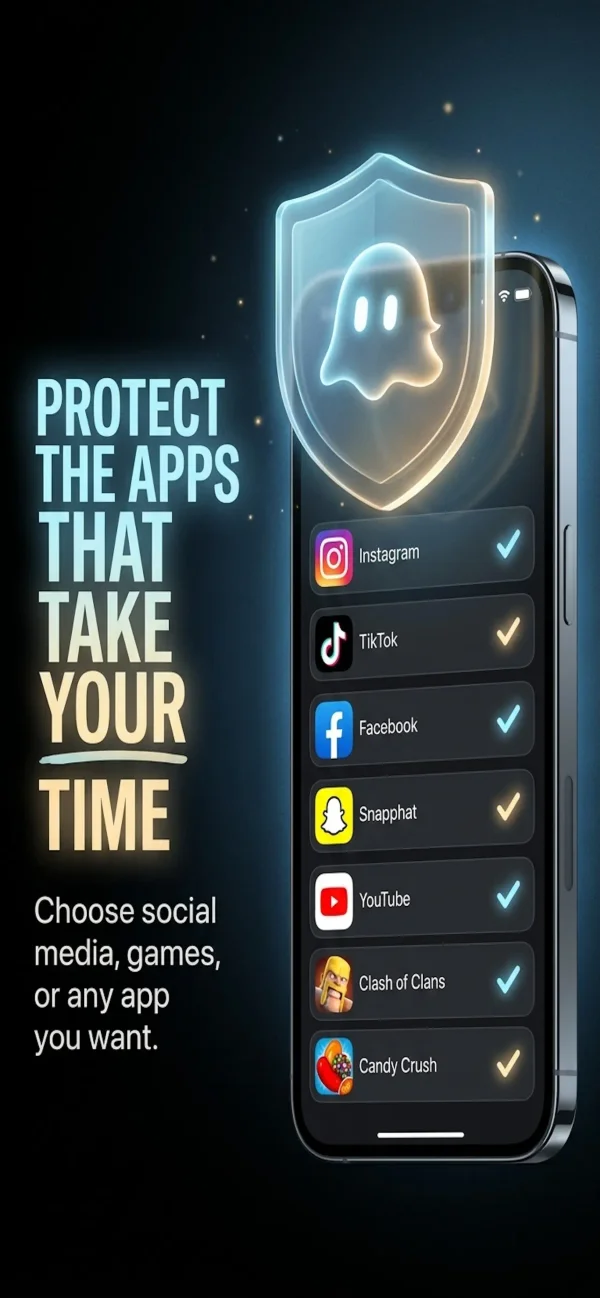
BLOCK DISTRACTING APPS
Choose the social media apps, games, and other distractions that take your attention away from what matters.
Pause can help you:
• Block selected apps
• Add friction before apps open
• Create screen-time limits
• Set focus schedules
• Choose temporary access periods
• Reduce impulsive app openings
• Build healthier phone habits
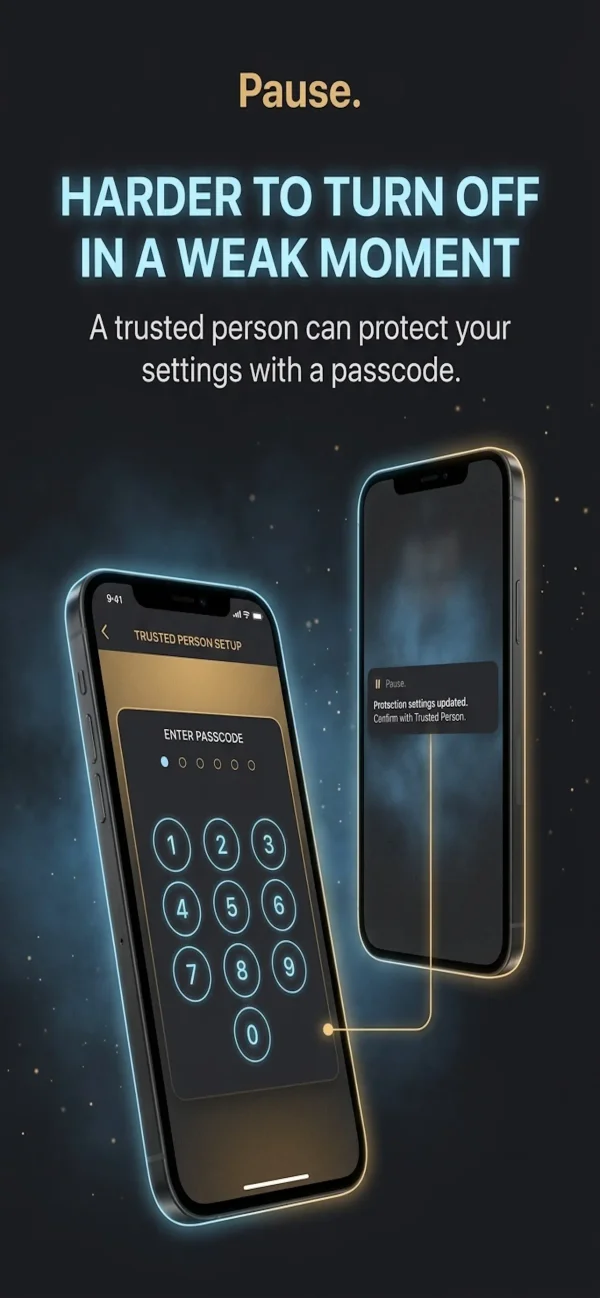
You remain in control, but Pause makes it harder to enter distracting apps without thinking.
FOCUS ON WHAT MATTERS
Pause also includes productivity tools to help you move on from scrolling and start doing something meaningful.
Use focus timers, tasks, routines, and other tools to plan what you want to accomplish next.
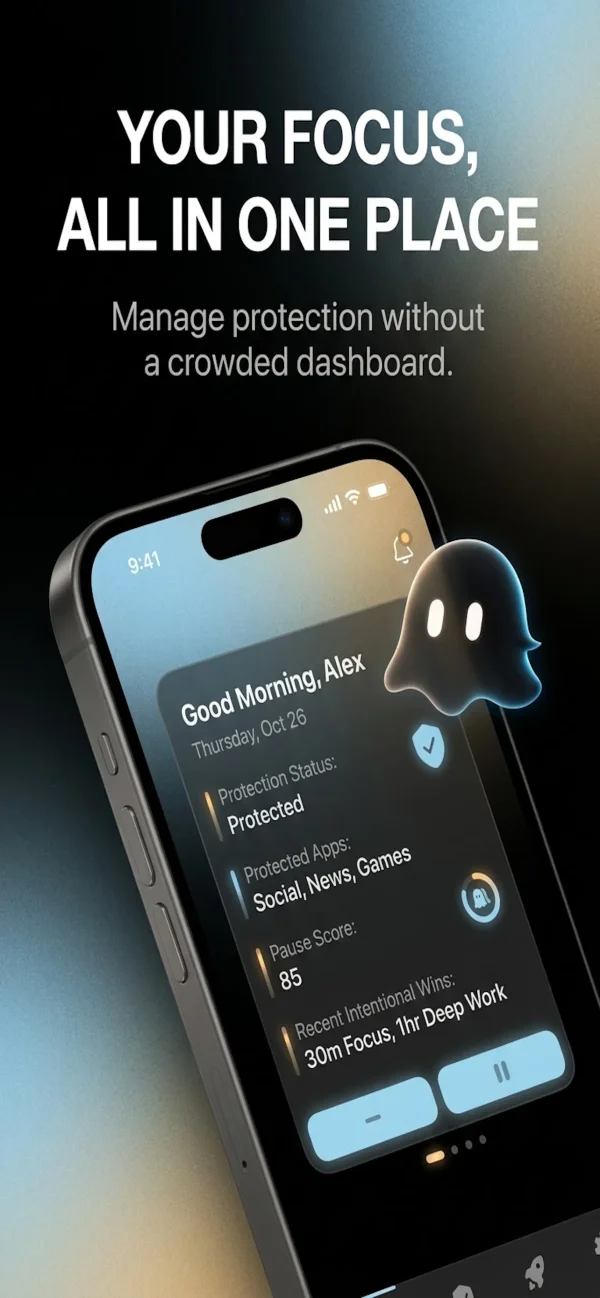
TRACK YOUR PROGRESS
See how your phone habits change over time.
Pause can help you understand your intentional app openings, avoided distractions, focus activity, and screen-time progress.
Small pauses can lead to better habits.
Pause before you scroll.
App privacy
What MADHURI ANNABHEEMOJU declares on the App Store about how this app handles data.
-
Data not collected
The developer does not collect any data from this app.
Privacy practices may vary, for example with the features you use or your age.
Information
- Seller
- MADHURI ANNABHEEMOJU
- Category
- Productivity
- Version
- 1.0
- Updated
- Aug 7, 2026
- Released
- Aug 7, 2026
- Size
- 13.4 MB
- Requires
- iOS 26.5 or later
- Age rating
- 4+
- Price
- Free
- Languages
- English
- Copyright
- © 2026 Madhuri Annabheemoju
You might also like
-
 publik NoScroll: Feed BlockerSocial media, no doomscrolling
-
 Pause: Stop DoomscrollingBreak the doomscrolling habit
-
 Pause: Doom Scrolling BlockerDopamine Detox & App Limit
-
 Lerf: Screen Time App BlockerLimit Distractions & Focus
-
 Become - Goal Tracking365-Day Goal Commitment
-
 Borrow: Screen Time ControlApp Blocker with a Time Budget
-
 Local TTS - AI Voice ReaderText to Speech: PDF, EPUB, TXT
-
 Limit – Control the ScrollMake screen time intentional
-
 ChatPalAI-AI Chatbot AssistantPowered by ChatGPT & GPT-4o
-
 CloudConvertConvert Any File Format