
PayCheck Budget
Plan by Paycheck, Not Monthly
Designed for iPhone, iPad
Free · In-app purchases
- Age rating4+
- CategoryFinance
- DeveloperNathan Haring
- LanguagesEnglish
- Size22.4 MB
Links to the official App Store page
Download.org hosts no file of PayCheck Budget. The button opens its official App Store page, published by Nathan Haring. Listing last checked on Nov 12, 2026.
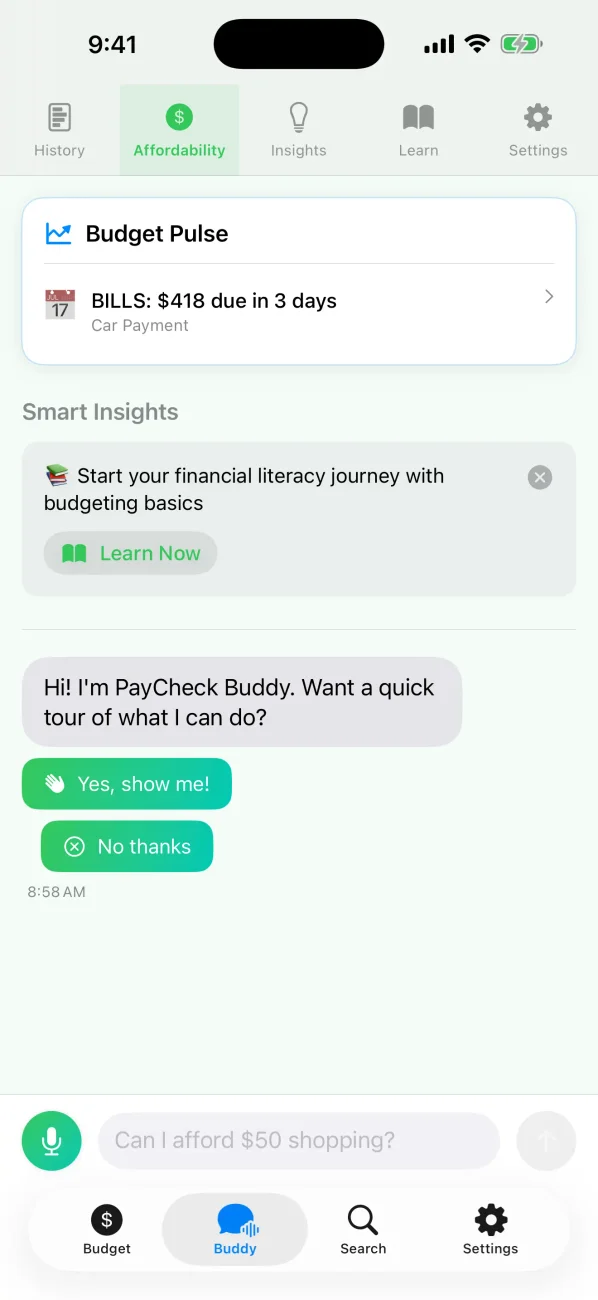
Screenshots
About
PayCheck Budget is built for people who budget by paycheck, not just by month.
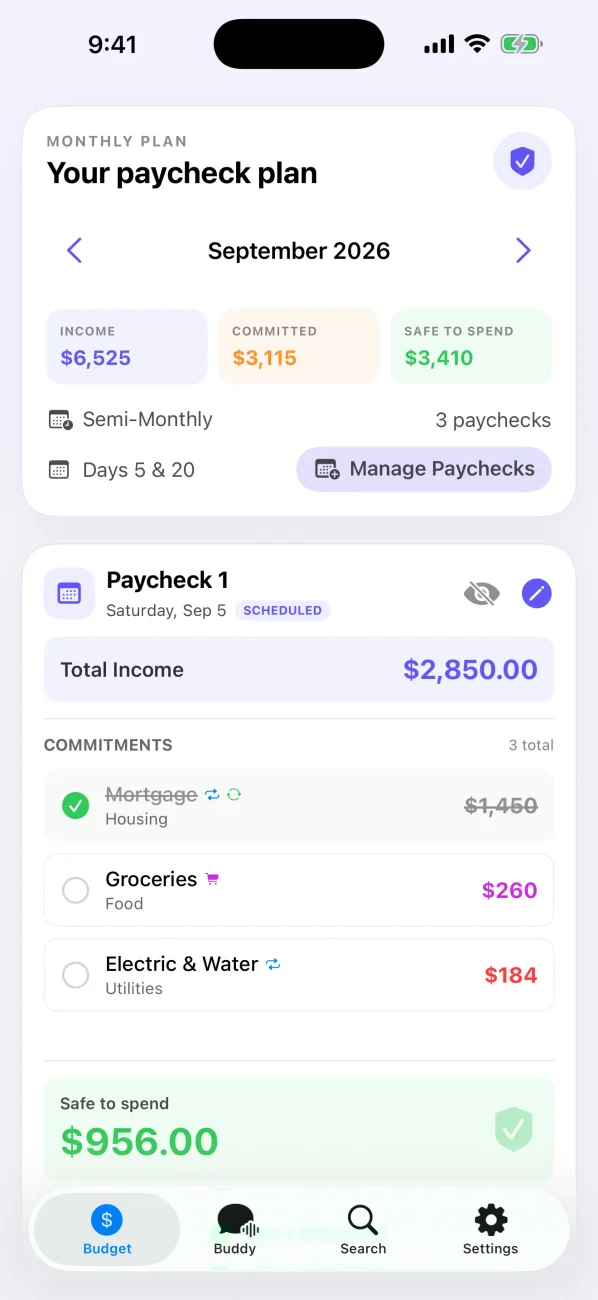
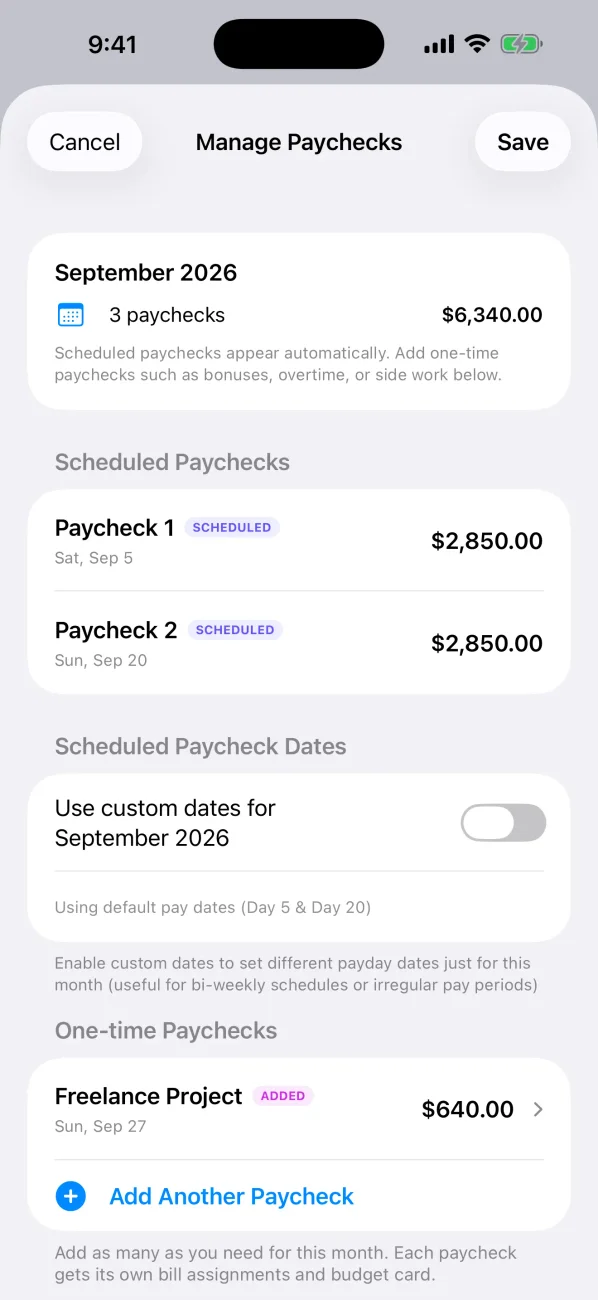
Plan every dollar around the day you are actually paid. Add as many paychecks as a month requires—including bonuses, overtime, freelance work, or an extra biweekly payday—then assign bills and income to the paycheck that should cover them.
KNOW WHAT IS SAFE TO SPEND
See your income, committed bills, and safe-to-spend amount at a glance. Each paycheck gets its own plan, so you can make decisions today without losing sight of the next payday.
BUILT FOR REAL PAY SCHEDULES
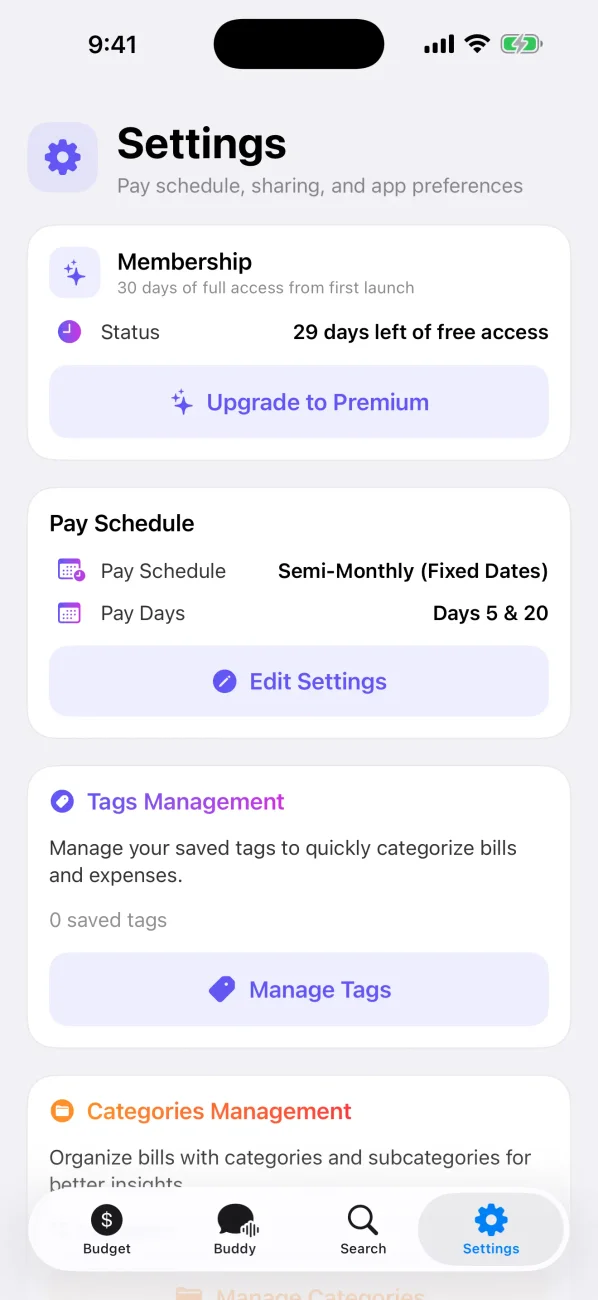
• Semi-monthly, biweekly, weekly, and monthly schedules
• Unlimited one-time paychecks for irregular income
• Bills assigned to the paycheck that actually pays them
• Bill frequencies for every paycheck, monthly, annual, or one-time expenses
• Dual-income household planning
• Cash flow forecasting with a running balance
PLAN AHEAD
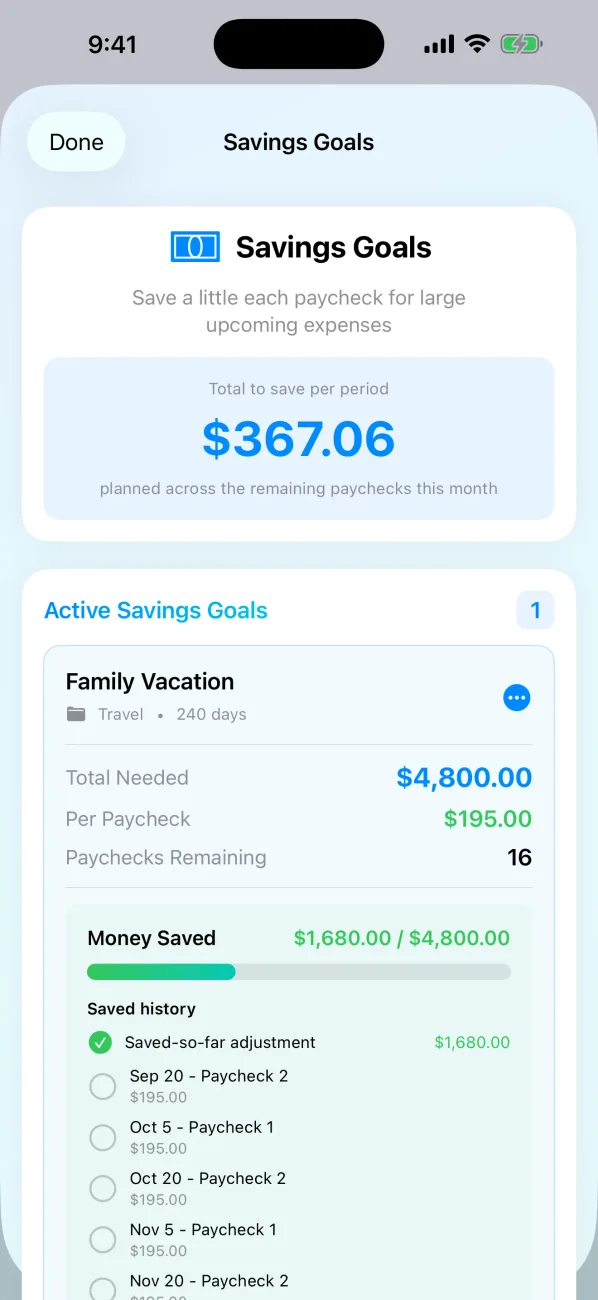
• Build savings goals a little at a time from upcoming paychecks
• Ask “Can I Afford It?” before a purchase
• Track paid and unpaid commitments separately
• Scan receipts and quickly add everyday spending
• Export budget reports as PDF or CSV
PAYCHECK BUDDY
Ask practical questions such as:
• “Am I on pace this paycheck?”
• “How much did I spend on dining?”
• “Can I afford $120 today?”
Paycheck Buddy works on device. Your budget questions are not sent to our servers.
YOUR BUDGET, YOUR DATA
No bank linking and no separate account are required. Your budget stays on your device and can sync through your iCloud account. You can also share a household budget with a partner through iCloud.
TRY EVERYTHING FOR 30 DAYS
New users receive 30 days of full in-app access beginning on first launch, with no card and no account required. After that, Premium unlocks paycheck budgeting, forecasts, sharing, Apple Watch support, receipt scanning, reports, and Paycheck Buddy.
Current U.S. introductory pricing for eligible customers:
• Monthly: $3.99/month for the first 12 months
• Annual: $29.99 for the first year
Standard pricing, eligibility, renewal terms, and any promotional details are shown before purchase and may vary by storefront.
Privacy Policy: https://paycheckbudget.com/privacy
Terms of Use: https://paycheckbudget.com/terms
What’s new
Version 3.1.1 · Sep 17, 2026
Your budget can now match the way you really get paid.
• Add as many one-time paychecks as you need for any month
• Give added paychecks a name, date, and amount
• Assign bills, expenses, and extra income to any paycheck
• Keep assignments attached to the right paycheck when dates or order change
• See scheduled and added paychecks clearly labeled
• Safely move assigned items when an added paycheck is removed
The Budget screen also has a cleaner monthly overview for income, committed bills, and safe-to-spend money, plus a more useful two-column layout on iPad.
Also included: more durable savings-goal progress, clearer paycheck management, improved reports and widgets, and reliability fixes across sync and recurring bills.
App privacy
What Nathan Haring declares on the App Store about how this app handles data.
-
Data not collected
The developer does not collect any data from this app.
Privacy practices may vary, for example with the features you use or your age.
Information
- Seller
- Nathan Haring
- Category
- Finance
- Version
- 3.1.1
- Updated
- Sep 17, 2026
- Released
- Dec 3, 2025
- Size
- 22.4 MB
- Requires
- iOS 18.6 or later
- Age rating
- 4+
- Price
- Free
- In-app purchases
- Yes
- Languages
- English
- Copyright
- © 2026 Nathan Haring
You might also like
-
 NextPayPlanner:Paycheck BudgetBudget by Paycheck
-
 Pebble - Paycheck BudgetBudget by paycheck, not month.
-
 PayCycle: Track & Budget BillsMoney Manager by Pay Period
-
 Finolid: Budget by PaycheckPlan Every Paycheck Clearly
-
 Split My Paycheck: Budget ToolDivide income. Plan spending.
-
 NextCheck: Budget by PaycheckPlan by paycheck, not monthly
-
 Payday Budget PlannerPlan every paycheck ahead
-
 PayAnchor: Paycheck BudgetSpend Between Paychecks
-
 Allot: Budget By PaycheckSplit. Track. Save.
-
 PayTrackr: Paycheck BudgetBudget by Paycheck, Not Month