PayShift
Shifts, Pay & Tax Calculator
Designed for iPhone, iPad
Free · In-app purchases
- Age rating4+
- CategoryFinance
- DeveloperJasper Ebus
- LanguagesEnglish+ 7 more
- Size4.5 MB
Links to the official App Store page
Download.org hosts no file of PayShift. The button opens its official App Store page, published by Jasper Ebus. Listing last checked on Nov 21, 2026.
Screenshots
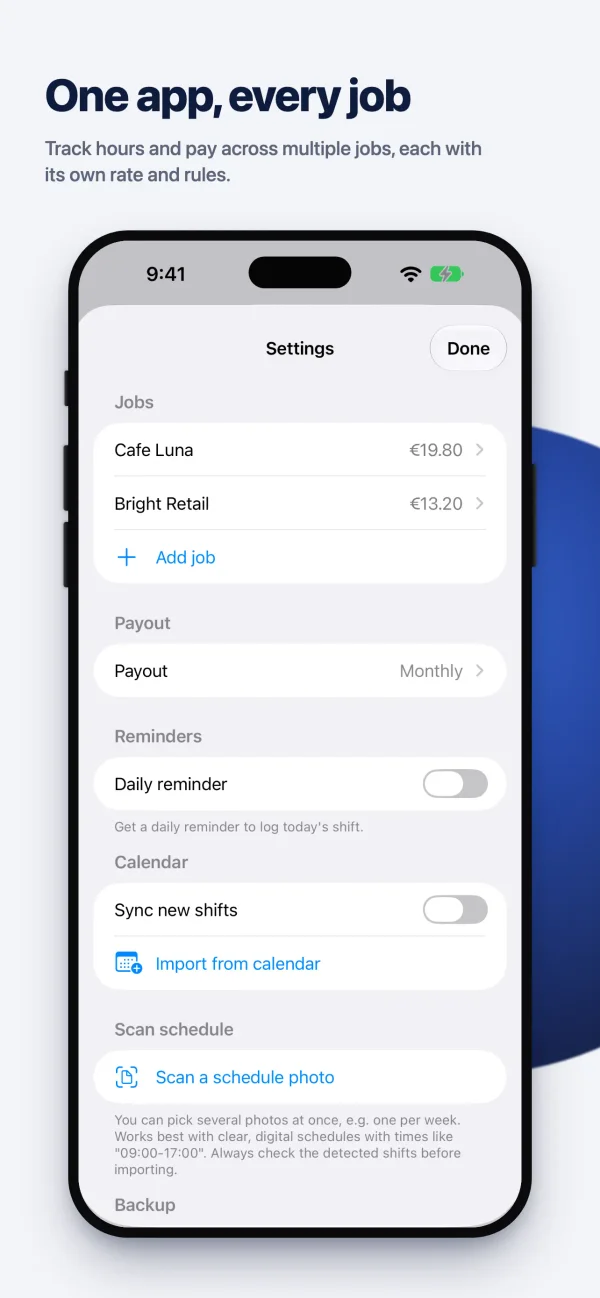

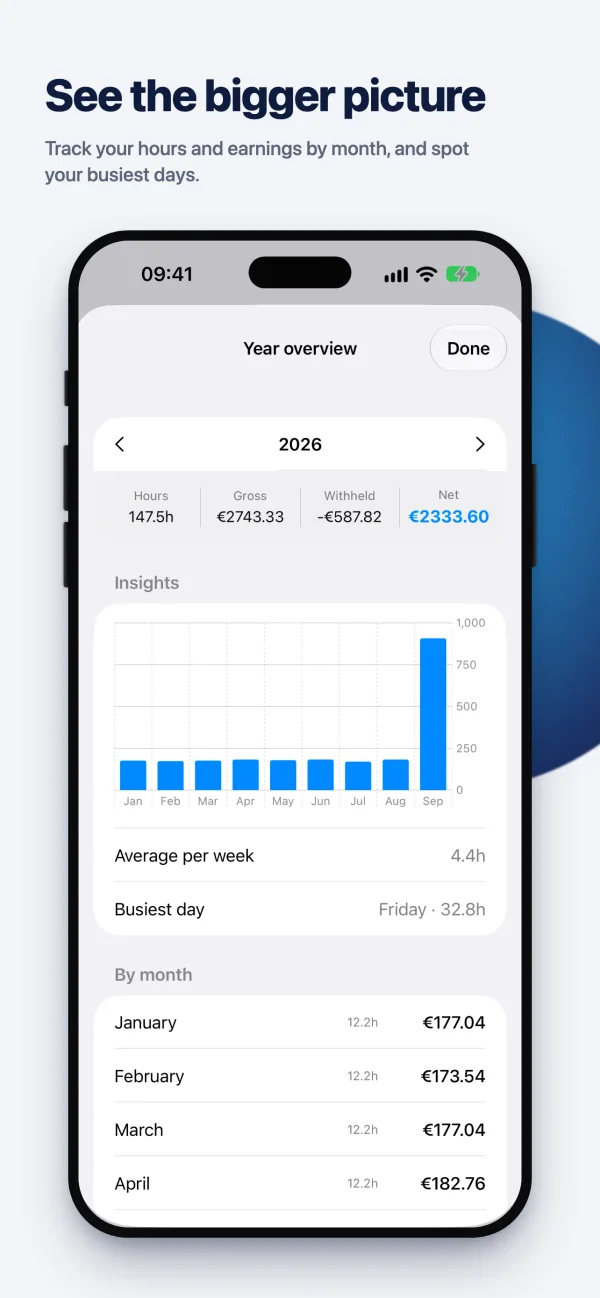
About
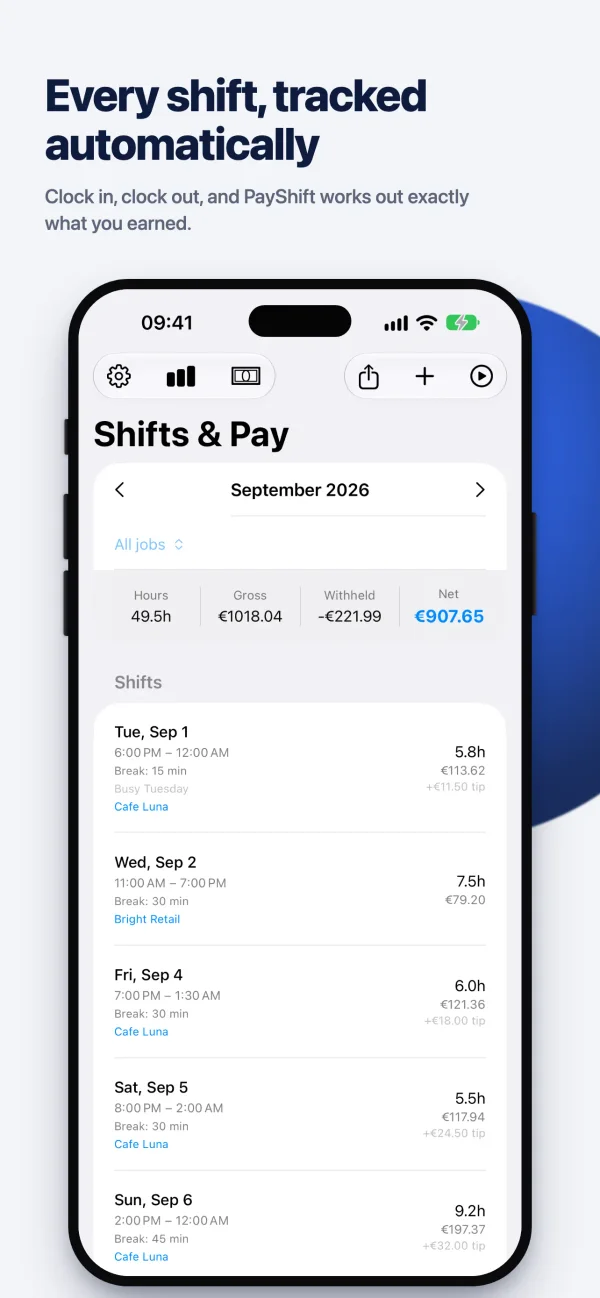
PayShift turns your work schedule into your actual take-home pay — automatically.
Add a shift with a start time, end time and break, and PayShift instantly works out your gross and net pay, including tax. No spreadsheets, no manual math.
SHIFTS & PAY
• Add shifts in seconds, with typeable break minutes
• Gross and net pay calculated instantly, including tax/contributions
• Evening, night, weekend and holiday surcharges, suggested automatically based on the date and time
• Track tips per shift — they count toward your net pay, not your tax
• Multiple jobs, each with its own rate, tax percentage and surcharges (Pro)
ON YOUR WRIST AND HOME SCREEN
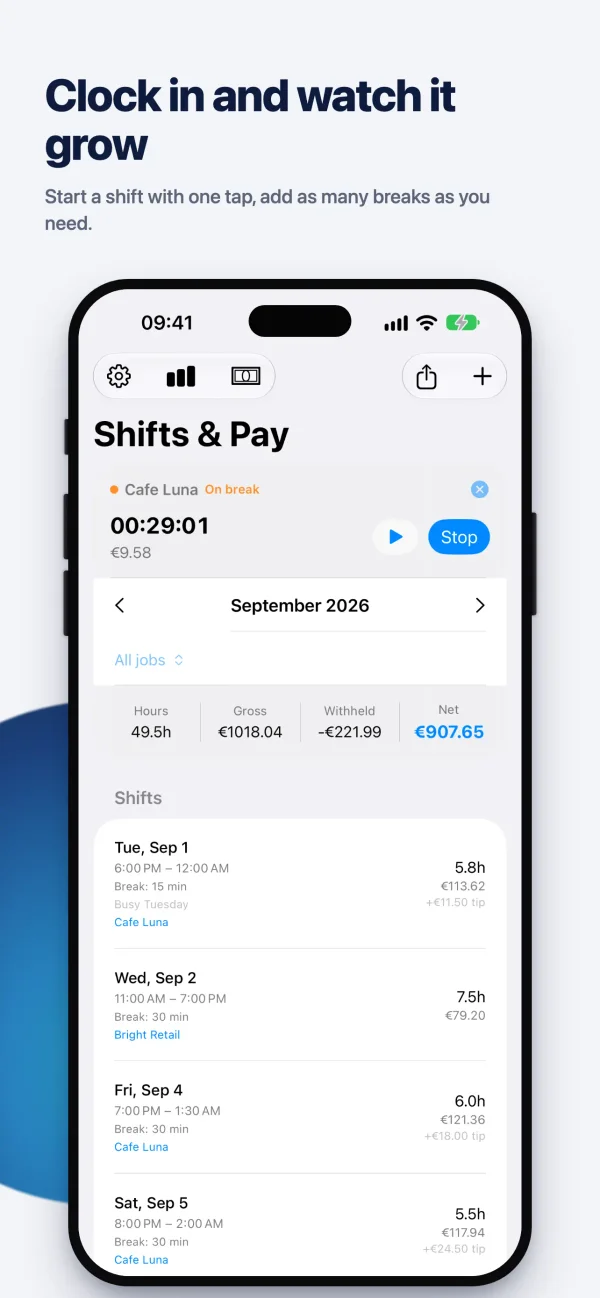
• Apple Watch app — start, pause and stop a shift right from your wrist
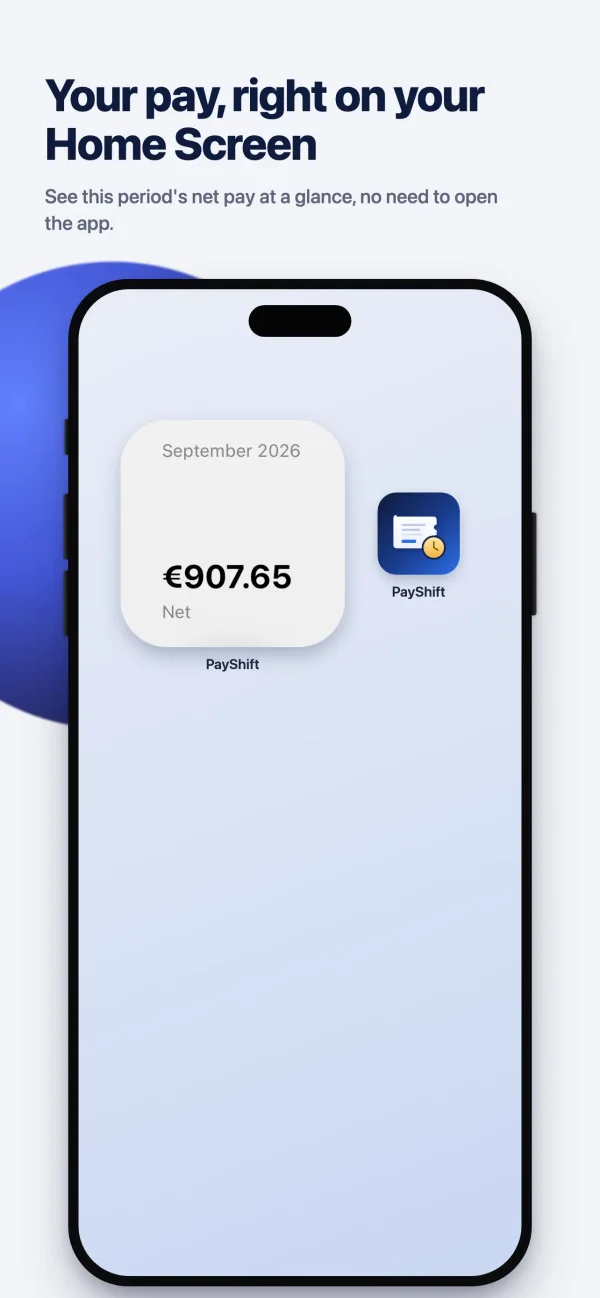
• Home Screen widget — see this period's net pay at a glance, no need to open the app
• Live Activity on the Lock Screen and Dynamic Island — watch your pay grow while your shift is running
SCAN A SCHEDULE PHOTO (Pro)
Take a photo of your printed or digital work schedule and PayShift reads out the dates, times — and even the break, if your schedule shows worked hours separately. Review and adjust before importing. Everything is processed on your device; your photo is never uploaded anywhere.
SEE THE BIGGER PICTURE
• Weekly, 4-weekly or monthly pay periods, aligned to your actual payday
• A full year overview with monthly breakdowns and insights
• Export any period as a CSV file for your own records
STAY IN SYNC
• Two-way calendar sync: export shifts to your calendar, or import shifts from any calendar as a starting point (Pro)
• Back up and restore your data as a file, any time — for free
• iCloud sync across your devices (Pro)
BUILT TO RESPECT YOUR DATA
PayShift doesn't require an account, doesn't track you, and doesn't run ads. Your shifts and settings stay on your device unless you choose to sync them via your own iCloud account.
Available in English, Dutch, German, Spanish, French, Italian, Portuguese and Polish.
What’s new
Version 1.3 · Oct 15, 2026
New: payday
• Set when you get paid (for example Tuesday of the 2nd week after your period, or a fixed day of the month) and see when your pay arrives for every period.
• Payday landed on a different day, for example because of a holiday? Tap the payday and enter the date yourself.
Also
• The privacy policy is now one tap away in Settings, in your own language.
• The app anonymously measures which features are used, with no amounts, hours or names, so we can keep improving PayShift.
• A clearer name for your period's start date.
App privacy
What Jasper Ebus declares on the App Store about how this app handles data.
-
Data not linked to you
May be collected but is not linked to your identity.
- Purchases
- Identifiers
- Usage data
Privacy practices may vary, for example with the features you use or your age.
Information
- Seller
- Jasper Ebus
- Category
- Finance
- Version
- 1.3
- Updated
- Oct 15, 2026
- Released
- Sep 15, 2026
- Size
- 4.5 MB
- Requires
- iOS 17.0 or later
- Age rating
- 4+
- Price
- Free
- In-app purchases
- Yes
- Languages
- English, Dutch, French, German, Italian, Polish, Portuguese, Spanish
- Copyright
- © 2026 Jasper Ebus
You might also like
-
 Utandir - Debt TrackerSplit Bills & Track Debts
-
 DebtErasrFinance
-
 HouseDepositHero: Money SaverHouse deposit tracker & saver
-
 ShiftPay: Calendar TrackerPayday Schedule Planner Tool
-
 Payday: Paycheck PlannerBudget, bills, and paychecks
-
 CardLab: Track Cards & RewardsBanking, Miles, Promos & Perks
-
 SmartSpent - Money ManagerExpense, Bills & Debt Tracker
-
 Money Counter: EarnzyTrack income & salary live
-
 BillWise: Bill Payment TrackerCredit Card Cutoff & Budget
-
 Prêts & DettesFinance