
- Age rating4+
- CategoryUtilities
- DeveloperIndra Anisa
- LanguagesEnglish
- Size34.6 MB
Links to the official App Store page
Download.org hosts no file of PC Builder: Part picker. The button opens its official App Store page, published by Indra Anisa. Listing last checked on Nov 25, 2026.
Screenshots
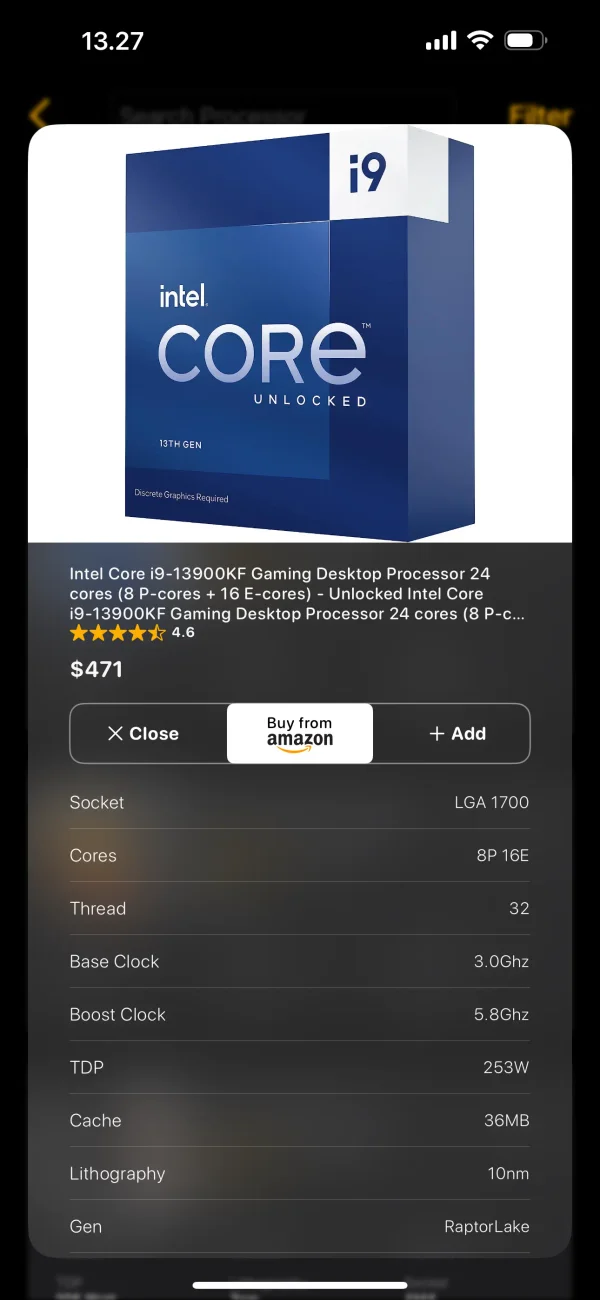
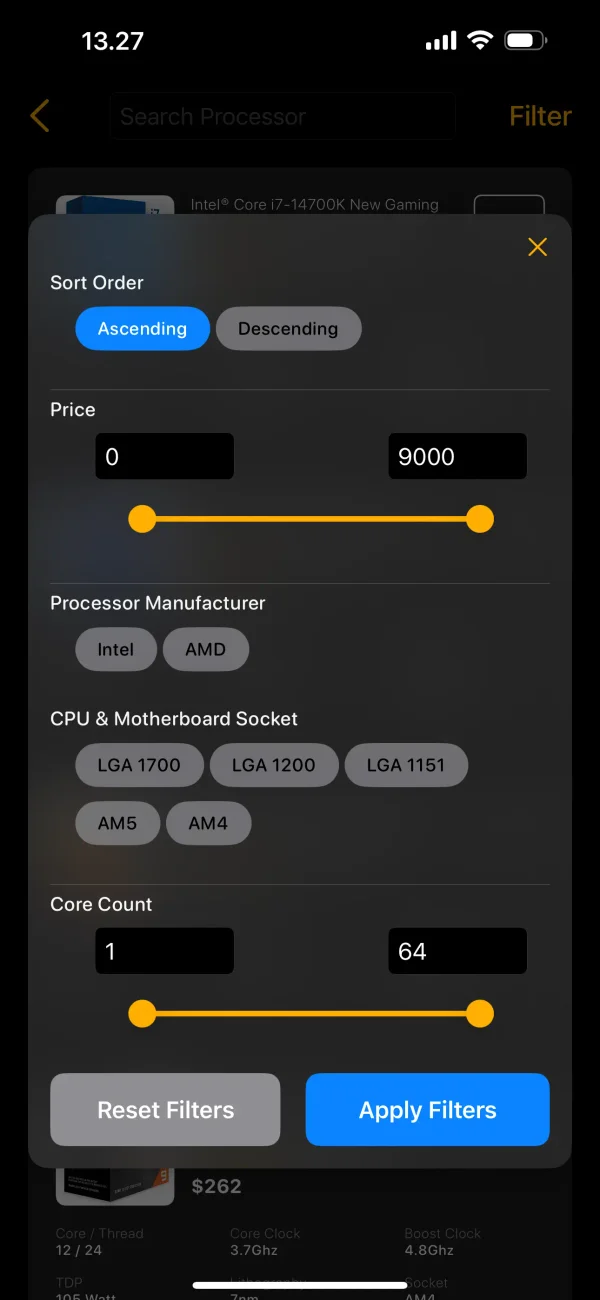

About
Take control of your PC building experience with PC Builder. Whether you're planning to build a high-performance gaming rig, a powerful workstation, or a budget-friendly setup, PC Builder guides you through the process with ease.
Key Features:
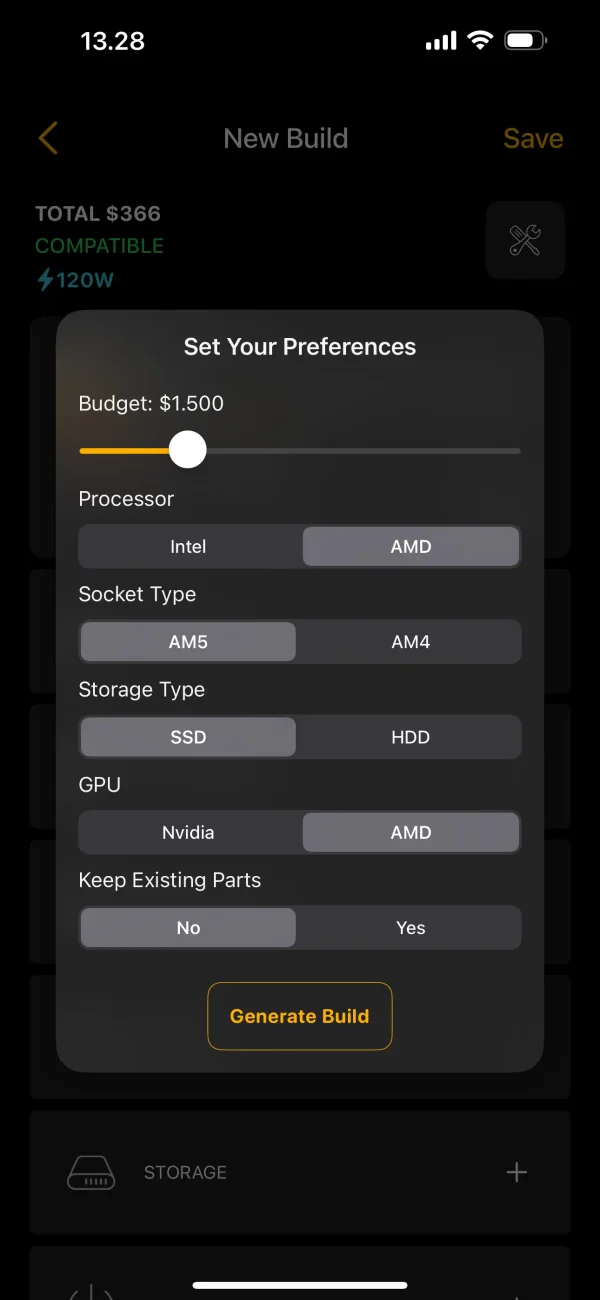
- Automatic Build Generator: Set your budget and processor preference, and let PC Builder create a balanced and optimized build. You can also choose to keep existing parts, making it easier to upgrade your current setup without starting from scratch.
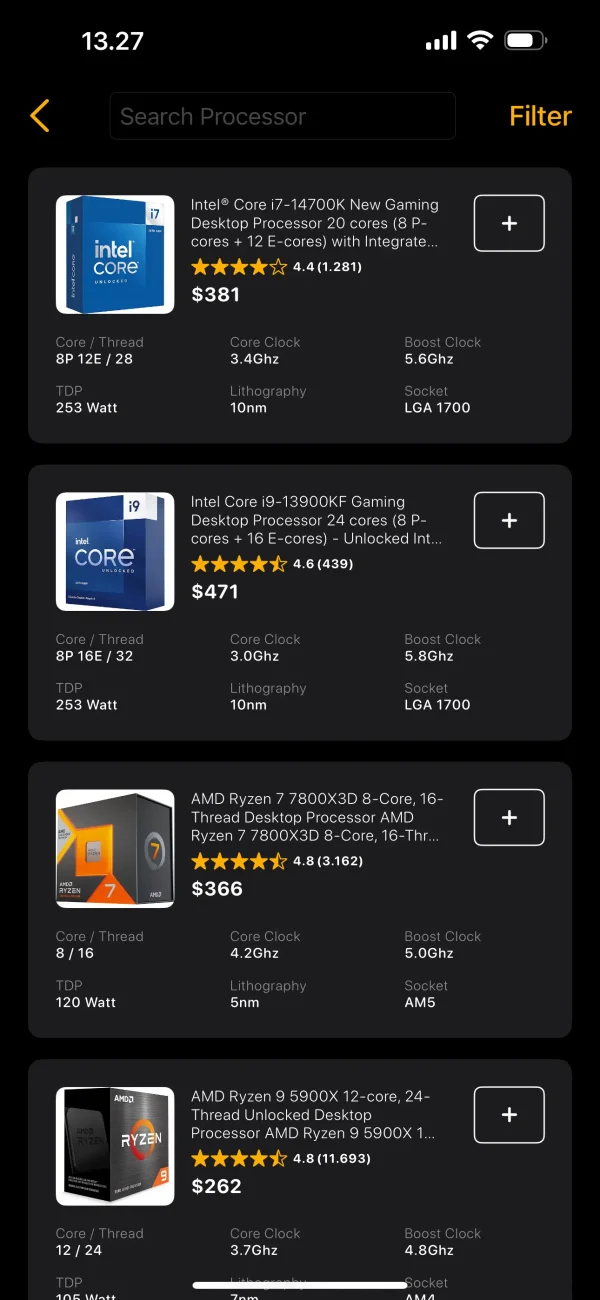
- Component Filtering: Narrow down your choices with intuitive filters. Search by brand, compatibility, or specific technical specifications to find exactly what you need for your custom build.
- Daily Price Updates: Stay on top of the latest deals with prices updated daily. PC Builder ensures you're always getting accurate pricing for your build.
- Save & Share Builds: Keep track of your favorite configurations by saving them for future reference. You can also share your builds with friends or the wider PC building community for feedback and inspiration.
- Seamless User Experience: Designed with user-friendliness in mind, PC Builder offers a smooth and intuitive interface. Building a custom PC has never been so accessible, even for beginners.
- Backup & Restore Builds: Easily back up your custom builds and restore them whenever needed. You can also share your backup files with others, allowing them to restore and view your configurations.
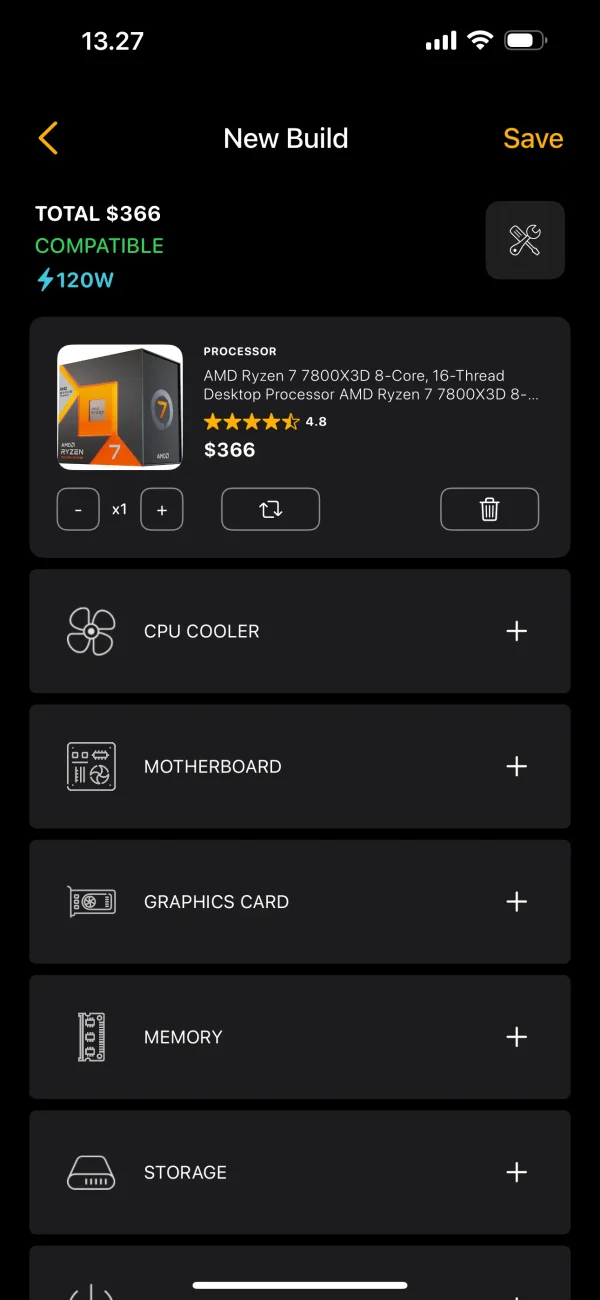
- Compatibility Check: Ensure all your selected components work seamlessly together. PC Builder automatically checks for compatibility issues, so you can build with confidence.
Why Choose PC Builder?
With PC Builder, you don’t need to be a tech expert to create an amazing PC. The app simplifies the complex process of component selection, ensuring compatibility and maximizing performance within your budget. Whether you're upgrading your current rig or starting from scratch, PC Builder is your go-to resource for creating a custom PC that’s perfect for you.
Amazon Affiliate Disclosure:
PC Builder participates in the Amazon Affiliate program, meaning we may earn a small commission from qualifying purchases made through links within the app. This helps us keep the app free and continuously improve your experience without any additional cost to you.
Get Started Today:
Download PC Builder now and start designing the PC of your dreams. With just a few taps, you’ll be on your way to building a custom rig that’s tailored to your needs, style, and budget. Your perfect PC is just a download away!
What’s new
Version 1.6 · Nov 11, 2026
This update adds a "Help me choose" guide to the parts list, with plain tips for picking compatible parts. Power supplies now show their specs, can be compared and filtered, and warn you when one doesn't fit your build. Auto build plans your budget from current prices, picks better matching parts, and tells you when a budget is too low. The app also has a refreshed glass look, and you can type your budget directly. We've also fixed several small bugs.
App privacy
What Indra Anisa declares on the App Store about how this app handles data.
-
Data not linked to you
May be collected but is not linked to your identity.
- Location
- Usage data
Privacy practices may vary, for example with the features you use or your age.
Information
- Seller
- Indra Anisa
- Category
- Utilities
- Version
- 1.6
- Updated
- Nov 11, 2026
- Released
- Aug 12, 2024
- Size
- 34.6 MB
- Requires
- iOS 17.0 or later
- Age rating
- 4+
- Price
- Free
- Languages
- English
- Copyright
- © 2024 Indra Anisa
You might also like
-
 BuildCores: 3D PC Builder3D PC Part Picker and Builder
-
 Tarkov Raid Guide for EFT・TRGBest Tarkov Raid Companion!
-
 Wand Pro Remote (WeMod)Interactive Controls
-
 Database for EFTFan Companion for EFT
-
 SteelSeries Arctis CompanionGet an instant audio advantage
-
 Rust Raid ToolUtilities
-
 Raider's Toolkit for ARCLoot, Quests & Crafting Helper
-
 SIM-DashboardUtilities
-
 mySetupPC Builder & Tracker
-
 ER CompanionMap & guide for Elden Ring