
PCTransfer
WiFi File Transfer & Manager
Designed for iPhone, iPod touch
Free · In-app purchases
- Age rating4+
- CategoryUtilities
- DeveloperJorge Sanchez Reyes
- LanguagesEnglish+ 1 more
- Size4.9 MB
Links to the official App Store page
Download.org hosts no file of PCTransfer. The button opens its official App Store page, published by Jorge Sanchez Reyes. Listing last checked on Nov 18, 2026.
Screenshots

About
Transferring files between your iPhone and PC has never been this simple.
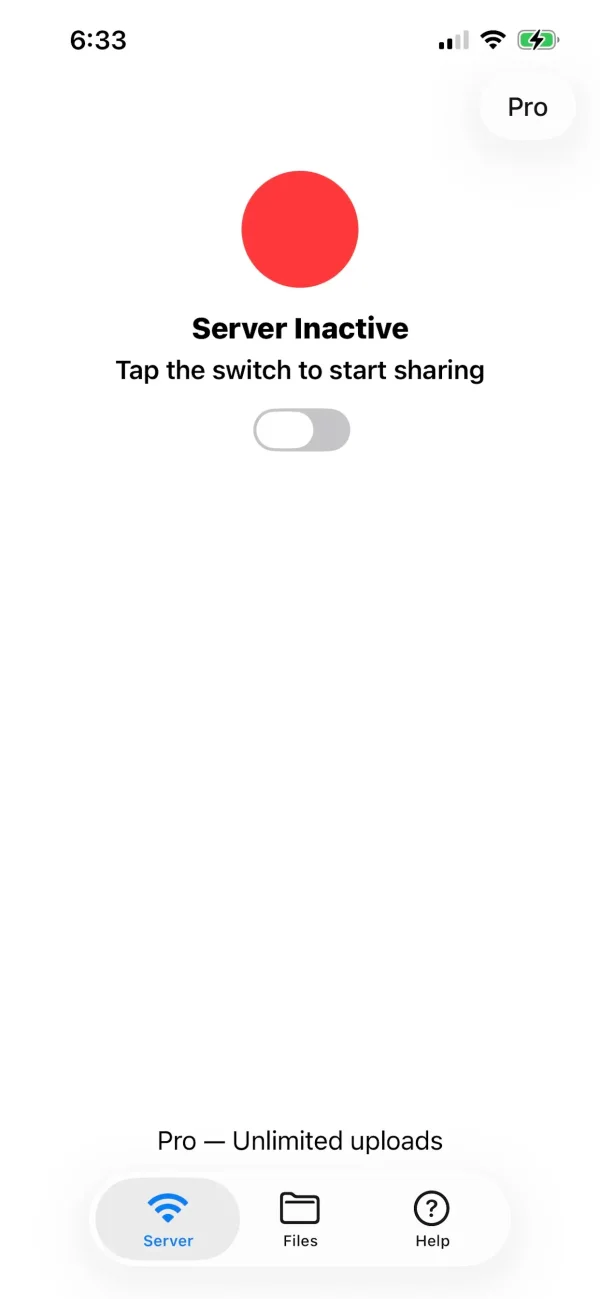
Just turn on PCTransfer, type the address shown on your iPhone into any browser on your PC, and you're ready to go. No cables. No software to install on your PC. No complicated setup.
HOW IT WORKS
1. Open PCTransfer and tap START SERVER.
2. Make sure your iPhone and PC are on the same Wi-Fi network.
3. Type the address shown into your PC's browser.
4. Download files from your iPhone — or upload files to it.
WHAT YOU CAN DO
• Transfer photos, videos, documents and more.
• Download files from your iPhone to your PC — free and unlimited.
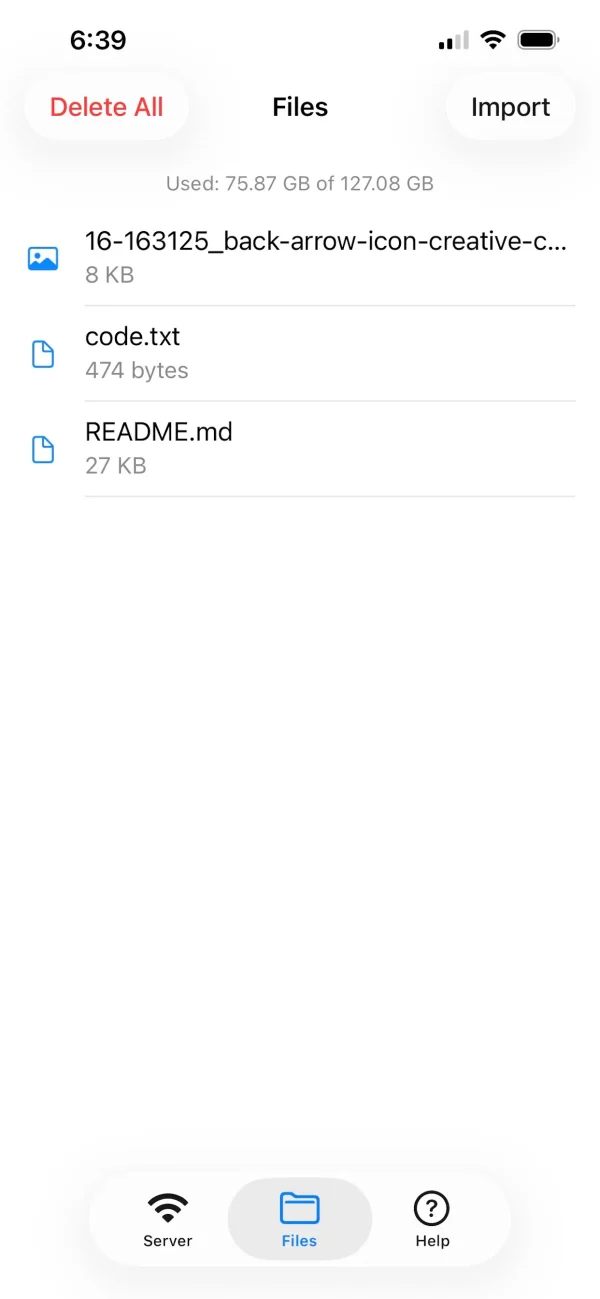
• Import photos and files from your iPhone directly into the app.
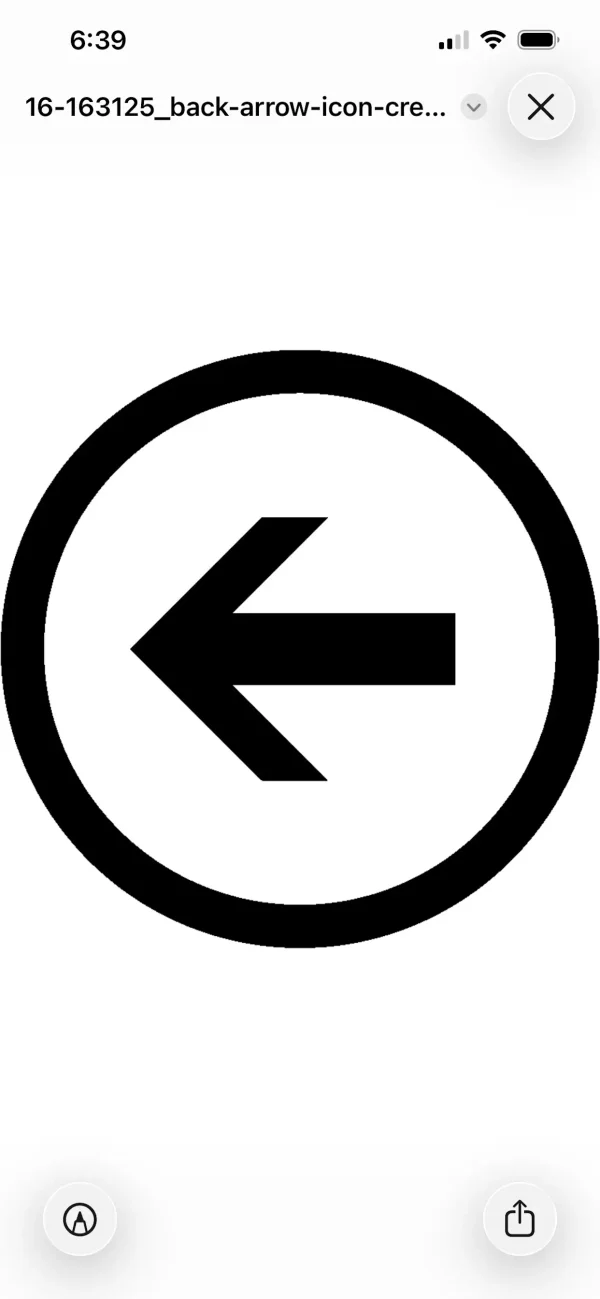
• Preview files before transferring using the built-in viewer.
• Manage your files: view, delete, and organize with ease.
FREE vs PRO
The free version allows you to download files to your PC without limits and upload files up to 5MB each.
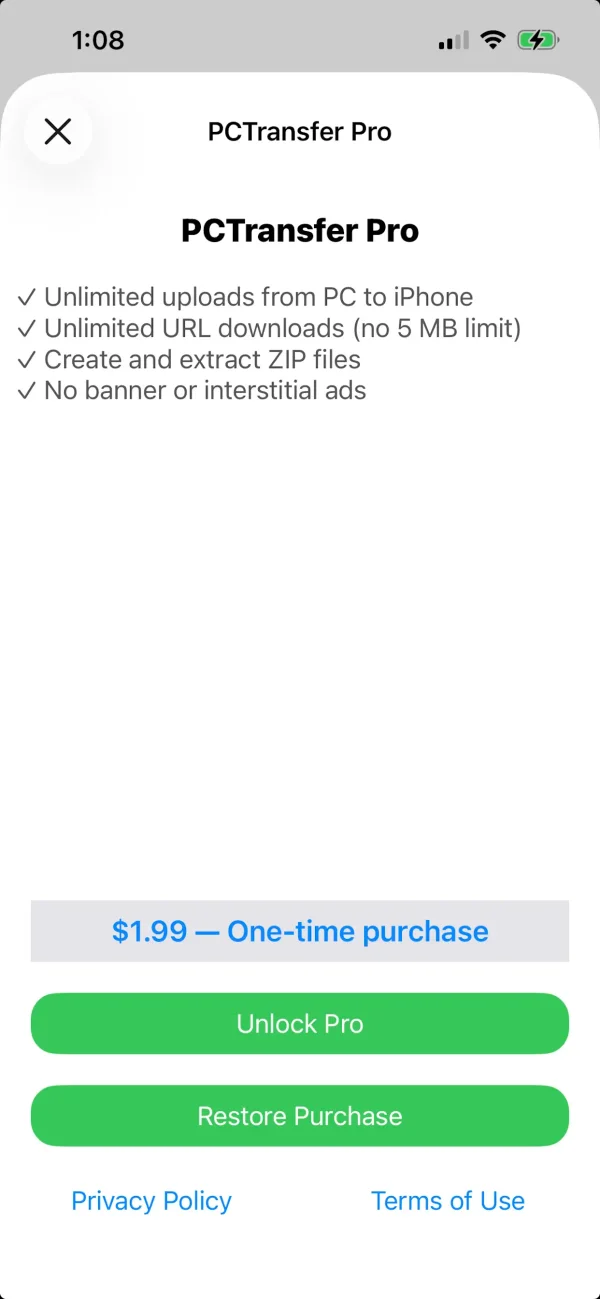
PCTransfer Pro (one-time purchase) unlocks:
• Unlimited file size uploads from your PC to your iPhone.
• No ads.
No subscriptions. Pay once, use forever.
What’s new
Version 1.2.0 · Aug 17, 2026
What's new in 1.2:
• New safety switch: control whether the browser can delete or rename your files (off by default — read-only mode).
• Need to upload one big file just once? Watch a short video to unlock unlimited upload size for 1 hour.
• Sort your file list by name, extension, creation date, or size, ascending or descending.
App privacy
What Jorge Sanchez Reyes declares on the App Store about how this app handles data.
-
Data not linked to you
May be collected but is not linked to your identity.
- Identifiers
Privacy practices may vary, for example with the features you use or your age.
Information
- Seller
- Jorge Sanchez Reyes
- Category
- Utilities
- Version
- 1.2.0
- Updated
- Aug 17, 2026
- Released
- Jun 4, 2026
- Size
- 4.9 MB
- Requires
- iOS 15.5 or later
- Age rating
- 4+
- Price
- Free
- In-app purchases
- Yes
- Languages
- English, Spanish
- Copyright
- © 2026 Jorge Sánchez Reyes
You might also like
-
 NetWho – Network ScannerInstantly scan your network
-
 Voice Remote for Samsung TVVoice Commands for Your TV
-
 Filevale: File Converter & QRVideo Compressor, PDF & ZIP
-
 OuiPanelManage your servers simply
-
 Cheese IDSay Cheese!Energetic ID Photos
-
 Unit Converter-Miles KM Lbs KGArea Volume Speed Press Data
-
 Filio - File ManagerNAS and cloud, all in one
-
 MagicFTP: SFTP & FTP ClientProfessional FTP & SFTP Client
-
 AutoPaint AI – Car Repaint#1. AutoPaint AI – Car Repaint
-
 Share2PCShare urls & files to PC