
PDF App: Convert, Create, Sign
Photo & Word to PDF Converter
Designed for iPhone, iPod touch
Free · In-app purchases
- Age rating4+
- CategoryProductivity
- DeveloperMinimodev Technologies LTD
- LanguagesEnglish
- Size72.8 MB
Links to the official App Store page
Download.org hosts no file of PDF App: Convert, Create, Sign. The button opens its official App Store page, published by Minimodev Technologies LTD. Listing last checked on Nov 23, 2026.
Screenshots
About
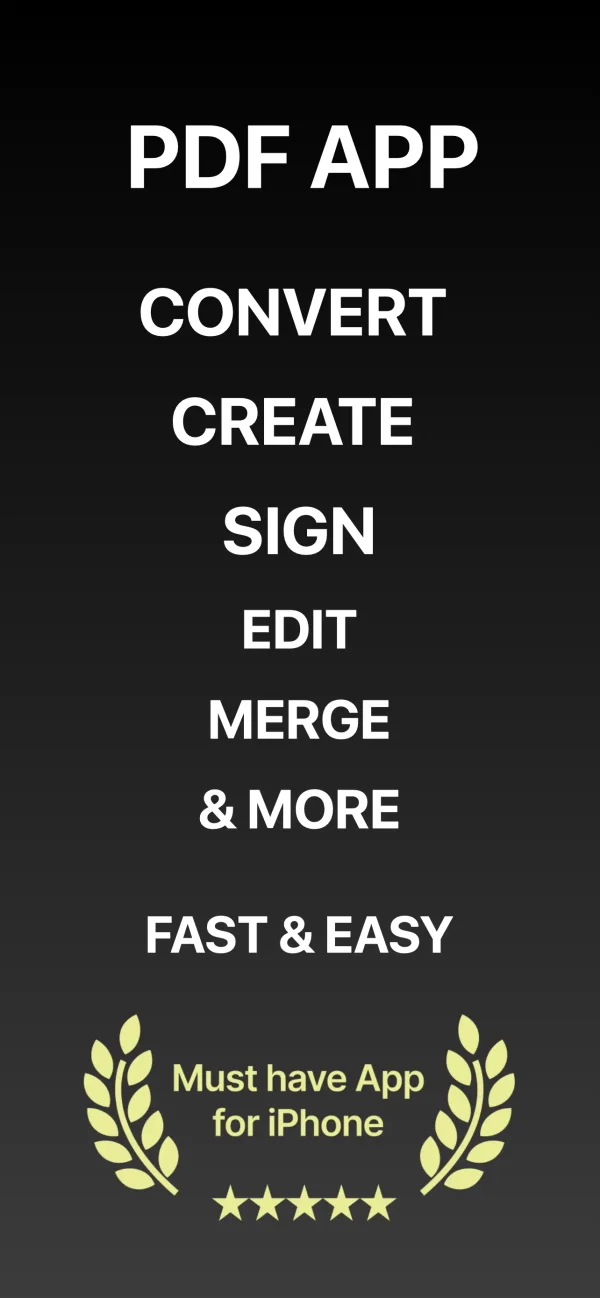
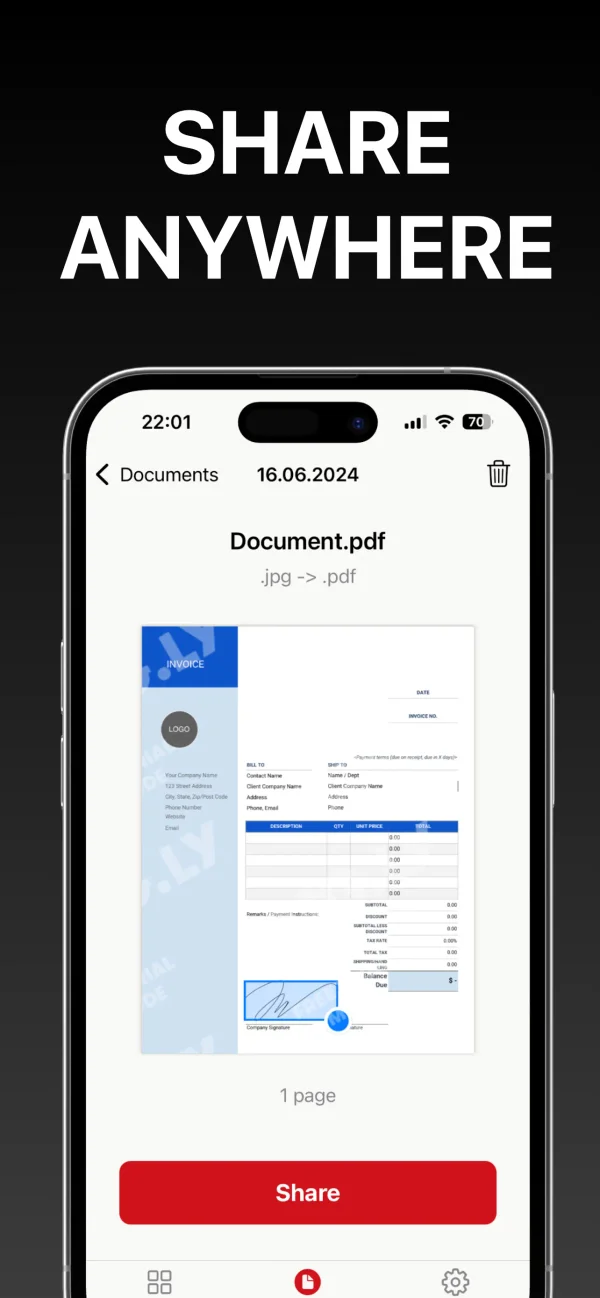
Introducing PDF App: Convert, Create, Sign – your all-in-one solution for seamless PDF management. Elevate your productivity with our powerful and intuitive tool.
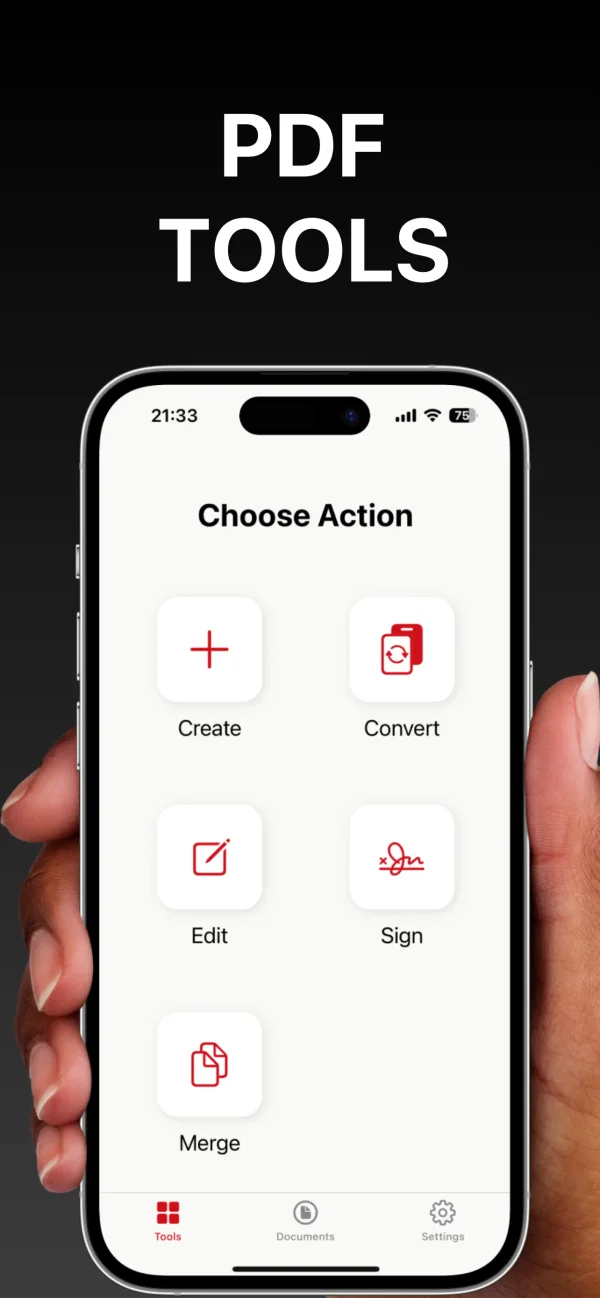
- Create PDFs with Ease: Effortlessly create professional PDF documents using pre-installed layouts. Import images from your gallery or snap new photos directly within the app. Customize and format your documents to perfection.
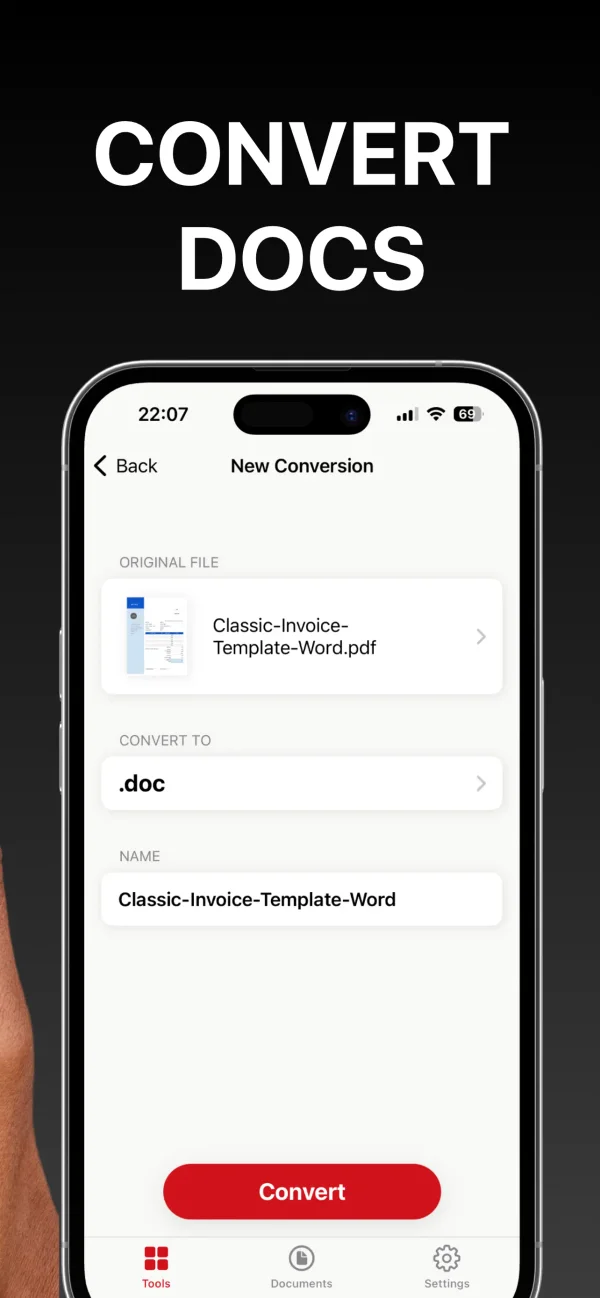
- Convert with Versatility: Transform various file formats into PDF and vice versa. Whether it's a Word document, an image, or a spreadsheet, convert it to PDF with just a few taps.
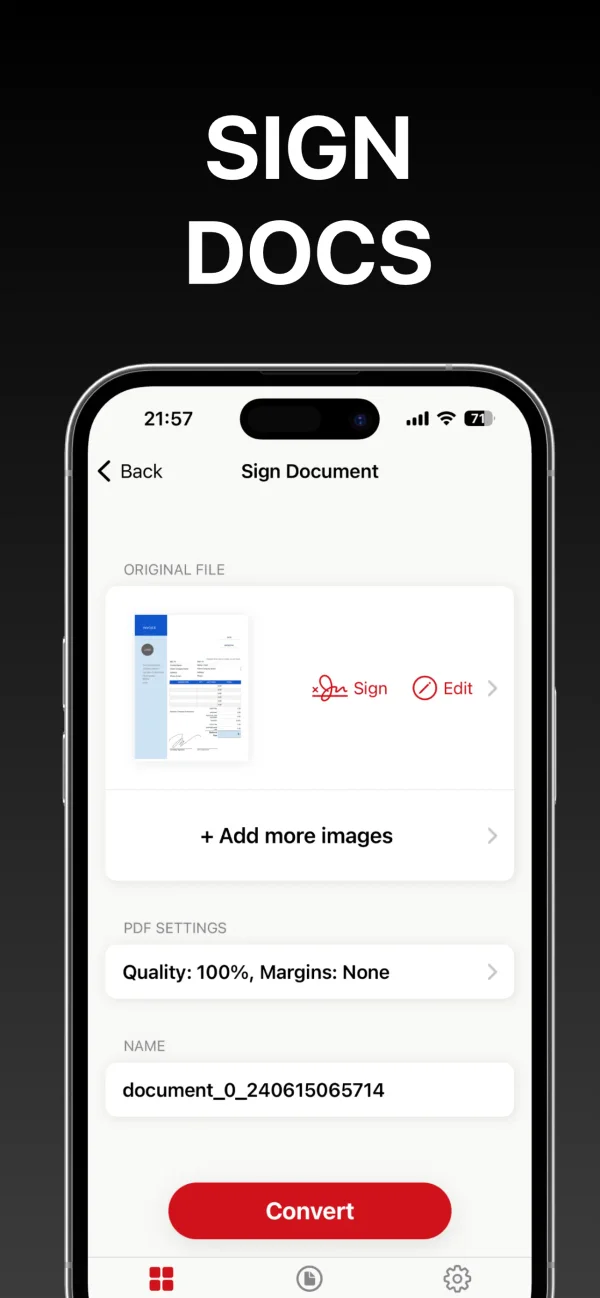
- Sign Documents Quickly: Create your signature and place it on any document with ease. Simplify your workflow and ensure your documents are signed and ready.
- Edit Existing PDFs: Make corrections and updates to your existing PDF files with our easy-to-use editing tools.
- Combine Documents: Merge multiple PDF files into a single document. Organize and consolidate your files for better management and accessibility.
- Export Effortlessly: Export your PDFs quickly and efficiently. Share your documents via email, cloud services, or other applications directly from the app.
Transform your PDF experience with PDF App: Convert, Create, Sign – the ultimate tool for creating, converting, signing, editing, and exporting PDFs. Download now and unlock the full potential of your documents!
Information about the auto-renewal of subscription:
- Payment will be charged to iTunes Account at confirmation of purchase;
– Subscriptions are billed weekly, monthly, quarterly, or annually at the rate based on the subscription plan
- Subscription automatically renews unless auto-renew is turned off at least 24 hours before the end of the current period;
- The account will be charged for renewal within 24 hours before the end of the current period. The cost depends on the selected plan;
- Subscriptions may be managed by the user, and auto-renewal may be turned off by going to the user’s Account Settings after purchase;
Privacy Policy: https://minimodev.com/pdf_app/privacy
Terms of Use: https://minimodev.com/pdf_app/terms
For any questions or inquiries, please get in touch: support@minimodev.com
What’s new
Version 1.0.6 · Mar 11, 2025
— Bug fixes and performance improvements.
App privacy
What Minimodev Technologies LTD declares on the App Store about how this app handles data.
-
Data used to track you
May be used to track you across apps and websites owned by other companies.
- Purchases
- Identifiers
- Usage data
- Diagnostics
-
Data linked to you
May be collected and linked to your identity.
- Purchases
- User content
- Identifiers
- Usage data
- Diagnostics
Privacy practices may vary, for example with the features you use or your age.
Information
- Seller
- Minimodev Technologies LTD
- Category
- Productivity
- Version
- 1.0.6
- Updated
- Mar 11, 2025
- Released
- Jun 26, 2024
- Size
- 72.8 MB
- Requires
- iOS 15.4 or later
- Age rating
- 4+
- Price
- Free
- In-app purchases
- Yes
- Languages
- English
- Copyright
- © 2024 Minimodev Technologies LTD
You might also like
-
 Group Text - Mass SMS MessageAuto send bulk message
-
 PDF Converter Photo to PDFCompress: JPEG PNG Image File
-
 Forma: PDF Document EditorForm filler: edit files & docs
-
 MobiPDF・PDF Text Editor・ReaderEdit File・Fill, Sign Documents
-
 TOR Browsing & VPN SecurityOnion Browser: Orbot & AdBlock
-
 PDF Converter- Photos & WordPhotos to PDF & Scan Docs
-
 TalkingParents: Co-Parent AppBest Custody Communication App
-
 Homeaglow for CleanersProductivity
-
 Beside (M1): AI ReceptionistFrom missed call to booked job
-
 Zeely: AI Marketing PlatformLet AI grow your brand