
PDF Clarity
Scan Documents & Images to PDF
Designed for iPhone, iPad, iPod touch
Free
- Age rating4+
- CategoryProductivity
- DeveloperAshwani Verma
- LanguagesEnglish
- Size18.0 MB
Links to the official App Store page
Download.org hosts no file of PDF Clarity. The button opens its official App Store page, published by Ashwani Verma. Listing last checked on Nov 12, 2026.
Screenshots

About
Now convert your iOS device into a mini pocket scanner with PDF Clarity!
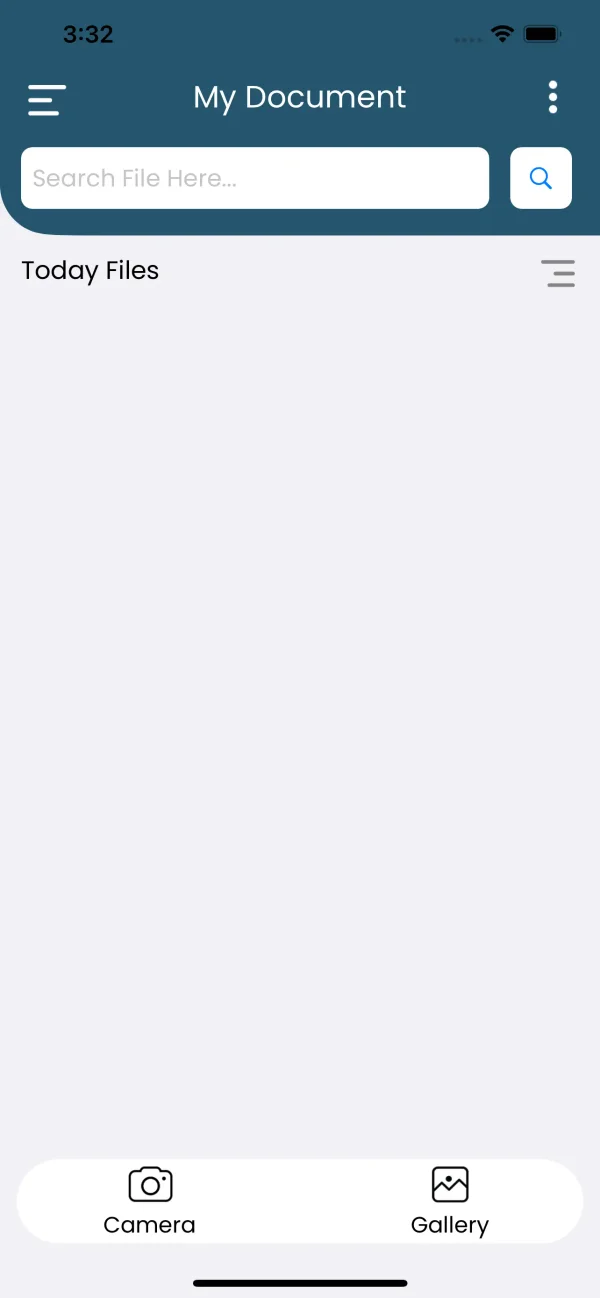
Enjoy the high quality image in your iOS device within a few swipes and touches with the best ever scanning mobile app PDF Clarity. This app allows you to quickly scan any type of documents in your office, images, bills, receipts, books, magazines, class notes and many more with ease. This is the quickest way to get the scanned document in the highest quality and convert it into PDF or JPEG format that you can share and print.
“PDF Clarity” is a must for every iOS user be it a school student, college student, businessman or any regular Joe. The clear scanner app lets you scan your photographs, images, and documents in high quality which makes it easy for any type of user to read the texts in it. The app automatically detects the corners of the file that you want to scan for superior quality. It also comes with auto correcting features including brightness, shadows, and straightening the image for the optimum results.
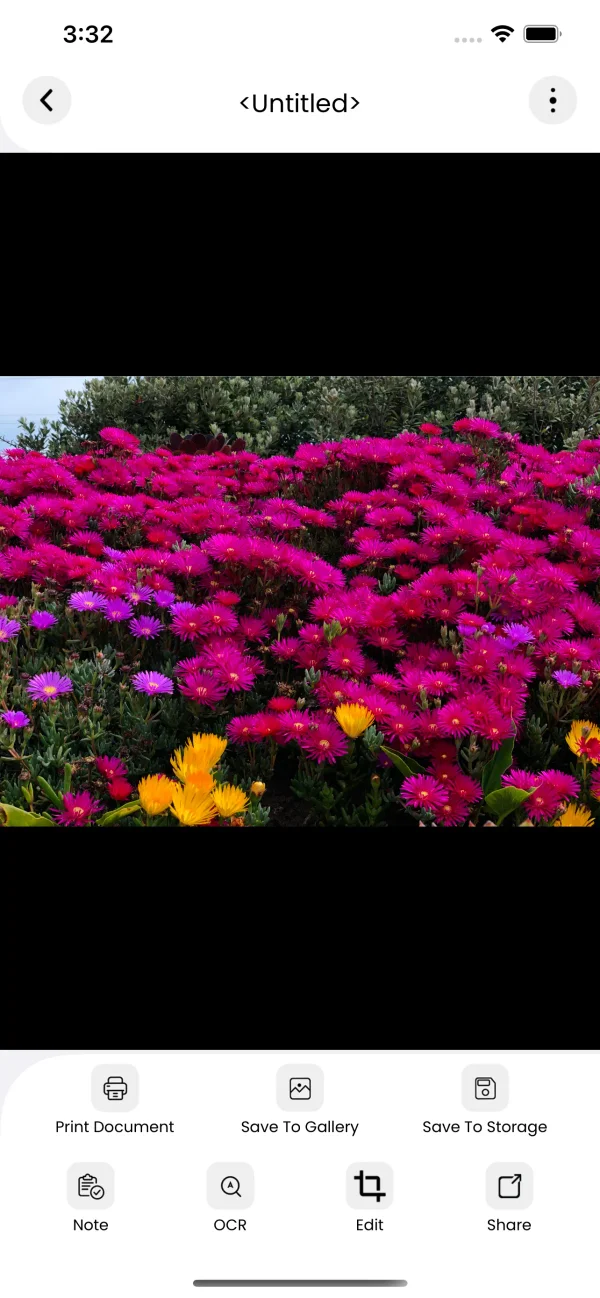
Get the fastest processing speed in scanning your document with PDF Clarity and share the files immediately via mail, Dropbox, OneDrive, SkyDrive, Google Drive, Evernote and even Print them! This app allows you to convert the scanned document to JPEG format or PDF format.
You can even print the scanned document or image via Cloud Print. This app also offers editing features and various filters. You can also save the scanned image using an appropriate name and reorder them so you'd find it easier to locate the file, document, image, or other scanned notes. You may choose to email a specific document or an entire folder with faster processing speed. Cool eh?
PDF Clarity Features
* Automatic document edge detection and perspective correction
* Super Fast Processing
* Multiple filter options
* Flexible editing options
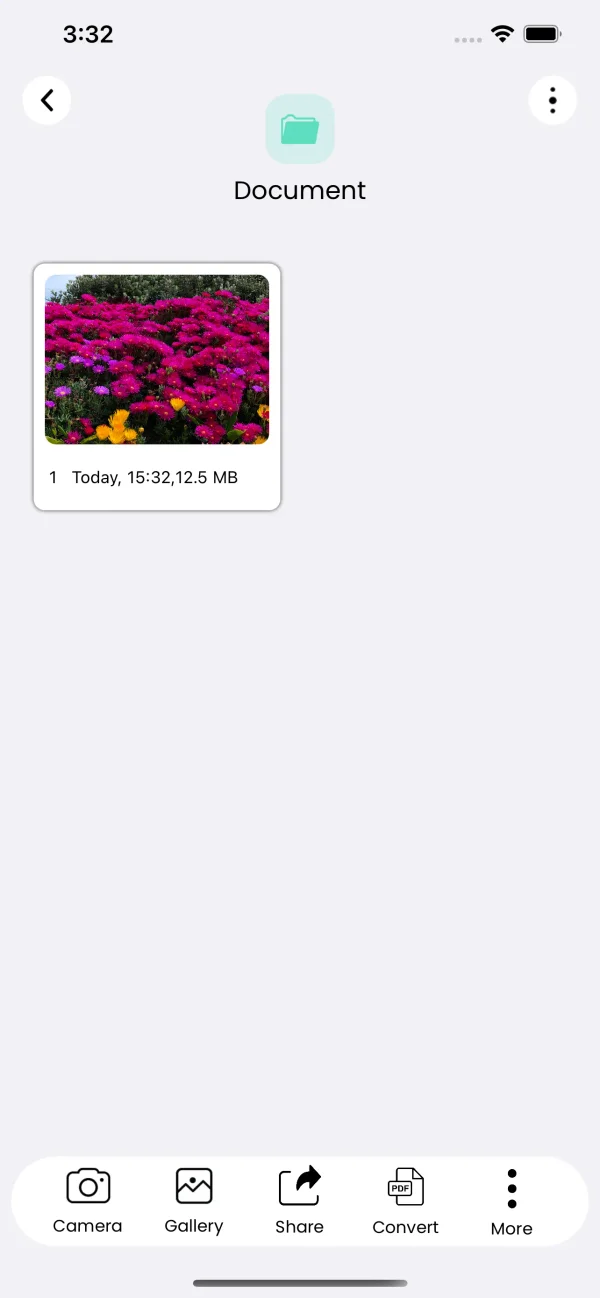
* Folders and subfolders - to easily manage your files and folders
* Document naming, storage inside the app and search
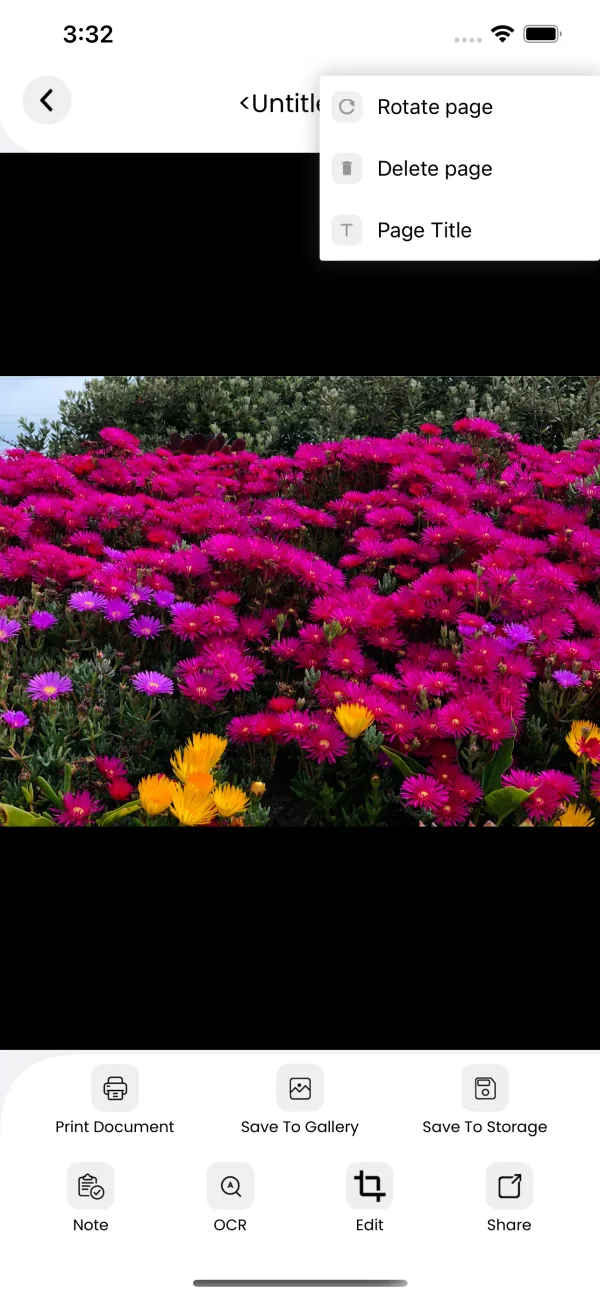
* Adding or Deleting option
* Page reordering options
* Set PDF file sizes (Letter, Legal, A4, and more)
* Email specific pages or the whole document/image
* Print PDF file via Cloud Print
* Open/Share PDFs or JPEGs in other apps such as Dropbox, OneDrive, SkyDrive, Google Drive, Evernote, etc. to send to clouds
* Backup & Restore
We are constantly working hard on making the PDF Clarity better and more useful for you. We need your feedback and support to get going. Please feel free to email us for any queries/suggestions/problems. If you have enjoyed any feature of the “PDF Clarity” app, do not forget to rate us!
Download PDF Clarity Today!
What’s new
Version 1.6 · Jan 18, 2024
Fixed minimum version issue.
App privacy
What Ashwani Verma declares on the App Store about how this app handles data.
-
Data not collected
The developer does not collect any data from this app.
Privacy practices may vary, for example with the features you use or your age.
Information
- Seller
- Ashwani Verma
- Category
- Productivity
- Version
- 1.6
- Updated
- Jan 18, 2024
- Released
- Jun 15, 2021
- Size
- 18.0 MB
- Requires
- iOS 15.0 or later
- Age rating
- 4+
- Price
- Free
- Languages
- English
- Copyright
- © SmallArc Inc
You might also like
-
 TransPlus ConnectApp for truck drivers
-
 Clarity Files AppBusiness Manager
-
 PDF Enhance: Upscale & HD Scantext sharpener & document fix
-
 WTM IRE For StoresProductivity
-
 Toolkit–Scanner, OCR, CV MakerAll-in-One Scanner & CV Tool
-
 CatalogueproProduct catalog PDF maker
-
 SwychatProductivity
-
 Bricks AppProductivity
-
 Our Wedding InvitationAn Application for our guests
-
 ClipStackX – Copy&Memo ManagerProductivity