PDF Clipper
Quickly combine a new PDF file
Designed for iPhone, iPad, iPod touch
Free · In-app purchases
- Age rating4+
- CategoryProductivity
- Developer军 龙
- LanguagesEnglish+ 10 more
- Size71.7 MB
Links to the official App Store page
Download.org hosts no file of PDF Clipper. The button opens its official App Store page, published by 军 龙. Listing last checked on Nov 17, 2026.
Screenshots
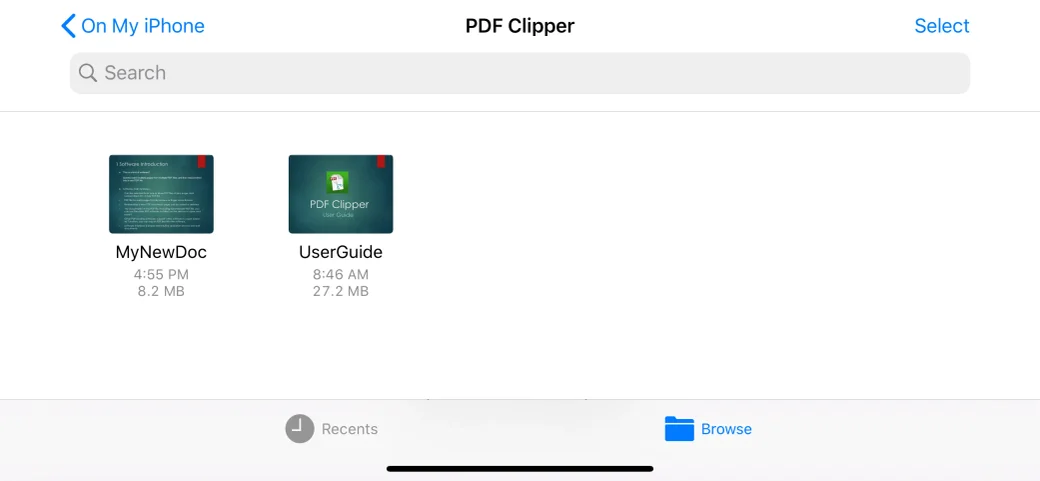
About
1.This is a kind of software?
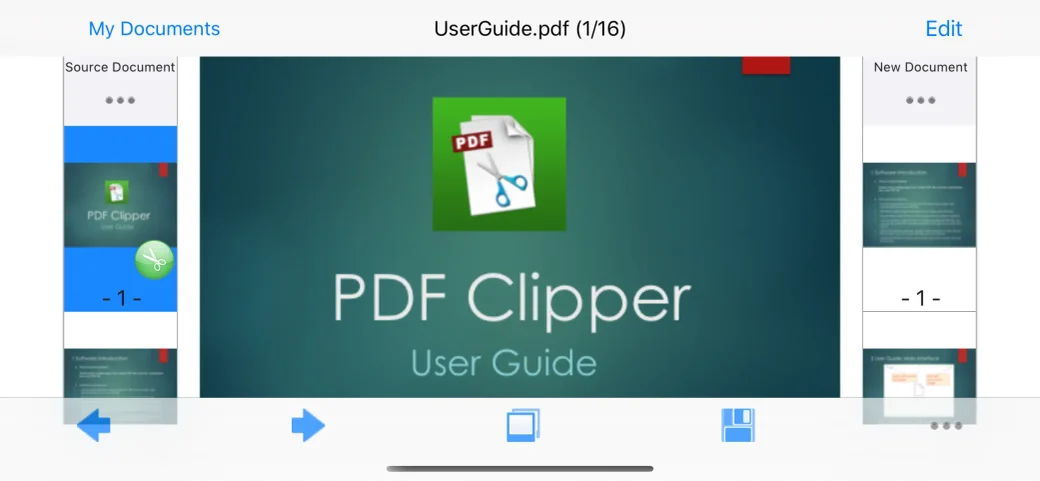
Quickly select multiple pages from multiple PDF files, and then reassembled into a new PDF file.
2. Main features of the software:
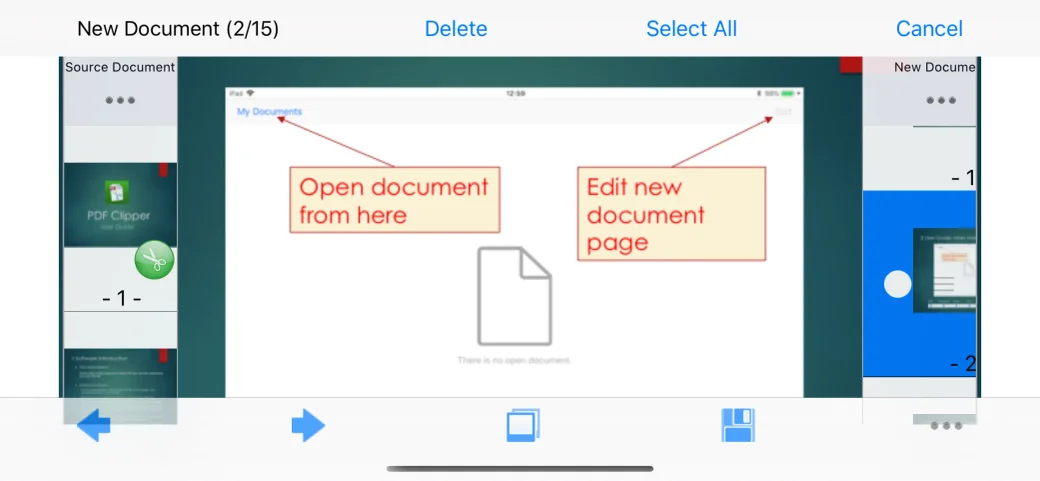
(1) You can select any pages from one or more PDF files and recombine them into a new PDF file.
(2) Each page of a PDF file can be viewed as a thumbnail or zoomed in/out with your fingers.
(3) The pages in the newly recombined PDF document can be freely reordered or deleted.
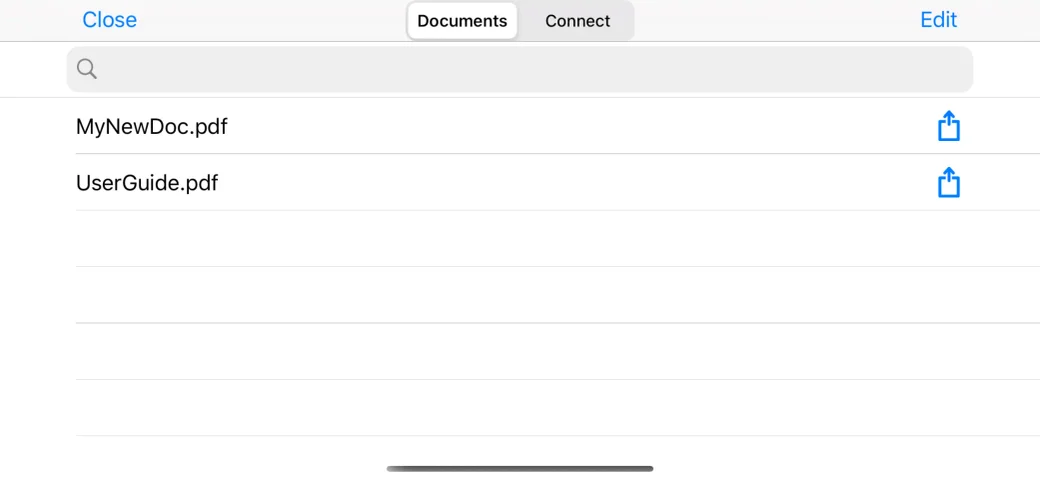
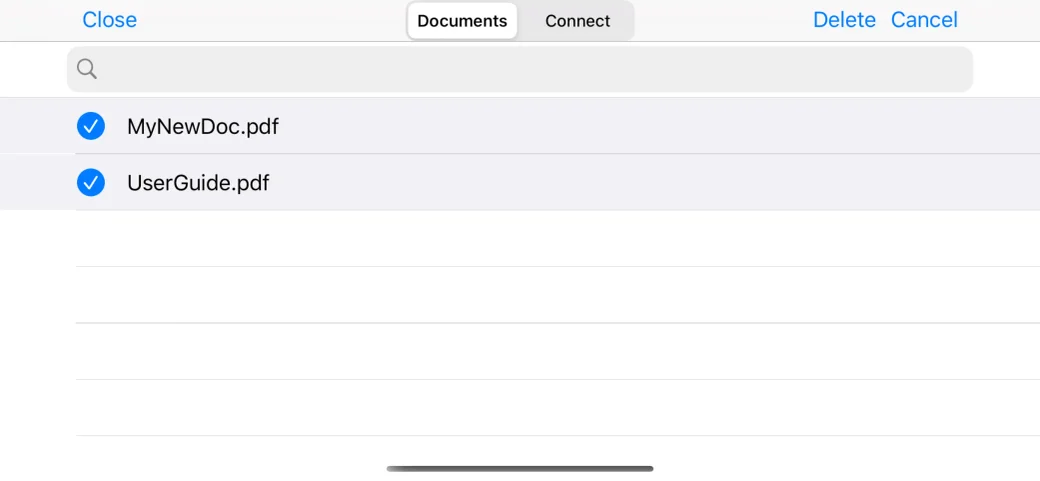
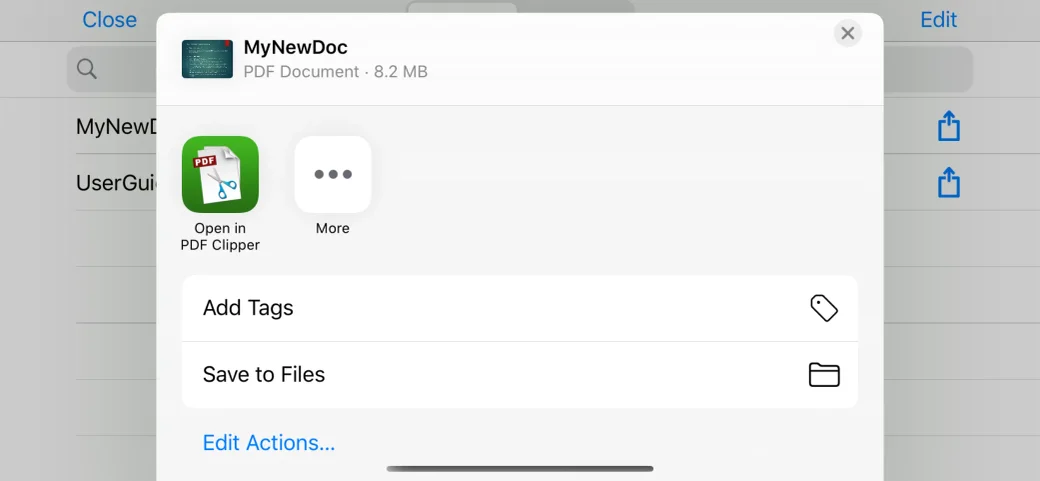
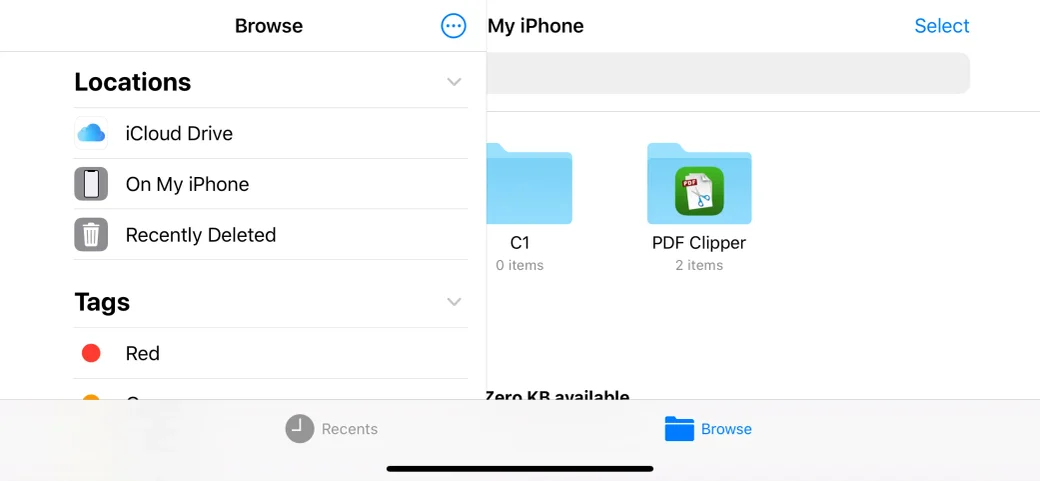
(4) PDF files in "My Documents" can be shared with other apps or saved to "Files," and more.
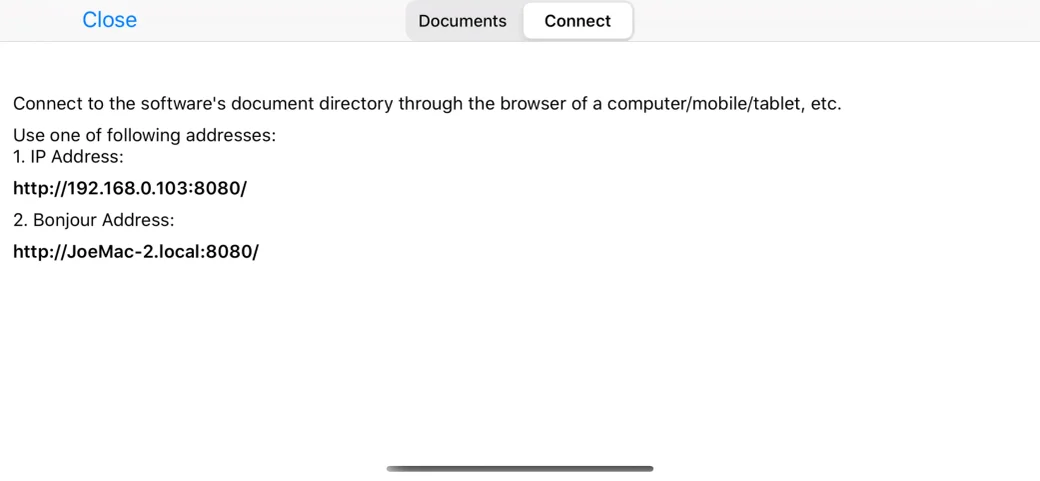
(5) The "Connect" feature in "My Documents" allows you to access the document directory of this software through the browser on any device and manage PDF files.
(6) PDF files can be imported into this software from the system "Files" app or other PDF software.
(7) The software interface is clean, and operations like browsing and editing documents are intuitive and convenient.
(8) The software supports multiple languages: English, Simplified Chinese, Traditional Chinese, Korean, Japanese, French, German, Russian, Spanish, Portuguese, Italian, and more.
What’s new
Version 2.6 · Jan 7, 2026
1. Adapt to the new system.
2. Added Portuguese.
3. Other minor changes and optimizations.
App privacy
What 军 龙 declares on the App Store about how this app handles data.
-
Data not collected
The developer does not collect any data from this app.
Privacy practices may vary, for example with the features you use or your age.
Information
- Seller
- 军 龙
- Category
- Productivity
- Version
- 2.6
- Updated
- Jan 7, 2026
- Released
- Jul 8, 2013
- Size
- 71.7 MB
- Requires
- iOS 12.0 or later
- Age rating
- 4+
- Price
- Free
- In-app purchases
- Yes
- Languages
- English, French, German, Italian, Japanese, Korean, Portuguese, Russian, Simplified Chinese, Spanish, Traditional Chinese
- Copyright
- © 2013- 2026 Arwer Software
You might also like
-
 PDF Editor and Scanner ProDoc Scanner PDF Converter
-
 PDFGeniusThe PDF Manipulation Toolkit
-
 TransloadedDocuments for language lovers
-
 Vocali: Transcribe & SummarizeRead voice messages instantly
-
 BulletsNoteSimple & Light Notepad
-
 NoiseCutYour daily AI audio briefing
-
 Narrate: Text to Speech ReaderListen to documents on the go
-
 Giornale di Scavo ArcheologicoExcavation diary, GNSS, finds
-
 SupaWOLWake your PC, guided setup
-
 PDF Photo: PDF to Word MakerImage, PNG, JPG Converter