PDF Compare & AI Detector
AI Detector, Text Diff
Designed for iPhone, iPad, Mac
Free · In-app purchases
- Age rating12+
- CategoryProductivity
- DeveloperMarsel Tagaev
- LanguagesEnglish+ 10 more
- Size22.6 MB
Links to the official App Store page
Download.org hosts no file of PDF Compare & AI Detector. The button opens its official App Store page, published by Marsel Tagaev. Listing last checked on Nov 12, 2026.
Screenshots
About
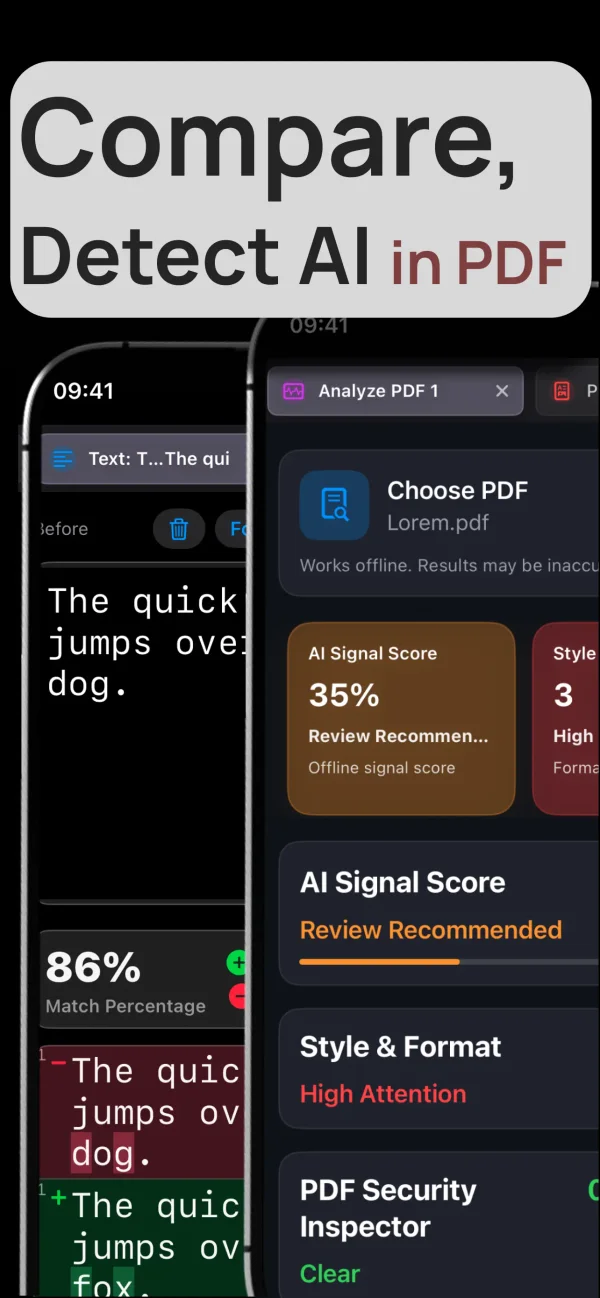
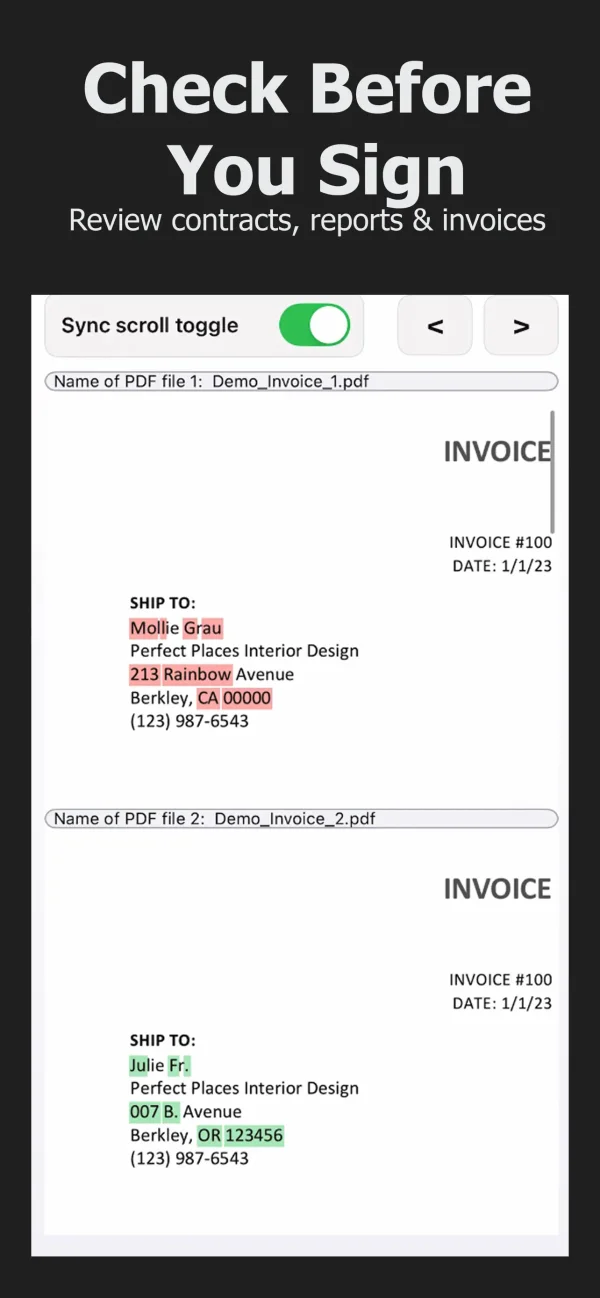
Your helper for working with AI, LLMs, and digital documents. Compare PDFs, Word, DOCX and text files, analyze documents, inspect PDF metadata, check formatting issues, and review AI-related signals before you share, submit or sign. Useful tools to compare, inspect, validate, and review content with confidence.
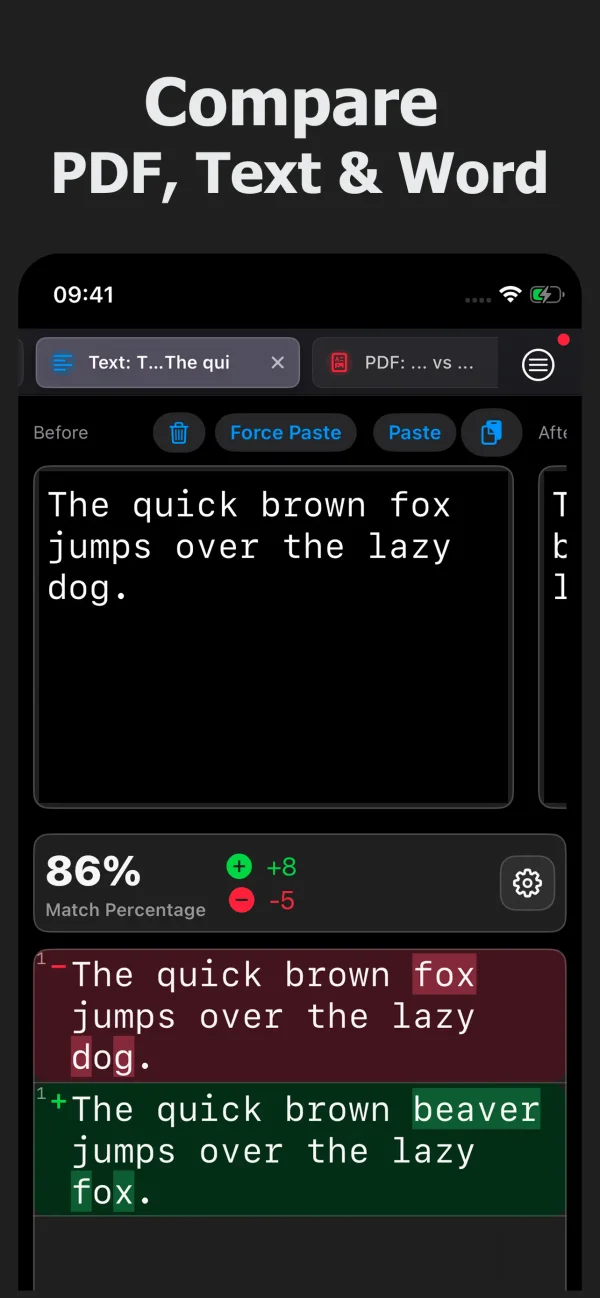
COMPARE PDF, WORD, DOCX & TEXT
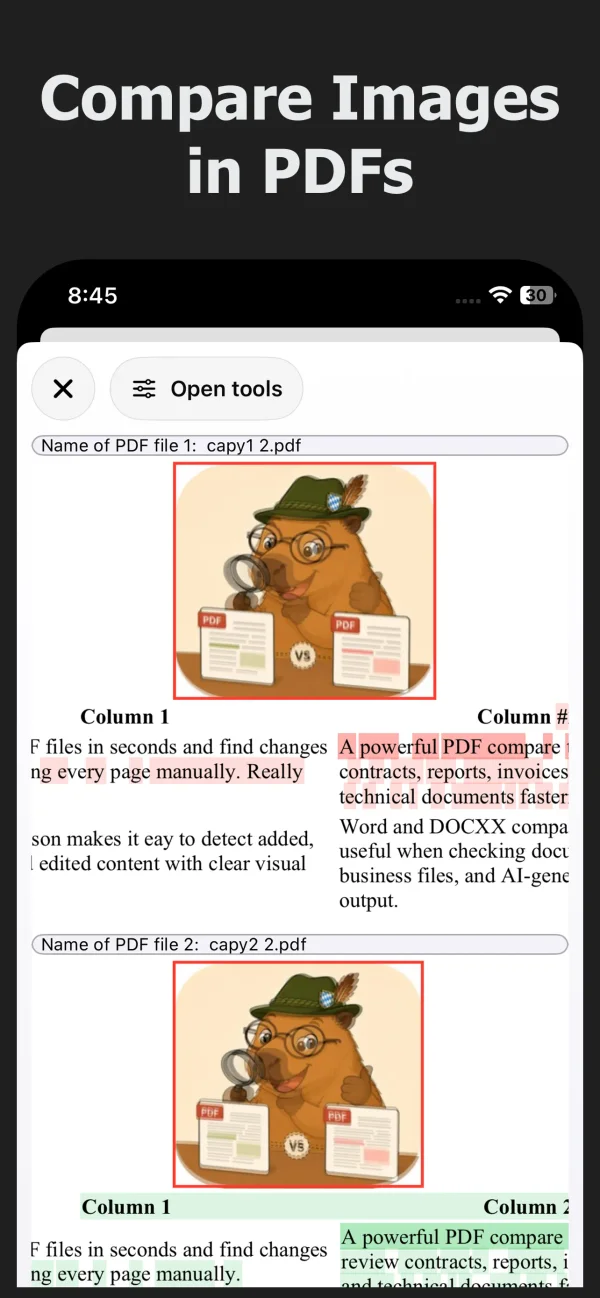
• Highlight document differences
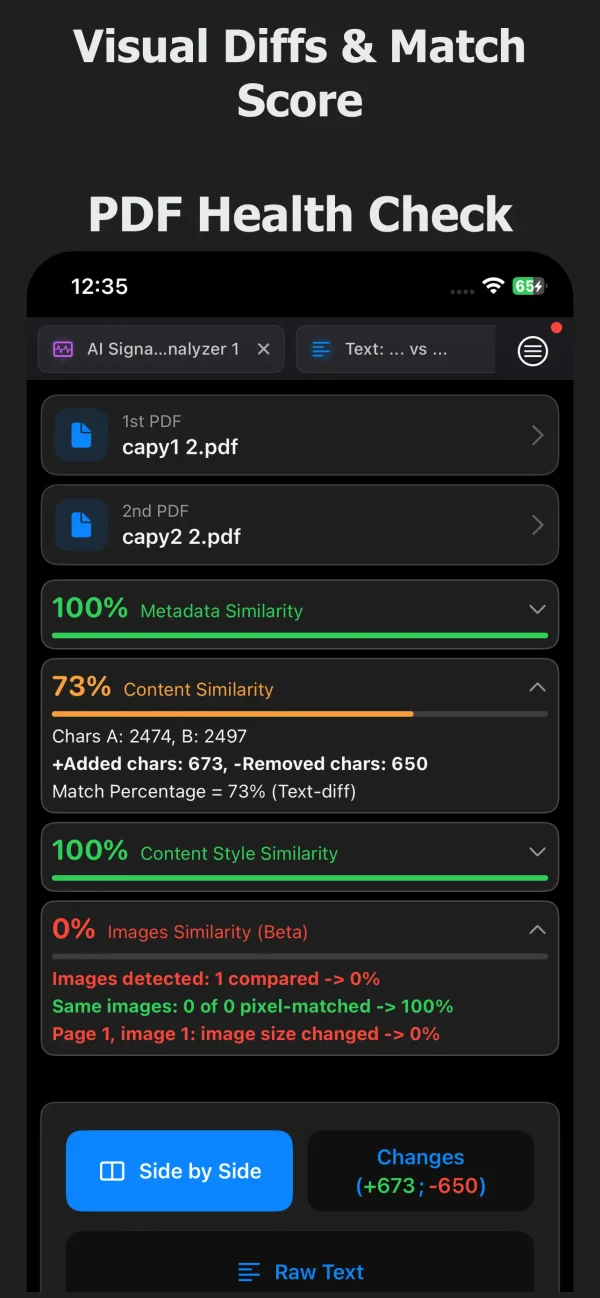
• Check similarity score
• Compare images in PDFs
• Review changes side by side
• Find added, removed and changed content
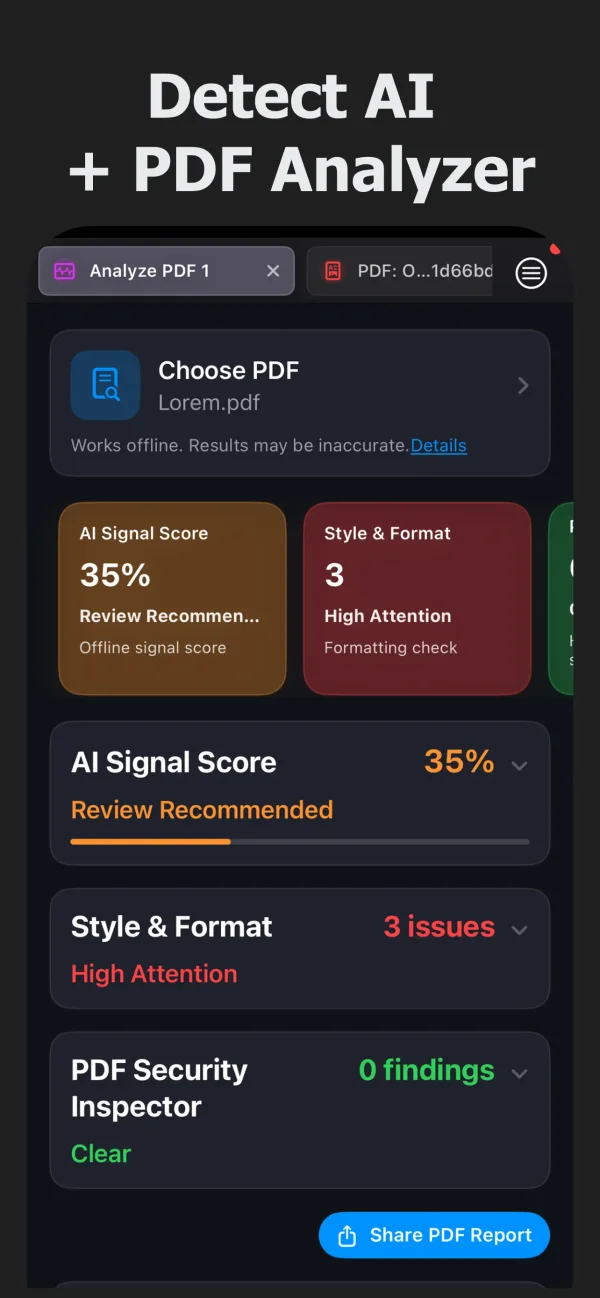
AI SIGNALS / AI DETECTOR REVIEW
• Check offline AI/Bot signal score
• Review metadata and document properties
• Detect unusual document patterns
• See triggered signals with explanations
The AI Signal Score does not determine whether content was created by AI. It highlights document signals that may require review.
STYLE & FORMAT CHECKER
• Detect formatting inconsistencies
• Identify print cut and page edge risks
• Check margins, spacing and text placement
• Find long lines and readability issues
• Detect excessive blank lines and empty pages
PDF SECURITY INSPECTOR
• View PDF metadata
• Scan PDFs for hidden content
• Detect tiny, invisible or unreadable text
• Review suspicious links and embedded actions
• Check PDF restrictions and permissions
• Inspect forms, annotations and signature fields
PDF REPORT EXPORT
• Export a professional PDF report
• Share document analysis results easily
• Include AI signals, formatting issues and security findings
• Add metadata summaries and key insights
• Create reports for audits, reviews and documentation
WORKS OFFLINE
Document analysis runs offline on your device for enhanced privacy. Results are informational and may be incomplete or inaccurate. The app does not provide legal, forensic, cybersecurity or digital signature validation.
USEFUL FOR
• Contracts
• Reports
• Academic papers
• Invoices
• Resumes and CVs
• Technical documents
• Legal drafts
• AI-generated drafts
• Business documents
• Before and after document versions
PRO FEATURES:
Some advanced features may require Pro access, including full PDF analysis, advanced comparison tools, larger document limits, detailed reports and premium document review features.
PDF Compare & Analyzer is built for users who need more than a simple PDF viewer. Compare changes, inspect document structure, check metadata, review AI-related signals and analyze files with more confidence.
Terms of Use (EULA): https://www.apple.com/legal/internet-services/itunes/dev/stdeula/
Privacy Policy: https://tagaev.xyz/pdftextcompate-pp.html
Support: info@tagaev.xyz
What’s new
Version 1.24 · Jun 28, 2026
Improved performance, document analysis, and overall user experience.
App privacy
What Marsel Tagaev declares on the App Store about how this app handles data.
-
Data not collected
The developer does not collect any data from this app.
Privacy practices may vary, for example with the features you use or your age.
Information
- Seller
- Marsel Tagaev
- Category
- Productivity
- Version
- 1.24
- Updated
- Jun 28, 2026
- Released
- Sep 2, 2025
- Size
- 22.6 MB
- Requires
- iOS 17.6 or later
- Age rating
- 12+
- Price
- Free
- In-app purchases
- Yes
- Languages
- English, Arabic, French, German, Hindi, Japanese, Korean, Portuguese, Russian, Simplified Chinese, Spanish
- Copyright
- © M. Tagaev 2025
You might also like
-
 Diff Checker - Compare TextText to Text Comparison Tool
-
 Compare Text: PDF & DocumentsDiff Checker for Word & Excel
-
 Similar BasicDocument compare & clipboards
-
 文档对比:文本内容差异检查阅读编辑器Productivity
-
 PDF Compare OfflineEvery change between revisions
-
 AskBetterBetter prompts for your AI
-
 Pinmo忘れる前にアイデアをピン留め
-
 FileDuelCompare PDF, Text,Docs & Excel
-
 Arrow+Organize your Safari tabs
-
 Sift Text DiffCompare Texts Side by Side