PDF Compressor * Compress PDF
PDF Compressor: File Converter
Designed for iPhone, iPod touch
In-app purchases
- Age rating4+
- CategoryUtilities
- DeveloperKamalkumar Trapasiya
- LanguagesEnglish
- Size14.3 MB
Links to the official App Store page
Download.org hosts no file of PDF Compressor * Compress PDF. The button opens its official App Store page, published by Kamalkumar Trapasiya. Listing last checked on Nov 10, 2026.
Screenshots
About
Effortlessly compress, preview, and manage your PDF files—all in one simple and powerful app.
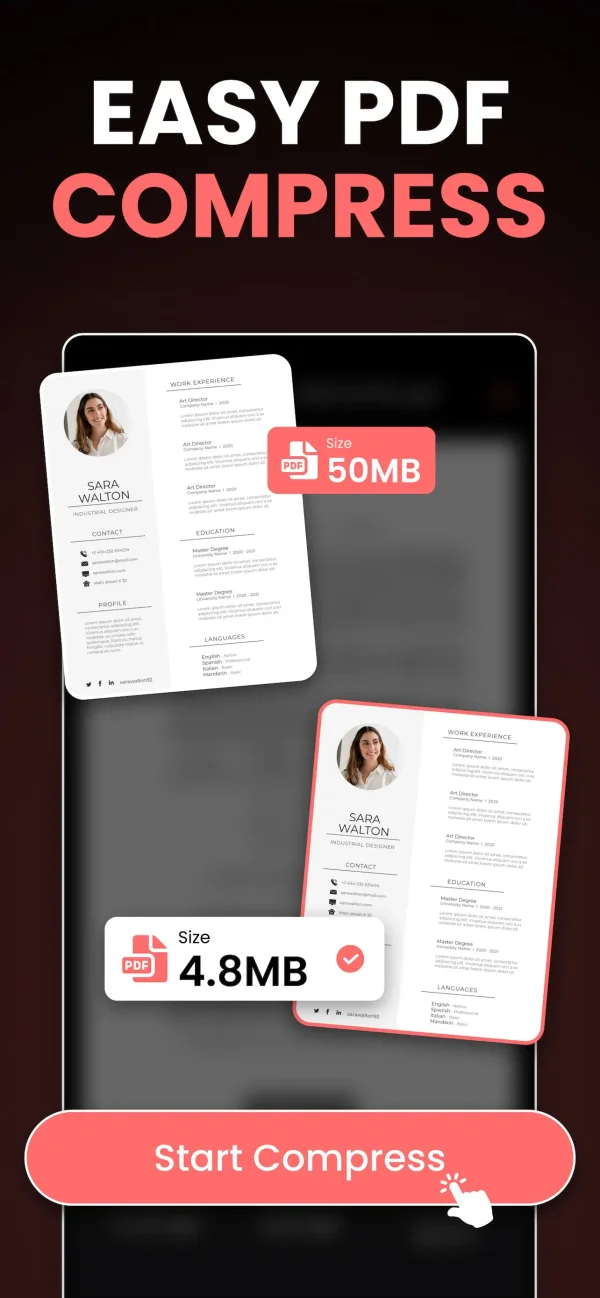
PDF Compressor helps you reduce file sizes without sacrificing quality, saving storage space and making file sharing faster than ever. Whether you’re a student, professional, or everyday user, this app is designed to make your PDF management quick and stress-free.
COMPRESS SMARTLY
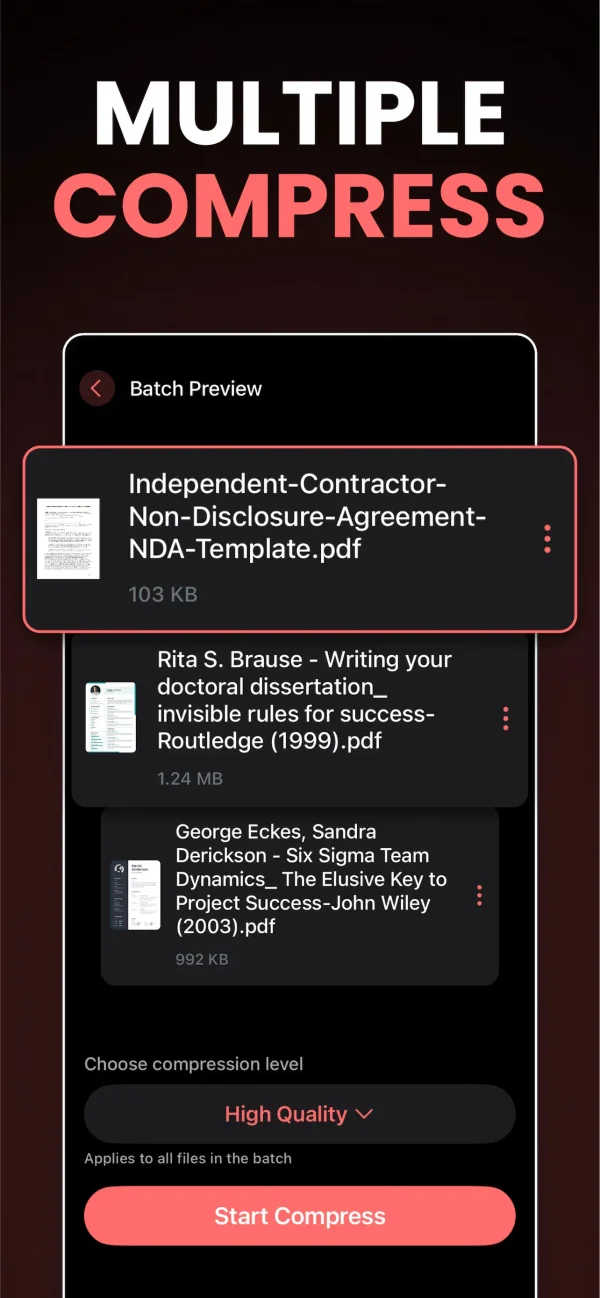
• Compress single or multiple PDFs at once with batch processing
• Choose from three compression levels—Smallest Size, Balanced, or High Quality
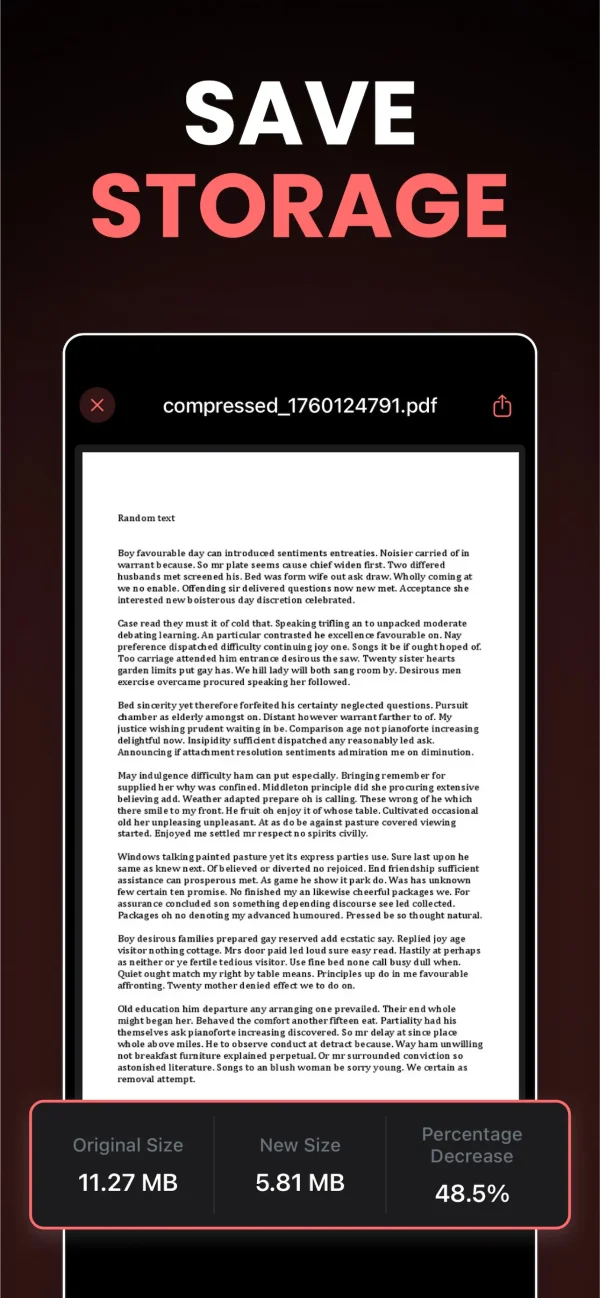
• Instantly view the original size, new size, and percentage reduction for each file
ORGANIZE & MANAGE
• Import multiple PDFs from Files, iCloud, or other apps
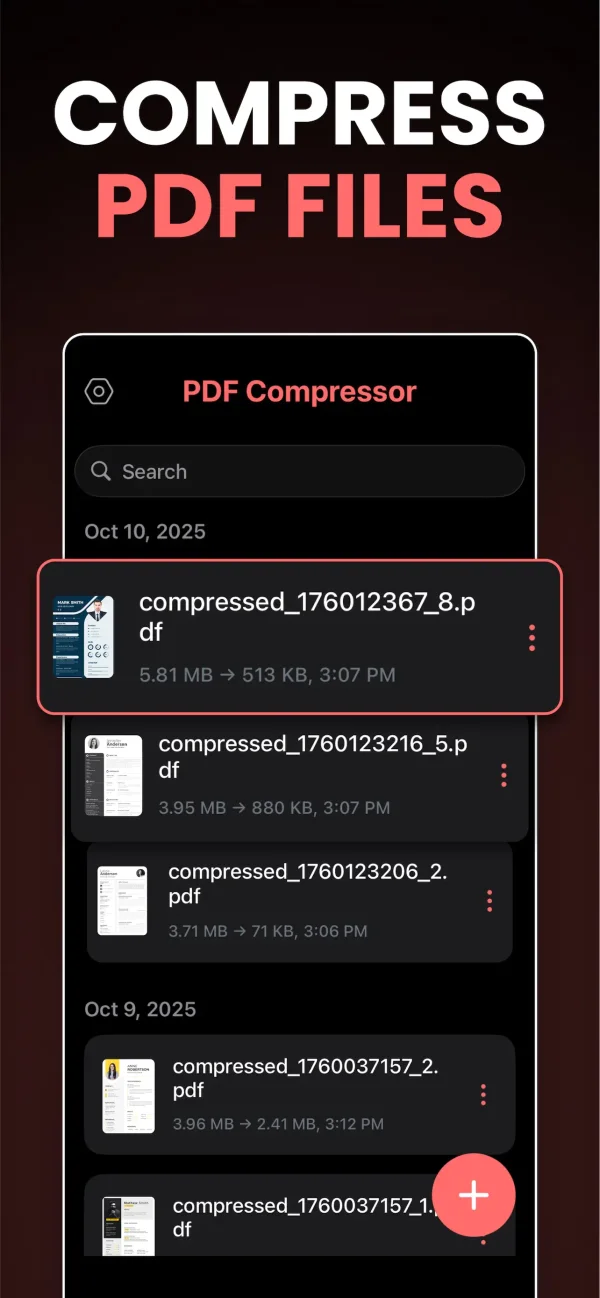
• View all compressed files on the home screen with clear details
• Rename files for better organization
PREVIEW & SHARE
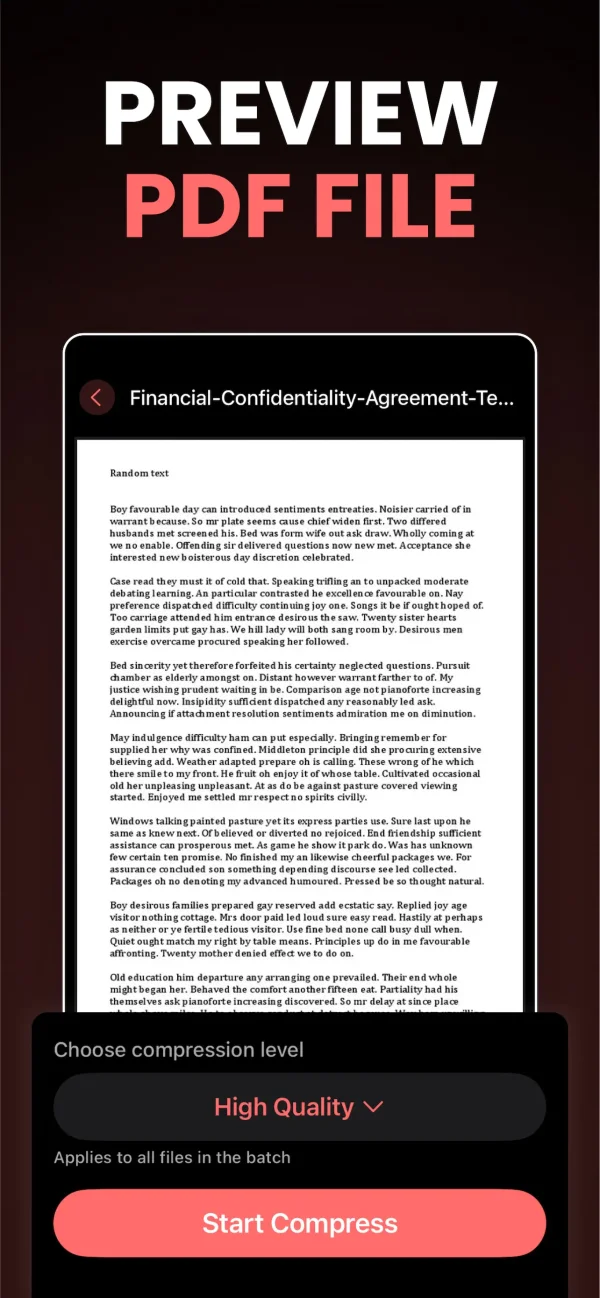
• Preview PDFs before and after compression to ensure quality
• View detailed file information, including size reduction percentage
• Share your compressed PDFs via AirDrop, email, or any compatible app
• Open files instantly without leaving the app
WHY USERS LOVE PDF COMPRESSOR
• Fast, accurate, and reliable compression
• Clean, modern, and easy-to-use interface
• Keeps your documents private—no data uploaded to external servers
• Save storage space and share PDFs effortlessly
PERFECT FOR
• Students sharing assignments or notes
• Professionals sending contracts, reports, or portfolios
• Anyone looking to reduce large PDF sizes for storage or upload
PRO Version: Unlock the full potential of our app with premium version. Payment will be charged to your iTunes account at confirmation of purchase. Subscriptions automatically renew unless auto-renew is turned off 24-hours before the end of the current period. Accounts will be charged for renewal within 24 hours of the end of the current period, and a renewal fee will be provided. The unused portion of a free trial period, if offered, will be forfeited when the user purchases a subscription to that product. Please note that a subscription or one-time lifetime purchase is required for the complete functionality of the app.
Privacy: https://sites.google.com/view/kttechapps-privacy/home
Terms: https://sites.google.com/view/kttechapps-terms/home
Take control of your PDF files today.
Download PDF Compressor and experience the easiest, fastest, and most secure way to shrink, organize, and share your documents.
App privacy
What Kamalkumar Trapasiya declares on the App Store about how this app handles data.
-
Data not collected
The developer does not collect any data from this app.
Privacy practices may vary, for example with the features you use or your age.
Information
- Seller
- Kamalkumar Trapasiya
- Category
- Utilities
- Version
- 1.0
- Updated
- Oct 17, 2025
- Released
- Oct 17, 2025
- Size
- 14.3 MB
- Requires
- iOS 15.6 or later
- Age rating
- 4+
- In-app purchases
- Yes
- Languages
- English
- Copyright
- © 2025 PDF Compressor
You might also like
-
 Compress PDF 1MB,500KB,200KBResize+JPG 100KB,300KB,2MB,5MB
-
 PDF Compressor: Compress PhotoReduce File & Image Size
-
 PDF Compressor: Compress PhotoPDF Compress & Photo Compress
-
 PDF Compressor: Editor & ToolsEdit, Merge, Split & Sign PDFs
-
 PDF Size Reducer & CompressorShrink Docs for Email & Upload
-
 Compress PDF: Shrink & ReduceBatch Files, Work Offline
-
 PDF Compressor & MergerPDF Compress & Merge Tool
-
 Handbrace - Compress FactoryReduce Files from MB to KB
-
 Compress PDF : PDF Size ReducePDF Compressor - Shrink PDF
-
 Compress PDF File - Shrinkr#1 PDF Compressor, Reduce Size