PDF Converterㅤ
Convert JPG, Word, PNG to PDF
Designed for iPhone, iPad
Free · In-app purchases
- Age rating4+
- CategoryUtilities
- DeveloperJulian Mayo
- LanguagesEnglish
- Size90.3 MB
Links to the official App Store page
Download.org hosts no file of PDF Converterㅤ. The button opens its official App Store page, published by Julian Mayo. Listing last checked on Nov 17, 2026.
Screenshots

About
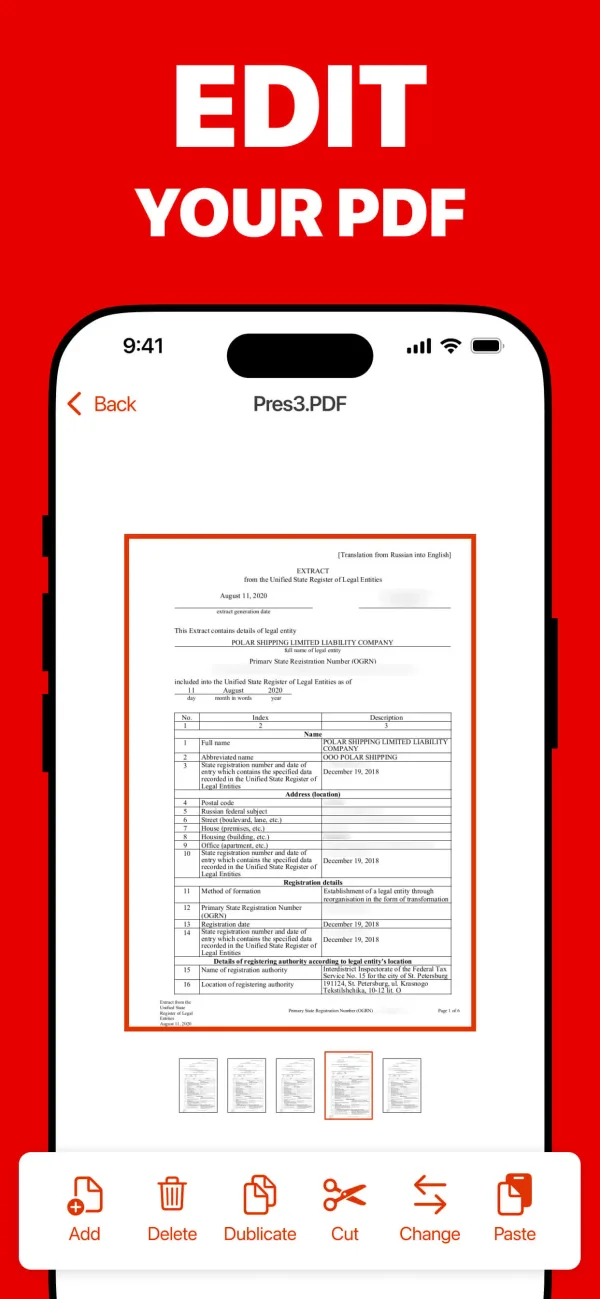
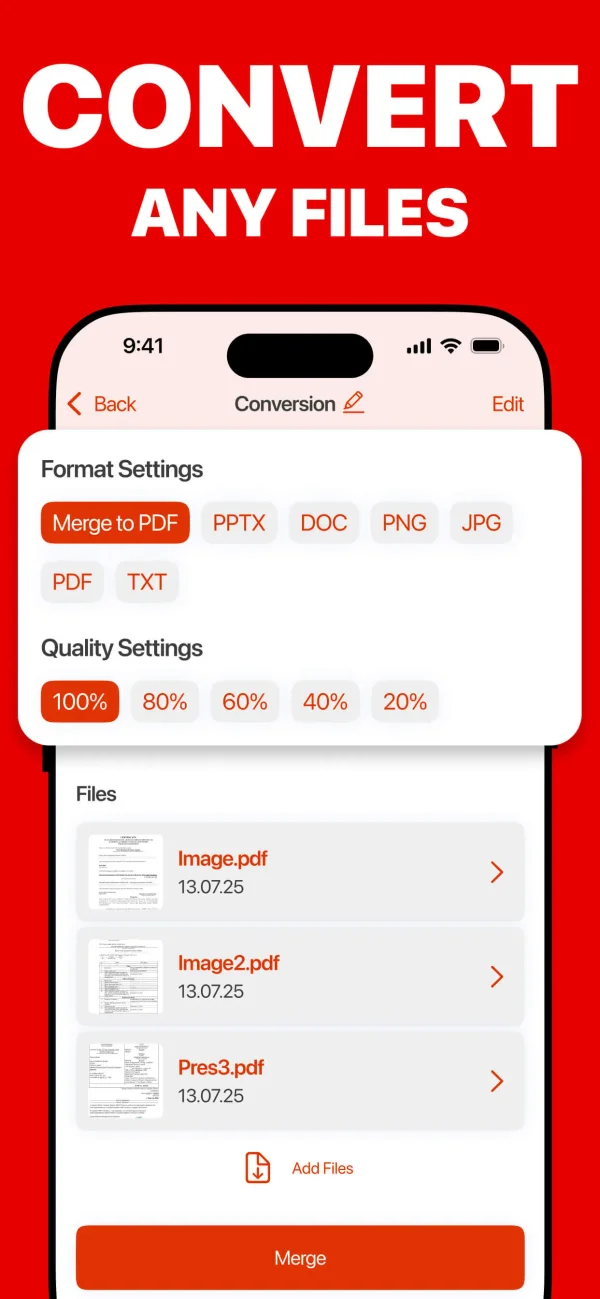
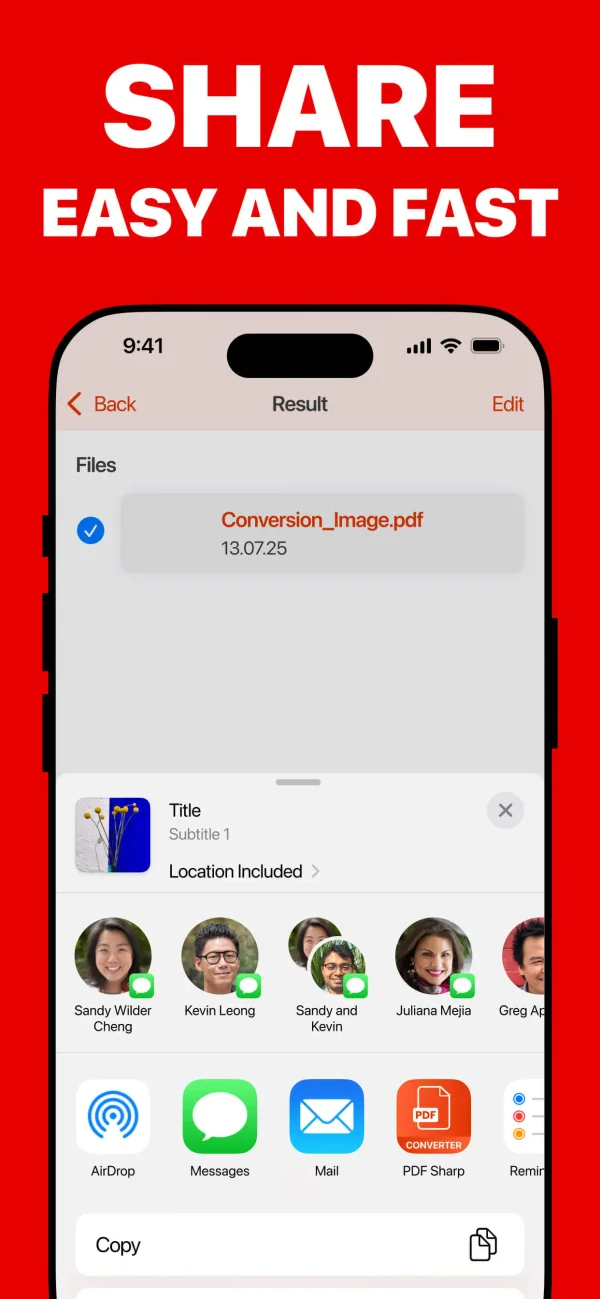
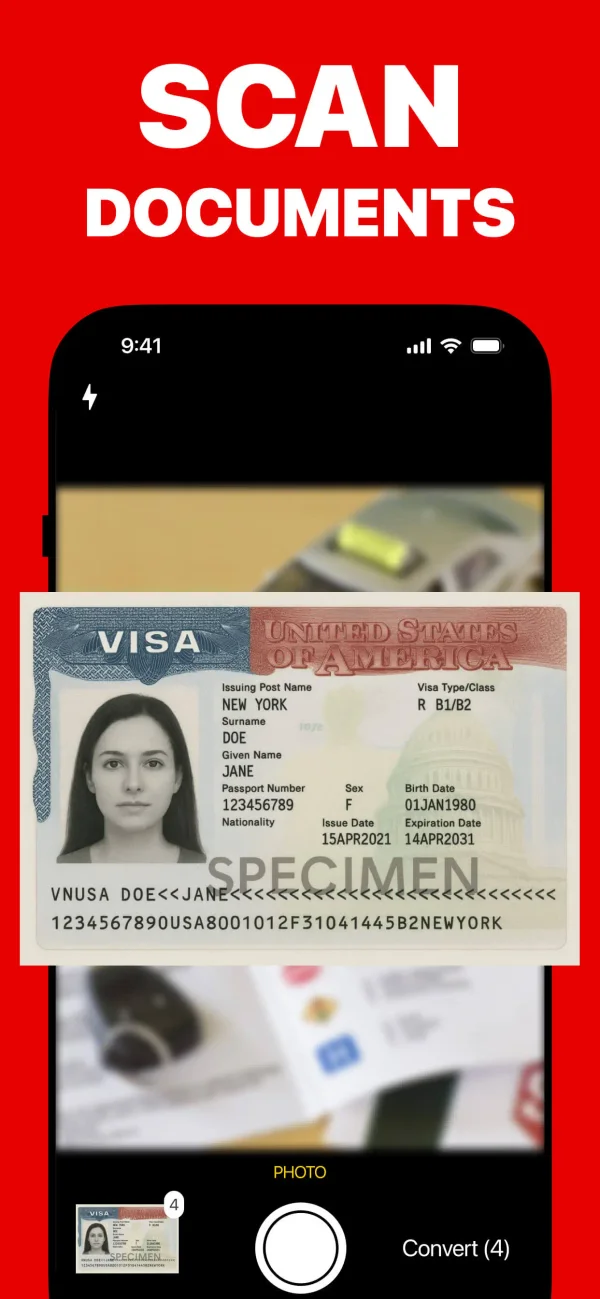
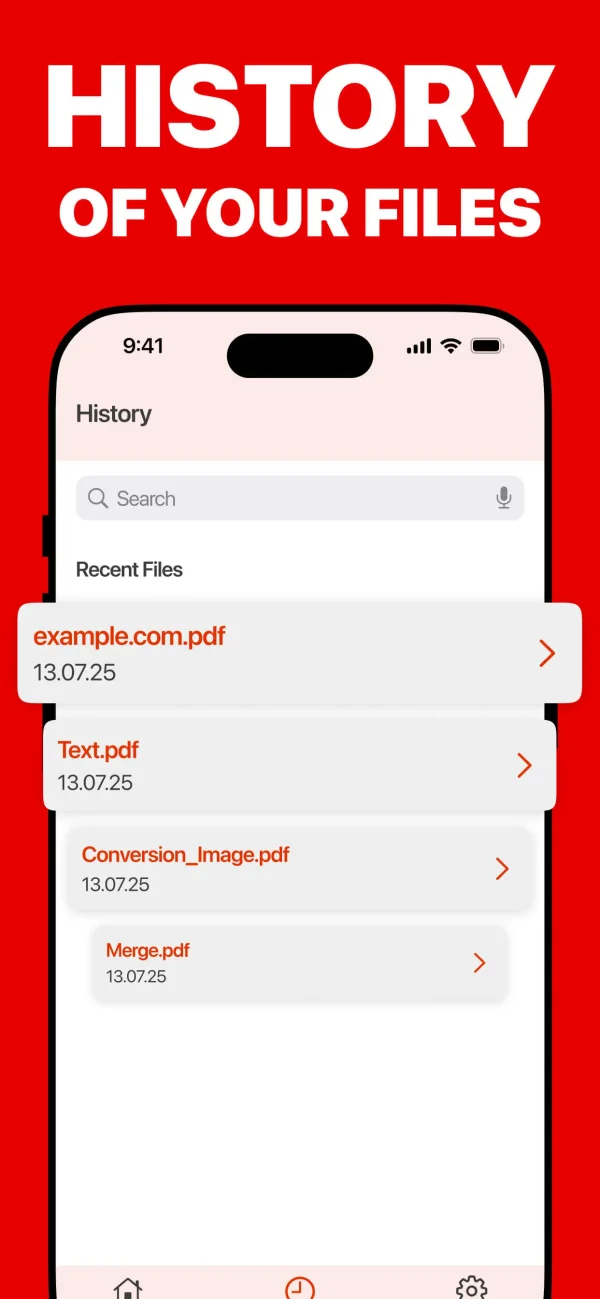
Our app is an all-in-one solution for effortlessly converting documents between multiple formats. Easily transform files to and from PDF, TXT, RTF, and HTML, and convert images such as JPG, PNG, and BMP into PDFs.
Quickly extract text from a variety of document types, and use built-in tools to draw or annotate directly on your PDFs. Our app offers a smooth and convenient way to manage and convert all your documents in one place.
Subscription Information:
Access to all features requires an active subscription, which you can manage or cancel at any time through your device’s subscription settings.
Privacy Policy Link: https://sites.google.com/view/pdfsharpapp/privacy-policy?authuser=1
Terms of Use Link: https://www.apple.com/legal/internet-services/itunes/dev/stdeula/
What’s new
Version 1.0.12 · Sep 11, 2026
Small improvements and adjustments
App privacy
What Julian Mayo declares on the App Store about how this app handles data.
-
Data not collected
The developer does not collect any data from this app.
Privacy practices may vary, for example with the features you use or your age.
Information
- Seller
- Julian Mayo
- Category
- Utilities
- Version
- 1.0.12
- Updated
- Sep 11, 2026
- Released
- Oct 29, 2025
- Size
- 90.3 MB
- Requires
- iOS 18.3 or later
- Age rating
- 4+
- Price
- Free
- In-app purchases
- Yes
- Languages
- English
- Copyright
- © Julian Mayo
You might also like
-
 PDF Converter: Convert to PDFㅤConvert photo,image,word,text
-
 Voice Memos - Voice RecorderㅤDictate, Record and Transcribe
-
 iSpeech - Dictation to TextAudio Transcription
-
 Notebook: Note TakingNotes: Writing, Search, Keep
-
 Clear Wave ‒ Water EjectSpeaker Cleaner and Remover
-
 Wallpapers 4K, HD & LiveAnime, Cute, Aesthetic, Cool
-
 Unzip Tool & File ExtractorUnrar, 7z & Zip Reader
-
 QR Code Read & ScanQR Code Generator for iPhone
-
 Reverse Audio: Voice ReverserBackwards Singing Recorder
-
 Unfollow Tracker and ReportsTrack Followers, Unfollowers