PDF Converter: PDF Compressor
Photo Convert to Document
Designed for iPhone, iPod touch
Free · In-app purchases
- Age rating4+
- CategoryUtilities
- DeveloperCOMPREHENSIVE SOLUTIONS FOR DIGITAL MARKETING AND SOFTWARE DEVELOPMENT LIMITED
- LanguagesEnglish
- Size44.2 MB
Links to the official App Store page
Download.org hosts no file of PDF Converter: PDF Compressor. The button opens its official App Store page, published by COMPREHENSIVE SOLUTIONS FOR DIGITAL MARKETING AND SOFTWARE DEVELOPMENT LIMITED. Listing last checked on Nov 15, 2026.
Screenshots
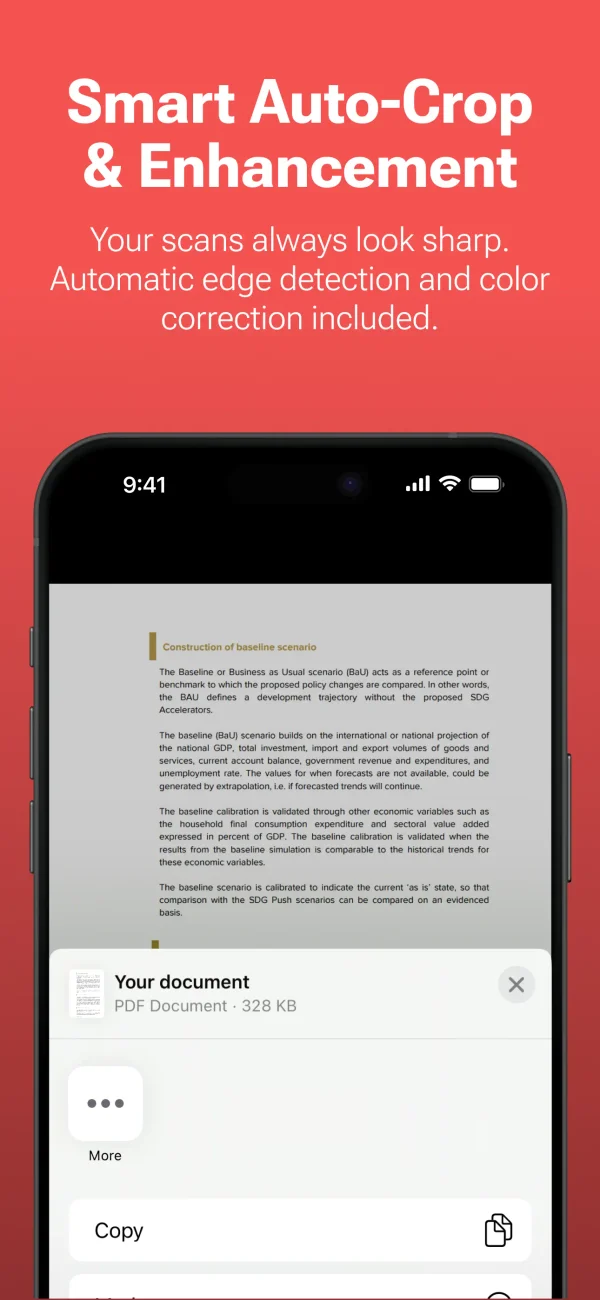
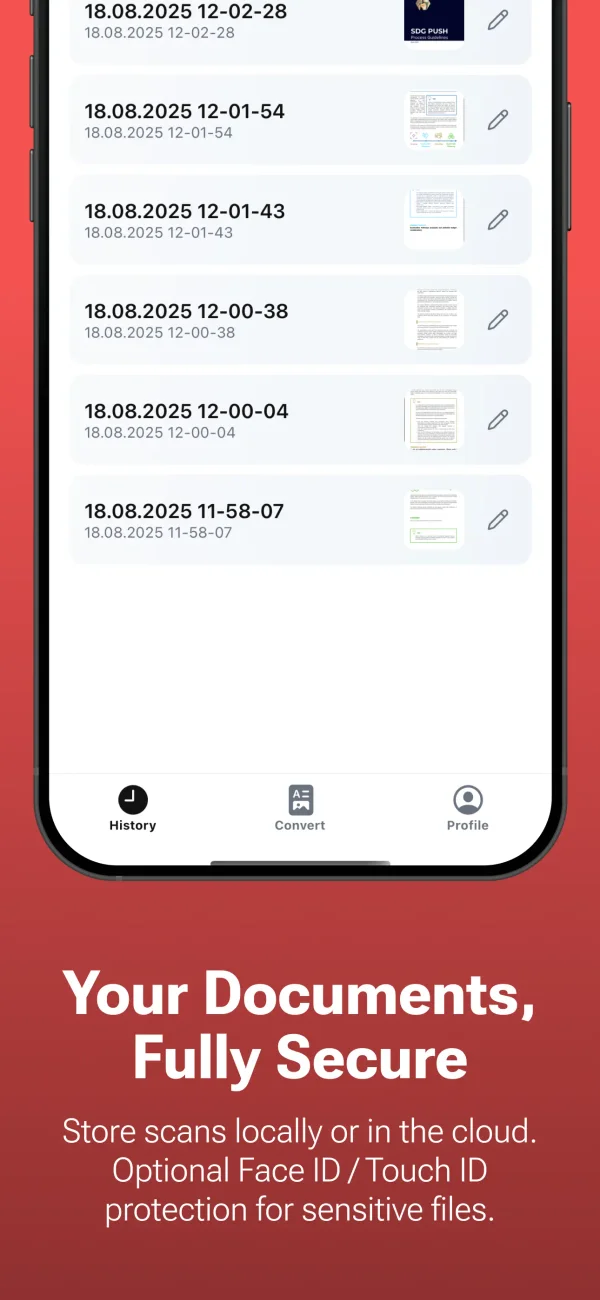
About
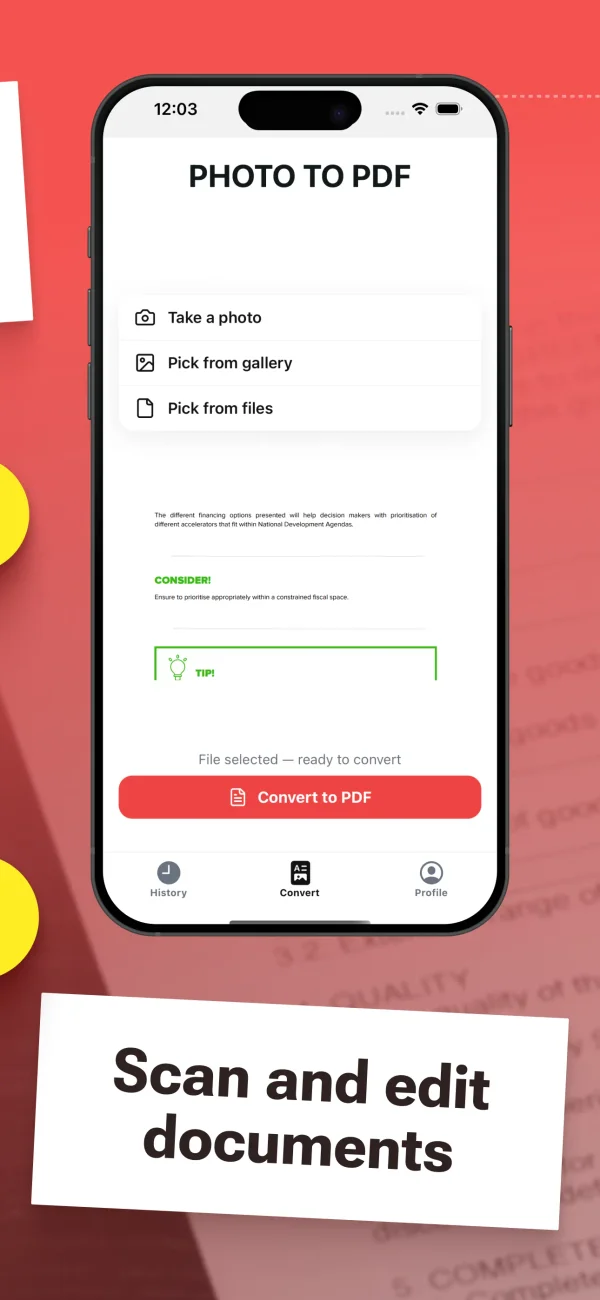
"Transform your device into a versatile digital document hub with this powerful PDF management tool. Effortlessly convert photos, documents, spreadsheets, presentations, and more into high-quality PDFs, ensuring your files are always in a professional and shareable format. Designed for both casual users and professionals, this app simplifies document handling, saving you time and eliminating the frustration of scattered files and incompatible formats.
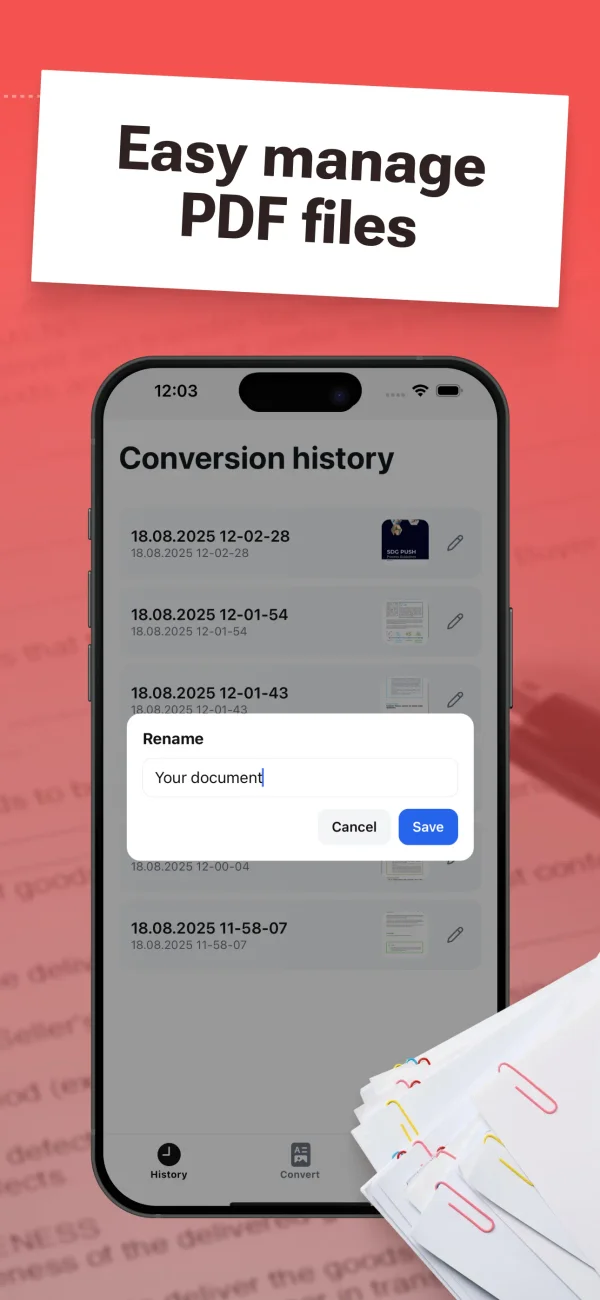
Enjoy a seamless workflow with comprehensive file organization features. Categorize, rename, and securely store your documents, keeping your personal and sensitive information protected at all times. Whether you're digitizing receipts, reports, textbooks, or creative projects, this tool ensures that every PDF is clear, precise, and easy to access whenever needed.
Take advantage of advanced editing capabilities, including annotation, text insertion, highlighting, and freehand drawing, allowing you to personalize and mark up your documents efficiently. Quickly merge multiple files, split large PDFs, compress oversized documents, and convert between formats like Word, Excel, PowerPoint, JPG, and HTML to PDF or vice versa.
Additional features enhance productivity and convenience:
- Fill out forms and sign documents digitally;
- Create invoices, CVs, or summaries instantly;
- Utilize OCR (Optical Character Recognition) for scanning printed text into editable digital content;
- Organize files into folders with effortless navigation;
- Apply passwords and encryption to protect your PDFs;
Unlock unlimited access to all features with a premium subscription:
- Including advanced conversions,
- Unlimited edits,
- Cloud integration, and priority support.
Premium Subscription:
- Week Membership.
Your subscription will auto-renew unless turned off at least 24 hours before the end of the current period. Manage your subscription anytime via your account settings, and enjoy a seamless experience with no restrictions on your document management.
Support and Data Privacy:
Go to privacy policy:https://sites.google.com/view/privacy-policy-pdf-converter-a
Visit our Terms of Use information:https://www.apple.com/legal/internet-services/itunes/dev/stdeula/
Reach out to our support team:m.geiger@martenuustal.digital
Take control of your digital documents today and experience a new level of efficiency, organization, and flexibility with this all-in-one PDF solution."
What’s new
Version 1.0.6 · Aug 27, 2025
- Bug fixes
App privacy
What COMPREHENSIVE SOLUTIONS FOR DIGITAL MARKETING AND SOFTWARE DEVELOPMENT LIMITED declares on the App Store about how this app handles data.
-
Data used to track you
May be used to track you across apps and websites owned by other companies.
- Identifiers
-
Data not linked to you
May be collected but is not linked to your identity.
- Identifiers
- Usage data
Privacy practices may vary, for example with the features you use or your age.
Information
- Seller
- COMPREHENSIVE SOLUTIONS FOR DIGITAL MARKETING AND SOFTWARE DEVELOPMENT LIMITED
- Category
- Utilities
- Version
- 1.0.6
- Updated
- Aug 27, 2025
- Released
- Aug 18, 2025
- Size
- 44.2 MB
- Requires
- iOS 15.1 or later
- Age rating
- 4+
- Price
- Free
- In-app purchases
- Yes
- Languages
- English
- Copyright
- © Marten Geiger
You might also like
-
 PDF Editor-Converter & ViewerScan Documents: Reader & Maker
-
 PDF Scanner: Editor & ReaderFile Converter & Scan: Photos
-
 Invoice Maker: Bill Generator.Make Receipt Smart Estimate
-
 Measuring Tape AR.Level Tool, Ruler, AR Measure
-
 Suspicious Device Cam DetectorWiFi & Bluetooth Bug Detection
-
 PDF Maker • Editor & ConverterConvert Image: Scanner Reader
-
 Bluetooth BLE Finder & ScannerLost Device Monitor: Find Scan
-
 Authenticator App - 2FA TotpMFA Authentication 2 Factor
-
 Authenticator: Secure 2FA Auth2 Factor Authentication: MFA
-
 Find Lost Device - iLocatorBluetooth Tracker Air Scanner