PDF Converter ™
Photos to PDF, PDF Scanner
Designed for iPhone, iPod touch
Free · In-app purchases
- Age rating4+
- CategoryProductivity
- DeveloperEcoli
- LanguagesEnglish+ 32 more
- Size36.5 MB
Links to the official App Store page
Download.org hosts no file of PDF Converter ™. The button opens its official App Store page, published by Ecoli. Listing last checked on Nov 12, 2026.
Screenshots


About
Convert, scan, edit, and manage PDFs — all in one place.
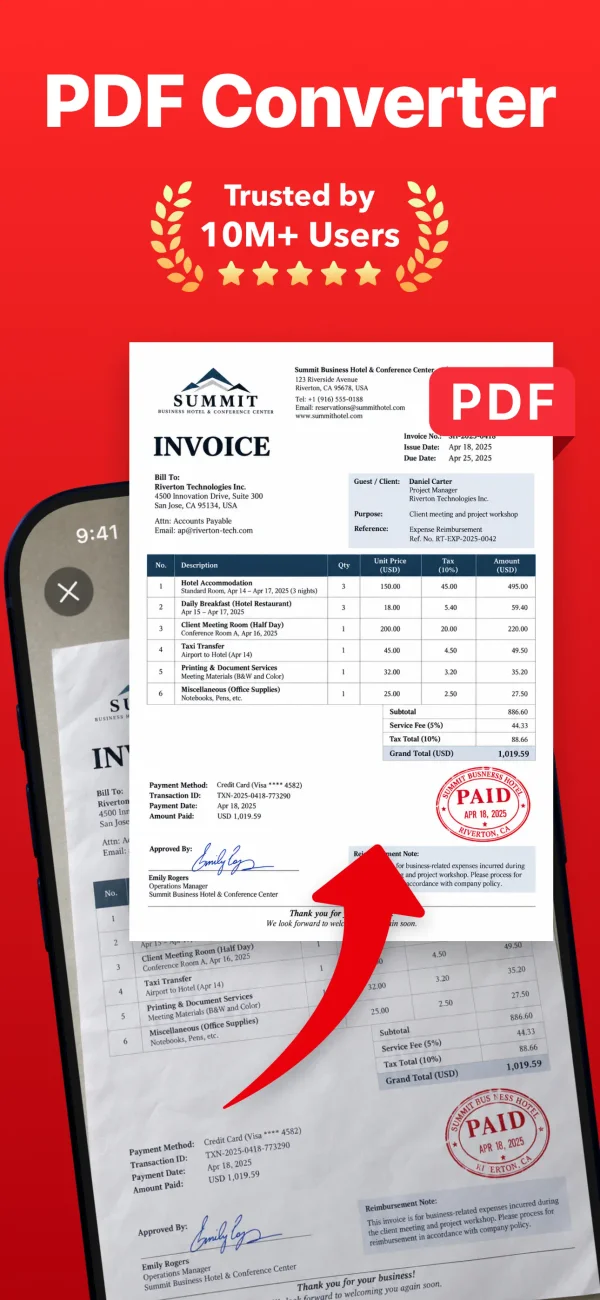
PDF Converter helps you handle everyday document tasks quickly. Convert files to and from PDF, scan documents, extract text with OCR, compress files, sign PDFs, and organize pages with ease.
CONVERT TO & FROM PDF
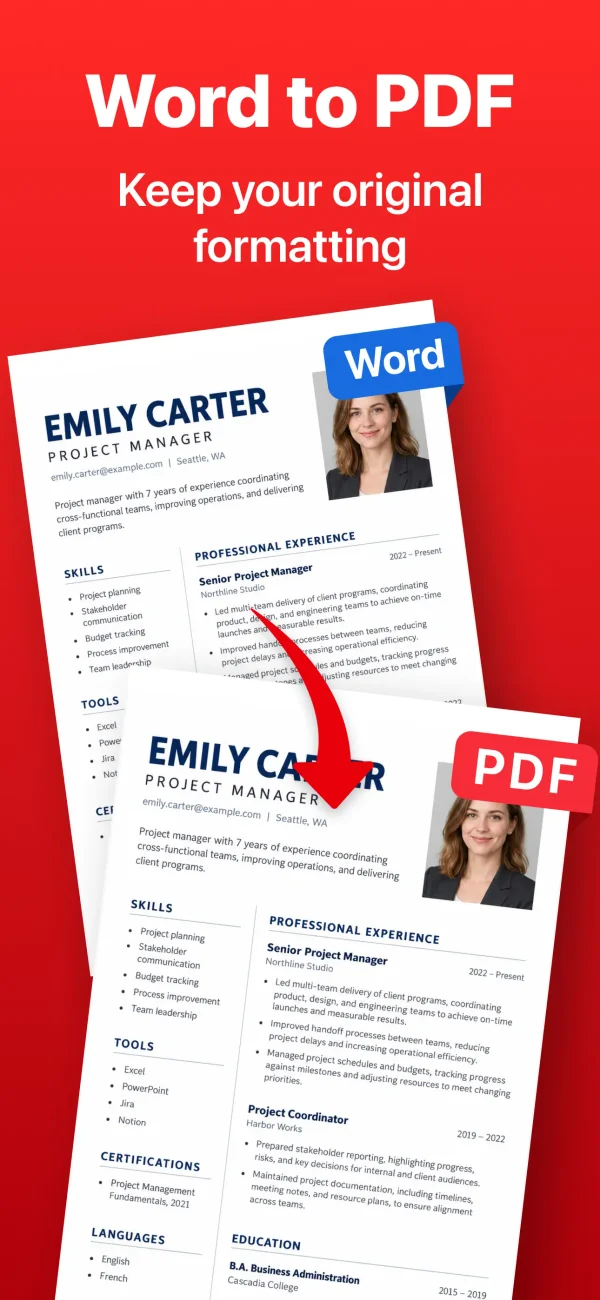
Convert between PDF and popular formats:
• Images & photos
• Word
• Excel
• PowerPoint
• Text
• Webpages
Create PDFs from files, photos, or typed text, and export PDFs to Word, images, text, Excel, or PowerPoint.
SCAN & OCR
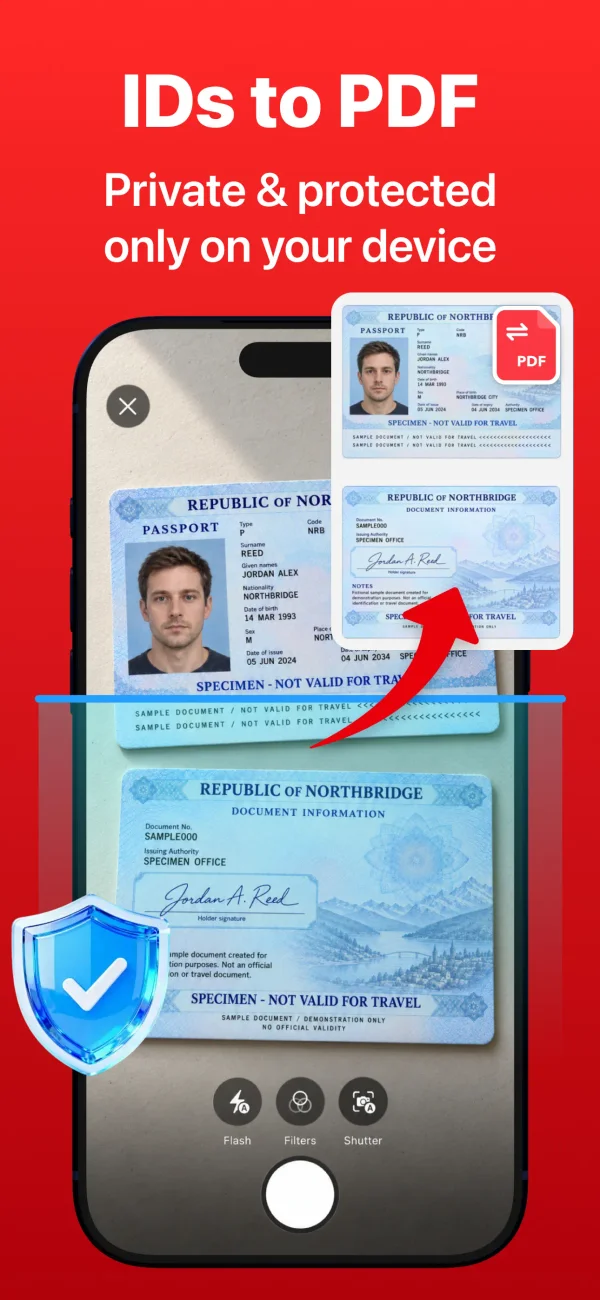
Scan documents, receipts, notes, and forms with your camera.
Extract text from scans and images with OCR.
Turn scanned files into clear, high-quality PDFs.
PHOTO & TEXT TO PDF
Turn photos, screenshots, typed text, or pasted content into clean PDF files.
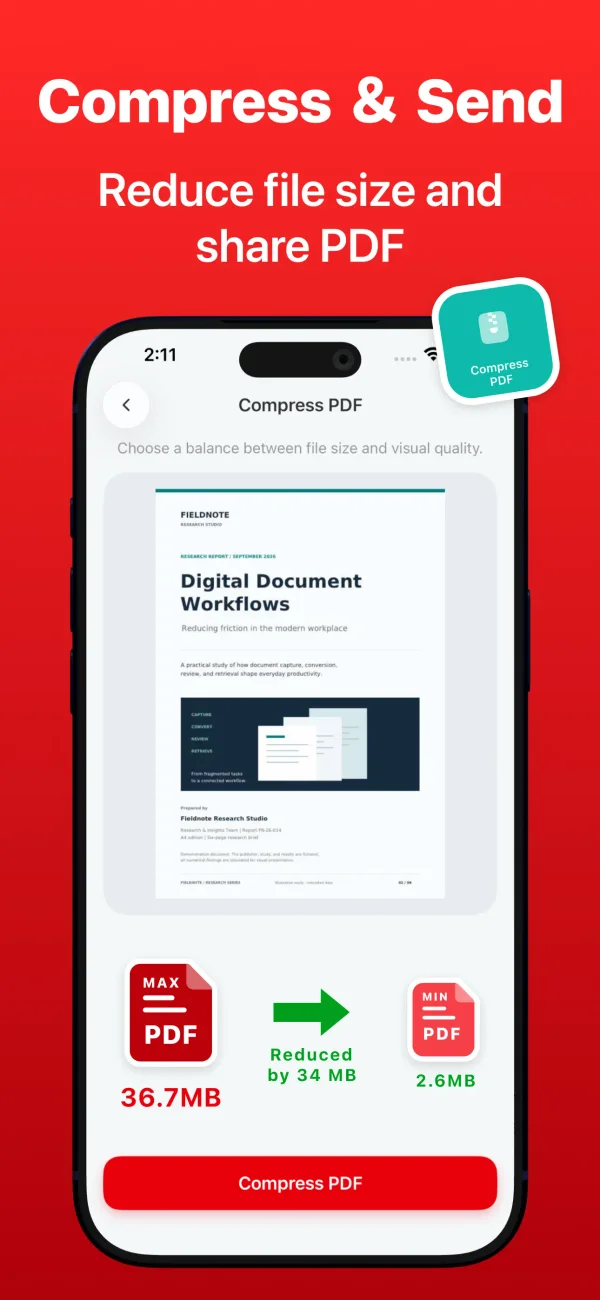
COMPRESS PDF
Reduce PDF file size for easier sharing, uploading, and storage.
ANNOTATE & SIGN
Add notes, markups, and signatures directly to your PDFs.
MANAGE PDF PAGES
• Reorder pages
• Delete pages
• Merge PDFs
• Split PDFs
Keep your files organized with folders, recents, favorites, and search.
PDF CONVERTER PRO
Unlock unlimited access to PDF tools and premium features.
Payment will be charged to your Apple ID account upon confirmation of purchase. Subscriptions automatically renew unless canceled at least 24 hours before the end of the current subscription period. Manage or cancel your subscription in your App Store account settings.
Privacy Policy: https://pdfc.ecolii.com/privacy
Terms of Use: https://pdfc.ecolii.com/terms
What’s new
Version 1.2 · Oct 14, 2026
• All-New Design:A simpler, fresh look that is much easier to use.
• Faster & Better Conversion: Enjoy faster speeds and higher accuracy for all your PDF needs. Update now!
App privacy
What Ecoli declares on the App Store about how this app handles data.
-
Data used to track you
May be used to track you across apps and websites owned by other companies.
- Identifiers
-
Data not linked to you
May be collected but is not linked to your identity.
- Identifiers
Privacy practices may vary, for example with the features you use or your age.
Information
- Seller
- Ecoli Limited
- Category
- Productivity
- Version
- 1.2
- Updated
- Oct 14, 2026
- Released
- Nov 15, 2023
- Size
- 36.5 MB
- Requires
- iOS 15.0 or later
- Age rating
- 4+
- Price
- Free
- In-app purchases
- Yes
- Languages
- English, Arabic, Catalan, Croatian, Czech, Danish, Dutch, Finnish, French, German, Greek, Hebrew + 21 more
- Copyright
- © 2023 Ecoli Limited.
You might also like
-
 PDF Converter : PDF To Word •Photos to PDF & Word To PDF
-
 FreePDF: PDF Converter & ScanPDF Tools Converter Scanner
-
 PDF Converter: Sign & EditPhotos & Docs to All Formats
-
 PDF to Word Convert: PapivoEditor, Merge & Compress File
-
 PDF Reader: Convert & EditProductivity
-
 PDF Converter. Photo to PDFConvert Word Documents to PDF
-
 PDF it All Document ConverterCompress PDF Photos,Files,Word
-
 Free PDF Editor, Converter AppReader Maker Pro: Edit & Sign
-
 PDF Converter- Photos & WordPhotos to PDF & Scan Docs
-
 PDF Converter ©Photo to PDF