PDF Docs PDF Scanner
Document Scanner & PDF Reader
Designed for iPhone, iPad
Free · In-app purchases
- Age rating4+
- CategoryProductivity
- DeveloperHazel Mobile
- LanguagesEnglish+ 20 more
- Size34.2 MB
Links to the official App Store page
Download.org hosts no file of PDF Docs PDF Scanner. The button opens its official App Store page, published by Hazel Mobile. Listing last checked on Nov 17, 2026.
Screenshots

About
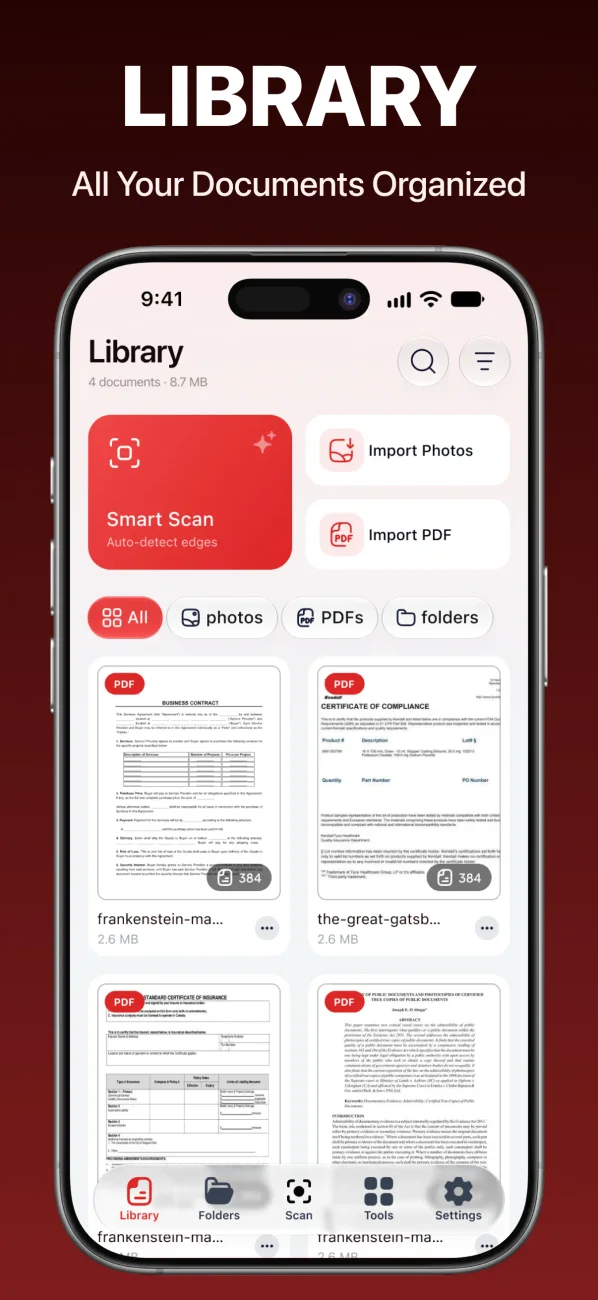
PDF scanner app is the ultimate tool for anyone who needs to scan documents and save them as PDF files. It is designed with advanced image processing technology that ensures your scans are always clear, sharp, and professional-looking. Here are some of the features that make this PDF app stand out from the rest:
1) Easy to use: It is incredibly easy to use, even if you're not tech-savvy. With just a few taps, you can quickly scan your document and save it as a PDF file.
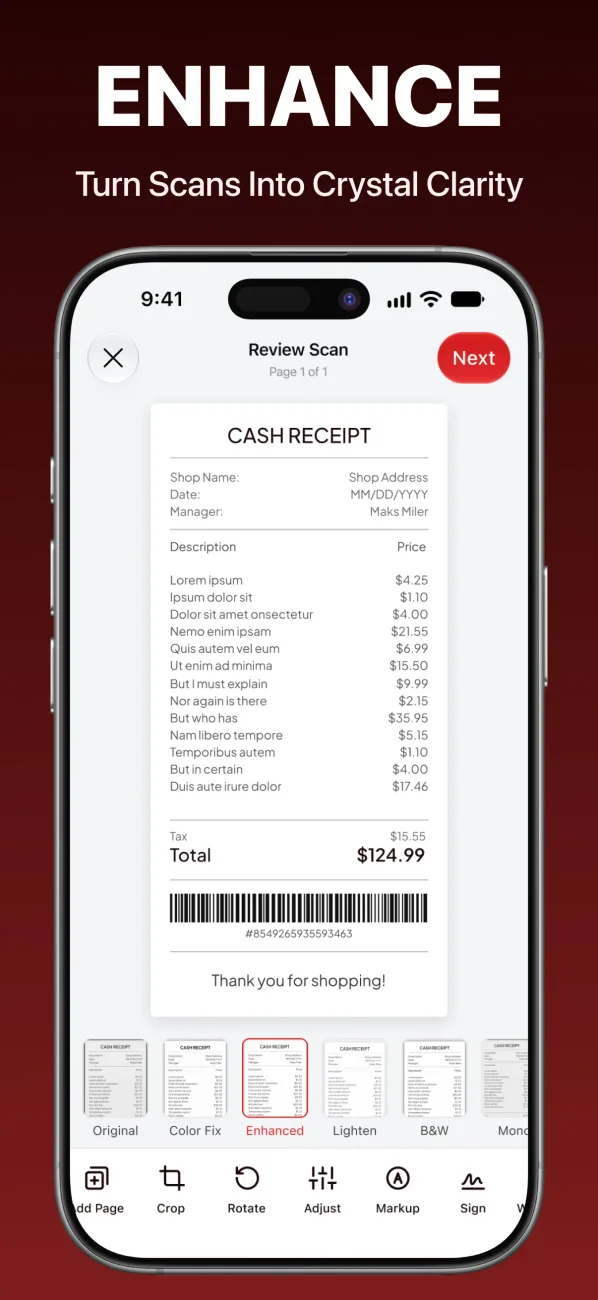
2) High-quality scans: The app uses advanced image processing technology to ensure your scans are always high-quality, with clear text and sharp images.
3) Adjustable settings: You can easily adjust settings such as resolution, color mode, and file size to get the perfect scan every time.
4) Batch scanning: Need to scan multiple pages? No problem! DocuScan allows you to scan multiple pages and save them as a single PDF file.
5) Cloud integration: You can save your scans to the cloud for easy access from any device.
6) Share and export: DocuScan allows you to easily share your scanned documents via email, messaging apps, or social media. You can also export your scans to other file formats such as JPG or PNG.
7) Secure and private: It uses encryption to ensure your scanned documents are safe and secure. You can also set a passcode to protect your scans from prying eyes.
Wherever you are, easily scan photos, texts, and documents into high-quality PDF and JPEG files with this app. Powered by OCR technology, the scanner allows you to easily digitize books, business cards, and receipts and access them. You can quickly share your scanned documents effortlessly. DocuScan is the perfect solution for all your scanning needs.
Privacy Policy: https://hazelmobile.com/privacy-policy-ios/
Terms of Use: https://www.apple.com/legal/internet-services/itunes/dev/stdeula/
We’d love to hear from you! Please help us make our DocuScan: PDF Scanner & Maker App even better.
What’s new
Version 2.0.1 · Nov 6, 2026
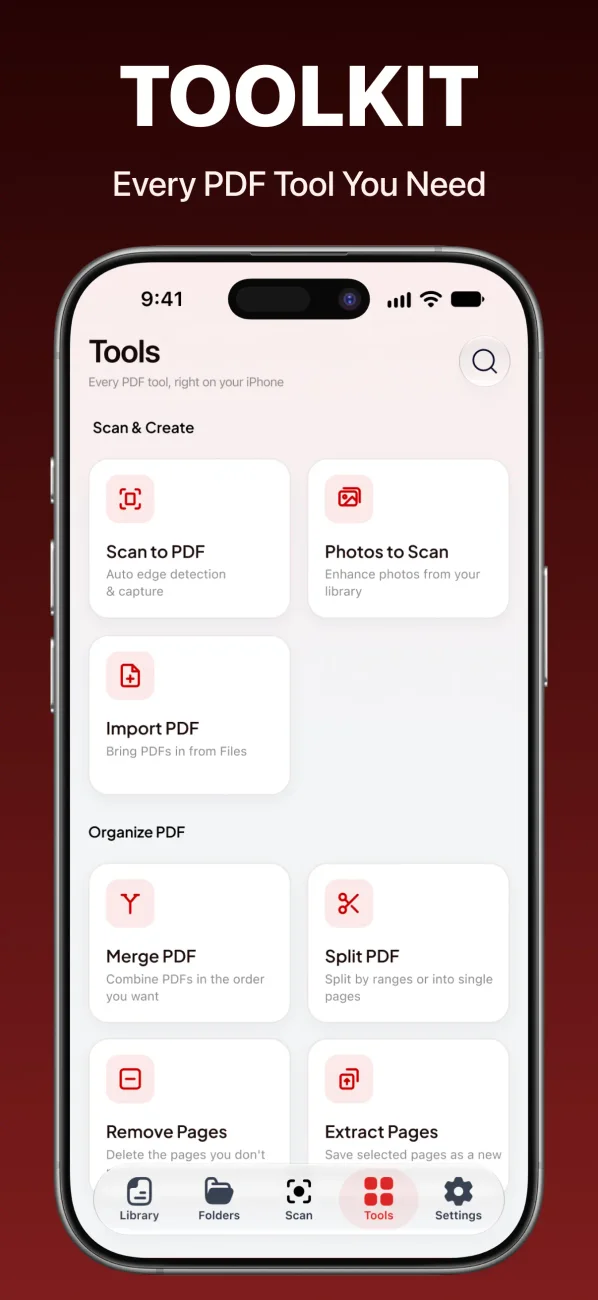
Improved Translate feature in Tools.
Bugs fixes in Editors
New app icons added in current icons list.
Overall app UI improvement and fixes.
App privacy
What Hazel Mobile declares on the App Store about how this app handles data.
-
Data used to track you
May be used to track you across apps and websites owned by other companies.
- Location
- Identifiers
- Usage data
- Diagnostics
-
Data linked to you
May be collected and linked to your identity.
- Location
- Identifiers
- Usage data
- Diagnostics
Privacy practices may vary, for example with the features you use or your age.
Information
- Seller
- Hazel Mobile
- Category
- Productivity
- Version
- 2.0.1
- Updated
- Nov 6, 2026
- Released
- Feb 18, 2022
- Size
- 34.2 MB
- Requires
- iOS 17.6 or later
- Age rating
- 4+
- Price
- Free
- In-app purchases
- Yes
- Languages
- English, Arabic, Bengali, Dutch, French, German, Hindi, Indonesian, Italian, Japanese, Korean, Persian + 9 more
- Copyright
- © Hazel Mobile private Ltd.
You might also like
-
 Scan Documents to PDF l by TSPCamera scanner, text OCR &sign
-
 PDF Scanner: Photo & DocumentScan & convert to Word, Excel
-
 Photo to PDF, PDF ConverterPhoto to pdf converter offline
-
 Document Scanner & TranslateScan to PDF, Word & Excel, OCR
-
 IMG2PDF: Convert Image to PDFImage to PDF Converter
-
 Scan Now - PDF Scanner AppPhoto PDF & Document converter
-
 Picture to PDF - Image ConvertPhoto to PDF & HEIC Converter
-
 Scanner - convert photo to pdfSign jpg image, ai chat pdf
-
 Scanner Mobile-Scan to PDF/JPGCam Document & Photo Scanning
-
 Photo to PDF - Image ConverterConvert JPG & PNG Pic to PDF