PDF Document Scanner App +
Digital Mobile Doc Scan Pro
Designed for iPhone, iPad
Free · In-app purchases
- Age rating4+
- CategoryBusiness
- DeveloperAleksandr Nesterov
- LanguagesEnglish+ 13 more
- Size37.3 MB
Links to the official App Store page
Download.org hosts no file of PDF Document Scanner App +. The button opens its official App Store page, published by Aleksandr Nesterov. Listing last checked on Nov 14, 2026.
Screenshots
About
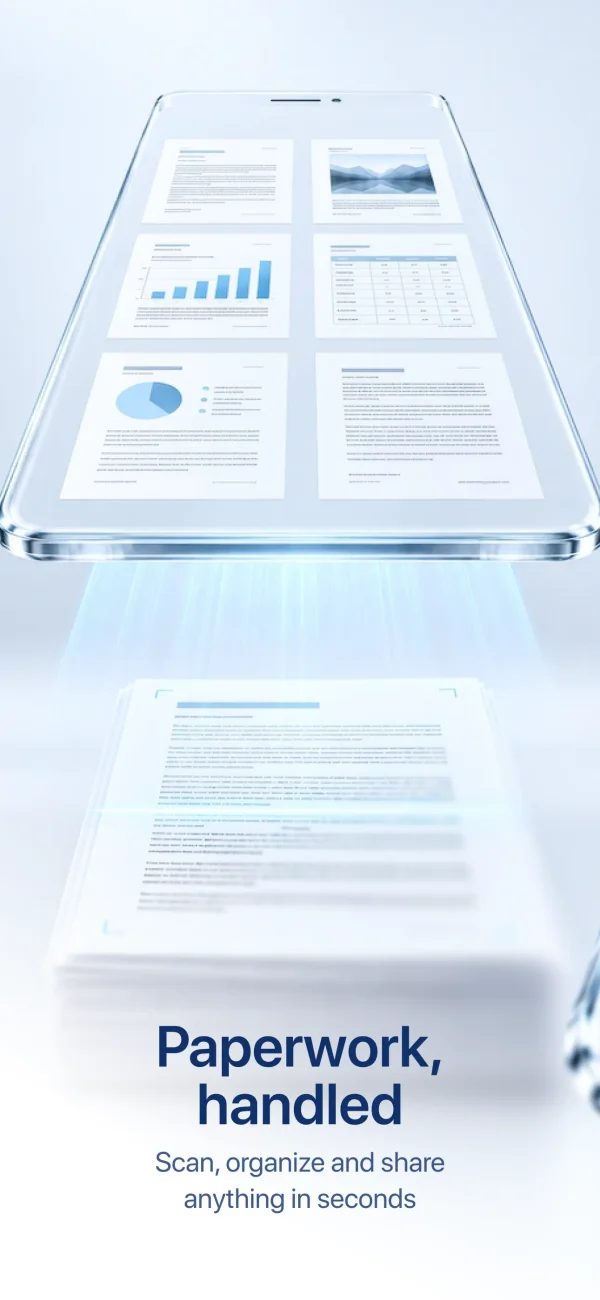
Scan documents to clean PDFs in seconds. Scanner finds the edges, removes shadows and straightens every page. Scanning and PDF export are free.
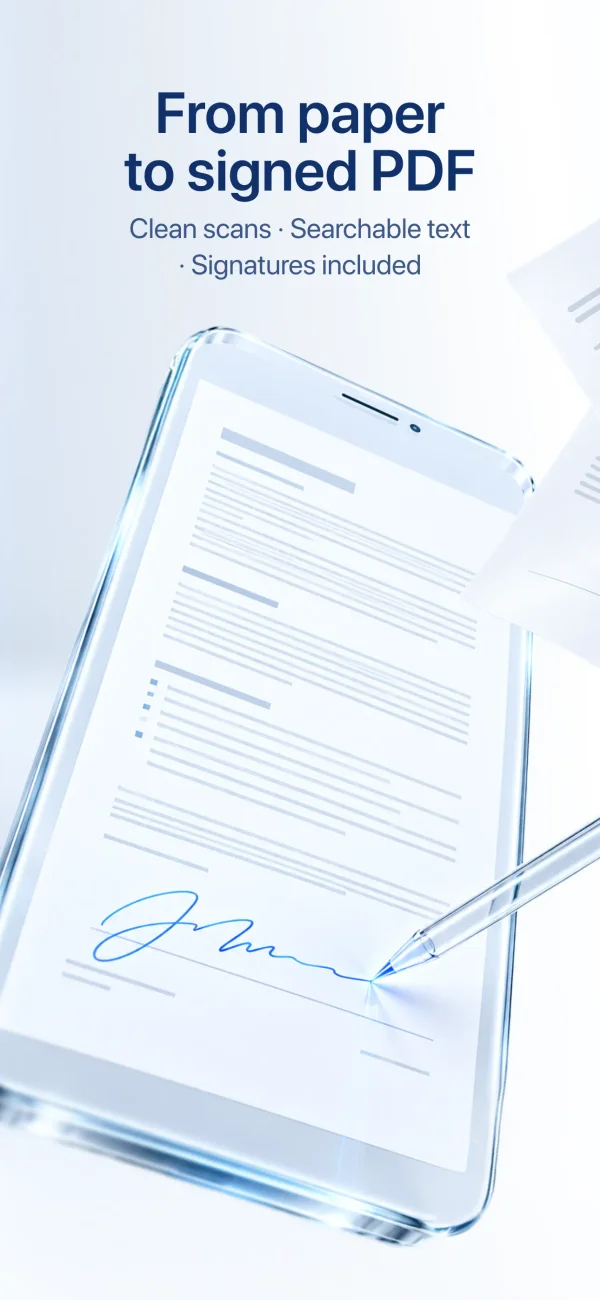
Sign without printing, find any word inside your scans and lock a PDF with a password. Paperwork done right on your iPhone.
Scan
• Automatic edge detection, perspective correction and shadow removal
• Multi-page documents in one go
• Original, Auto, Color and Black & White filters
• Import from Photos, Files and iCloud Drive: PDF, JPG, PNG
Edit and organize
• Crop, rotate, reorder and replace pages
• Merge documents or split one into several
• Match Pages gives every page the same clean look
• Add a text watermark such as “Confidential”
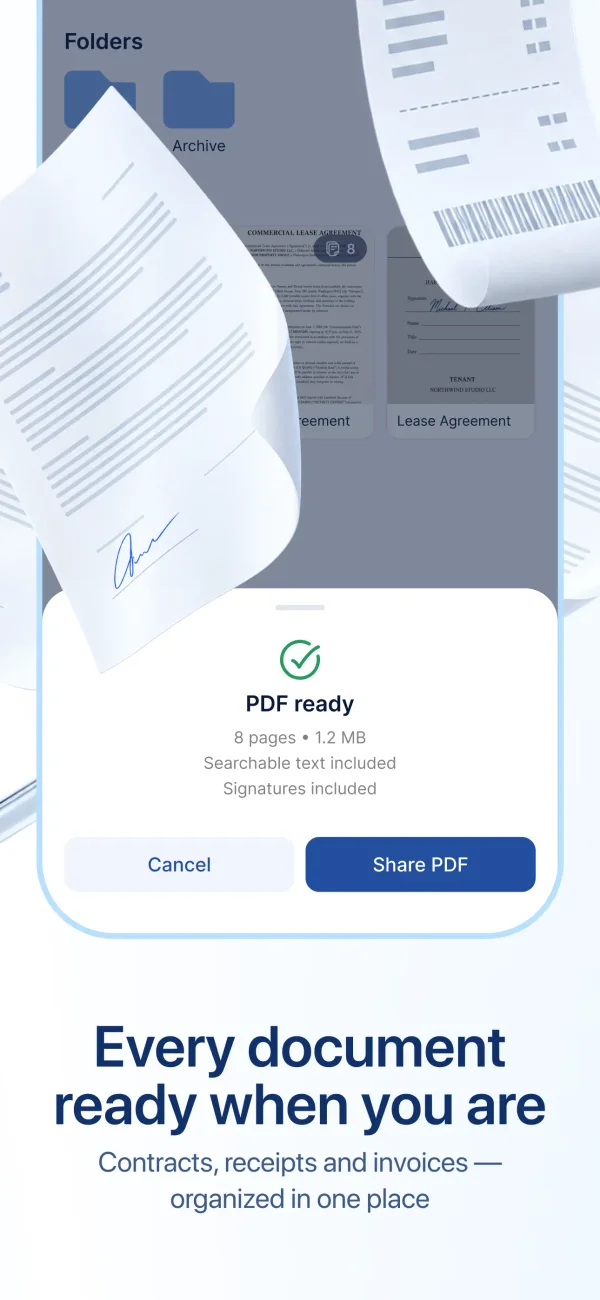
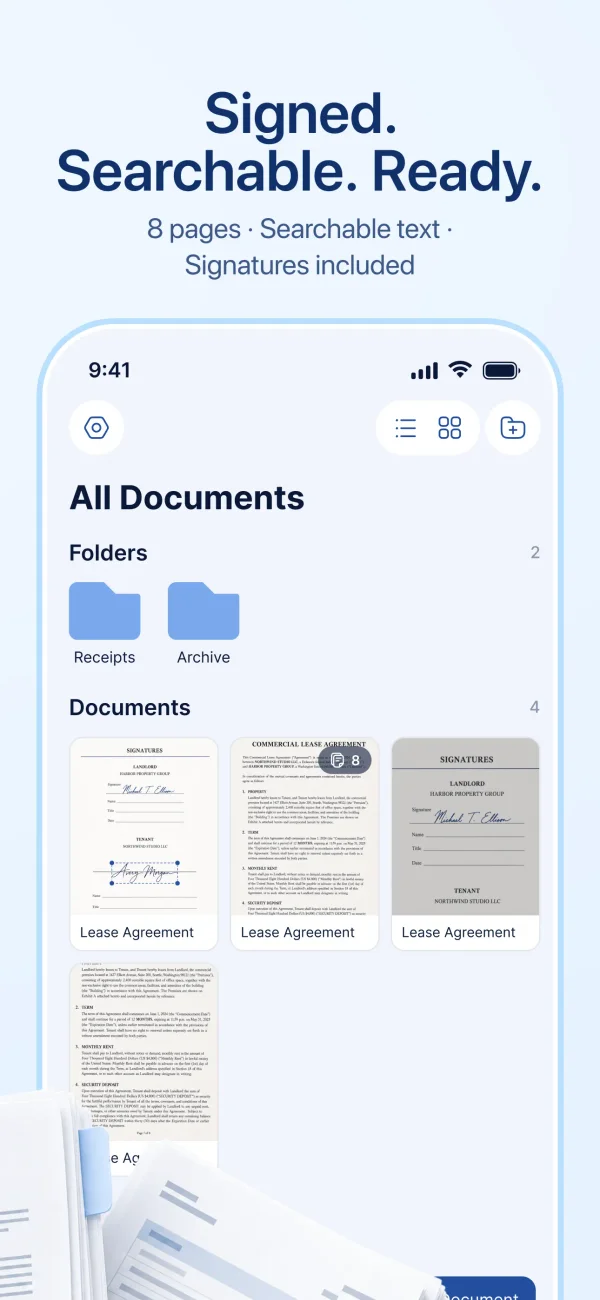
• Folders, rename, move and duplicate
Find text
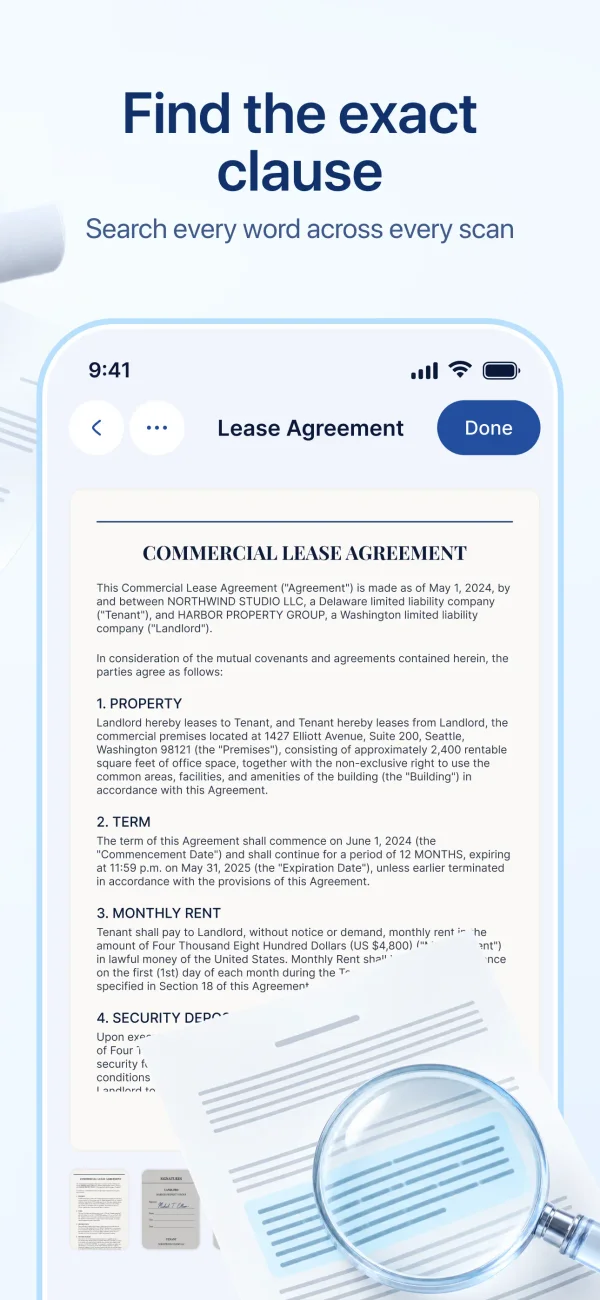
• Text recognition runs on your iPhone
• Search any word across your scans, like an invoice number or a name
• Copy text from a page
• Export searchable PDFs
Sign and send
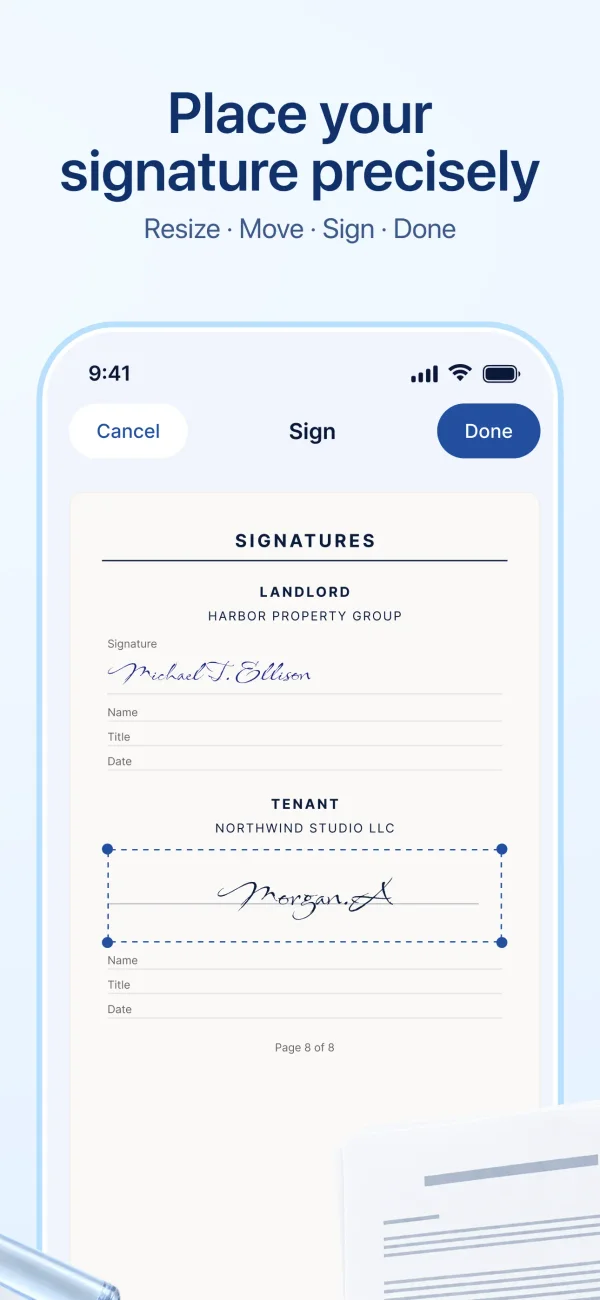
• Sign right on the page and save reusable signatures
• Add text, dates and notes
• Protect a PDF with a password. Scanner never stores it
• Share by Mail, Messages, AirDrop or save to Files
Works for receipts, invoices, contracts, IDs, forms, school notes and books.
Scanner Pro — from $4.99 a week
Scanning, editing and basic PDF export stay free with no document limit. Pro unlocks searchable PDFs, library search, password-protected PDFs, signed export and Match Pages. Try each Pro feature once for free.
Plans: weekly, yearly (from $24.99) or a one-time lifetime purchase ($99.99). The yearly plan may include a free trial. If it does, you will see its terms before you pay. Prices are for the US; the App Store shows the price in your local currency.
Payment is charged to your Apple ID at confirmation of purchase. Subscriptions renew automatically unless cancelled at least 24 hours before the end of the current period. Your account is charged for renewal within 24 hours before the period ends. Manage or cancel in your App Store account settings.
Terms of Use: https://nestore.co/terms
Privacy Policy: https://nestore.co/privacy
What’s new
Version 2.0.2 · Oct 6, 2026
Scanner 2.0 is a big update.
• No document limit. Scanning, editing and PDF export are free
• Search inside your scans: Scanner recognizes text right on your iPhone. Find an invoice number or a name across all your scans, copy text from a page, save searchable PDFs
• Password-protected PDFs. Scanner never stores the password
• New editor: undo and redo, revert to original, Original, Auto, Color and B&W filters
• Easier page organizing: drag to reorder, select several pages at once, replace a page from the camera, Photos or Files
• Merge and split documents
• Match Pages gives every page the same clean look
• Text watermarks
• New design and a new icon
We'd love to hear your feedback!
App privacy
What Aleksandr Nesterov declares on the App Store about how this app handles data.
-
Data not collected
The developer does not collect any data from this app.
Privacy practices may vary, for example with the features you use or your age.
Information
- Seller
- ALEKSANDR NESTEROV, IE
- Category
- Business
- Version
- 2.0.2
- Updated
- Oct 6, 2026
- Released
- Aug 30, 2020
- Size
- 37.3 MB
- Requires
- iOS 16.0 or later
- Age rating
- 4+
- Price
- Free
- In-app purchases
- Yes
- Languages
- English, Arabic, French, German, Indonesian, Japanese, Korean, Portuguese, Russian, Simplified Chinese, Spanish, Thai + 2 more
- Copyright
- © NeStore
You might also like
-
 E-signature PDF: sign documentDigital Docs Signer App
-
 Signature Maker: Scan&Sign PDFDoc scanner, photo converter
-
 Signature Creator: Signing appElectronic Signature Generator
-
 Sign Documents: SignicaYour Signature, Digitized
-
 PDF Signature - eSignFill and Sign Documents
-
 Signature Scanner - Esign AppSign Scan Online & Electronic
-
 Контур.ПодписьBusiness
-
 PDF Scanner - Sign DocumentSignature Maker & PDF Editor
-
 SignScan: PDF Signer & ScannerSignature Creator & Editor
-
 PDFEsign.com PDF E-SignPDFEsign.com PDF E-Sign