PDF Edit: Document Editor
Sign, scan, photos to text
Designed for iPhone, iPad, iPod touch
Free · In-app purchases
- Age rating4+
- CategoryBusiness
- DeveloperYaroslav Ermolaev
- LanguagesEnglish+ 33 more
- Size69.2 MB
Links to the official App Store page
Download.org hosts no file of PDF Edit: Document Editor. The button opens its official App Store page, published by Yaroslav Ermolaev. Listing last checked on Nov 14, 2026.
Screenshots

About
Fix PDF text, fill out forms and add your signature on iPhone and iPad. Turn scans and photos into documents with editable text.
PDF Edit helps you get paperwork ready to send from wherever you are: correct details, sign a page, combine documents and save the result as a PDF.
EDIT EXISTING PDF CONTENT
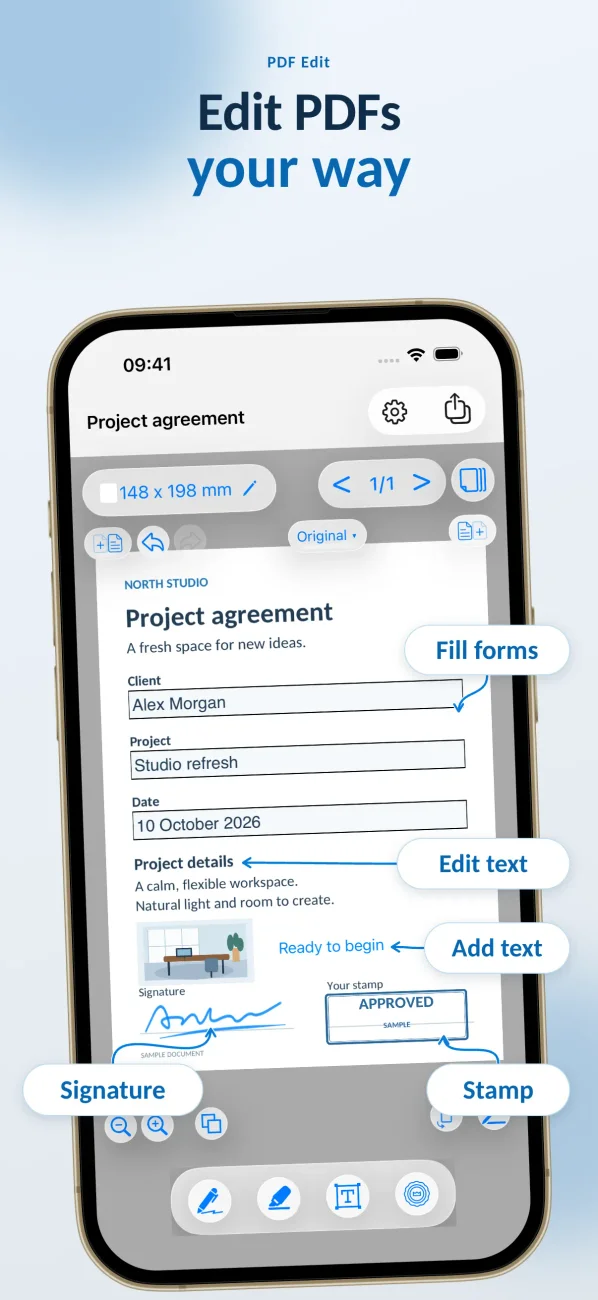
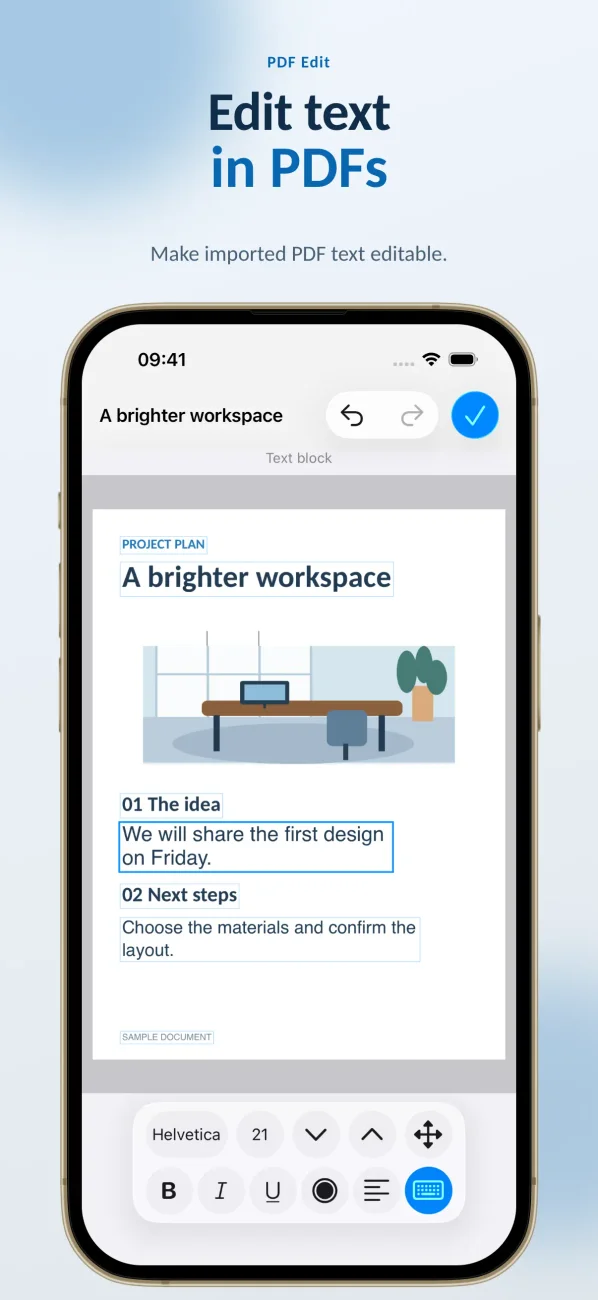
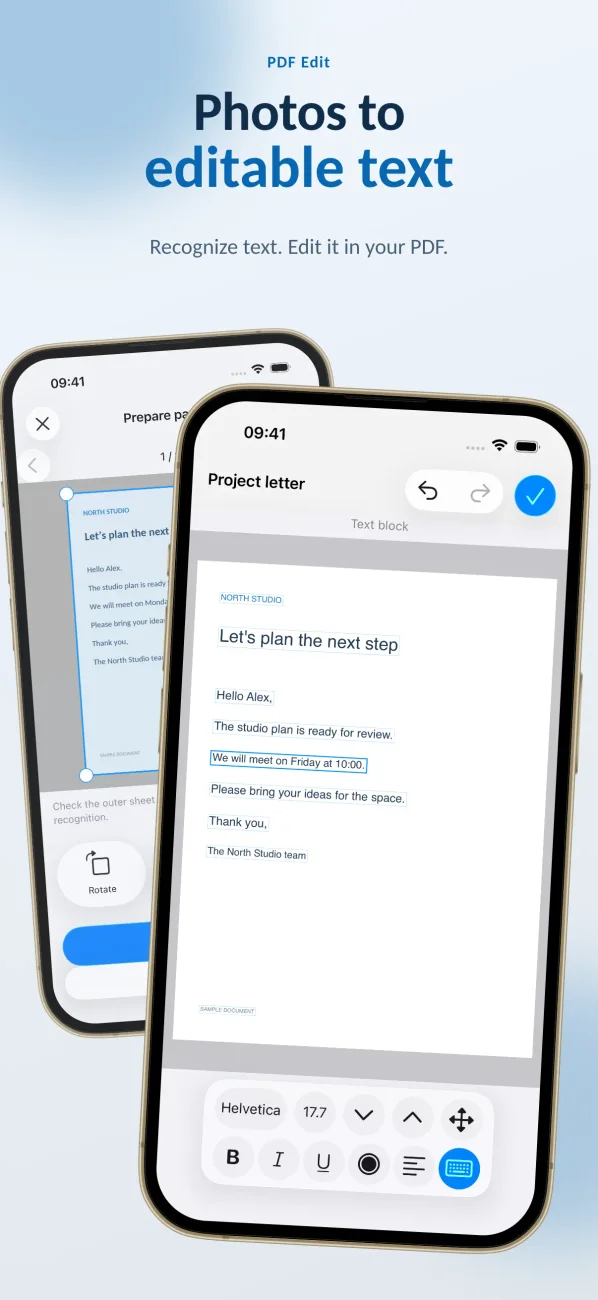
Change text already in a PDF, as well as adding new text. Open a PDF in editable mode and adjust the font, size, color and alignment. Move, rotate, resize or delete objects available for editing, including text, images and graphics. Switch between the original and editable versions.
FILL FORMS AND SIGN
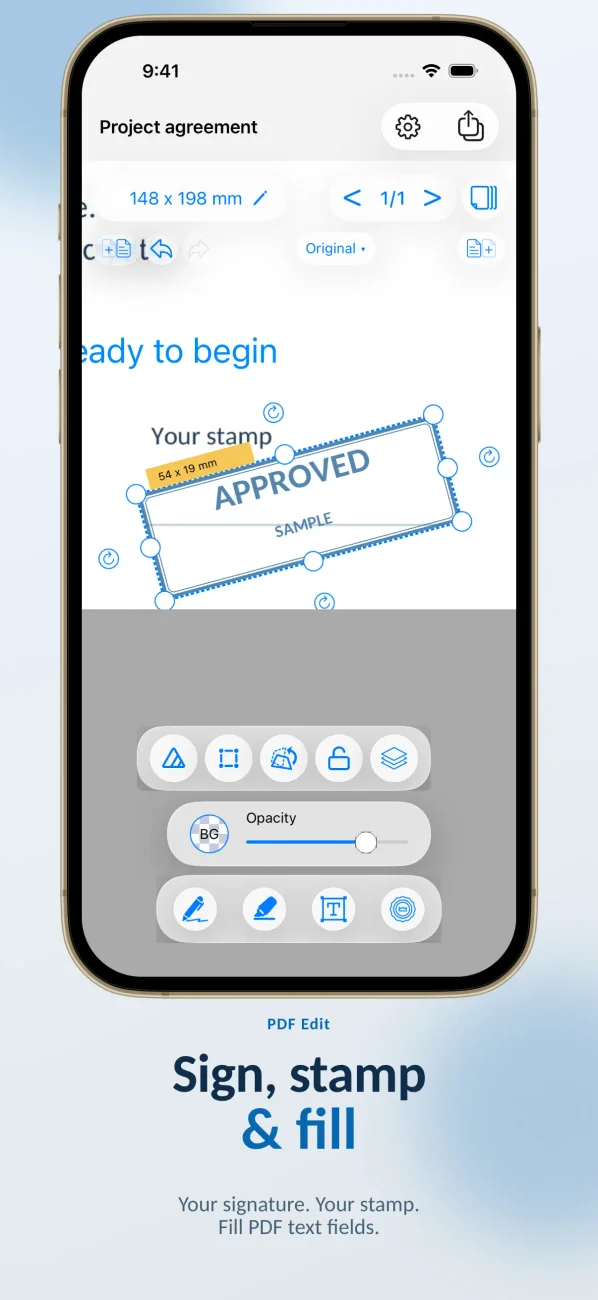
Draw a handwritten signature with your finger or Apple Pencil. Fill in PDF text fields or add text to ordinary forms. Insert drawings, images and your own image stamps. Remove unwanted image backgrounds before adding them to a page.
TURN SCANS INTO TEXT
Scan paper documents with the camera or open existing photos. Recognize text across a whole page or in selected areas, then edit the result. Work with scanned PDFs, too.
IMPORT OFFICE DOCUMENTS
Open DOC, DOCX, ODT and RTF files, edit their text and save the result as a PDF. Build multipage documents from photos. Import files from Files, email and messaging apps using the Share menu.
ORGANIZE YOUR PAGES
Merge several PDFs into one document. Add, delete, reorder and rotate pages. Create blank pages in the size you need and choose a background color. Undo and redo changes as you edit.
KEEP FILES READY TO SHARE
Organize documents and images in folders and mark frequently used items as Favorites. Send finished PDFs to other apps and print with AirPrint.
Text recognition and document conversion run on your device, without uploading files to a server for processing.
Download PDF Edit and get your documents ready wherever you work.
PLEASE NOTE
Editing options depend on the document's structure. Converting complex files or recognizing text may change the layout. Text recognition and preparing PDFs for editing require iOS 16 / iPadOS 16 or later.
SUBSCRIPTIONS
Exporting, sharing and printing documents require a subscription. Monthly and annual plans are available. Prices and trial terms, if a trial is available, are shown before purchase. Subscriptions renew automatically. To avoid the next charge, turn off auto-renewal at least 24 hours before the current period ends, including a free trial period. Manage your subscription in your Apple account settings.
Terms of Use: https://regpart.ru/pdfedit_terms.html
Privacy Policy: https://regpart.ru/pdfedit_policy.html
What’s new
Version 4.1 · Oct 28, 2026
Thank you for using PDF Edit!
In this update, we've made text editing much more convenient, so it's even easier to make changes to your documents.
We've also adapted the app for iPhone Duo.
Thank you for your feedback and suggestions! Your feedback helps us make PDF Edit better.
App privacy
What Yaroslav Ermolaev declares on the App Store about how this app handles data.
-
Data not linked to you
May be collected but is not linked to your identity.
- Diagnostics
Privacy practices may vary, for example with the features you use or your age.
Information
- Seller
- Yaroslav Ermolaev
- Category
- Business
- Version
- 4.1
- Updated
- Oct 28, 2026
- Released
- Feb 6, 2021
- Size
- 69.2 MB
- Requires
- iOS 15.6 or later
- Age rating
- 4+
- Price
- Free
- In-app purchases
- Yes
- Languages
- English, Arabic, Bulgarian, Catalan, Croatian, Czech, Danish, Dutch, Finnish, French, German, Greek + 22 more
- Copyright
- © 2021 Yaroslav Ermolaev
You might also like
-
 Stamp STL MakerCreating 3D printable Stamp
-
 eZy Sign,Scan & Fill DocumentsSend, track & eSign PDF & docs
-
 Scanner App Pro: Pdf DocumentsScan best document, Clever cam
-
 Digital Signature Stamp E SignDigitise Signature On the Go
-
 PDF Filler: Edit & SignWrite on PDF Form Filler
-
 Smart Air Printer Pro & ScanPrint Photos and Scanner App
-
 To-Do List・Daily Planner・TasksDaily - reminders, Schedule
-
 Seal Maker-sign pdf with sealEasy use seal maker
-
 Fill & Sign: PDF Filler EditorElectronic E-Signature Maker
-
 BeatMarket: stocks investmentsStock market. Finance tracker