PDF Editor ,PDF Book Reader ®
PDF Reader, Scanner & Sign
Designed for iPhone, iPad, Mac
Free · In-app purchases
- Age rating4+
- CategoryUtilities
- DeveloperMilad Fakhr
- LanguagesEnglish+ 18 more
- Size59.5 MB
Links to the official App Store page
Download.org hosts no file of PDF Editor ,PDF Book Reader ®. The button opens its official App Store page, published by Milad Fakhr. Listing last checked on Nov 24, 2026.
Screenshots
About
PDF Editor, PDF Book Reader ® — Smart, Private, Made for Apple Intelligence
Read, edit, sign, scan and organize PDFs in one app. Designed with Liquid Glass for iPhone, iPad, Mac, Apple Vision Pro and Apple Watch.
APPLE INTELLIGENCE
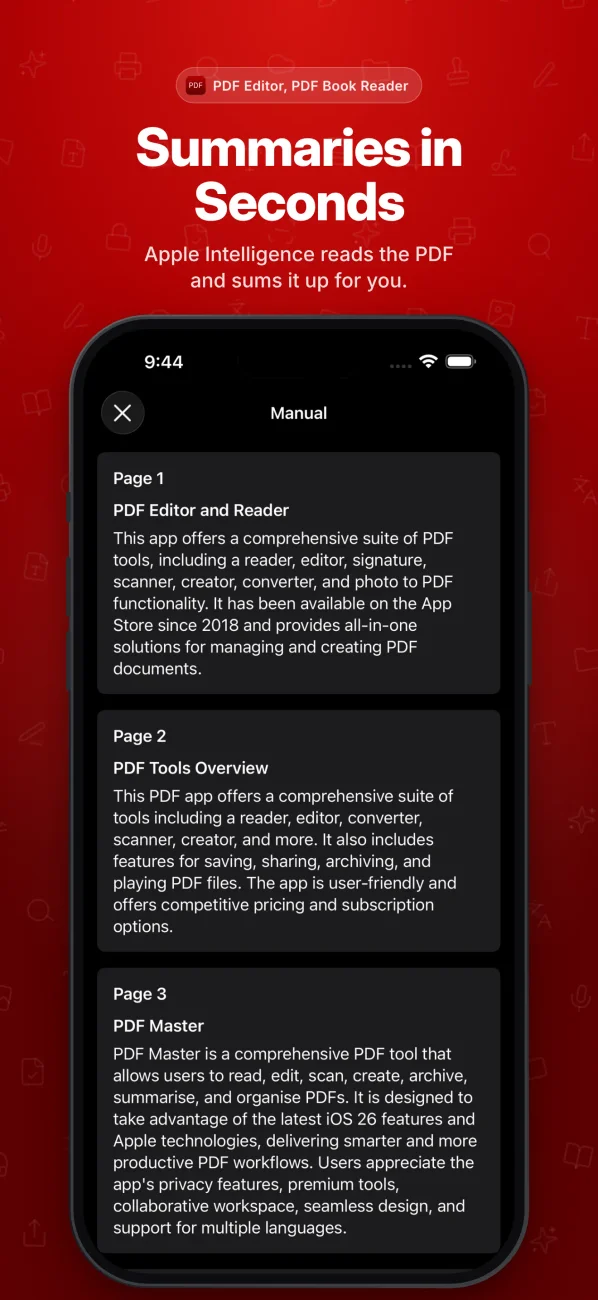
- Summaries: understand a long PDF in seconds. Summarize the whole document or one page.
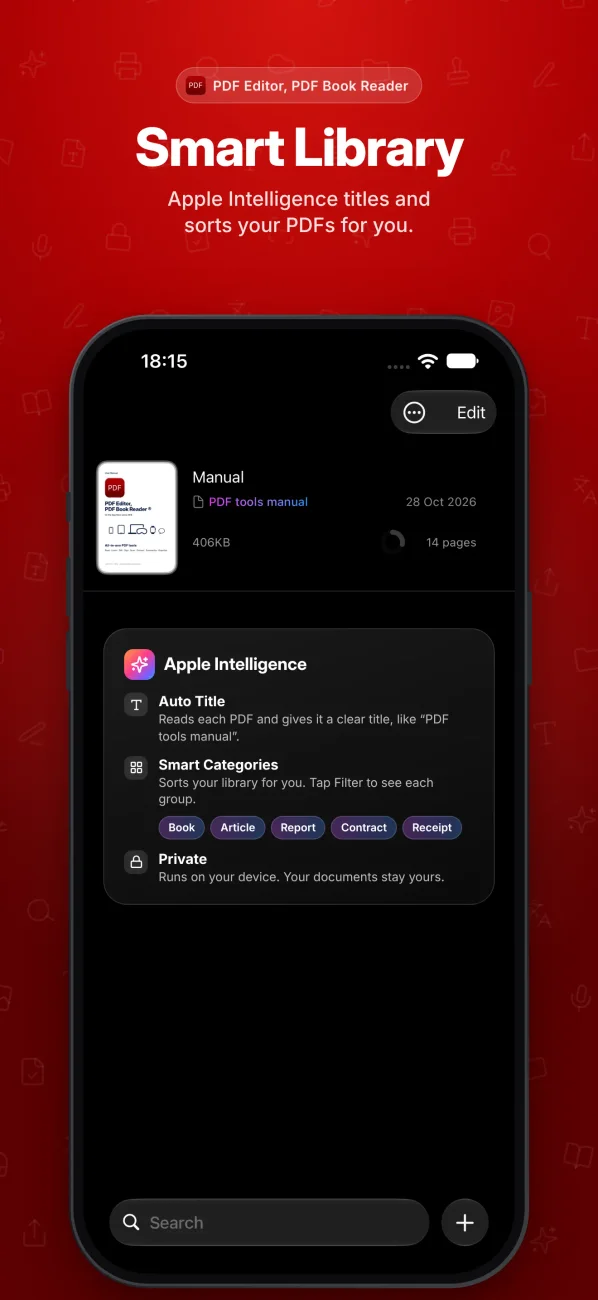
- Smart Categories: each PDF is sorted into a category, like Book, Manual, Receipt, Ticket or Contract, with an icon in your Library. Filter your Library by category in one tap.
- Auto Labels: every PDF gets a short title of its subject, shown under its name. Edit any title, and search finds it too.
- Suggested Tags: select a PDF and get up to three tag ideas from its content. Tap one to add it.
- Private by design: all Apple Intelligence features run on your device. Your documents never leave it.
SIRI AND SHORTCUTS
Just ask Siri:
- "Summarize my PDF with PDF Editor"
- "Open PDF in PDF Editor"
- "Search my documents in PDF Editor"
Build Shortcuts to import files, load a PDF from the camera or iCloud, download a PDF from a link, open documents and rotate pages.
READ AND LISTEN
- Crisp, high-resolution display with smooth zoom.
- Book mode with realistic page curl, and two facing pages in landscape.
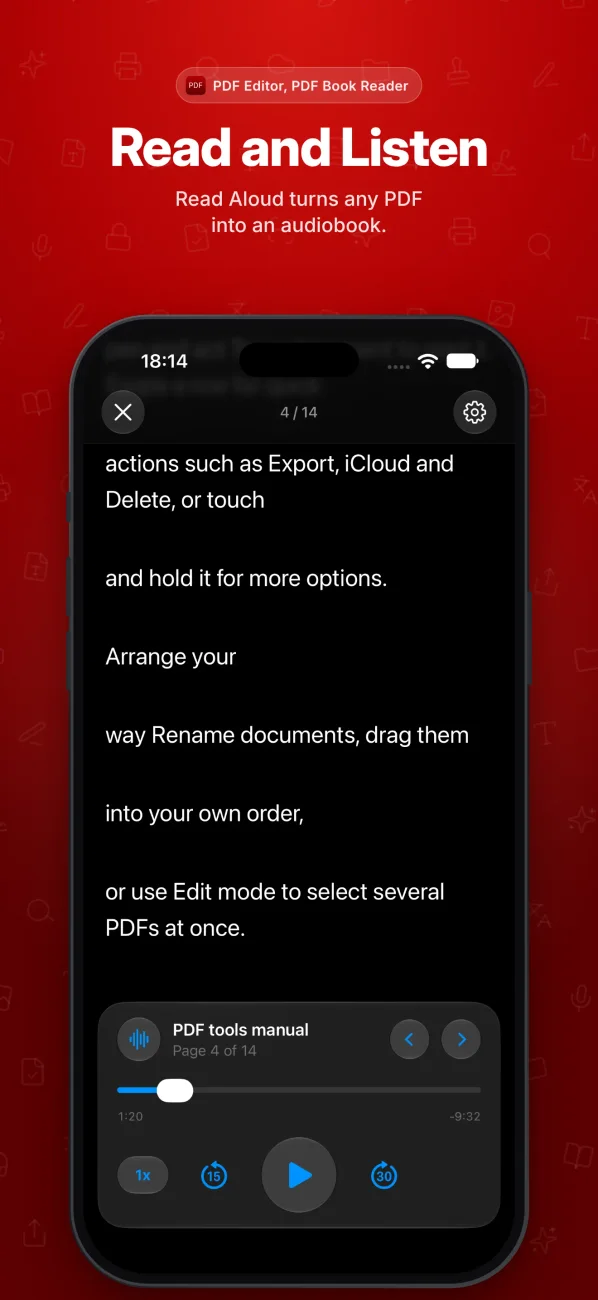
- Read Aloud in natural voices, with each word highlighted as it is spoken. Choose the speed, voice and language.
- Translate the current page with Apple Translate.
- Search the text of every PDF, and even your handwritten notes (iOS 27).
EDIT AND ANNOTATE
- Redact private text for good, or find a word to cover every match.
- Reduce File Size with a live preview, or share as Zip.
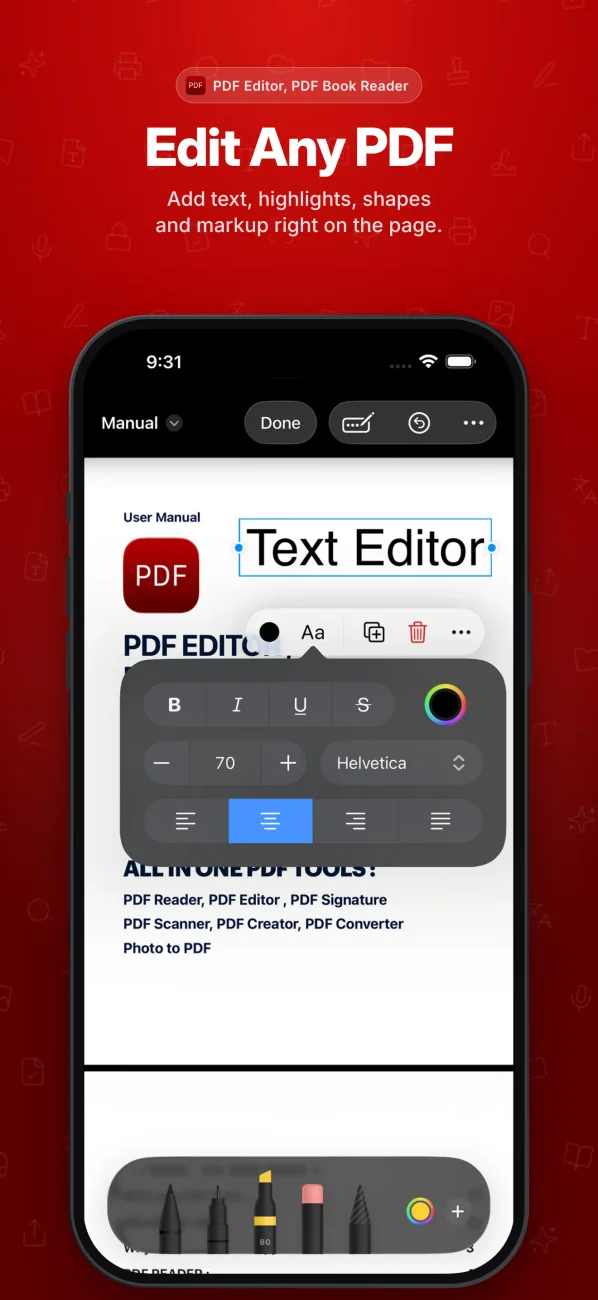
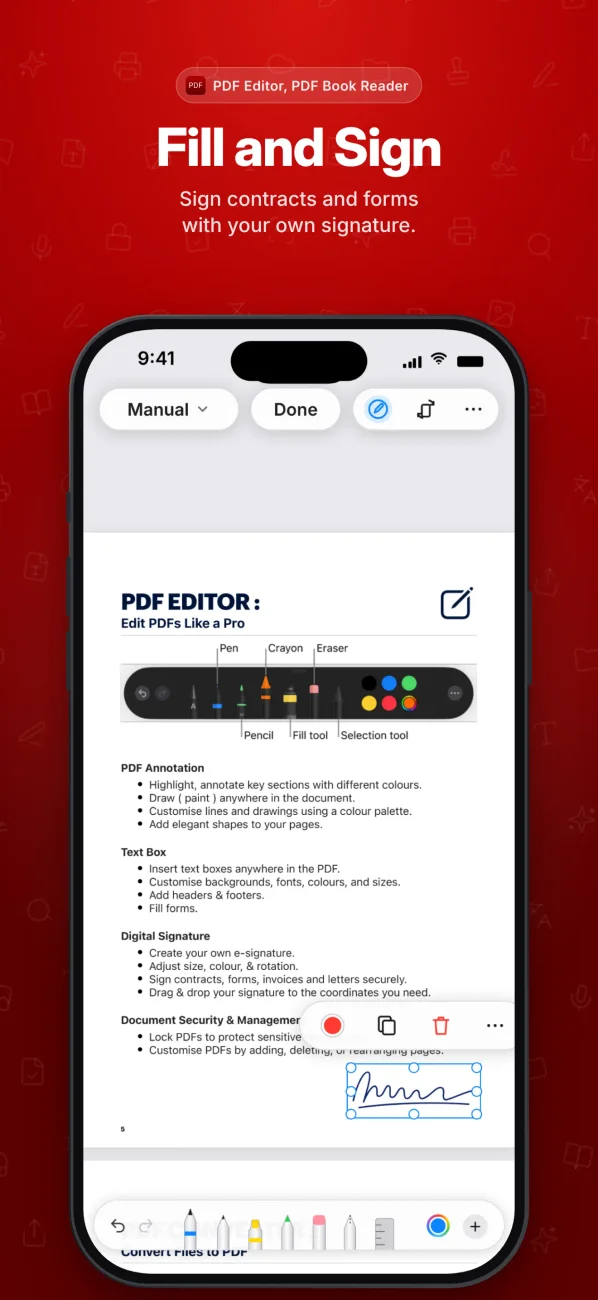
- Highlight, underline and add notes anywhere.
- Draw with Apple Pencil or your finger in any color.
- Add text boxes, shapes, images and photos.
- Fill forms, and create and place signatures.
- Rotate, insert, delete and reorder pages.
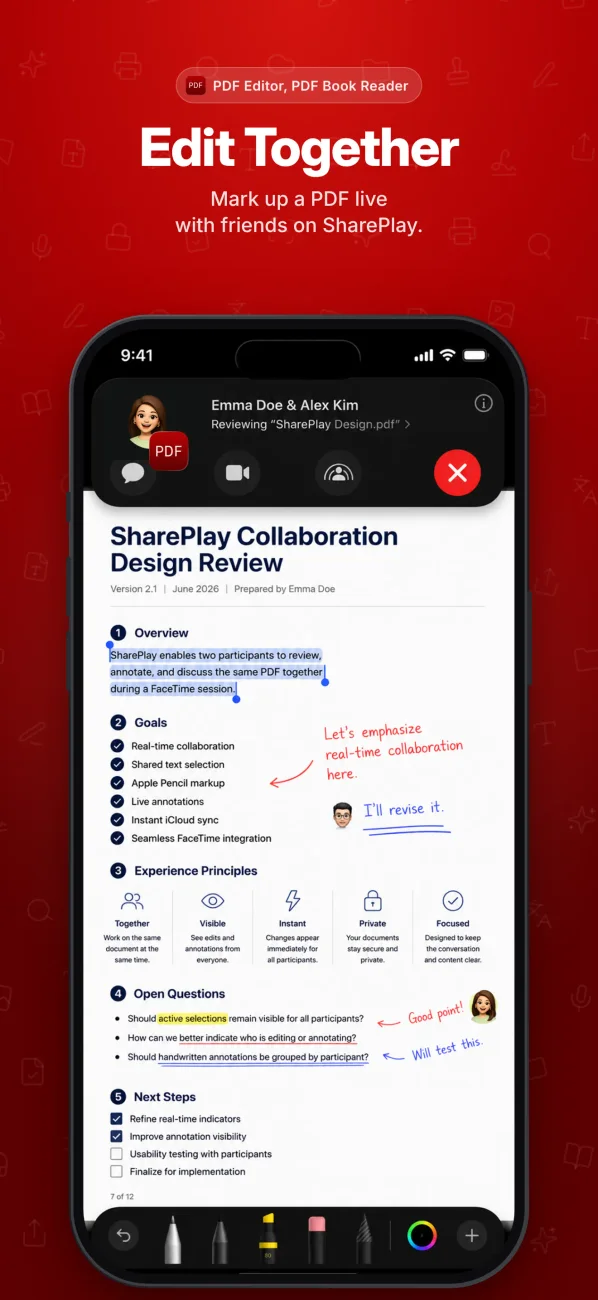
- Annotate together in real time with SharePlay.
SCAN AND CONVERT
- Open Word, Excel and PowerPoint files as PDFs, and keep the original.
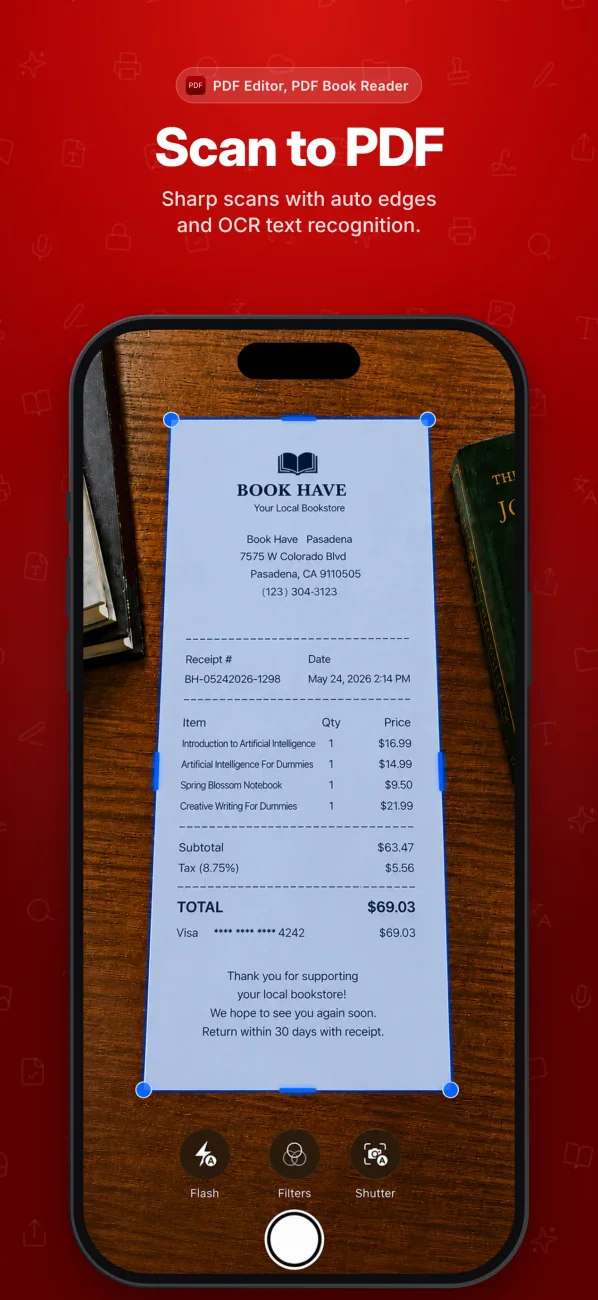
- Scan receipts, notes, contracts and multi-page documents with automatic edge detection.
- Instant Text (OCR): turn images and scans into text.
- Turn photos and web pages into PDFs from any app's Share sheet.
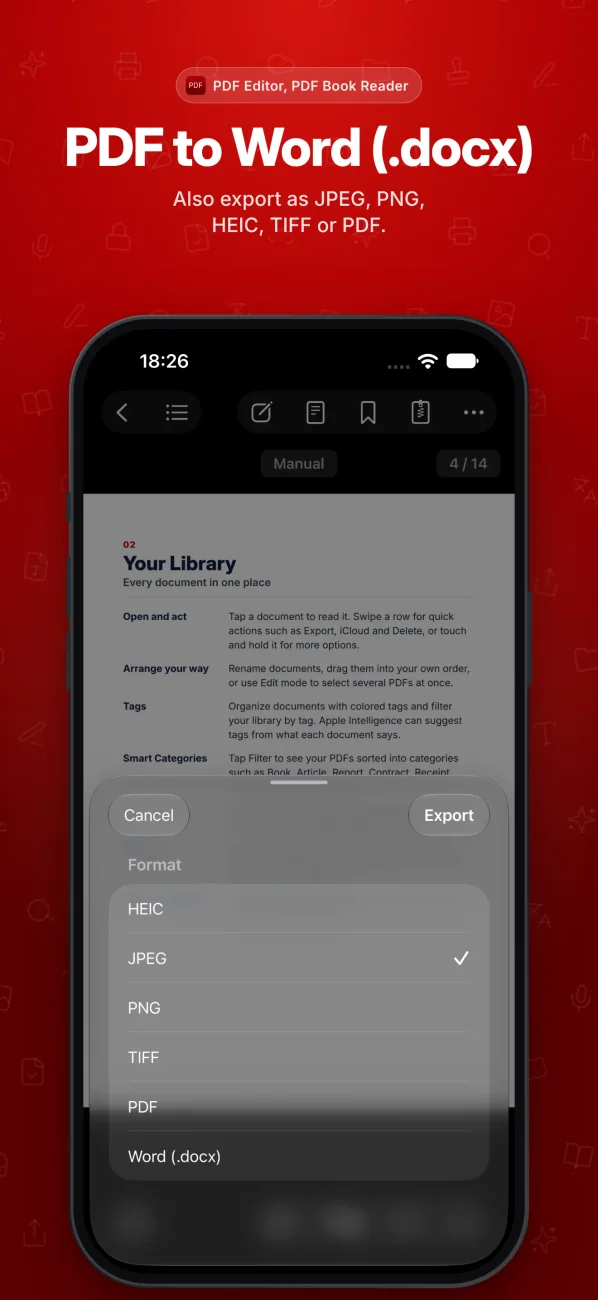
- Export to HEIC, JPEG, PNG, Word (.docx), TIFF and PDF.
- Scan from Control Center or the Camera Control button.
ORGANIZE YOUR LIBRARY
- Categories: choose a category for any PDF yourself, on any device, and filter by it.
- Color tags, with a simple Tags button to assign and manage them.
- Sort by name, date, size or tag.
- Select many PDFs at once to share, tag, categorize, back up or delete.
- Recently Deleted keeps removed PDFs so you can restore them.
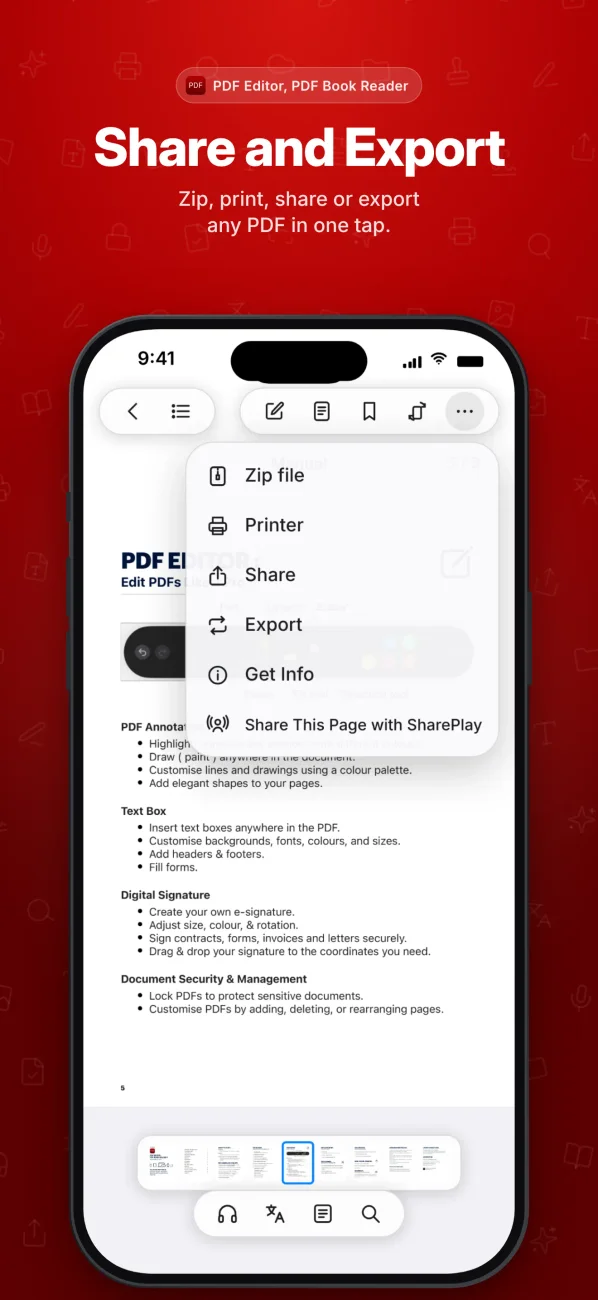
- Zip, print and share via AirDrop, Messages, Mail and more.
EVERYWHERE YOU ARE
- iCloud sync across all your Apple devices.
- Made for iPhone Duo: a book opens across both halves when you unfold.
- Widgets, including a reading streak calendar.
- Apple Watch app and iMessage app.
- One purchase unlocks all your devices.
PRIVACY AND ACCESSIBILITY
- No data collected. Your documents stay yours.
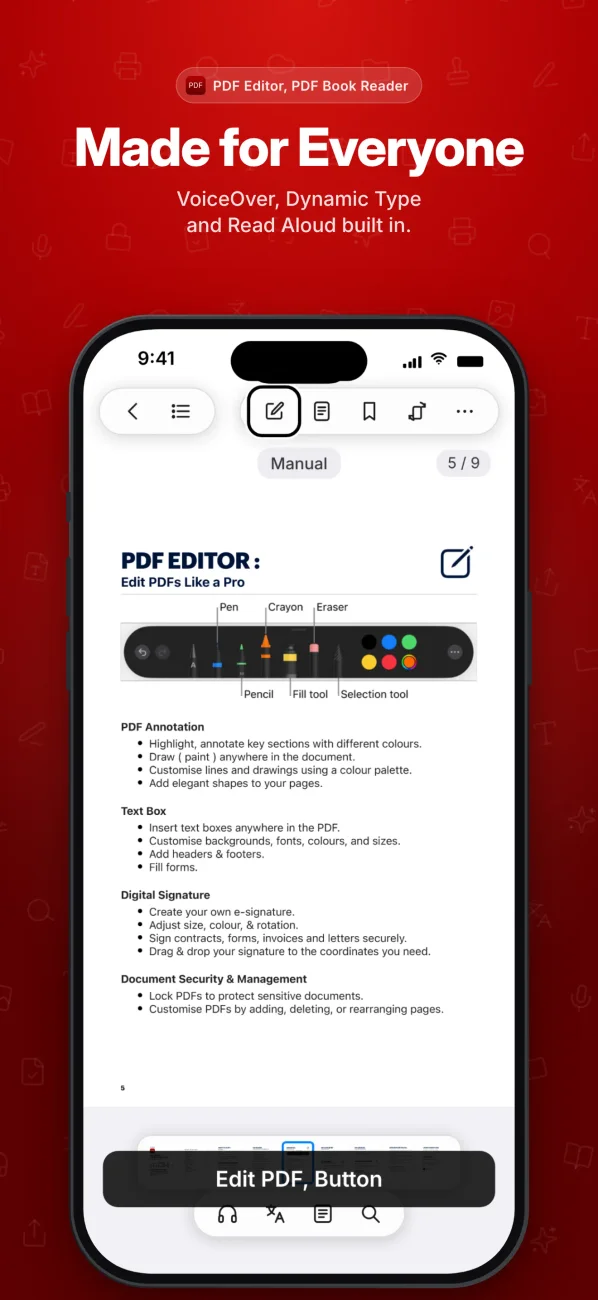
- Built for VoiceOver, Dynamic Type and Reduce Motion.
PLANS
- Subscribe monthly, every 3 months or yearly — try Yearly free first.
- Or choose Lifetime: pay once and keep every feature forever. No subscription, nothing renews.
PRICE AND TERMS
Lifetime is a one-time purchase and does not renew. For subscriptions, payment is charged to your Apple Account at confirmation of purchase. The subscription renews automatically unless auto-renew is turned off at least 24 hours before the end of the current period. Your account is charged for renewal within 24 hours before the end of the current period. Manage or cancel your subscription at any time in your Apple Account settings, or with "Subscription" in the app's settings menu. Any unused portion of a free trial is forfeited when you purchase a subscription.
Terms of Use: https://pdfeditorpdfbookreader.app/terms
Privacy Policy: https://pdfeditorpdfbookreader.app/privacy
What’s new
Version 17.5 · Nov 23, 2026
Open Word, Excel and PowerPoint files as PDFs
Open any .docx, .doc, .xlsx, .xls, .pptx or .ppt file in PDF Editor from Files, Mail or Messages, or with Add › Import Files. It becomes a PDF right away, on your iPhone or iPad, with nothing uploaded. Then read it, listen to it, annotate it, sign it or redact it like any other PDF.
Keep the original file
The original Word, Excel or PowerPoint file is kept with its PDF. To share it exactly as you received it, touch and hold the PDF › Export › Original File.
Easier Export
Export now opens full screen on iPhone and in a larger window on iPad, so you can see every format at once: HEIC, JPEG, PNG, TIFF, PDF, Word and Zip.
Cleaner menus
Reduce File Size and Redact have simpler, shorter names in every language.
• Redact: hide private text for good with black boxes, or find a word to cover every match. A new copy is saved.
• Reduce File Size: choose the size with a slider, check the live preview, then share or save a copy.
• Zip: share a PDF as a .zip file, right next to Share.
• Voices: the most natural voices for your language come first, and you can preview a voice before you choose it.
• Open in PDF Editor: images, photos and text files (TXT, RTF, Markdown) from Files, Mail or Messages can now be opened in PDF Editor and are turned into PDFs automatically.
• Share Sheet: tap Share in Safari or any app and choose PDF Editor. Save any web page as a clean PDF, or bring in PDFs and photos in one step.
• CarPlay and HomeView: listen to your PDFs in the car with Read Aloud, from the page you reached, and pick up where you left off with the Continue Reading widget on Apple HomeView.
• Stability and performance improvements, plus other bug fixes.
Did you know?
• Listen to any PDF on Apple Watch, read in its own language.
• Continue Reading widget: pick up where you left off from the Home Screen, StandBy or Apple HomeView.
• Scan paper into searchable PDFs with OCR, and fill in and sign forms in seconds.
Thank you for using PDF Editor! If you enjoy the app, a rating on the App Store helps a lot.
App privacy
What Milad Fakhr declares on the App Store about how this app handles data.
-
Data not collected
The developer does not collect any data from this app.
Privacy practices may vary, for example with the features you use or your age.
Information
- Seller
- Milad Fakhr
- Category
- Utilities
- Version
- 17.5
- Updated
- Nov 23, 2026
- Released
- May 25, 2018
- Size
- 59.5 MB
- Requires
- iOS 17.0 or later
- Age rating
- 4+
- Price
- Free
- In-app purchases
- Yes
- Languages
- English, Arabic, Danish, Dutch, Finnish, French, German, Italian, Japanese, Korean, Norwegian Bokmål, Portuguese + 7 more
- Copyright
- © 2018–2026 Milad Fakhr. All rights reserved.
You might also like
-
 PDF Reader - Editor & ViewerEditor, Converter, OCR
-
 PDF Editor - Read & Edit PDFFill, Sign & Convert Documents
-
 Simple PDF EditorYou can easily edit the PDF!
-
 The Document ConverterConvert to PDF, DOCX, JPG, etc
-
 PDF Watch ViewerSee your PDF on your Watch
-
 Photos to PDF Converter .Convert your photos to PDF
-
 PDF Editor: Edit TextAnnotate, Sign & Fill Forms
-
 PDF Editor-Converter & ViewerScan Documents: Reader & Maker
-
 PDF Maker • Editor & ConverterConvert Image: Scanner Reader
-
 PDF Merge - Combine & Join PDFPDF Editor App - Write on PDF