
PDF Editor:PDF Maker & Reader
Create, sign & edit Document
Designed for iPhone, iPad, iPod touch
Free · In-app purchases
- Age rating9+
- CategoryEducation
- DeveloperTS Technology
- LanguagesEnglish+ 29 more
- Size13.4 MB
Links to the official App Store page
Download.org hosts no file of PDF Editor:PDF Maker & Reader. The button opens its official App Store page, published by TS Technology. Listing last checked on Nov 20, 2026.
Screenshots

About
PDF Editor – Fast, Simple and Complete PDF Solution
PDF Editor is a powerful all-in-one PDF filler that allows students, teachers, creative users and professionals to read, edit, sign, convert and fully organize their PDF files on iPhone or iPad.
Simple Solutions for Every PDF Task using PDF Reader
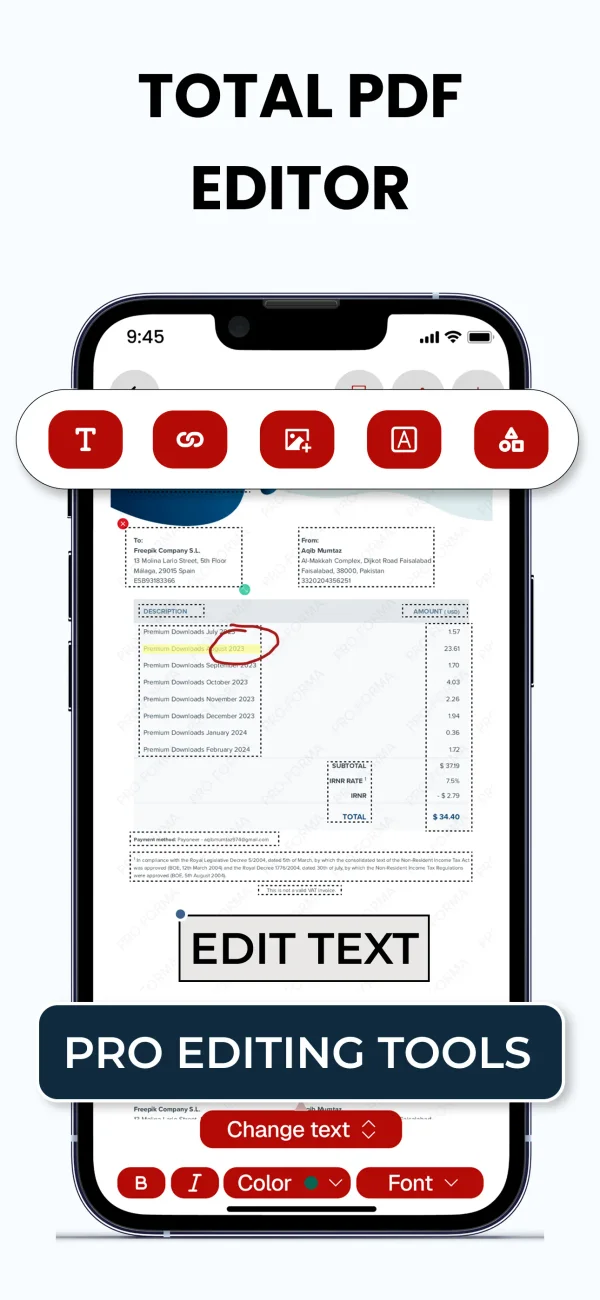
Add shapes and flowcharts to showcase your creative ideas.
Make PDFs more visual and easier to understand by inserting images, links and graphics.
Write notes directly inside PDFs and keep your thoughts organized.
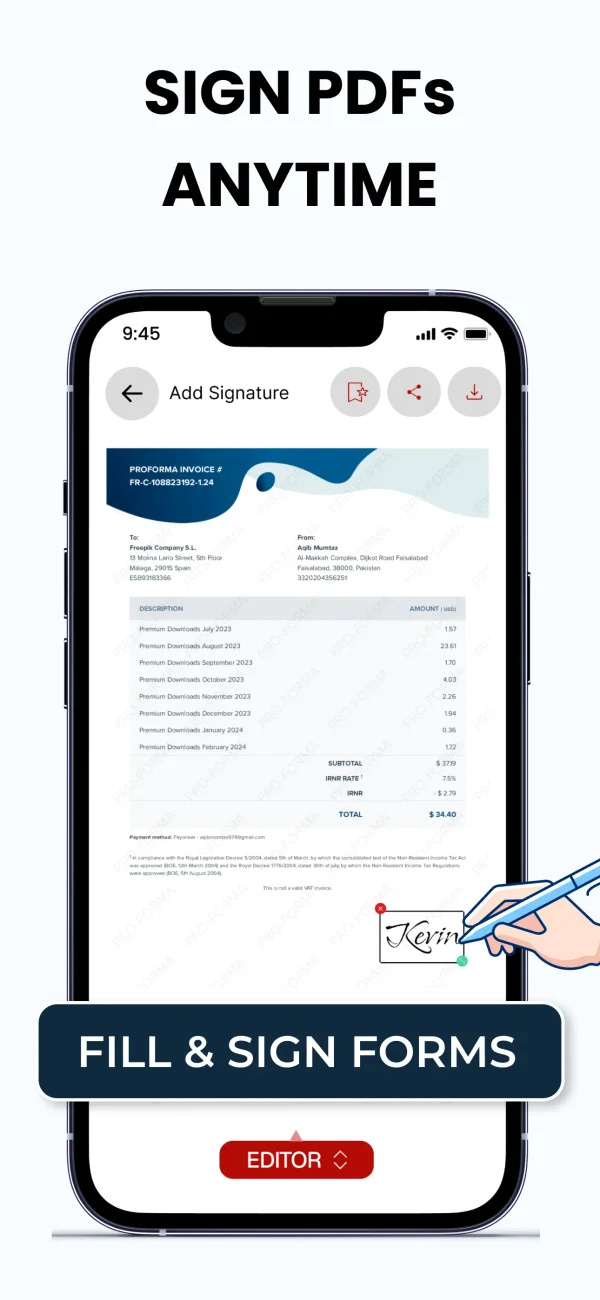
Sign and add watermarks to your professional documents or PDF files in just a few taps.
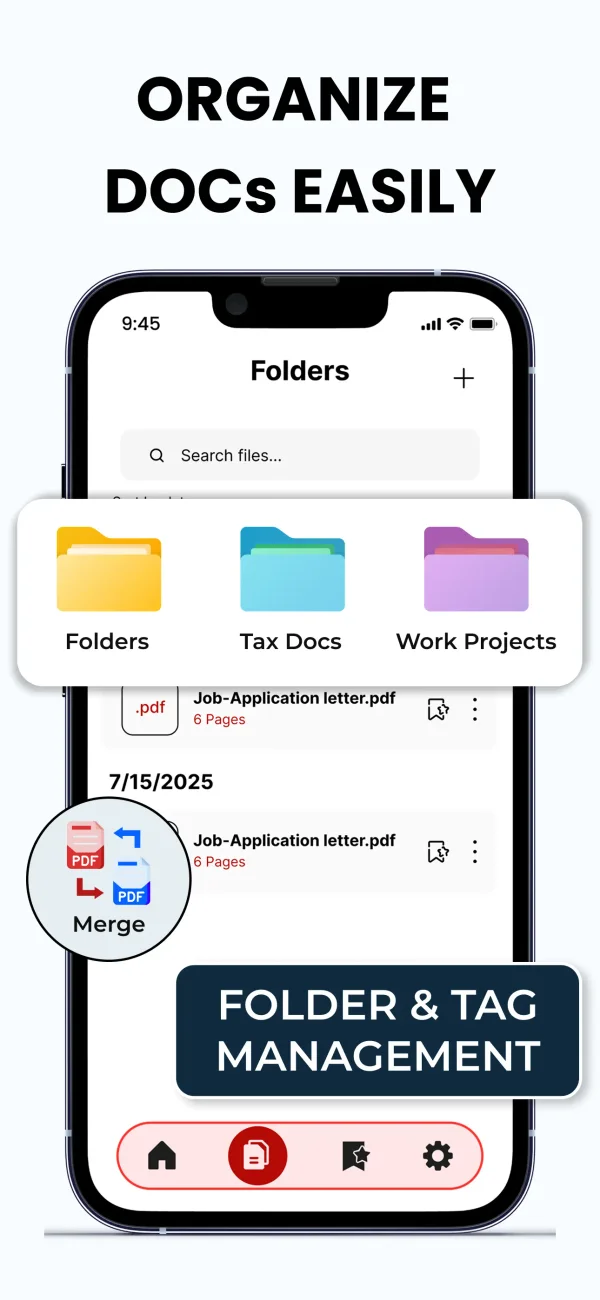
Merge, split and rearrange PDF pages.
Get a quick summary to understand your PDF with AI Chat.
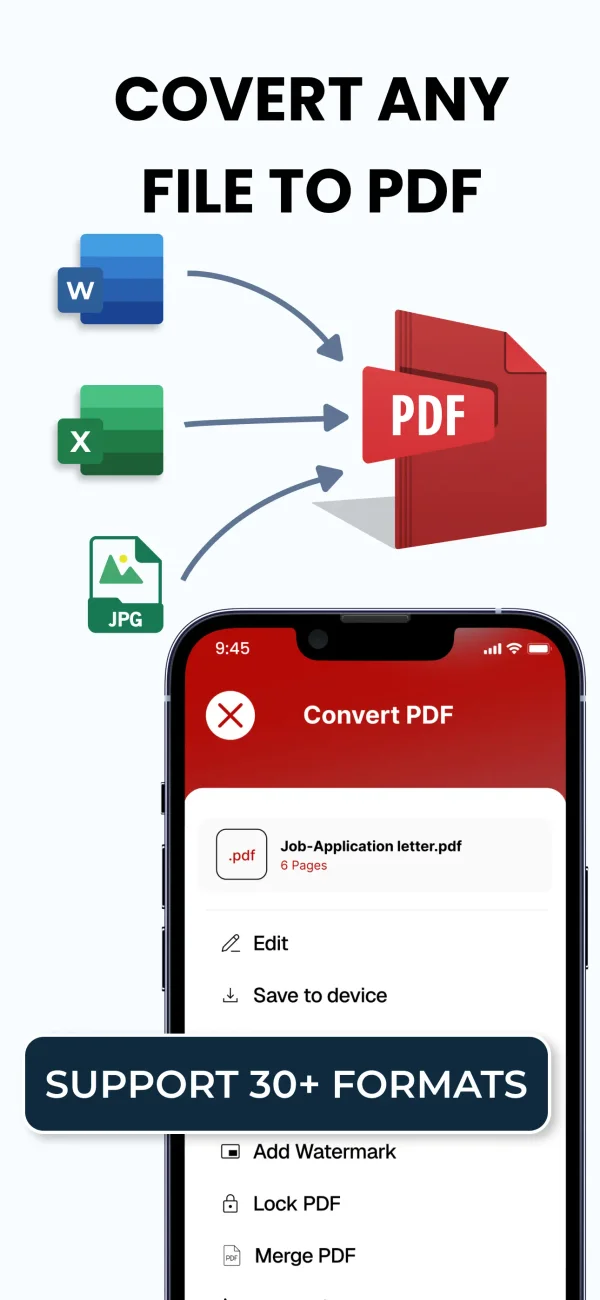
Effortlessly convert images and documents to PDF format.
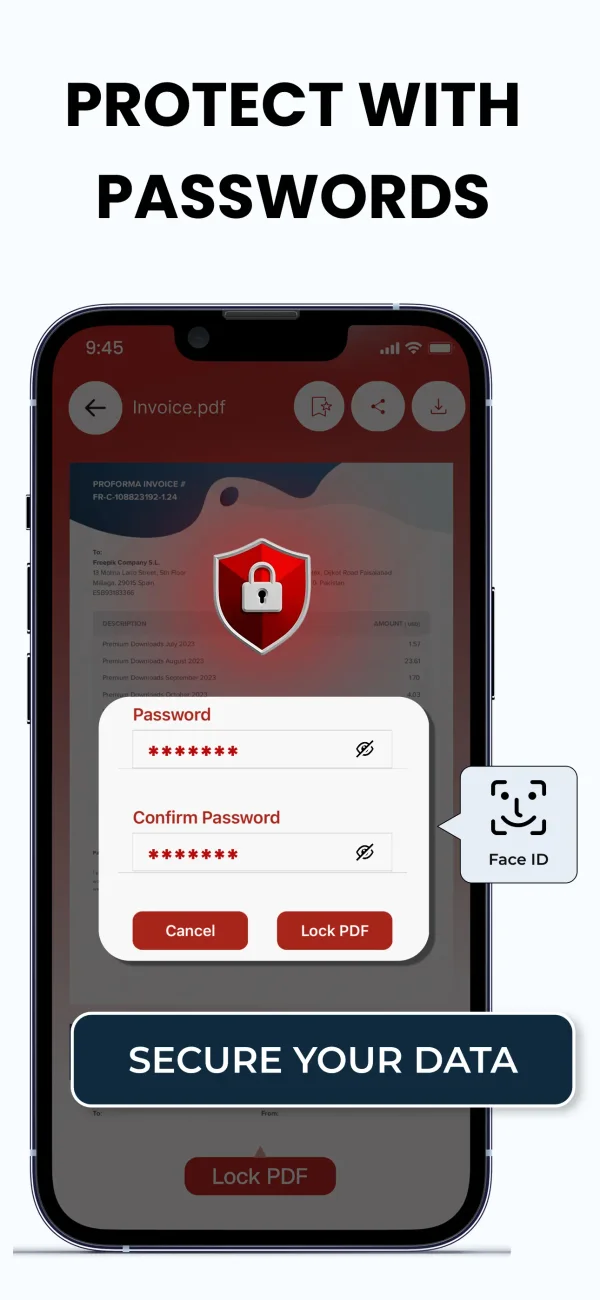
Keep your important files safe with password protection.
Open PDF files quickly and get the best reading experience with smooth scrolling, zoom, search and easy navigation.
Instantly save, export and share edited files
Insert Photos, Shapes & Clickable Links
You can easily add images to PDFs, insert clickable links wherever you want, and use various related shapes to highlight important areas. This PDF Filler makes your documents more clear, organized, and professional.
E-Sign & Form Filling
Fill out PDF forms directly on your device and sign documents with ease with your fingertips. With PDF Editor, handling contracts, invoices, agreements and other crucial documents is safe and simple.
Easy Notes & Highlight Tools
– Easily write notes and mark up with drawing tools
– Highlight important text and mark key points in PDF reader
– See all your notes in one place and keep them organized with a layout
– Get more precision and better control with a stylus
Note:
Step 1: When you subscribe, the payment will be processed through your iTunes account immediately. The subscription will continue automatically unless you turn off auto-renew at least one day before it expires.
Step 2: Your account will be charged for the next period up to 24 hours before the current subscription ends. The renewal fee will be the same as your original subscription.
Step 3: You can manage or cancel your subscription at any time using the settings in your pdf editor App Store account. Please see our Terms of Service and Privacy Policy for full details.
Terms of use:
https://tstechnology.org/terms.html
Privacy Policy:
https://tstechnology.org/privacy.html
What’s new
Version 1.8 · Aug 25, 2026
PDF Editor
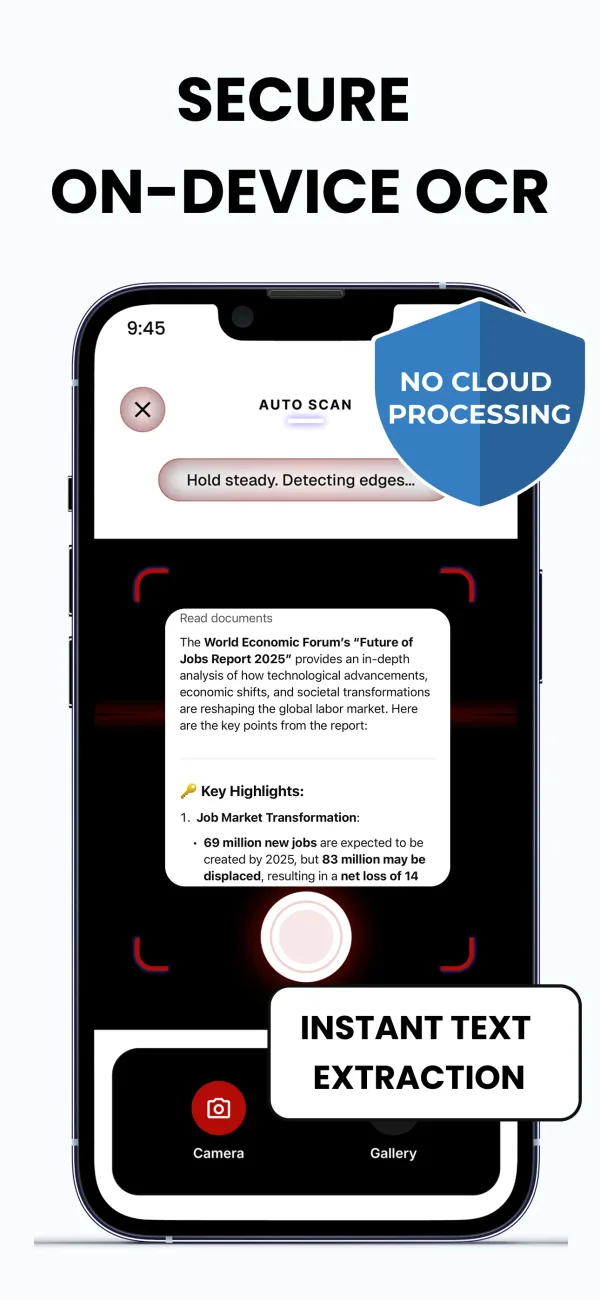
• OCR Text Extraction: Extract text from PDFs and images with high accuracy.
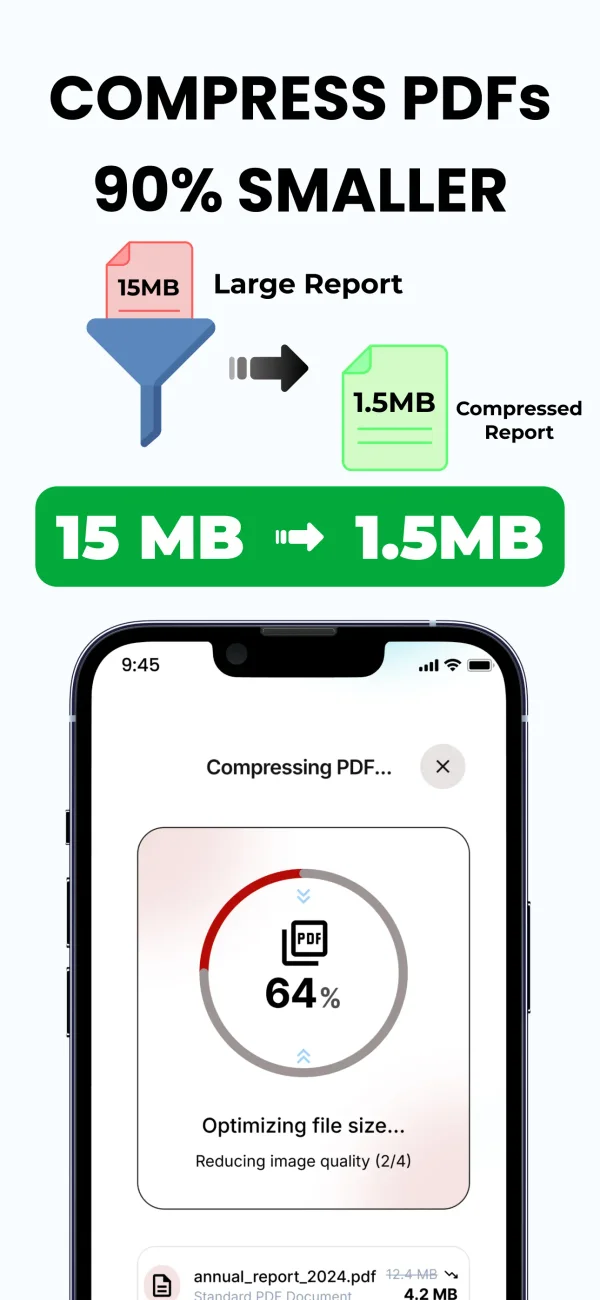
• PDF Compression: Easily reduce file sizes for quick sharing.
• UI & Paywall Upgrade: Fresh look with an updated paywall and smoother editing experience.
• Bug fixes and general performance improvements.
App privacy
What TS Technology declares on the App Store about how this app handles data.
-
Data not collected
The developer does not collect any data from this app.
Privacy practices may vary, for example with the features you use or your age.
Information
- Seller
- TS Technology
- Category
- Education
- Version
- 1.8
- Updated
- Aug 25, 2026
- Released
- Nov 25, 2025
- Size
- 13.4 MB
- Requires
- iOS 15.6 or later
- Age rating
- 9+
- Price
- Free
- In-app purchases
- Yes
- Languages
- English, Arabic, Catalan, Czech, Danish, Dutch, Finnish, French, German, Greek, Hebrew, Indonesian + 18 more
- Copyright
- Copyright © 2023 TS Technology. All rights reserved.
You might also like
-
 Learn HTML: Build Web PagesWebsites, Markup & Elements
-
 PDFCrop: PDF Split & CropCrop, Rotate, Split & Batch
-
 AU Citizenship Test Prep 2027Australian Exam Practice & Qs
-
 E-tangoEducation
-
 TanzReference
-
 Ai Paraphrase Tool: HumanizerReword, Rewrite & Fix Grammar
-
 Connect HanziChinese Puzzle/Connect-4 Games
-
 Geoportal PFPReference
-
 FaveLingo: AI Listening QuizLearn via anime, K-pop & more
-
 PlainLaw - Legal ReferenceLaw & Courts in Plain English