
PDF Editor: Scan & Sign Docs
Convert Files, Fill Forms, OCR
Designed for iPhone, iPad, iPod touch
Free · In-app purchases
- Age rating17+
- CategoryProductivity
- DeveloperHRHELPERG LLC
- LanguagesEnglish
- Size122.3 MB
Links to the official App Store page
Download.org hosts no file of PDF Editor: Scan & Sign Docs. The button opens its official App Store page, published by HRHELPERG LLC. Listing last checked on Nov 15, 2026.
Screenshots
About
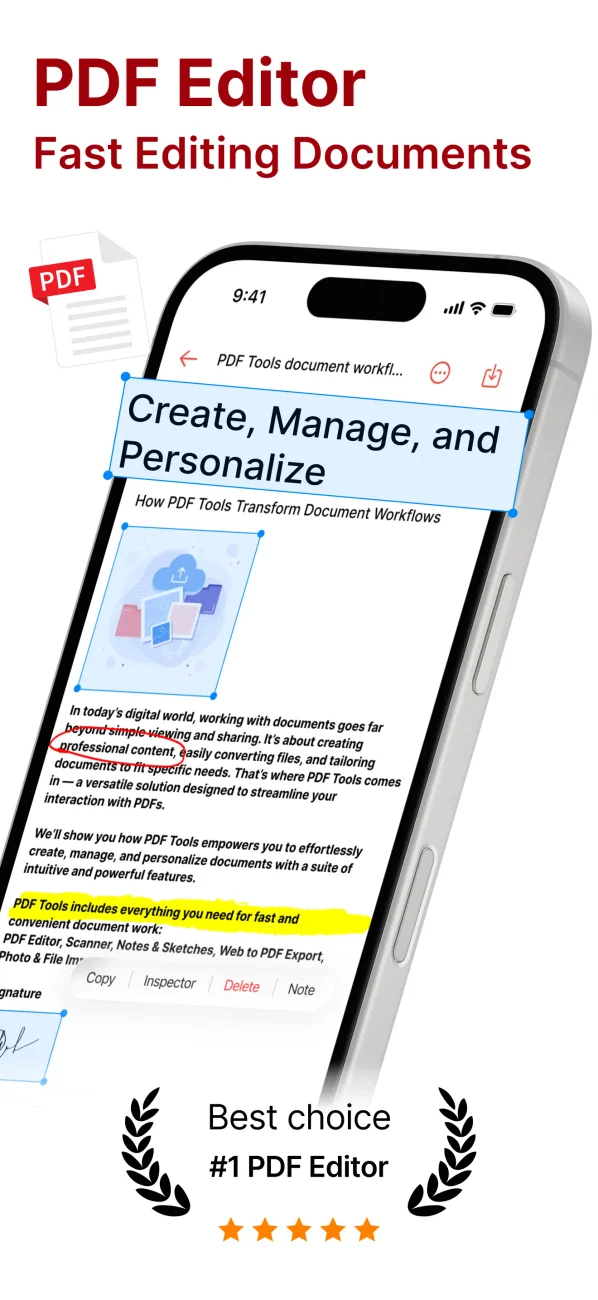
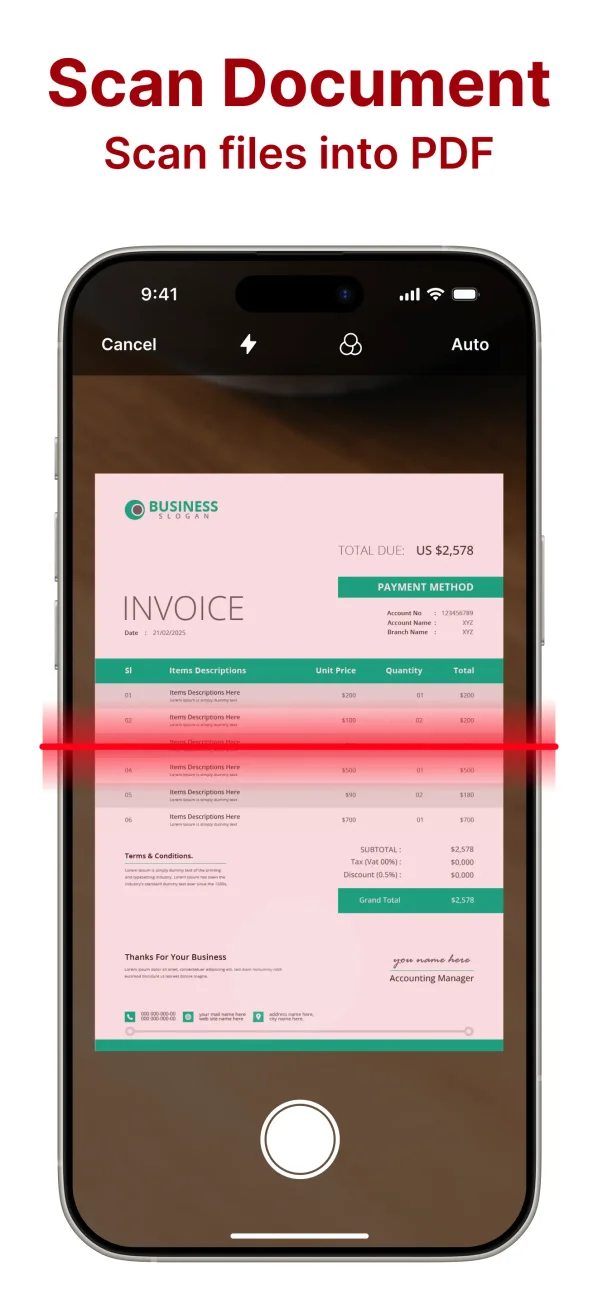
Scan paper to PDF, sign contracts with your real handwriting, convert files and organize every document in one app. PDF Editor turns your iPhone and iPad into a pocket office: from a quick receipt scan to a signed, password-protected agreement in a few taps.
SIGN DOCUMENTS
• Draw your signature with a pen, marker, fountain pen or pencil, and choose ink color and thickness
• Or take a photo of your signature on paper and use it right away
• Keep signatures and initials in your own library, and rename or redraw them anytime
• Add the date and your name next to the signature
• Move, resize, rotate and straighten every element, or place it on all pages at once
• Save a signed copy and share it immediately
SCAN AND RECOGNIZE TEXT
• Document scanner with automatic edge detection and cropping
• Dedicated modes for ID cards, passports and books
• Scan to Text: recognize text on your device and copy it anywhere
• Read QR codes and barcodes
EDIT AND ANNOTATE
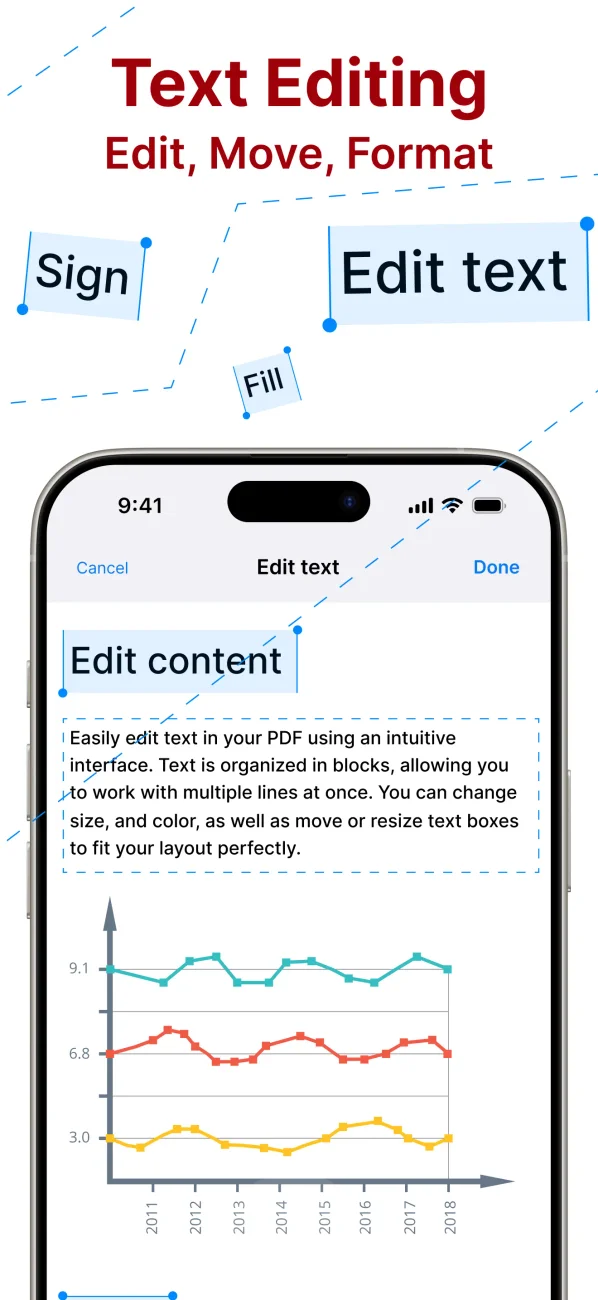
• Add text with your choice of font size, color and style
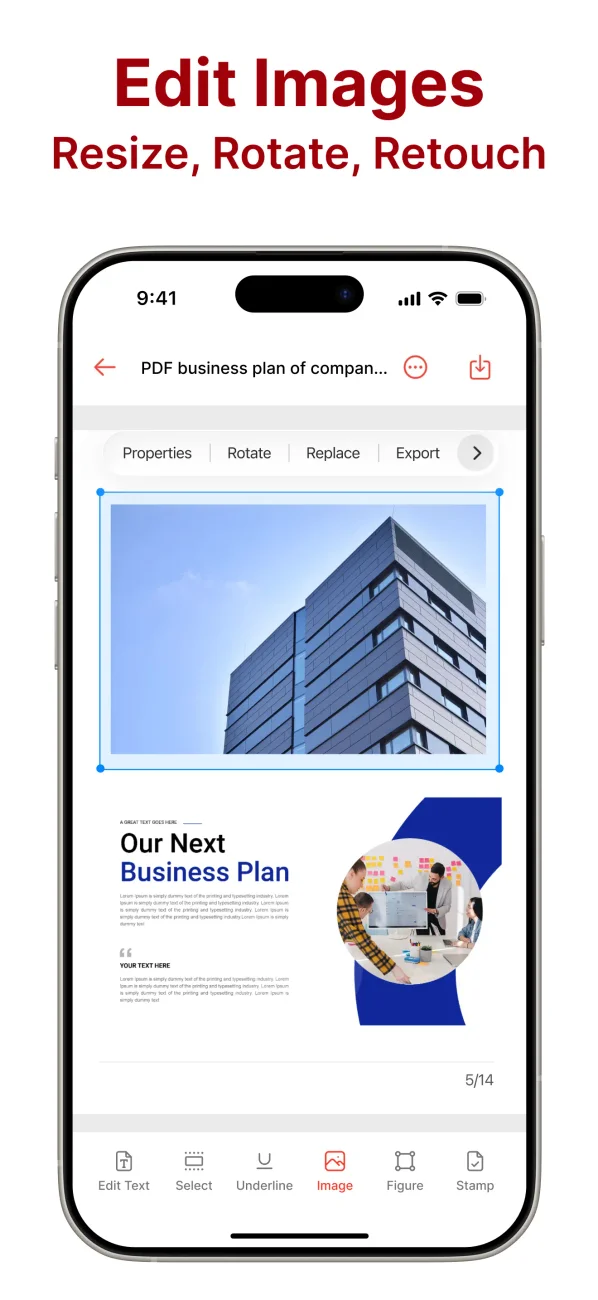
• Insert images, shapes and stamps, or draw freehand
• Highlight, underline and strike through text, and leave sticky notes
• Fill in PDF forms
• Create a blank PDF or merge several PDFs into one
CONVERT FILES
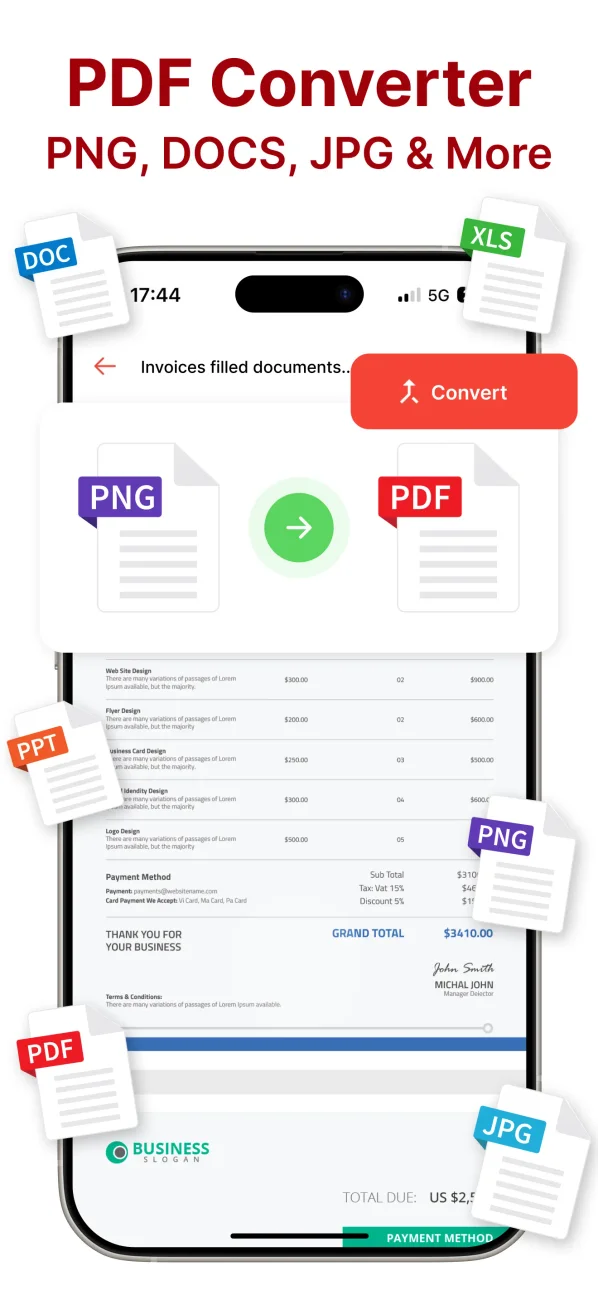
• Photos and images to PDF, PDF pages to JPG or PNG
• Word to PDF and PDF to Word
• PowerPoint, EPUB and TXT to PDF
• HEIC, WebP and RAW images to PNG, Excel to CSV
Some conversions are processed online and need an internet connection.
PDF TOOLS
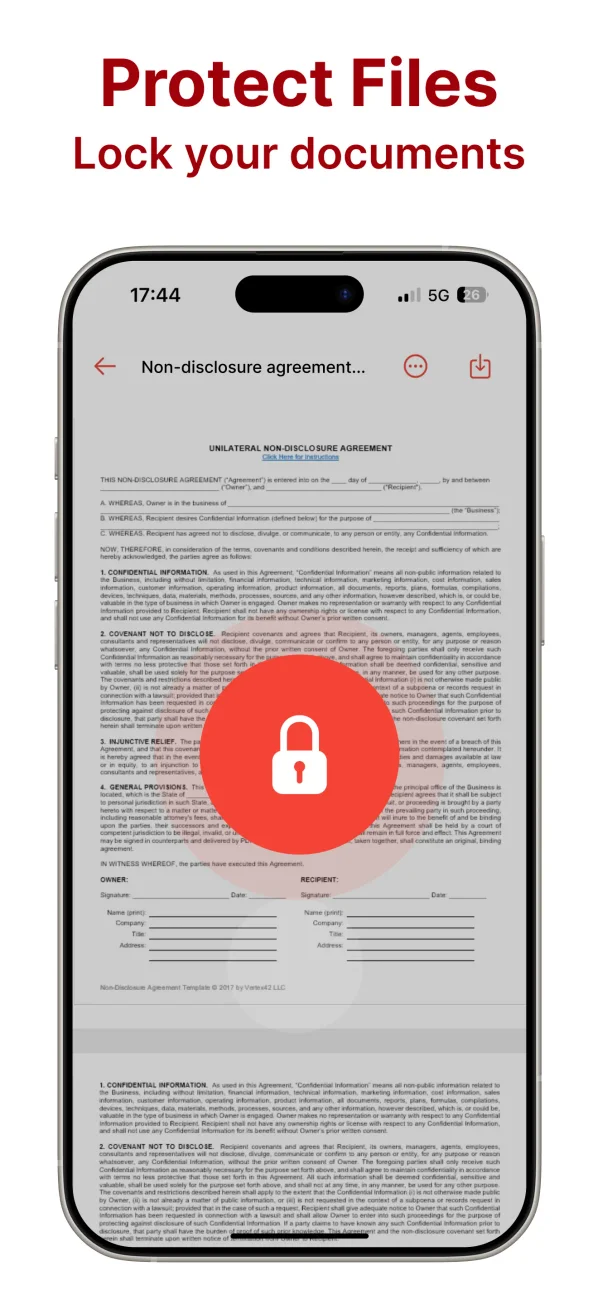
Split, compress, protect with a password, unlock, add a watermark, number pages, add headers and footers, edit metadata and print only the pages you need.
MANAGE PAGES
Reorder, rotate, duplicate, extract or delete pages, insert blank pages and undo any change.
READ COMFORTABLY
Search inside documents, add bookmarks, jump through the table of contents or to any page, switch to night mode and continue where you left off.
STAY ORGANIZED
Folders, tags, favorites, search and sorting keep your files in order. Open PDFs from the Files app or any other app, and add home screen widgets for one-tap scanning, signing, converting and your recent documents. Lock the app with Face ID.
PDF EDITOR PRO
Upgrade to Pro to unlock document signing, the page manager, advanced tools (split, compress, password protection, unlock, watermark, page numbers), ID, passport and book scan modes, the QR scanner, online file conversions, Face ID lock and saving annotations in the reader.
Pro is an auto-renewing subscription. Payment is charged to your Apple ID at confirmation of purchase. The subscription renews automatically unless it is canceled at least 24 hours before the end of the current period. You can manage or cancel it in your App Store account settings.
Privacy Policy: https://docs.google.com/document/d/16ca-D3QztY71iRZNz67LPvMY0btYako2KRkCORCE9-M/edit
Terms of Use: https://docs.google.com/document/d/1769ie2DtbxBNRxnLQ6XSMzlTHvtHfAnMqxzMaLqc2yM/edit
What’s new
Version 94 · Oct 22, 2026
What's new:
• Minor bug fixes.
• Improved overall performance.
App privacy
What HRHELPERG LLC declares on the App Store about how this app handles data.
-
Data used to track you
May be used to track you across apps and websites owned by other companies.
- Usage data
-
Data not linked to you
May be collected but is not linked to your identity.
- Usage data
Privacy practices may vary, for example with the features you use or your age.
Information
- Seller
- hrhelperg s.r.o.
- Category
- Productivity
- Version
- 94
- Updated
- Oct 22, 2026
- Released
- Aug 4, 2025
- Size
- 122.3 MB
- Requires
- iOS 15.0 or later
- Age rating
- 17+
- Price
- Free
- In-app purchases
- Yes
- Languages
- English
- Copyright
- © hrhelperg s.r.o.
You might also like
-
 Sign AI - Signature Maker AppGenerator & Document Signer
-
 Daily Schedule Planner・MyTimeoVoice Task, Reminders & Lists
-
 Podcast Maker: Learn with AiNote to Audio · Text to Speech
-
 Paraphrase: AI Reword ToolAI Text Reword & AI-Detector
-
 AfterTalkTranscribe, Record Voice Audio
-
 Photo Translator: AI & OfflineVoice & Text Translate Camera
-
 Truly: AI DetectorDetect AI Text, Images & Video
-
 Signature maker - PDF Boostpdf filler, signature scanner
-
 PDF Editor - Edit PDF & SignAdvanced PDF Converter
-
 Contactor: HVAC Tools & PricesSuppliers, Calculators & AI