PDF Editor & Scanner:PDF Tools
Scan, Edit & Manage PDFs
Designed for iPhone, iPad
Free · In-app purchases
- Age rating4+
- CategoryProductivity
- DeveloperMohamed Lotfi
- LanguagesEnglish
- Size40.2 MB
Links to the official App Store page
Download.org hosts no file of PDF Editor & Scanner:PDF Tools. The button opens its official App Store page, published by Mohamed Lotfi. Listing last checked on Nov 22, 2026.
Screenshots
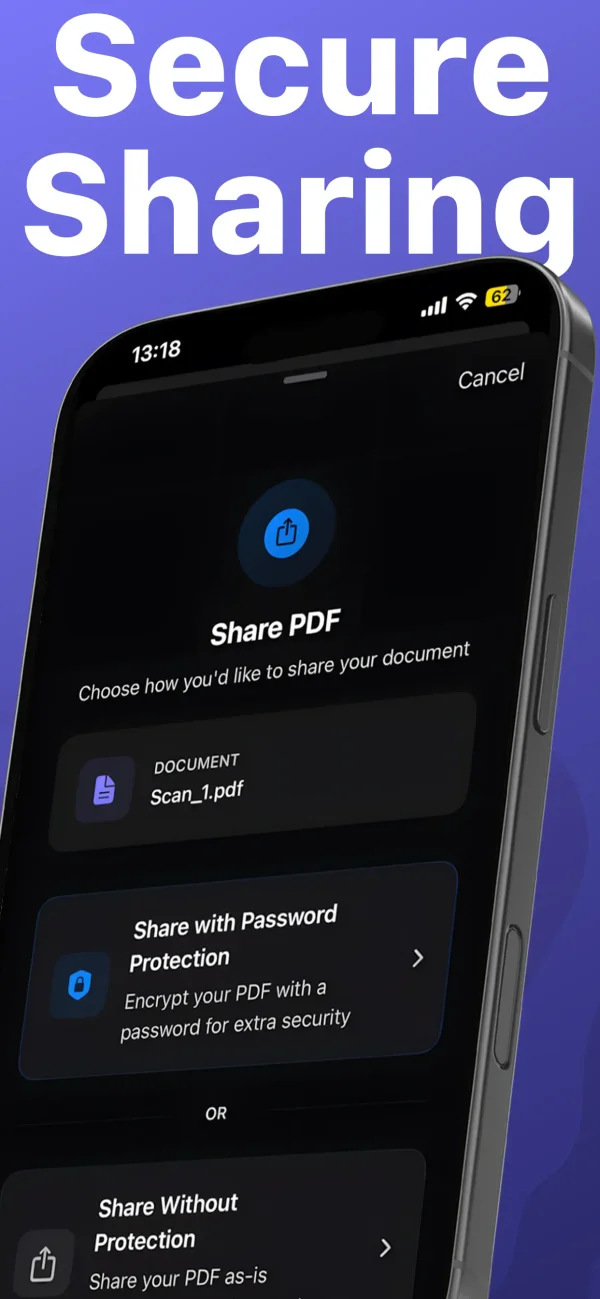
About
Professional PDF Editor and Document Management Solution
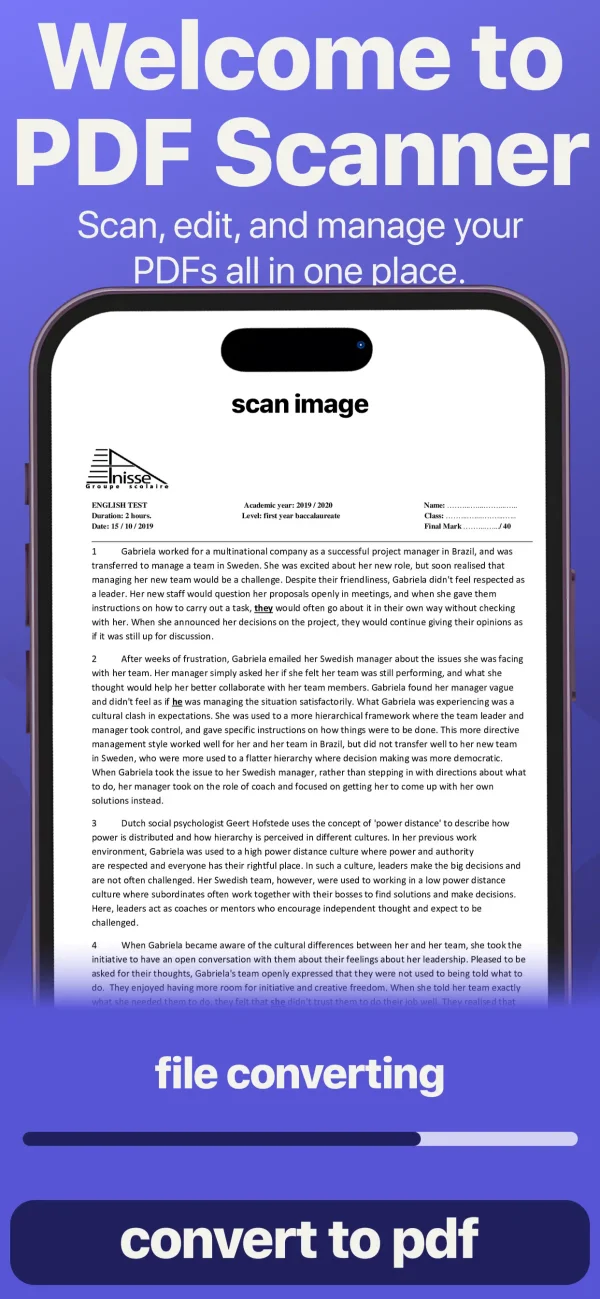
PDF Editing | PDF Scanner is the ultimate all-in-one PDF application for iOS, designed to help you scan, edit, annotate, convert, and manage PDF documents with complete ease. Whether you are digitizing paper documents, editing existing PDFs, or extracting text with OCR, this app provides professional-grade functionality in a clean, intuitive interface.
Advanced PDF Scanning and Conversion
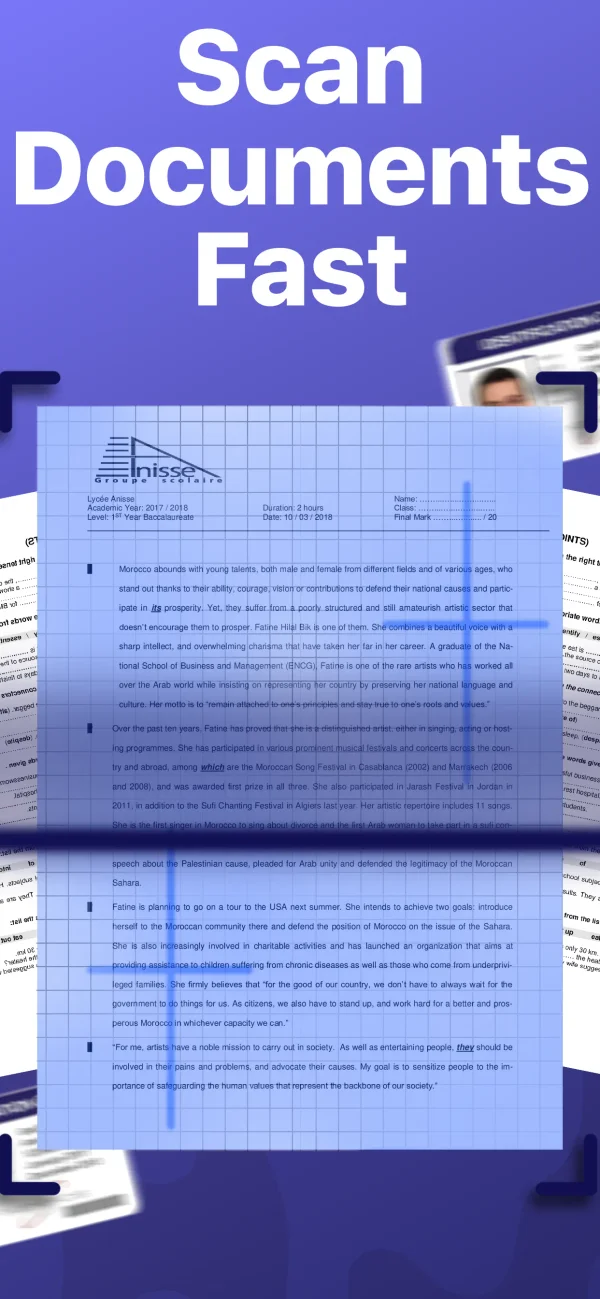
• High-quality PDF scanning with automatic edge detection
• Multi-page scanning with instant PDF creation
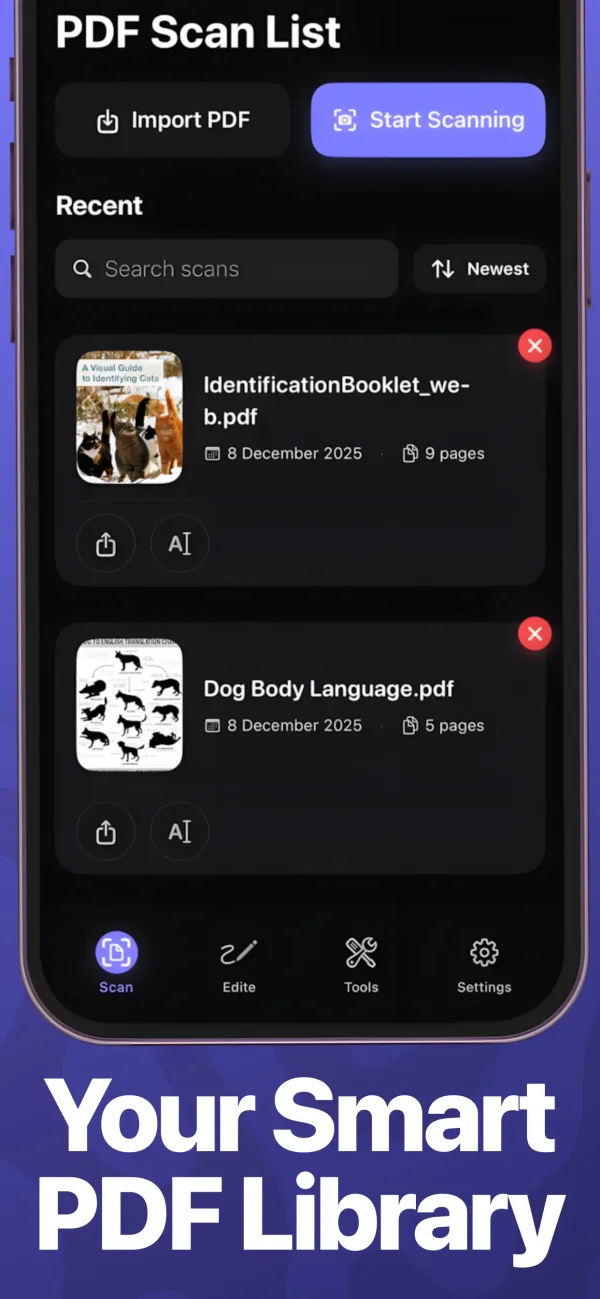
• Import existing PDFs from Files, iCloud, Google Drive, Dropbox, and other cloud services
• Organize pages efficiently with smart document management tools
• Batch scanning and processing for multiple documents at once
• Convert images or photos into PDF format for easy archiving
Comprehensive PDF Editing Tools
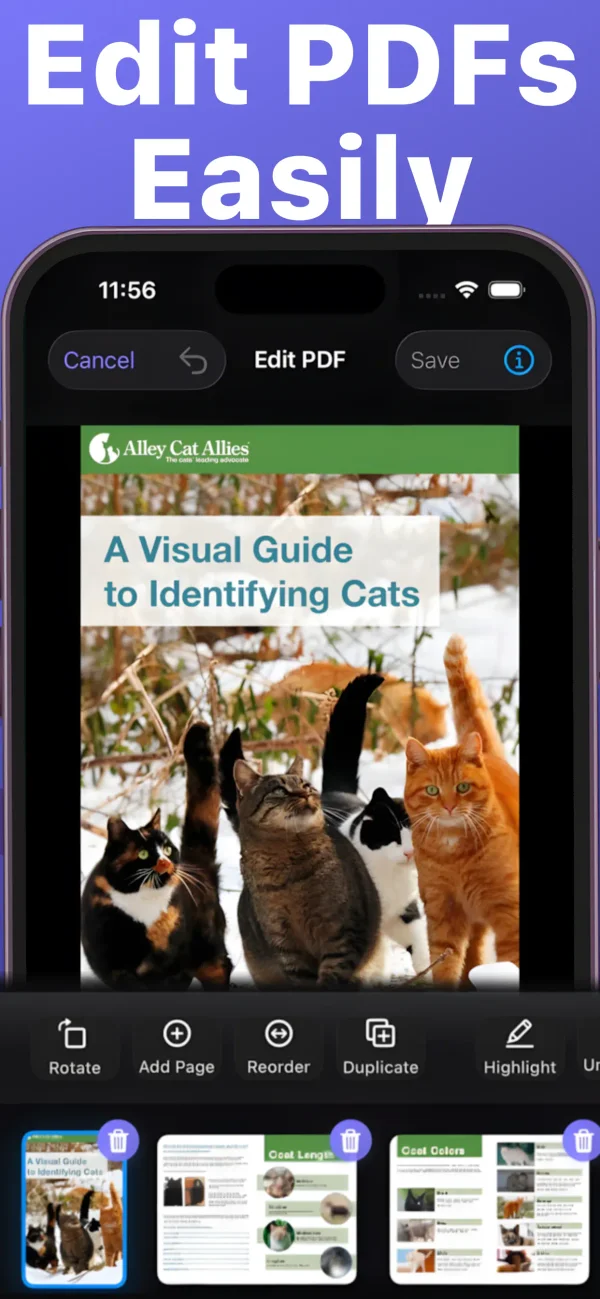
• Add, delete, rotate, reorder, or duplicate PDF pages effortlessly
• Merge multiple PDFs into a single document
• Professional page management controls for precise editing
• Real-time preview of all edits before saving
• Support for multiple file formats including PDF, JPG, and PNG
Powerful Annotation and Markup
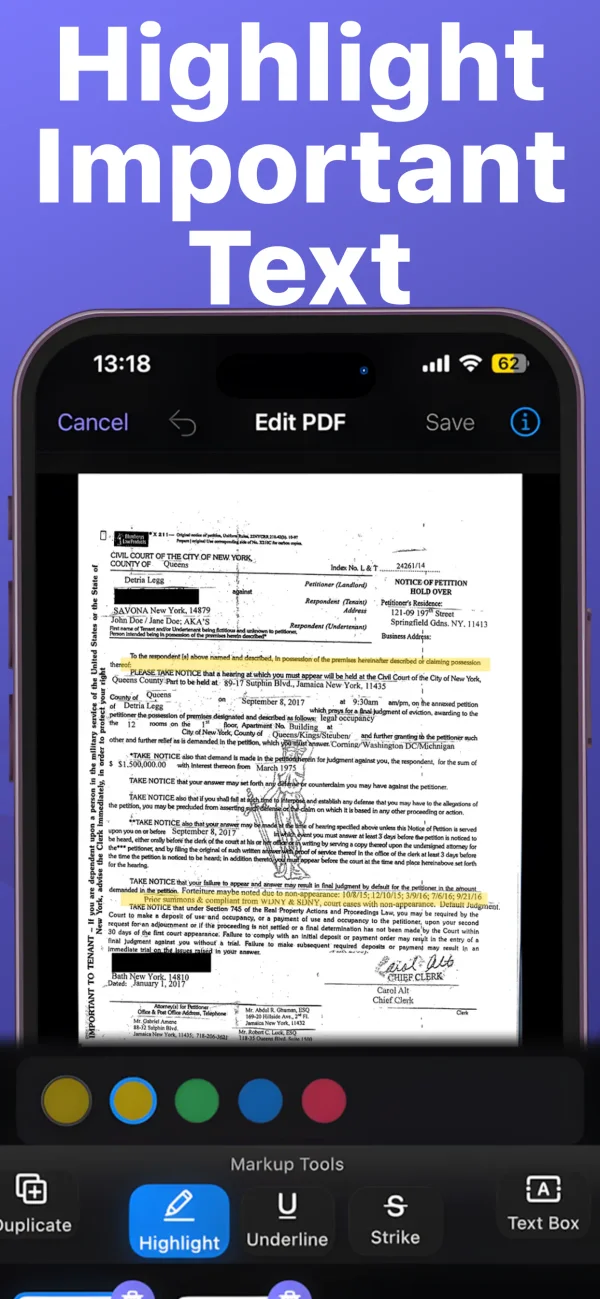
• Highlight, underline, or strikethrough text with custom colors
• Insert text, shapes, and digital signatures for professional documents
• Resize, reposition, or format annotations with complete flexibility
• Ideal for contracts, reports, assignments, and other professional documents
OCR Text Extraction and Search
• Convert scanned PDFs into searchable and editable text
• Quickly search through extracted content within your PDFs
• Export text for use in other applications or workflows
• Essential for students, educators, and professionals managing documents
Professional Features for Every User
• High-resolution PDF output for crisp, clear documents
• Advanced PDF editing, annotation, and text extraction tools
• Merge, compress, and convert PDFs with professional efficiency
• Secure and private handling of sensitive files
• Designed for business professionals, students, and anyone needing robust PDF tools
Why Choose PDF Editing | PDF Scanner?
• All-in-one PDF solution: scan, edit, annotate, and manage documents
• Professional-grade PDF editor and OCR text extraction
• Intuitive interface that is easy to navigate
• Comprehensive annotation and markup capabilities
• Seamless cloud backup and multi-device synchronization
• Streamline your document workflow with a single, reliable app
Download PDF Editing | PDF Scanner today and transform your document workflow. Whether you need a PDF editor, PDF scanner, OCR tool, document organizer, or annotation app, this solution provides everything you need to manage, edit, and optimize your PDF documents efficiently and professionally.
you need a paid subscription. Prices may vary by country and are subject to change without notice. Prices are clearly displayed in the app.
* Payment will be charged to your iTunes account at confirmation of purchase.
* Your subscription will automatically renew unless auto-renew is turned off at least 24 hours before the end of the current period.
* Your account will be charged for renewal within 24 hours before the end of the current period.
* You can manage your subscriptions and turn off auto-renewal by going to your Account Settings in the iTunes Store.
* If offered, if you choose to use our free trial, any unused portion of the free trial period will be forfeited when you purchase a subscription to that publication, where applicable.
Privacy Policy : https://sites.google.com/view/mohamed-lotfi-pp/home
Terms of Use: https://sites.google.com/view/mohamedlotfi-terms/home
What’s new
Version 1.1 · Dec 10, 2025
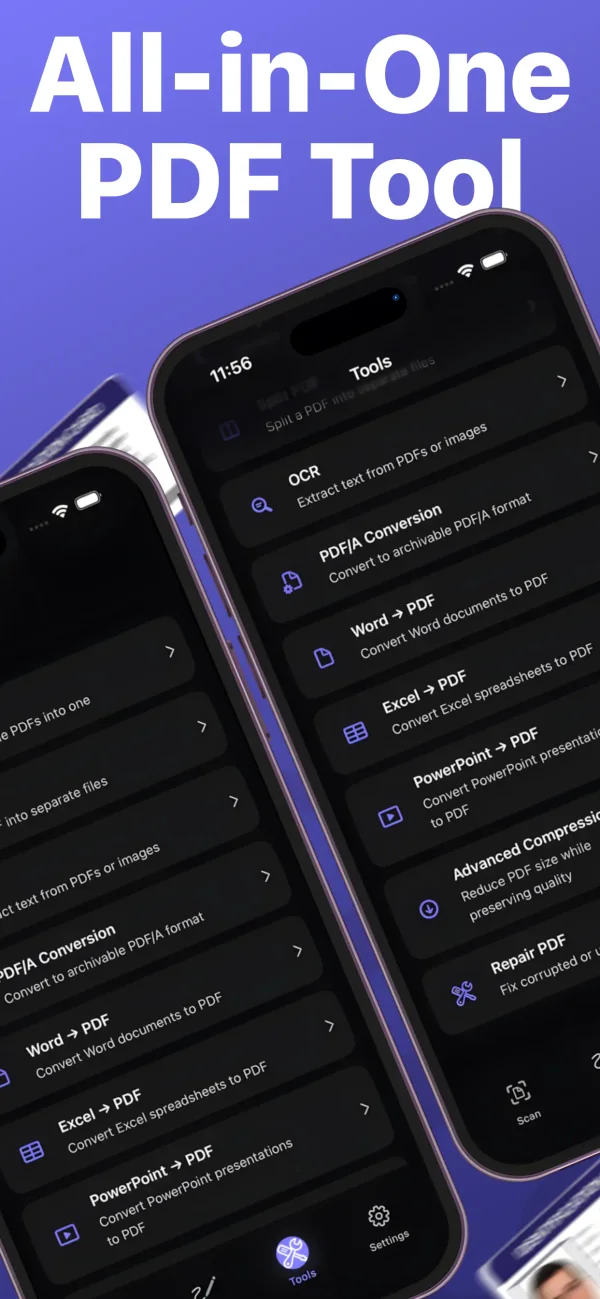
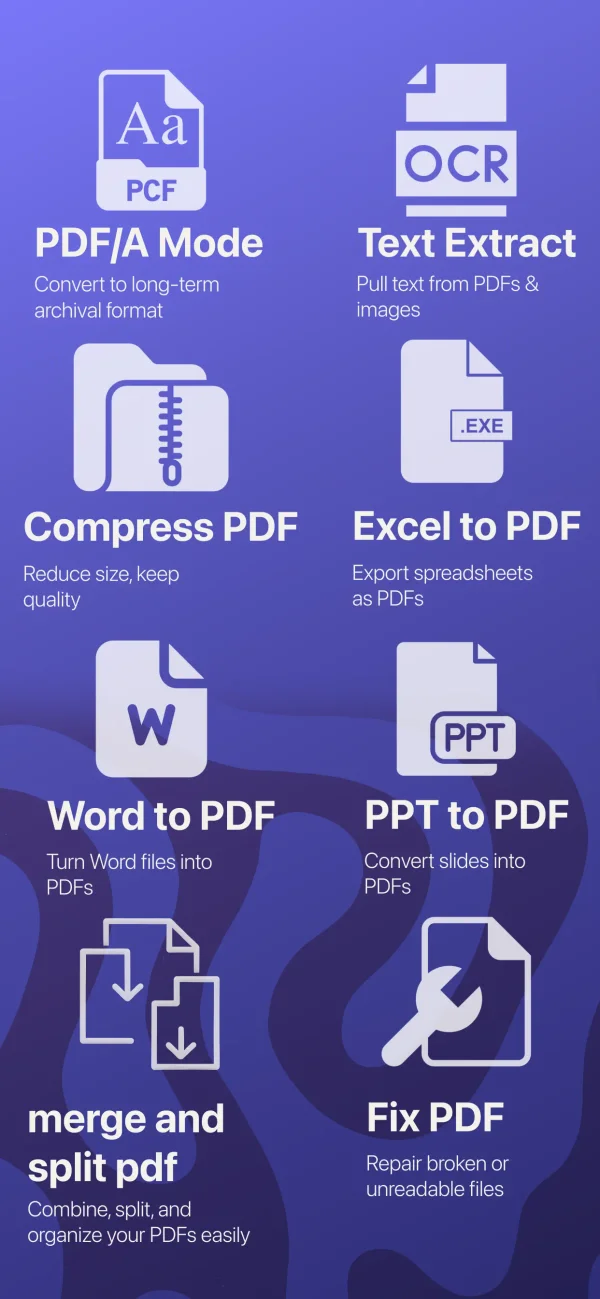
This update brings major improvements to your PDF productivity:
-Merge PDFs — combine multiple documents into a single file
-Split PDFs — extract pages into new separate files
-Advanced OCR — more accurate text recognition
-Word to PDF conversion
-Excel to PDF conversion
-PowerPoint to PDF conversion
-PDF Repair — fix unreadable or corrupted files
-Advanced Compression — reduce file size while keeping quality
-PDF/A export for long-term archiving
-Improved PDF editing tools — smoother and more precise
-Performance enhancements throughout the app
-Various bug fixes for a more stable experience
Thank you for using our app. We’re continuously improving to provide the best PDF tools for you.
App privacy
What Mohamed Lotfi declares on the App Store about how this app handles data.
-
Data used to track you
May be used to track you across apps and websites owned by other companies.
- Diagnostics
-
Data not linked to you
May be collected but is not linked to your identity.
- Diagnostics
Privacy practices may vary, for example with the features you use or your age.
Information
- Seller
- Mohamed Lotfi
- Category
- Productivity
- Version
- 1.1
- Updated
- Dec 10, 2025
- Released
- Sep 16, 2025
- Size
- 40.2 MB
- Requires
- iOS 18.5 or later
- Age rating
- 4+
- Price
- Free
- In-app purchases
- Yes
- Languages
- English
- Copyright
- © Mohamed Lotfi
You might also like
-
 Nexal AI - AI Chat & ImageAsk, search, generate images
-
 OCR Image AI - Photo to TextPicture to Text - Scan Text
-
 Fexo All File ConverterConvert HEIC, PDF, MP3, MP4
-
 All Document Reader ProOpen PDF, Word, Excel, ZIP,RAR
-
 Mangonote: AI Note TakerVoice Recorder & Transcription
-
 Chat Pen: AI Chatbot & SearchPDF, Voice & Image Assistant
-
 AI Language Translator +Speak for me & Translating app
-
 Three Cells: Habit JournalSimple diary, mood & health
-
 AI Voice To Do List - AAKAAI Planner, Task Manager
-
 Awesome Copy Mobile ClipboardClipboard history sync manager