PDF Editor Studio
Edit, Cover & Add Text
Designed for iPhone, iPad, iPod touch
In-app purchases
- Age rating4+
- CategoryProductivity
- DeveloperStudyBridge LLC
- LanguagesEnglish
- Size35.6 MB
Links to the official App Store page
Download.org hosts no file of PDF Editor Studio. The button opens its official App Store page, published by StudyBridge LLC. Listing last checked on Nov 12, 2026.
Screenshots

About
PDF Editor Studio is an easy-to-use PDF editor that lets you edit, annotate, sign and fill PDF documents directly on your device.
Whether you need to add text, cover sensitive information, fill out forms, or make quick document changes, PDF Editor Studio gives you the essential tools in one simple app.
KEY FEATURES
PDF Editing & Annotation
• Add custom text with adjustable font size and color
• Move and resize text elements freely
• Insert white boxes to cover sensitive information
• Undo recent changes
• Navigate multi-page PDF documents
• Export and share edited PDFs
PDF Form Filler
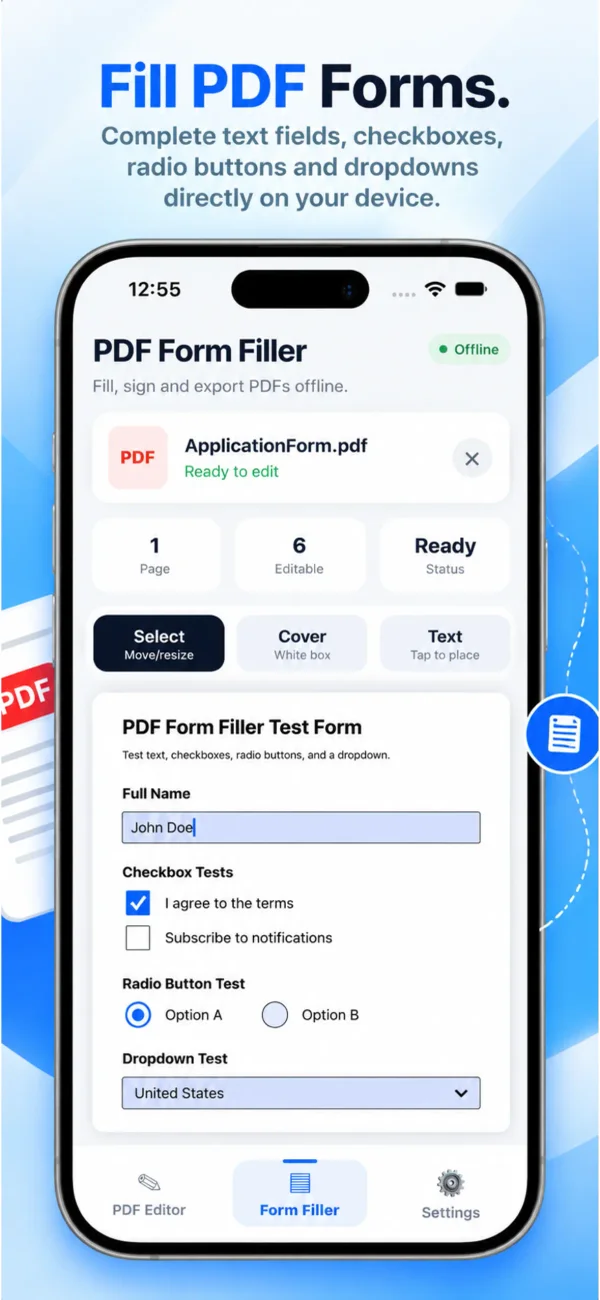
• Open and fill interactive PDF forms
• Enter information into text fields
• Select checkboxes and radio buttons
• Choose options from dropdown and list fields
• Complete forms directly on your device
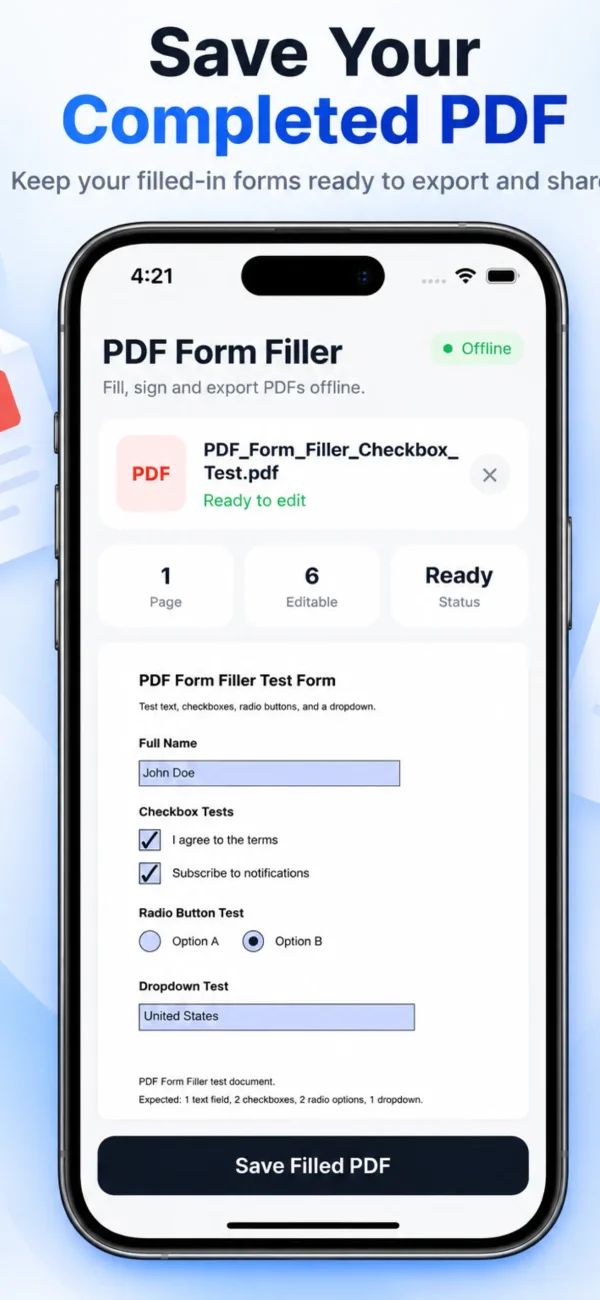
• Save and share completed PDF documents
Simple & Private
• Work with PDF documents offline
• Keep your documents on your device
• No complicated editing tools
• No subscriptions
PERFECT FOR EVERYDAY USE
Whether you're a student, professional, freelancer, or simply need to complete paperwork, PDF Editor Studio makes working with PDF documents easier.
Download PDF Editor Studio for free and take control of your PDF documents today!
What’s new
Version 1.0.5 · Nov 2, 2026
PDF Editor Studio is now FREE!
You can now download and use PDF Editor Studio without paying upfront.
What's new:
- Now free to download and use.
- Added advertising to support continued development.
- Improved PDF editing experience.
- Performance improvements and bug fixes.
Enjoy editing, annotating, and filling PDF documents directly on your device.
App privacy
What StudyBridge LLC declares on the App Store about how this app handles data.
-
Data not collected
The developer does not collect any data from this app.
Privacy practices may vary, for example with the features you use or your age.
Information
- Seller
- StudyBridge LLC
- Category
- Productivity
- Version
- 1.0.5
- Updated
- Nov 2, 2026
- Released
- Feb 18, 2026
- Size
- 35.6 MB
- Requires
- iOS 15.1 or later
- Age rating
- 4+
- In-app purchases
- Yes
- Languages
- English
- Copyright
- © 2026 StudyBridge LLC
You might also like
-
 OneWriter: Inspiration PlaceYour Writing Assistant
-
 Plot SparkRoll Your Story
-
 Pure PDF Editor OfflinePrivate PDF Editor & Filler
-
 PDF Document Editor: Kudo AIEdit Docs, Reader & Creator
-
 PDF Reader 2025Quick PDF Viewer
-
 CISEN FusionProductivity
-
 Digital Ruler - Pocket MeasureProductivity
-
 Fokuso: Focus Timer & PomodoroStudy & Deep Work, Cozy Island
-
 Mote: Lock Screen NotesSimple reminders, clear mind
-
 EisenhowerThe Eisenhower Matrix app