PDF Expert Lite: Scan & Edit
Sign, Annotate & Compress PDFs
Designed for iPhone
Free · In-app purchases
- Age rating12+
- CategoryProductivity
- DeveloperAPP TEAM
- LanguagesEnglish
- Size5.9 MB
Links to the official App Store page
Download.org hosts no file of PDF Expert Lite: Scan & Edit. The button opens its official App Store page, published by APP TEAM. Listing last checked on Nov 18, 2026.
Screenshots
About
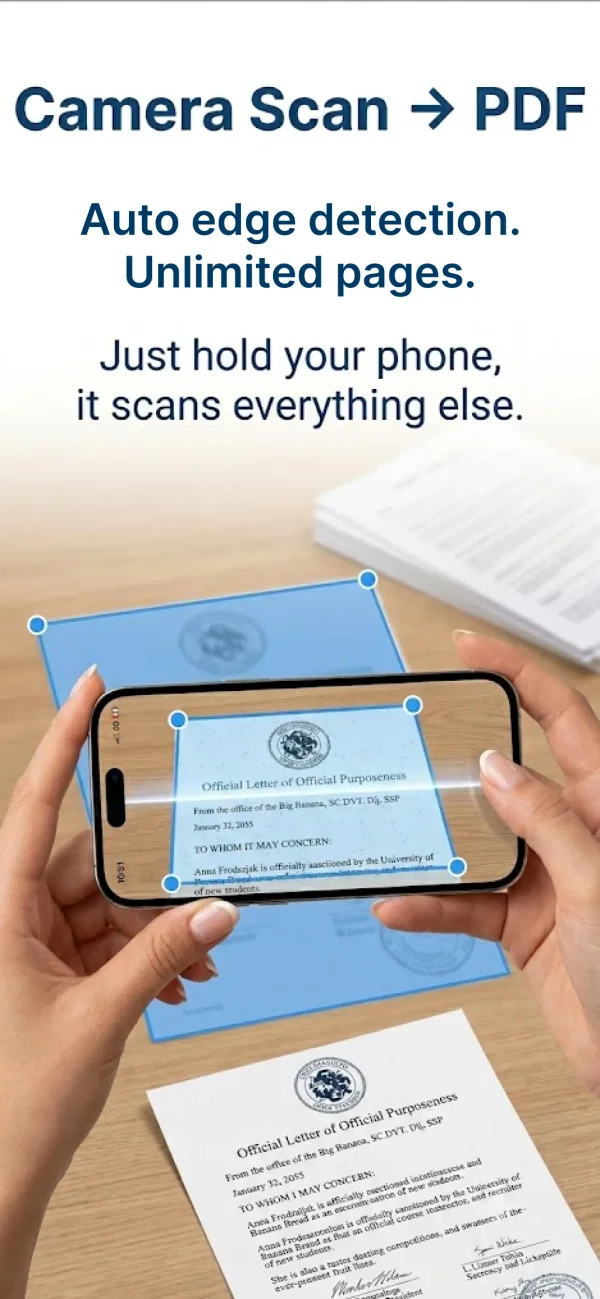
DF Expert Lite is the all-in-one PDF tool for iPhone and iPad. Scan paper documents with your camera, annotate, sign, fill forms, merge, split, compress, and protect your PDFs — all without leaving the app.
FREE TO USE — 1 free action per day, no account needed. Upgrade to Pro for unlimited everything with a single one-time payment.
— SCAN & DIGITISE —
Turn paper documents into searchable PDFs in seconds using your camera. Auto-enhance, Black & White, Grayscale, and Color filters give every scan a clean, professional look. Reorder or delete pages before saving.
— ANNOTATE —
Highlight, underline, and strikethrough text. Draw freehand with the ink tool. Add text boxes, stamps (Approved, Confidential, Draft, and more), or custom stamps. Permanently redact sensitive information with the built-in redaction tool.
— SIGN DOCUMENTS —
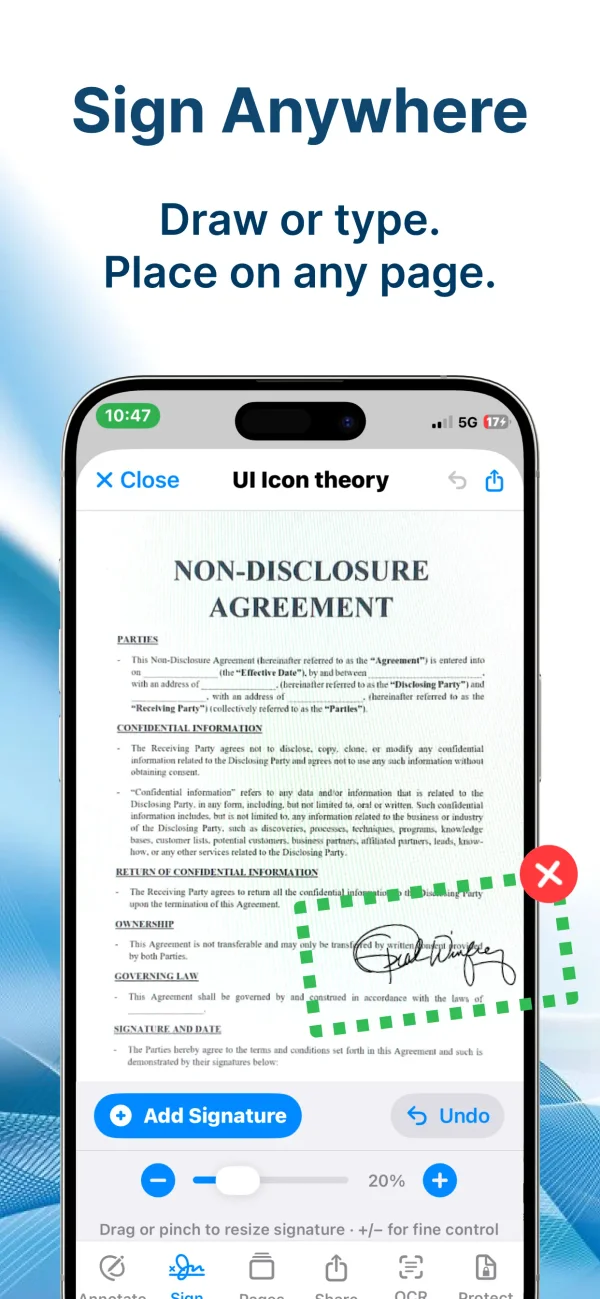
Draw your signature with your finger or type it in a handwriting font. Save multiple signatures and place them on any page with a single tap. No third-party accounts or internet connection required.
— FILL PDF FORMS —
Tap any form field and type directly into it. Save the completed form as a new PDF ready to share or print.
— MERGE & SPLIT —
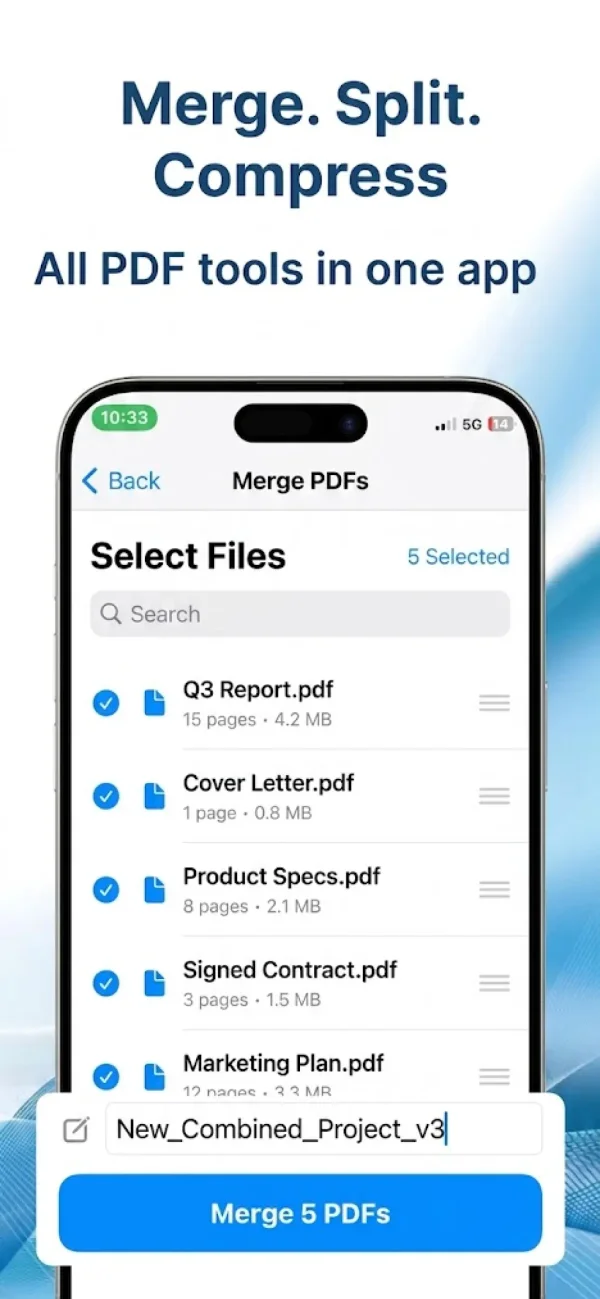
Combine multiple PDFs into one document in seconds. Split any PDF by page range or extract individual pages — perfect for sharing specific sections without sending the whole file.
— COMPRESS PDFs —
Reduce file size without losing readability. Choose from High Quality, Balanced, or Small Size to find the right balance before sending by email or uploading to cloud storage.
— OCR TEXT RECOGNITION —
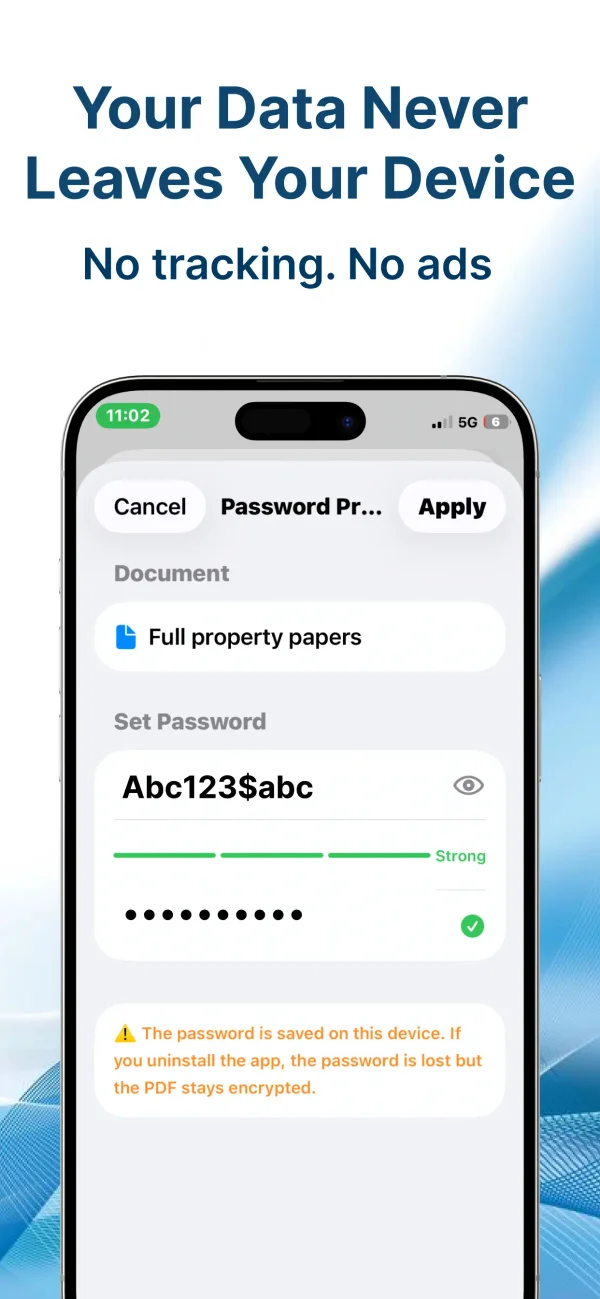
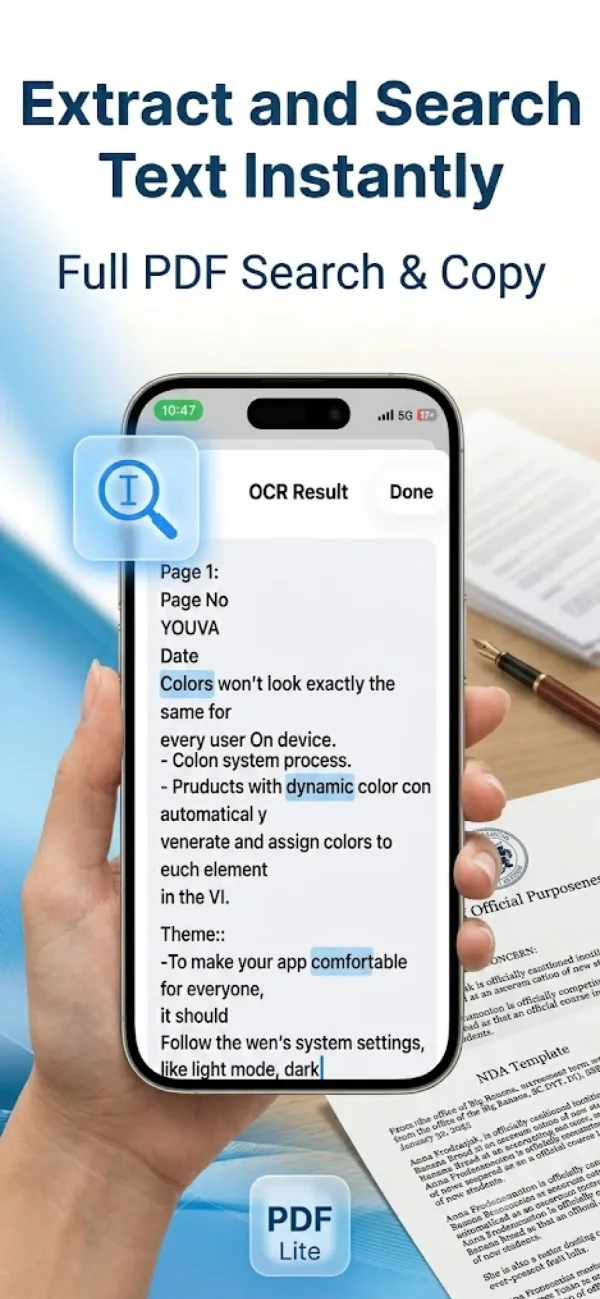
Make scanned documents fully searchable and copy-pasteable. PDF Expert Lite reads the text on every page and embeds a searchable text layer — all on-device, no data sent anywhere.
— PASSWORD PROTECTION —
Lock any PDF with a password before sharing. Encrypted using standard PDF security so the file stays protected in any PDF reader.
— ORGANISE YOUR LIBRARY —
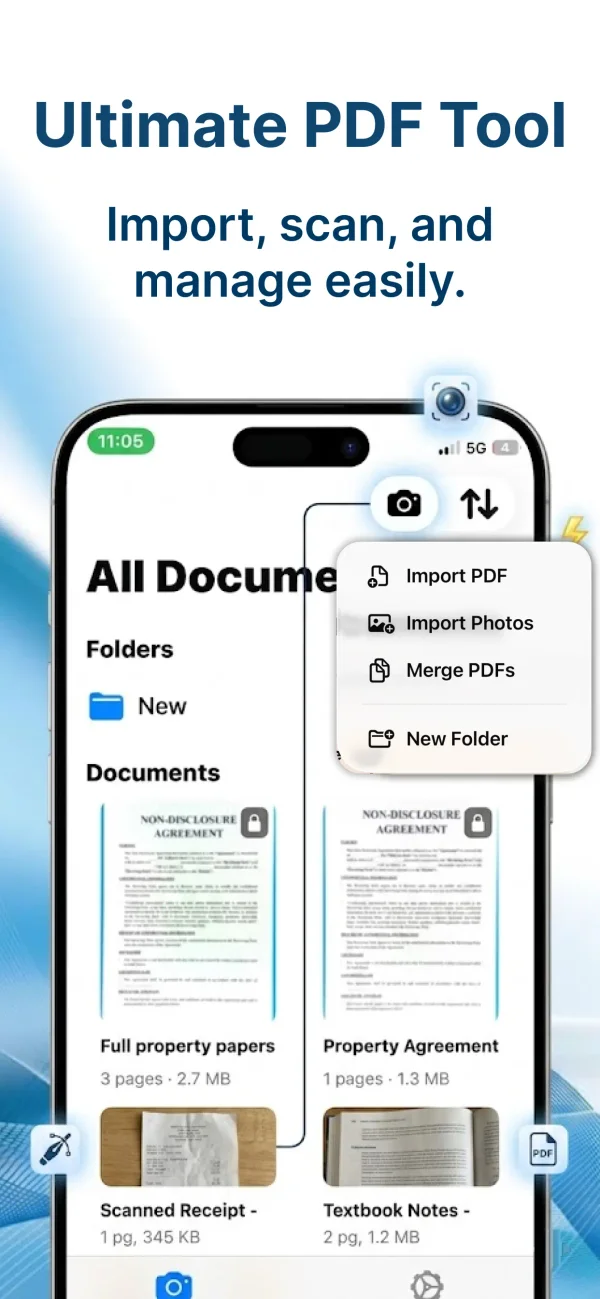
Create folders to keep documents organised. Sort by name, date, or file size. Rename and delete files with a long press. Full search across your entire library.
— ICLOUD SYNC —
Enable iCloud Drive sync to access your PDFs across all your Apple devices. Works seamlessly in the background.
— APP LOCK —
Protect your documents with Face ID, Touch ID, or your device passcode. Choose to lock every time you open the app or only after an idle timeout.
— BUILT FOR IPHONE & IPAD —
Full support for both iPhone and iPad, including Split View on iPad. Optimised for iOS 16 and later.
PRO — ONE-TIME PURCHASE
Upgrade to PDF Expert Lite Pro for unlimited daily actions. No subscription. No recurring charge. Pay once, use forever.
What’s new
Version 1.1 · Aug 8, 2026
This release focuses on delivering a faster, smoother, and more reliable experience.
General optimizations and bug fixes.
App privacy
What APP TEAM declares on the App Store about how this app handles data.
-
Data not collected
The developer does not collect any data from this app.
Privacy practices may vary, for example with the features you use or your age.
Information
- Seller
- APP TEAM
- Category
- Productivity
- Version
- 1.1
- Updated
- Aug 8, 2026
- Released
- May 21, 2026
- Size
- 5.9 MB
- Requires
- iOS 26.0 or later
- Age rating
- 12+
- Price
- Free
- In-app purchases
- Yes
- Languages
- English
- Copyright
- © AppTeam
You might also like
-
 iFillPDF: PDF Filler & SignerFill forms, scan & e-sign docs
-
 Routine – Daily PlannerReminders & Life Schedule
-
 Calendar Pro: Daily PlannerSchedule, Tasks & Reminders
-
 Plain AILocal AI, plain and simple
-
 Reduce Photo SizeCompress Photos Easily and HD!
-
 Inkiostro: Markdown EditorVisual Writing, Notes & PDF
-
 Notia - Infinite WhiteboardWrite, pin & organize notes
-
 Voice Keyboard: Dictation AITranslator & Wisper Flow
-
 OffGrid : Offline Chat AIPrivate AI Chat & Vision
-
 LocalLLM: Offline AI ChatPrivate & Local AI Chatbot