
PDF Library eBook Reader
Organize, sync, and read PDFs
Designed for iPhone, iPad, Mac
Free · In-app purchases
- Age rating4+
- CategoryBooks
- DeveloperVerbia Systems
- LanguagesEnglish+ 7 more
- Size11.7 MB
Links to the official App Store page
Download.org hosts no file of PDF Library eBook Reader. The button opens its official App Store page, published by Verbia Systems. Listing last checked on Nov 16, 2026.
Screenshots


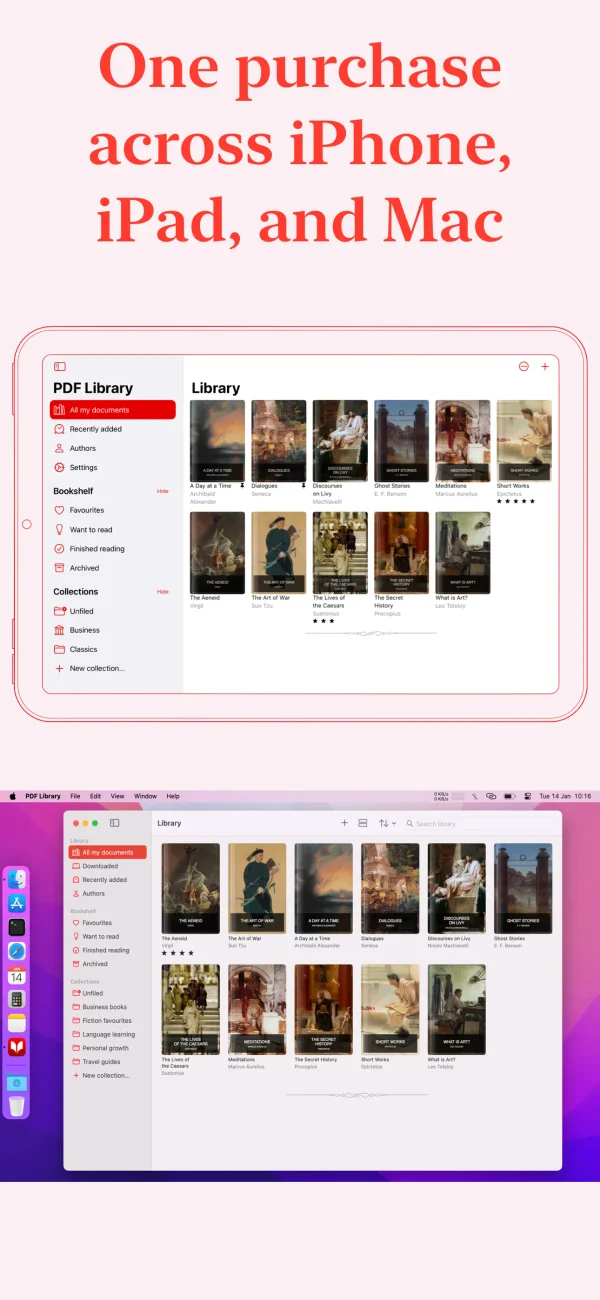
About
Read, Organize, and Sync Your PDF eBooks Effortlessly
PDF Library is the ultimate solution for reading long-form PDF documents and eBooks. Seamlessly manage, organize, and sync your PDF collection across all your devices, ensuring you have easy access wherever you are.
Key Features:
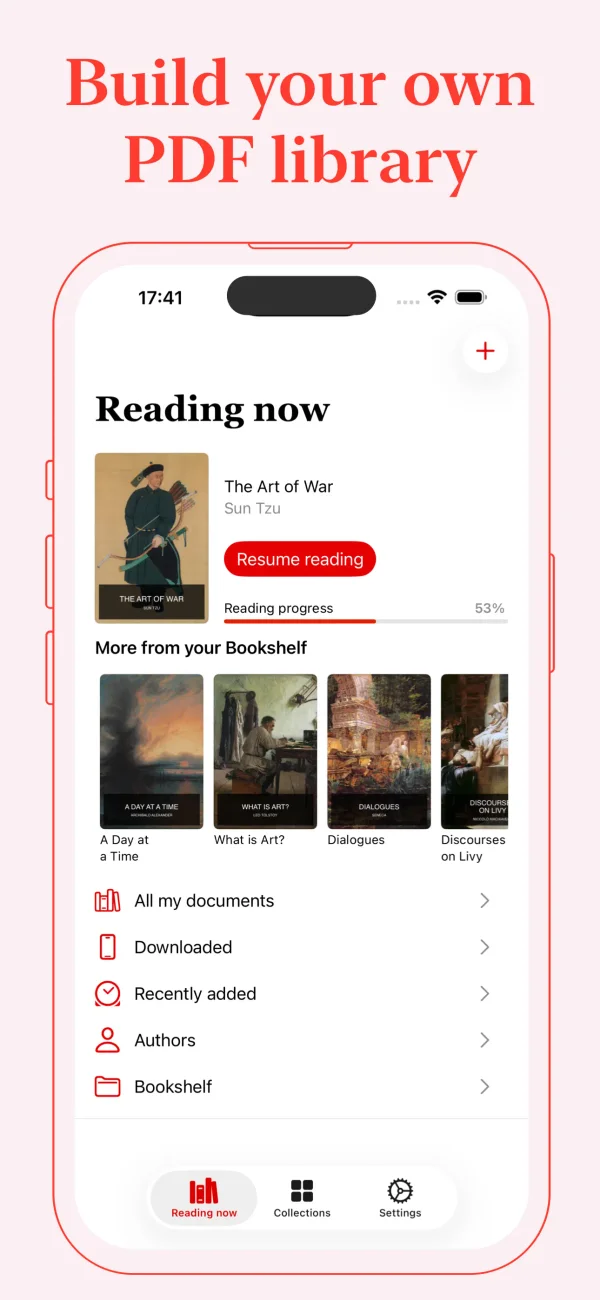
- Flexible Display Options: View your documents as customizable cards or a streamlined list in your Library.
- Pin Your Favorites: Keep important PDFs at the top of your Library for quick access.
- Dark Mode: Enjoy comfortable reading with less eye strain, day or night.
- Custom App Icons: Personalize your home screen with unique app icons.
- iCloud Sync: Securely sync your entire PDF Library across iPhone, iPad and Mac.
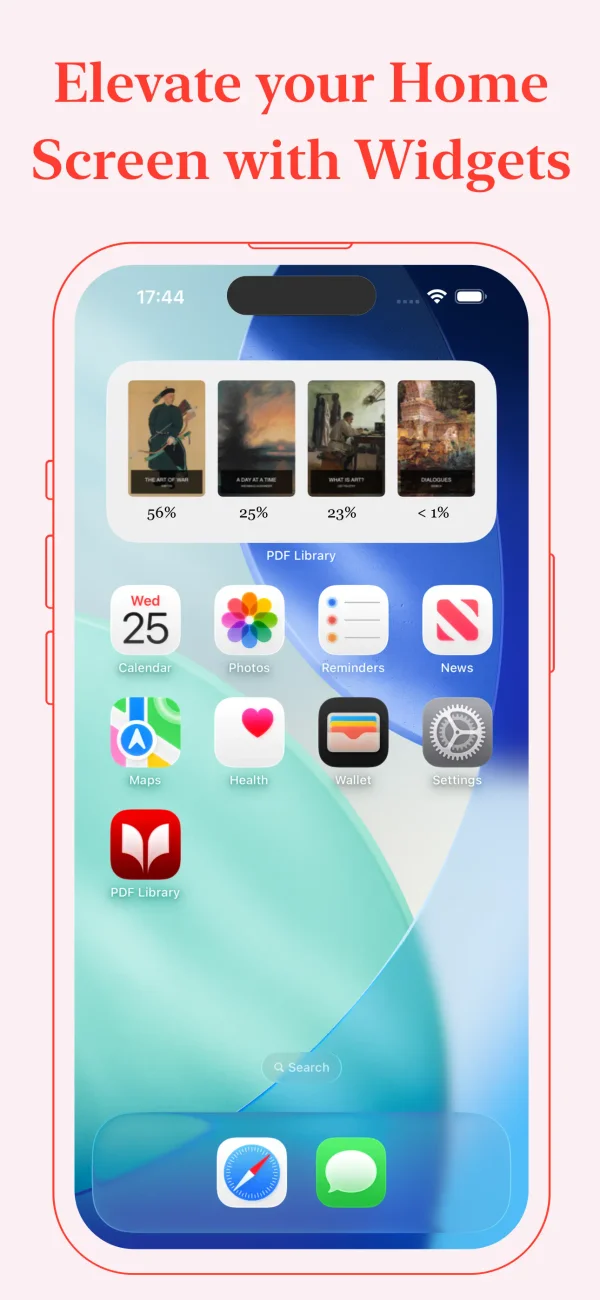
- Home Screen Widgets: Instantly access recent PDFs right from your home screen.
PDF Reader Features:
- Auto-Save Reading Progress: Your place is saved automatically, so you’ll never lose track of where you left off.
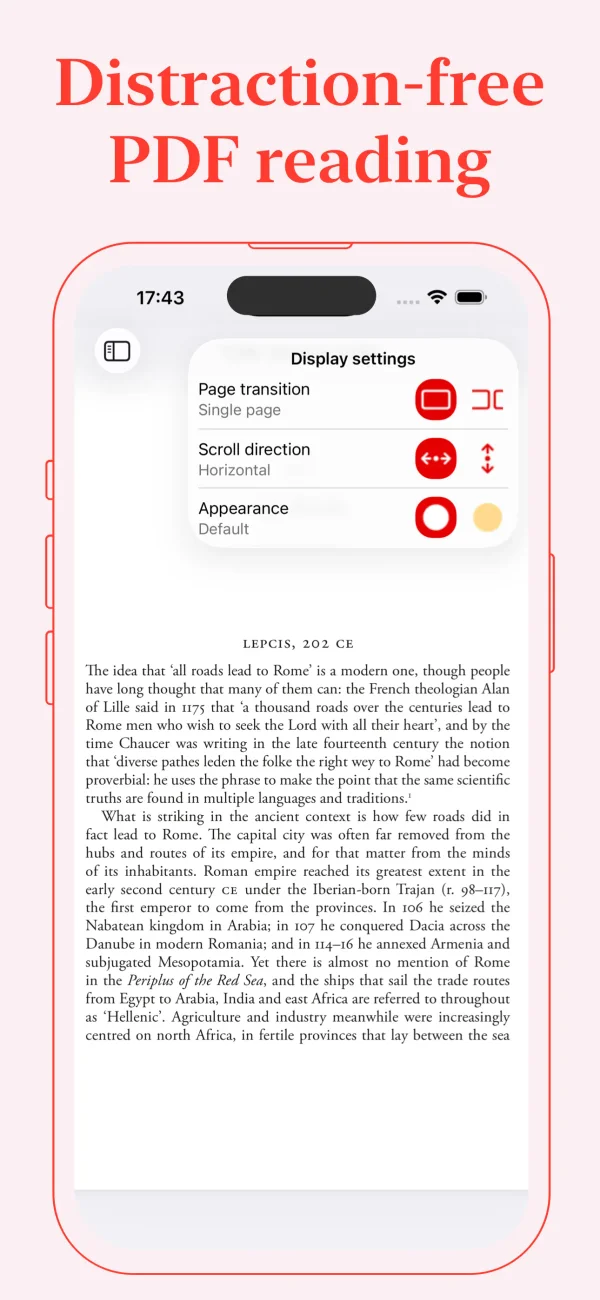
- Flexible Reading Modes: Read in Single-Page or Continuous mode, with both horizontal and vertical scrolling options.
- Sepia Reading Mode: Reduce eye strain with a warm, soft color filter that provides a gentler reading experience.
- Easy Navigation: Use the built-in Table of Contents for quick jumps to sections within any document.
Organize Your PDF Library:
- Track Reading Status: Mark PDFs as "Read Next", "Finished", or add them to your Favourites list for easy access.
- Archive Documents: Clear up your Library by moving completed or inactive PDFs to the Archive.
PDF Library Pro – Unlock Advanced Features:
Enjoy PDF Library free with no limits on the number of PDFs you can store. Upgrade to PDF Library Pro with a one-time purchase to enhance your reading experience and support independent app development.
Pro Features Include:
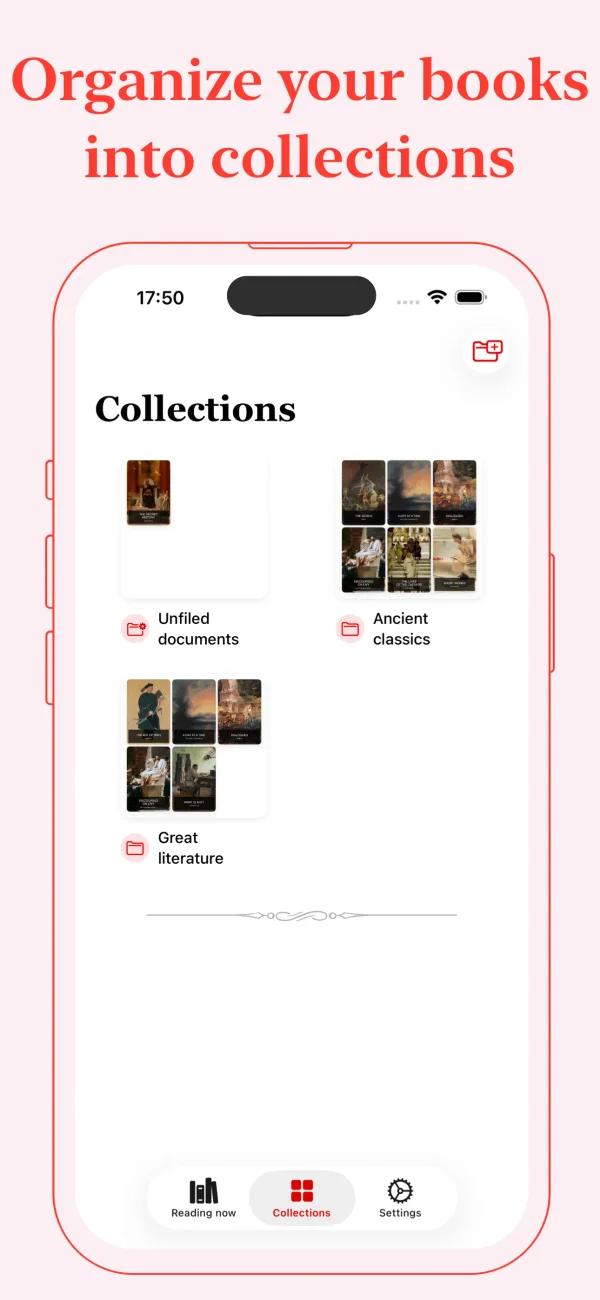
- Organize into Collections: Create personalized Collections to group and sort your PDFs.
- Edit Titles & Authors: Customize your Library’s display by editing document titles and authors.
- Change Cover Art: Update the cover images of your PDFs for better organization and visual appeal.
PDF Library Pro supports Family Sharing – so you can share these advanced features with your family members at no extra cost!
PDF Library is perfect for students, researchers, and professionals. Whether you're at uni, working on university papers, or diving into educational ebooks and scientific research, PDF Library makes reading and managing your documents effortless. With features designed to streamline your workflow, it's ideal for organizing class notes, research papers, and ebooks for study or work.
Privacy Policy: https://verbia.com/privacy
Terms of Use: https://verbia.com/terms
What’s new
Version 2026.4 · Nov 13, 2026
This update fixes a crash that occurred when a book was opened from a Widget. Apologies for that! This update also adds localization for Korean.
App privacy
What Verbia Systems declares on the App Store about how this app handles data.
-
Data not linked to you
May be collected but is not linked to your identity.
- Contact info
- Usage data
Privacy practices may vary, for example with the features you use or your age.
Information
- Seller
- Verbia Systems (Pty) Ltd
- Category
- Books
- Version
- 2026.4
- Updated
- Nov 13, 2026
- Released
- Jul 21, 2024
- Size
- 11.7 MB
- Requires
- iOS 18.0 or later
- Age rating
- 4+
- Price
- Free
- In-app purchases
- Yes
- Languages
- English, French, German, Japanese, Korean, Portuguese, Simplified Chinese, Spanish
- Copyright
- © Verbia Systems 2026
You might also like
-
 BookFolderA cozy PDF reader and library
-
 PDF Reader - MagicPDFPDF Viewer - Document Reader
-
 EpubReader: Ebook Reader & TTSRead EPUB Books Offline
-
 csBooks - ePub and PDF readerRead ePub Mobi PDF and Comics
-
 BookShelves eBook ReaderEPUB, PDF & Comic Book Library
-
 PDF to BooksYour Beautiful PDF Library
-
 Reading Journal by BooksterBook Tracker, Log & TBR
-
 BooksMy - Book Tracker & LogReading Journal & ISBN Scanner
-
 Book Organizer for ReadersManage Bookshelf & Library
-
 EPUB Reader - JustReadEbook & PDF Reader + Calibre