
PDF Merger - Join Document
Merge PDFs & Combine Files
Designed for iPhone, iPad
Free · In-app purchases
- Age rating4+
- CategoryUtilities
- DeveloperPrince Boateng
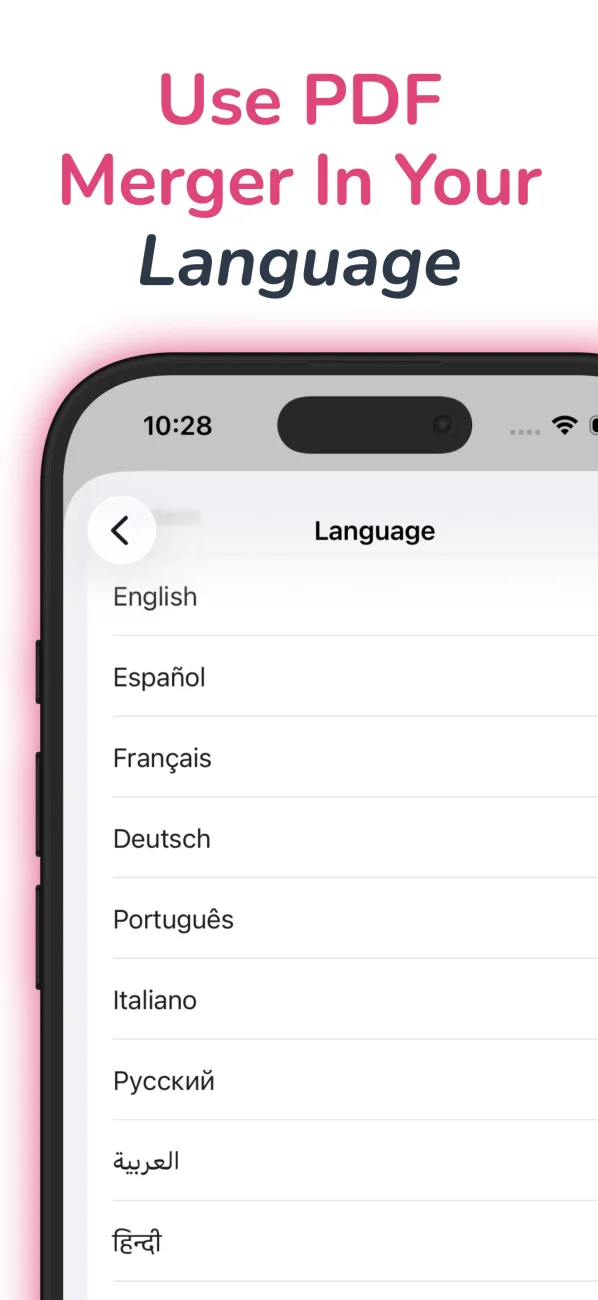
- LanguagesEnglish+ 20 more
- Size14.4 MB
Links to the official App Store page
Download.org hosts no file of PDF Merger - Join Document. The button opens its official App Store page, published by Prince Boateng. Listing last checked on Nov 12, 2026.
Screenshots

About
PDF Merger - Join Document is the fast and easy way to merge PDF files on your iPhone and iPad. Whether you're combining class notes, work documents, reports, contracts, receipts, or study materials, PDF Merger - Join Document helps you create a single organized PDF in seconds.
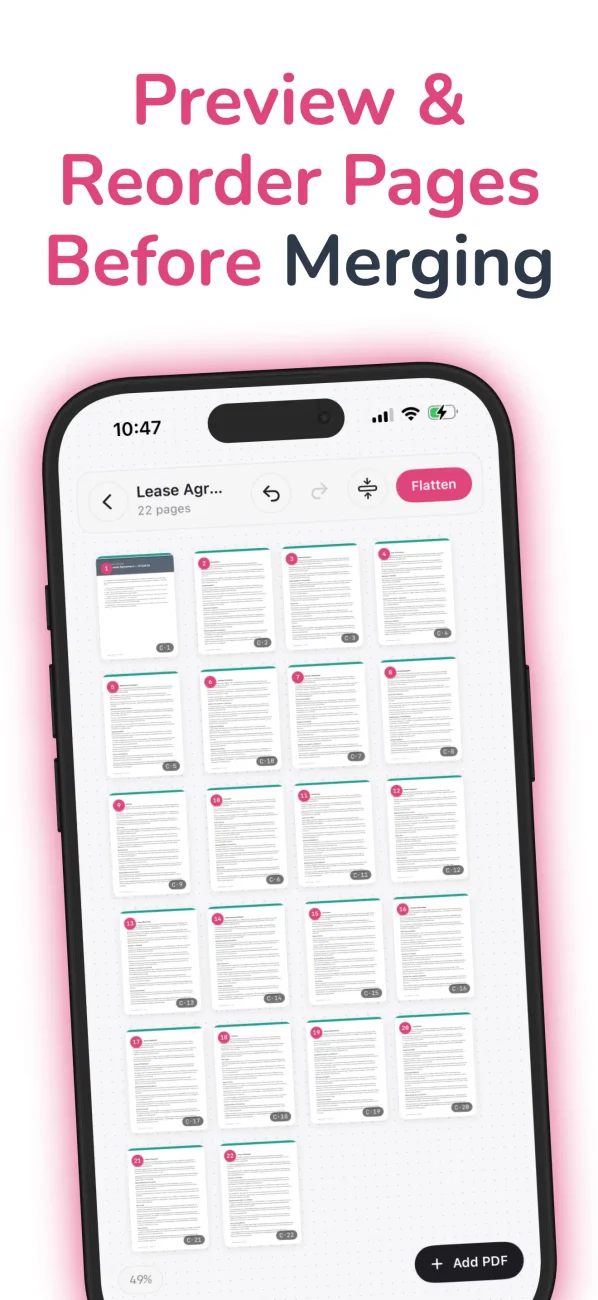
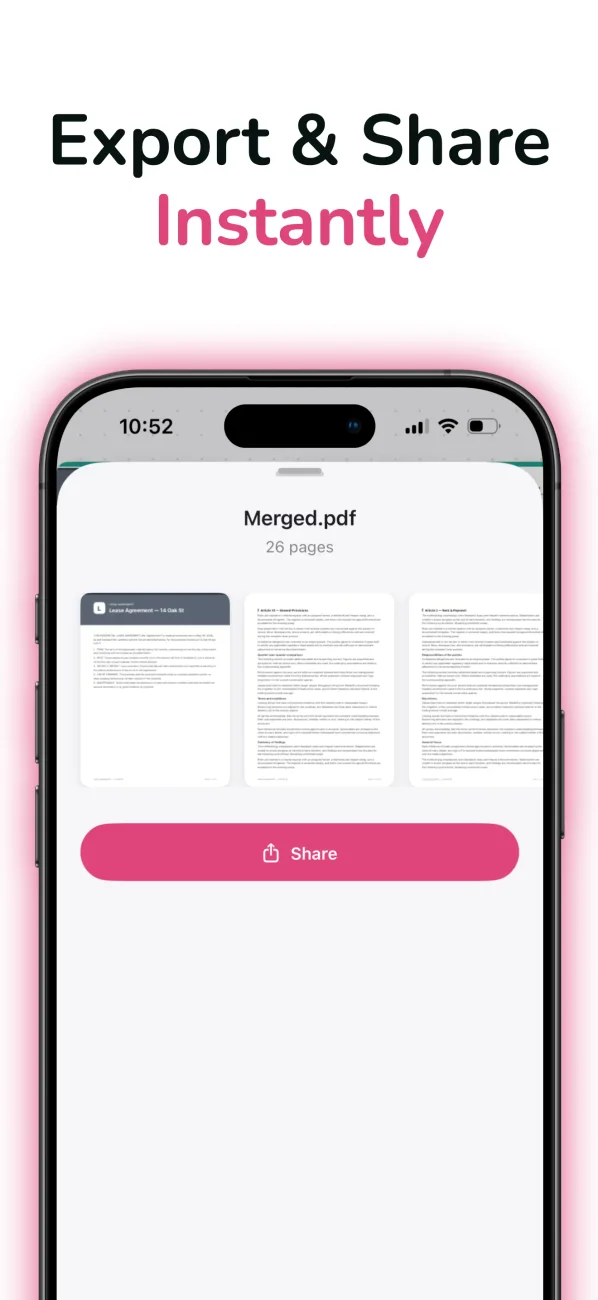
With PDF Merger - Join Document, you can select multiple PDF files, arrange them in any order, merge documents instantly, preview the final result, and save or share your merged PDF. Everything is designed to be simple, fast, and reliable.
Key Features
• Merge multiple PDF files into one document
• Reorder PDFs before merging
• Combine class notes and study materials
• Join reports, contracts, invoices, and forms
• Preview merged PDFs before saving
• Share PDFs using AirDrop, Mail, Messages, and more
• Save merged documents directly to the Files app
• Clean and easy-to-use interface
• Fast PDF processing
• Works offline without an internet connection
Perfect For
• Students combining lecture notes and assignments
• Professionals organizing business documents
• Teachers preparing learning materials
• Freelancers managing contracts and invoices
• Anyone who needs a simple PDF merger
PDF Merger - Join Document is built for speed and convenience. No complicated tools, no unnecessary steps—just select your files, arrange them, and merge PDFs in seconds.
Unlike many PDF tools, PDF Merger - Join Document focuses on the features you actually need. Merge PDF files quickly, organize documents effortlessly, and keep your workflow productive.
### Why Choose PDF Merger - Join Document?
• Simple PDF merger for everyday use
• Secure on-device processing
• No account required
• Fast document merging
• Easy file management
• Reliable PDF performance
• Optimized for iPhone and iPad
Download PDF Merger - Join Document today and start merging PDF files, combining documents, organizing reports, and creating professional PDFs with ease.
Savory All Access
• Length: 1 year
• Price: $39.99 per year, $5.99 Weekly and $7.99 Lifetime(auto-renews)
• Terms of Use: https://www.apple.com/legal/internet-services/itunes/dev/stdeula/
• Privacy Policy https://docs.google.com/document/d/1BEjrJbCCzoT3zg93KfoluUAz3SbvsSlI/edit?usp=sharing&ouid=112960935200730147417&rtpof=true&sd=true
App privacy
What Prince Boateng declares on the App Store about how this app handles data.
-
Data not collected
The developer does not collect any data from this app.
Privacy practices may vary, for example with the features you use or your age.
Information
- Seller
- Prince Boateng
- Category
- Utilities
- Version
- 1.0
- Updated
- Jul 15, 2026
- Released
- Jul 15, 2026
- Size
- 14.4 MB
- Requires
- iOS 18.6 or later
- Age rating
- 4+
- Price
- Free
- In-app purchases
- Yes
- Languages
- English, Arabic, Dutch, French, German, Hindi, Indonesian, Italian, Japanese, Korean, Polish, Portuguese + 9 more
- Copyright
- © 2026 Prince Boateng. All rights reserved.
You might also like
-
 PDF Merger - Combine, Join PDFMerge & Combine PDF Files
-
 Merge PDFs: Combine and SplitLocal PDF tools for Files
-
 PDF & HTML MergerUtilities
-
 PDF Merger - Combine & JoinMerge PDF & Combine PDF Files
-
 Too Simple: Photo to PDFSimple, private, and intuitive
-
 Stvori PDF: Scan to PDFScan docs, photos, receipts
-
 DentixUtilities
-
 SUFI: Dhikr & Rumi WisdomDaily Quotes & AI Reflection
-
 PicOrg - Photo OrganizerQuick Photo Album Organizer
-
 Photo Cleaner: SortySwipeSwipe to Delete & Free Space