PDF nano: PDF Editor & Reader
Edit, Scan, Convert, Translate
Designed for iPhone, iPad
Free · In-app purchases
- Age rating4+
- CategoryProductivity
- DeveloperThamer Mohammed
- LanguagesEnglish+ 1 more
- Size24.8 MB
Links to the official App Store page
Download.org hosts no file of PDF nano: PDF Editor & Reader. The button opens its official App Store page, published by Thamer Mohammed. Listing last checked on Nov 20, 2026.
Screenshots
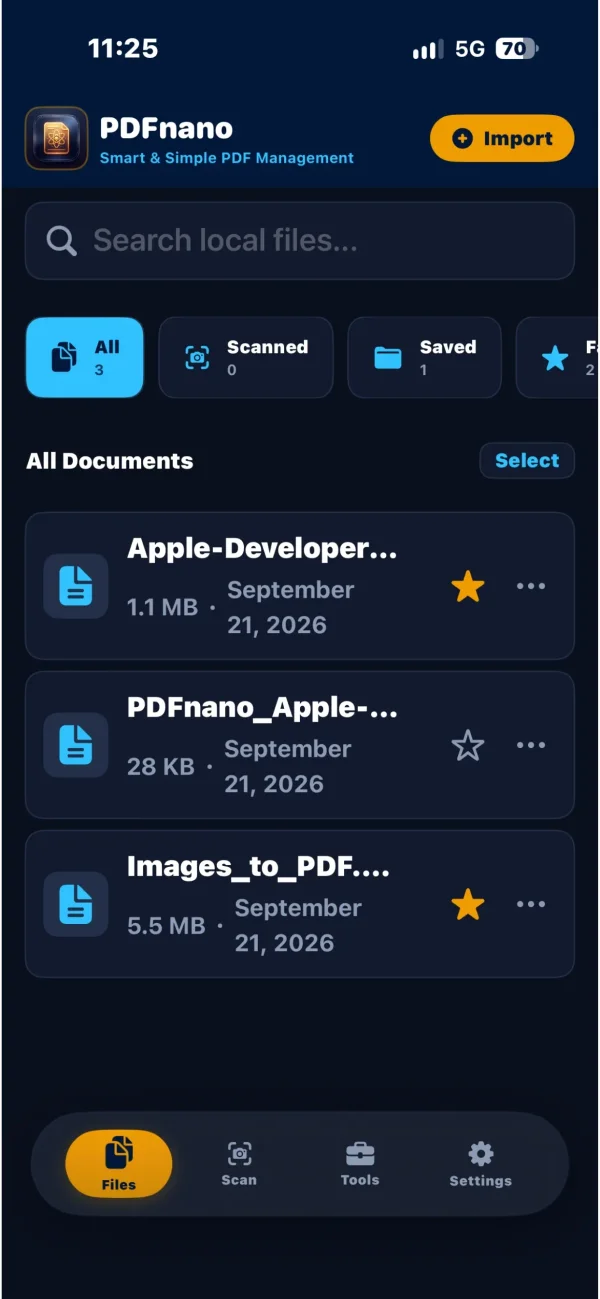
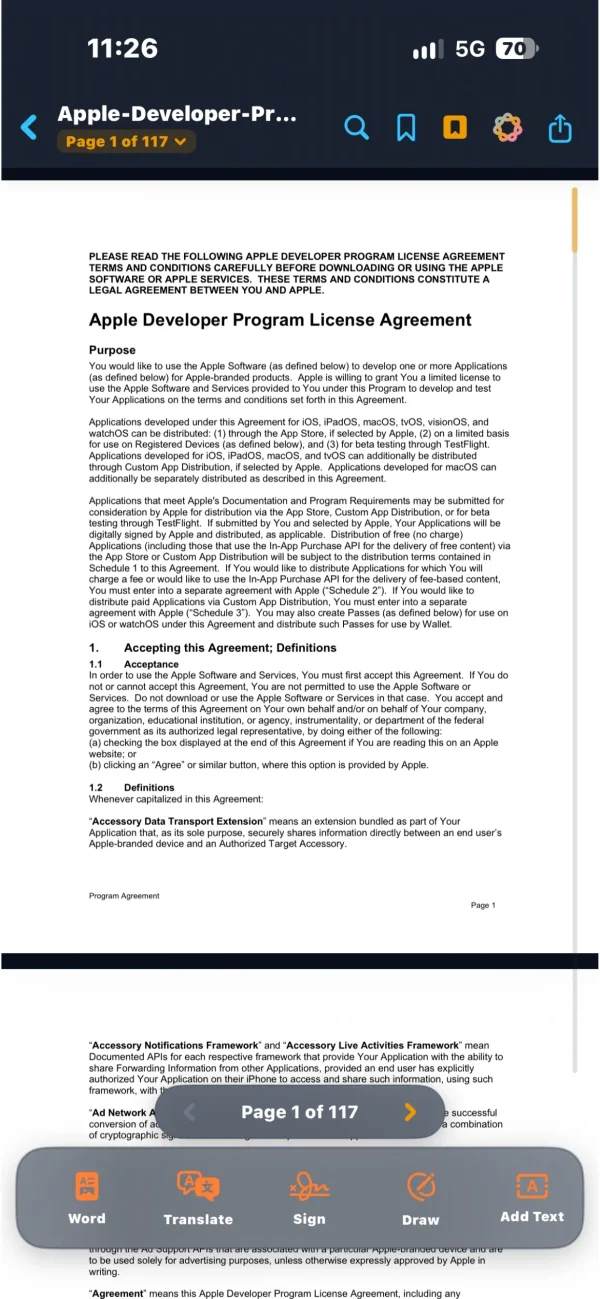
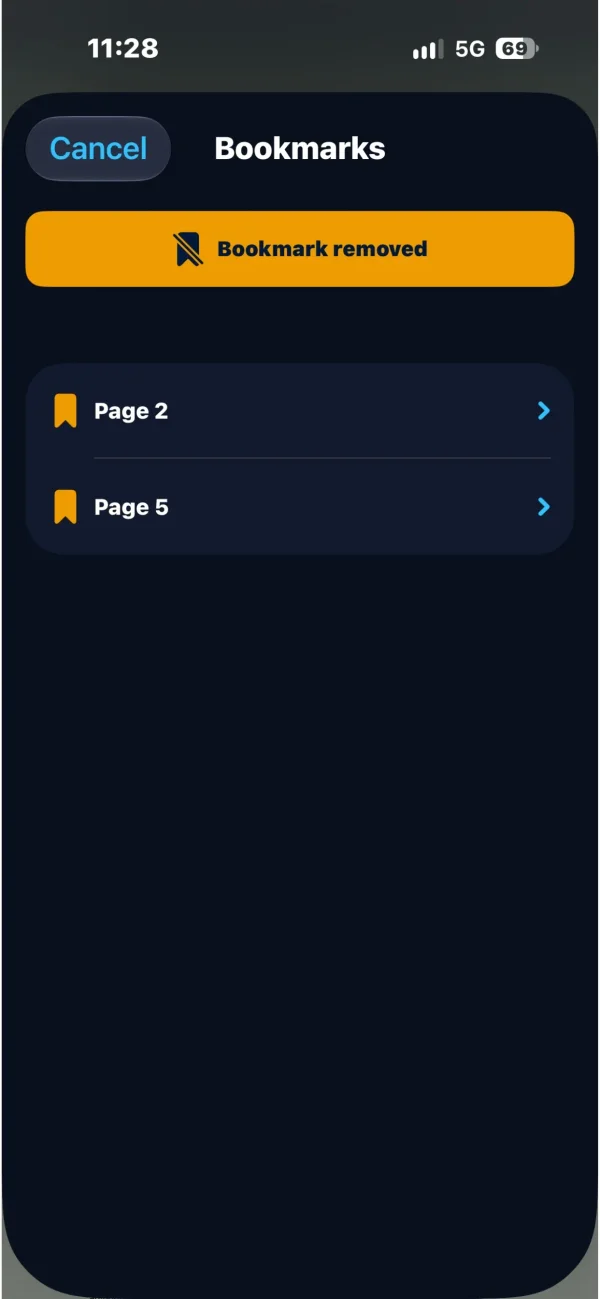
About
PDF nano is a comprehensive, professional PDF reader, editor, translator, and manager engineered for speed and privacy. Combining powerful on-device tools with Apple Intelligence, PDF nano delivers a unified workflow tailored for iPhone, foldable iPhone Duo, and iPad—handling your contracts, reports, and paperwork with top-tier security.
Key Features:
1. Foldable iPhone Duo & iPad Experience:
• Seven Postures Adaptation: Automatic layout across foldable and dual-display devices.
• Dual-Screen Book Mode: Side-by-side reading with automatic hinge isolation to prevent content clipping.
• Tabletop Mode: Bottom screen transforms into a control deck for drawing, signing, and scrubbing without covering the document.
• Dynamic iPad Sidebar: Instant browsing of thumbnails, outlines, and bookmarks beside your canvas.
• High-Contrast Navigation Pill: Prominent back button for effortless touch accessibility and zero status-bar overlap.
2. AI Document Assistant (Beta):
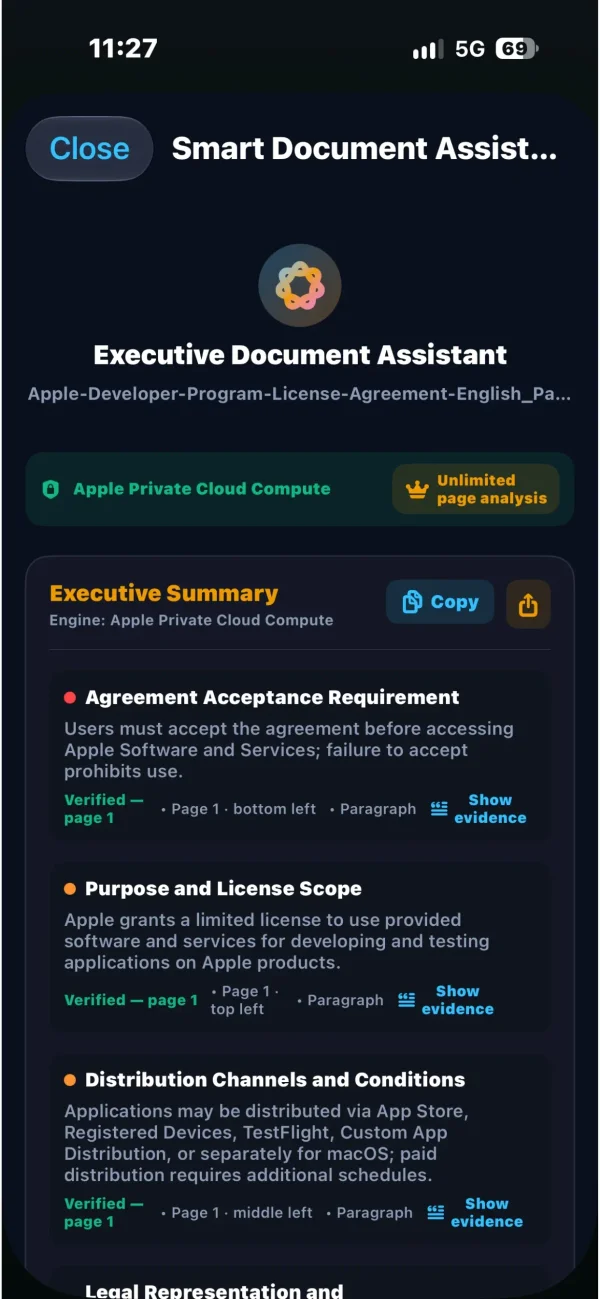
• Instant executive summaries of lengthy reports, extracting decisions and action items.
• Precision risk analysis and contractual obligation detection.
• Verifiable Q&A with answers grounded in direct textual citations from your document.
• Encrypted Cloud Privacy: Powered by Apple Intelligence and Private Cloud Compute (PCC) to process documents securely without logging or storing data.
*Note: AI features require Apple Intelligence-compatible devices.
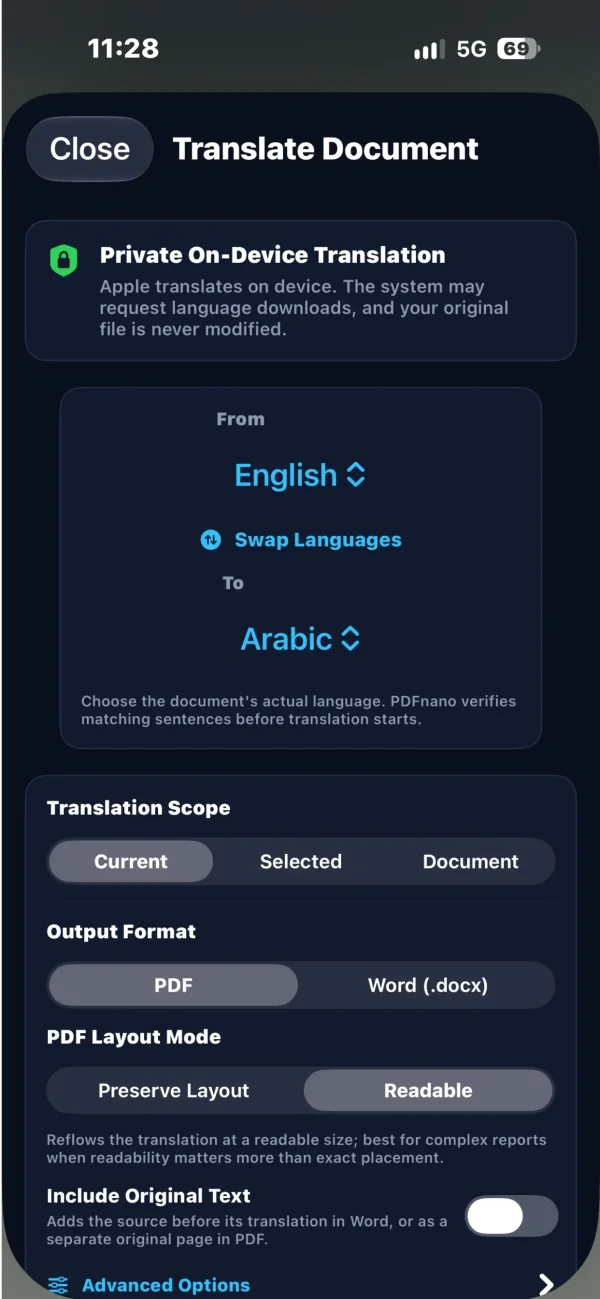
3. Offline Document Translation (Beta):
• Full-document PDF translation entirely offline while preserving layouts, fonts, and tables.
• Batch approval to accelerate processing for files up to 100 pages.
• Granular paragraph review with selective editing for each translated block.
*Note: Translation operates fully on-device. Machine translations may contain errors.
4. Advanced Reading & Viewing:
• Dual-Page Continuous View: True book-like reading with native RTL Arabic and LTR layout.
• Distraction-Free Guard: Locks editing overlays during reading mode to prevent accidental markups.
• Fast-Scrub Vertical Scroll: High-velocity thumb scrubber for jumping through hundreds of pages.
• Full Interface Adaptation: Precision safe-area integration around the Dynamic Island and status bar.
• Smart Double-Tap Zoom: Rapid focus scaling with an intuitive floating navigation capsule.
• OCR Visual Search: Direct in-document search across scanned PDFs with fuzzy and multi-word query support.
5. Conversion & Smart Scanning:
• High-Fidelity PDF to Word (.docx) conversion preserving tables and formatting.
• Accurate Table Extraction to Excel (.xlsx) with automatic data type inference.
• Camera Document Scanner to digitize receipts and paperwork into clean PDFs.
• High-quality PDF-to-Image and multi-image-to-PDF conversion pipelines.
6. Editing, Signing & Organization:
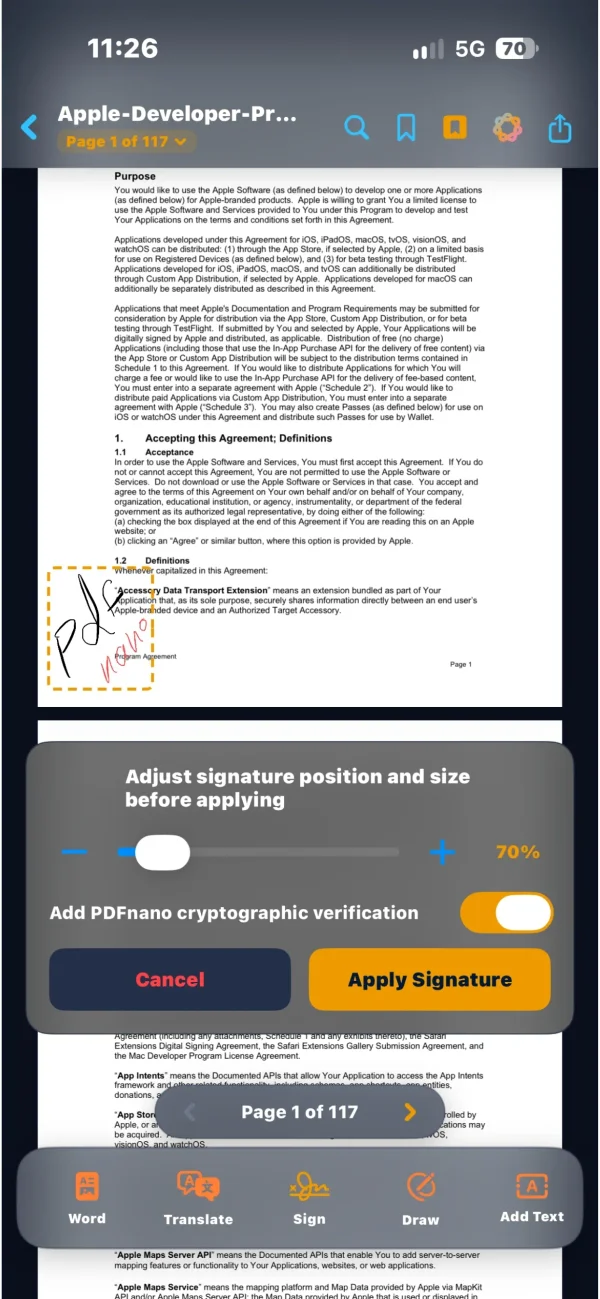
• Digital signatures: Create, position, and cryptographically sign contracts and forms.
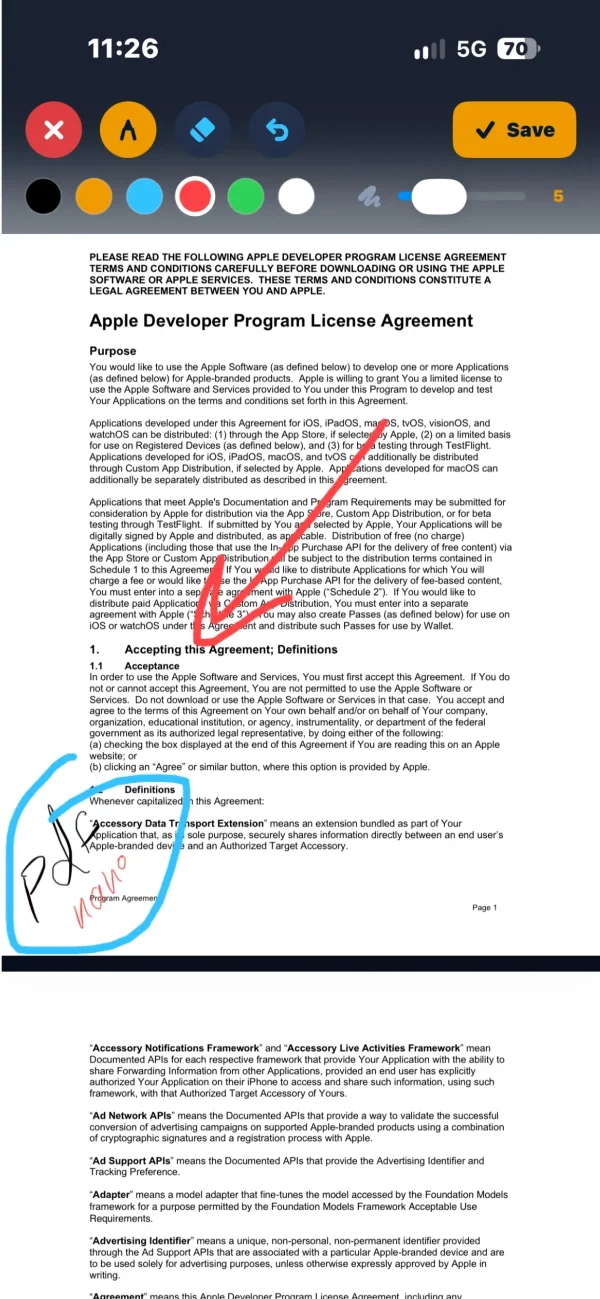
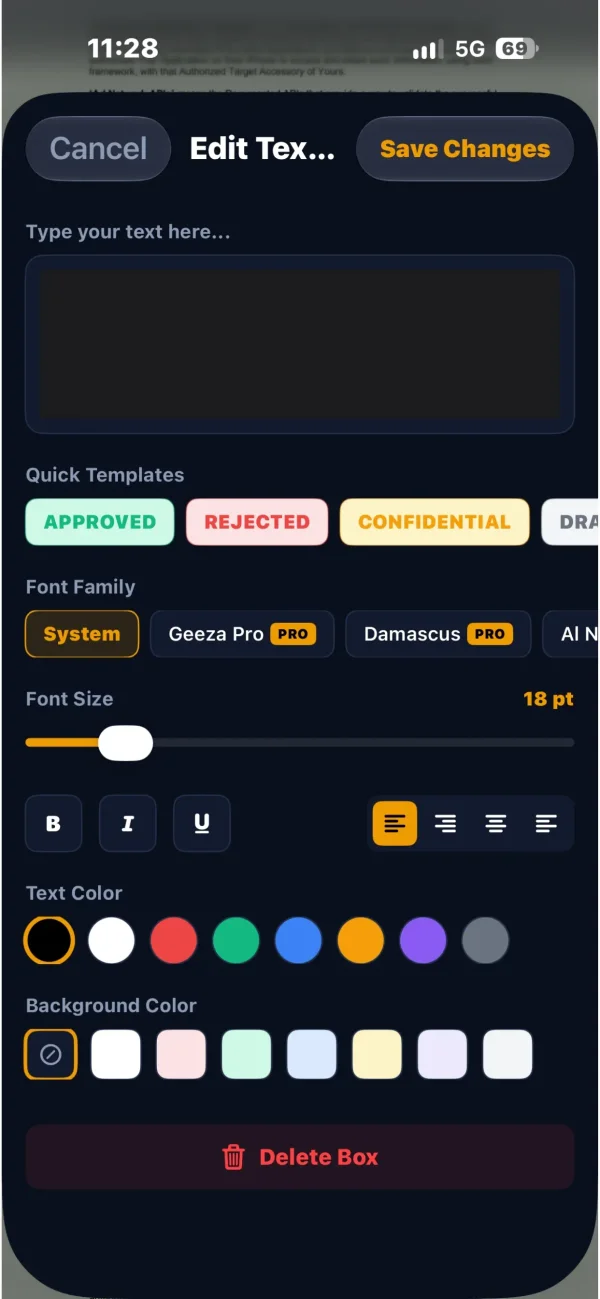
• Complete markup suite: Freehand drawing, highlighters, custom text boxes, and annotations.
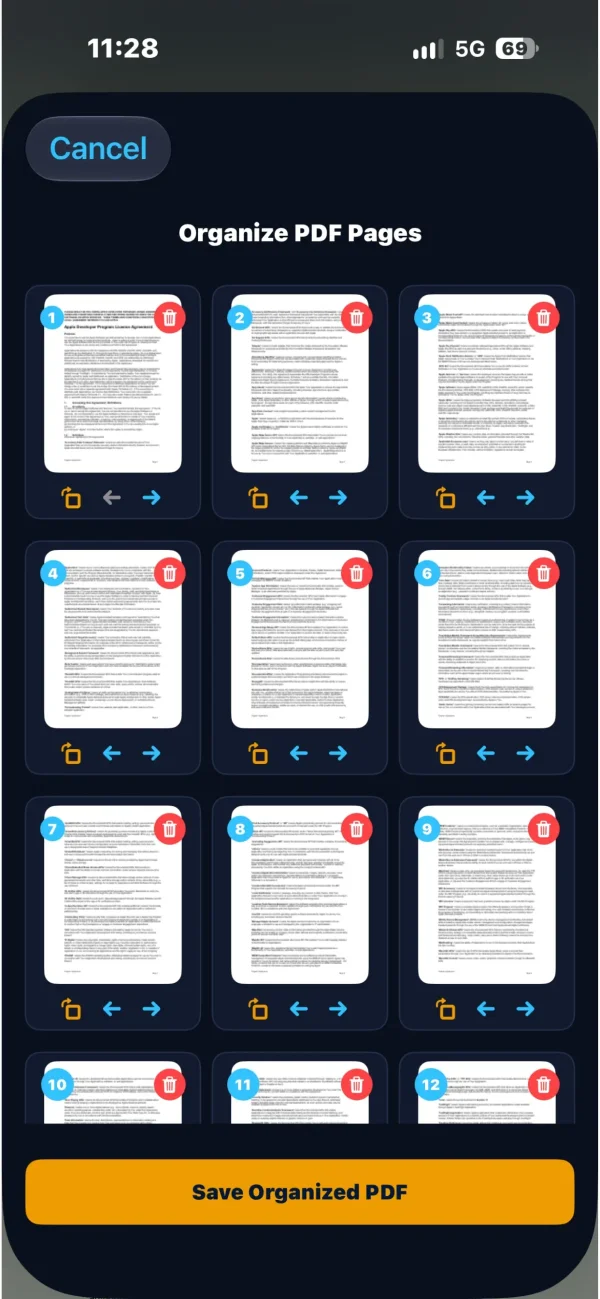
• Page management: Reorder, rotate, extract, or delete pages with fluid drag-and-drop.
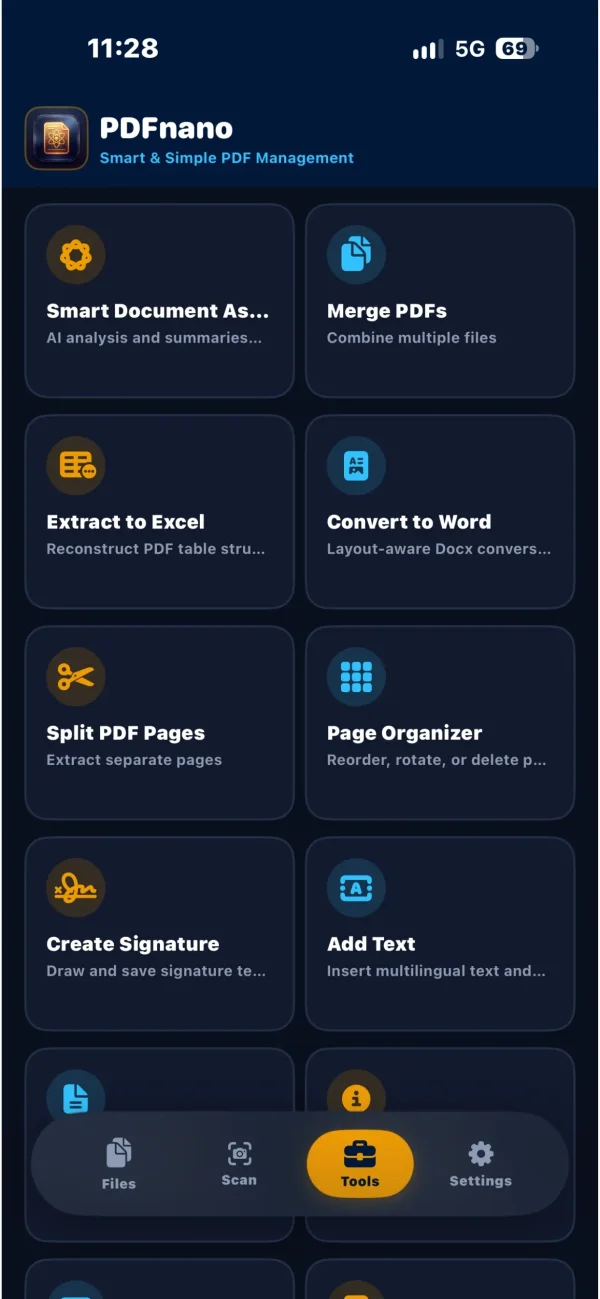
• Merge & Split: Combine multiple PDFs into one or split large documents into individual files.
• Smart PDF Compression: Reduce file size for rapid sharing via email and messaging apps.
7. Industry-Leading Privacy & Security:
• 100% On-Device Processing: Reading, editing, translation, OCR, and conversion run locally without uploading files to external servers.
• Cryptographic Apple Privacy: AI Assistant requests are strictly restricted to Apple Private Cloud Compute (PCC).
• Visual face and sensitive data blurring with hidden metadata sanitization.
• Password encryption, native AirPrint support, and Home Screen widgets.
Free tier includes daily tool quotas. Unlock unlimited access via in-app purchase.
Standard Terms of Use (EULA):
https://www.apple.com/legal/sla/
What’s new
Version 3.2 · Nov 14, 2026
Version 3.2 focuses on a smoother reading and editing experience, featuring reliable Day and Night mode switching alongside refined layouts for iPhone Duo foldables and iPad:
• Reliable Day and Night Reading Mode:
Resolved an issue where document pages or text could disappear when toggling Night mode inside the viewer, keeping content visible and stable as you switch themes.
• Smoother Text Editing and Alert Stability:
Improved inline text box behavior when tapping away, dragging, or resizing, and unified alert and confirmation handling to avoid presentation conflicts while saving or switching tools.
• Refined iPhone Duo and iPad Layouts:
Added a vertical side navigation rail on the closed outer display that adapts dynamically around the camera cutout, status indicators, and Personal Hotspot banners, plus a two column file grid in unfolded landscape and a cleaner grouped Settings layout.
• Better Viewer Controls and Arabic RTL Alignment:
Kept the back button and page badge crisp on a single line, centered floating toolbars cleanly beside the sidebar, and updated filter cards and tool docks to open directly at the leading item in Arabic RTL.
• Improved Memory Management and Privacy:
Reused loaded PDF documents in memory, cleared viewer resources and background tasks when closing files, kept diagnostic logs private and excluded from backups, and securely removed temporary files and drafts upon deletion.
App privacy
What Thamer Mohammed declares on the App Store about how this app handles data.
-
Data not collected
The developer does not collect any data from this app.
Privacy practices may vary, for example with the features you use or your age.
Information
- Seller
- Thamer Mohammed
- Category
- Productivity
- Version
- 3.2
- Updated
- Nov 14, 2026
- Released
- Jul 15, 2026
- Size
- 24.8 MB
- Requires
- iOS 18.6 or later
- Age rating
- 4+
- Price
- Free
- In-app purchases
- Yes
- Languages
- English, Arabic
- Copyright
- © THAMER
You might also like
-
 FacilityLogNursing home audit for family
-
 FaithKey: Bible App BlockerStop Scrolling, Read Scripture
-
 PinNote - Lock Screen NotesSticky Note Widget & Reminder
-
 YourKeepPrivate File Backup
-
 WelljotSimple tasks. Simply done.
-
 NeighborLogLog incidents, build your case
-
 AuthGuard - PA RecordsPrior Auth & Appeal Tracker
-
 Tikku: To Do & Block AppsTasks, Focus & App Blocker
-
 Meeting Alarms: CalertoCalendar Alarms for Meetings
-
 LemonLogRepair history & evidence log