PDF Page Extract
Extract Pages from PDF
Designed for iPhone, iPad, iPod touch
$0.99
- Age rating4+
- CategoryUtilities
- DeveloperStudyBridge LLC
- LanguagesEnglish
- Size19.4 MB
Links to the official App Store page
Download.org hosts no file of PDF Page Extract. The button opens its official App Store page, published by StudyBridge LLC. Listing last checked on Nov 17, 2026.
Screenshots


About
Extract Pages from Any PDF – Fully Offline
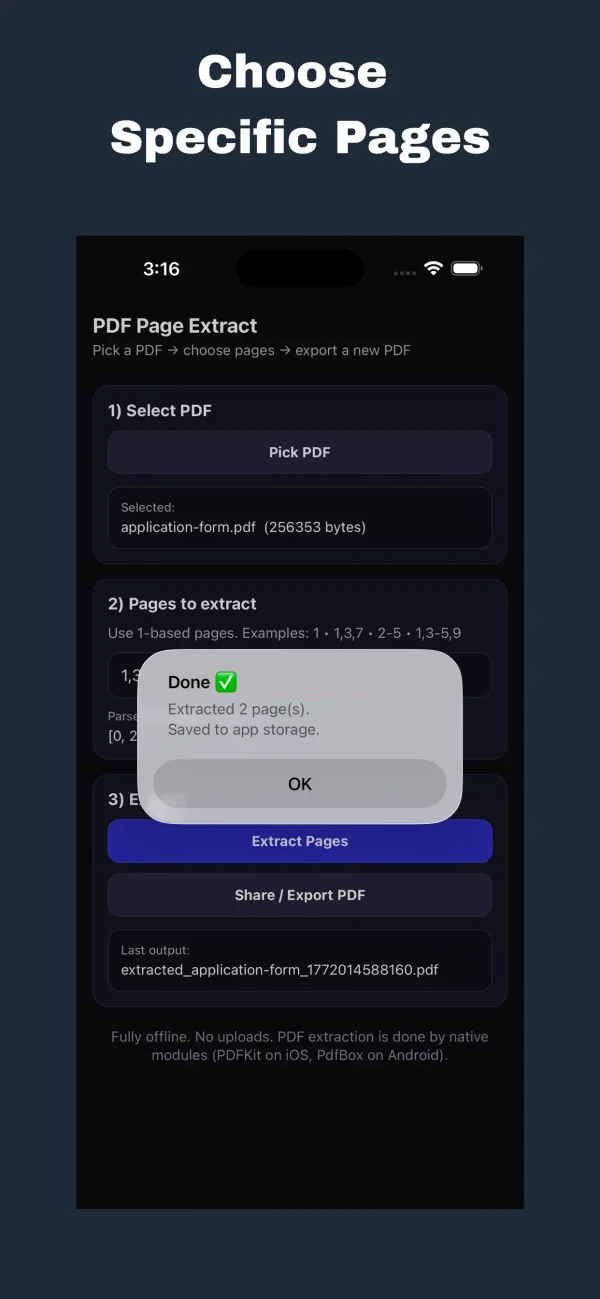
PDF Page Extract allows you to select specific pages from a PDF file and create a new document in seconds.
No internet connection required. All processing happens directly on your iPhone or iPad.
Features
• Extract selected pages into a new PDF
• Enter custom page ranges (example: 1,3,5–8)
• Works completely offline
• Fast on-device processing
• Simple and intuitive interface
• No account required
How It Works
1. Choose a PDF file
2. Enter the page numbers you want to extract
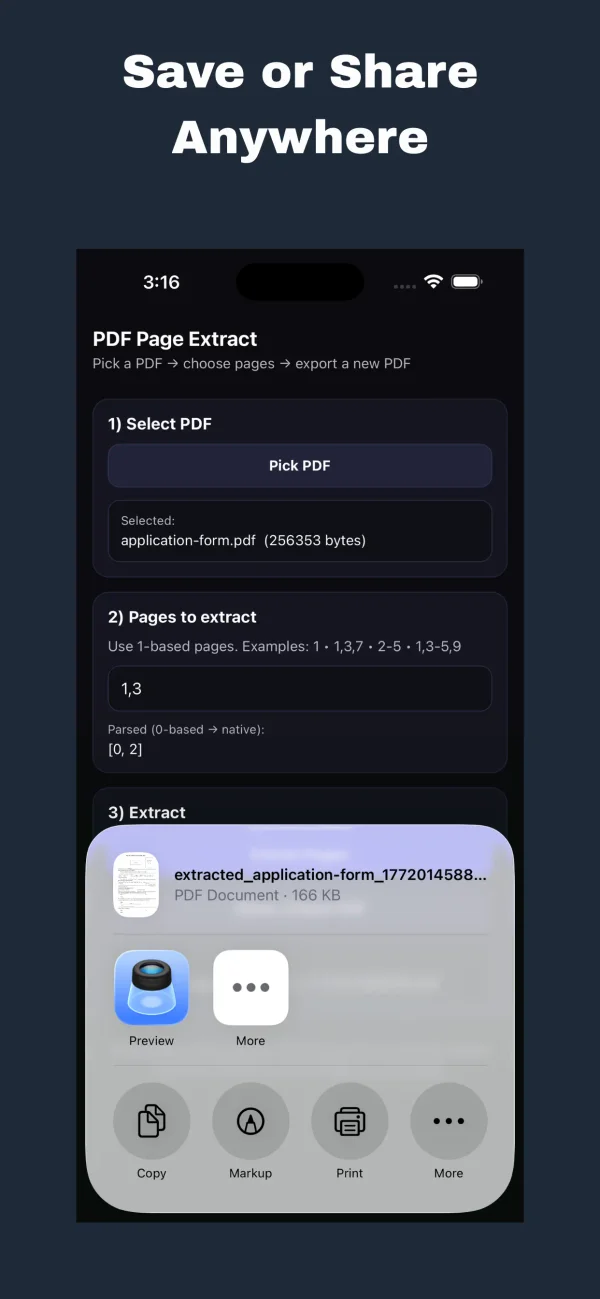
3. Generate a new PDF
4. Save or share your file
Your Privacy
Your PDF files are processed entirely on your device. The app does not upload your documents.
Perfect for students, professionals, and anyone who needs to extract pages quickly and easily.
App privacy
What StudyBridge LLC declares on the App Store about how this app handles data.
-
Data not collected
The developer does not collect any data from this app.
Privacy practices may vary, for example with the features you use or your age.
Information
- Seller
- StudyBridge LLC
- Category
- Utilities
- Version
- 1.0.2
- Updated
- Mar 3, 2026
- Released
- Mar 3, 2026
- Size
- 19.4 MB
- Requires
- iOS 15.1 or later
- Age rating
- 4+
- Price
- $0.99
- Languages
- English
- Copyright
- © 2026 StudyBridge LLC
You might also like
-
 Split pdf into pagesSplit PDF Pages Instantly
-
 Split PDF EasyPDF Splitter for Manga & Scan
-
 366 Care366 Care
-
 NightMode Browser MasterDark Mode for Browsers
-
 Easy Converter: Unit, currencyConvert units and currencies
-
 Nativ: AI TranslatorTranslate 100+ languages.
-
 HINATA: Sunlight & Shadow MapReal Estate,Photography,Garden
-
 LED Banner: Marquee DisplaySimple & Custom LED Signboard
-
 Hanna LabTurn your phone into a lab
-
 Brother My Design SnapTransfer image to your machine