
- Age rating4+
- CategoryProductivity
- DeveloperMathArena
- LanguagesEnglish
- Size1.5 MB
Links to the official App Store page
Download.org hosts no file of PDF Pro AI Editor. The button opens its official App Store page, published by MathArena. Listing last checked on Nov 16, 2026.
Screenshots

About
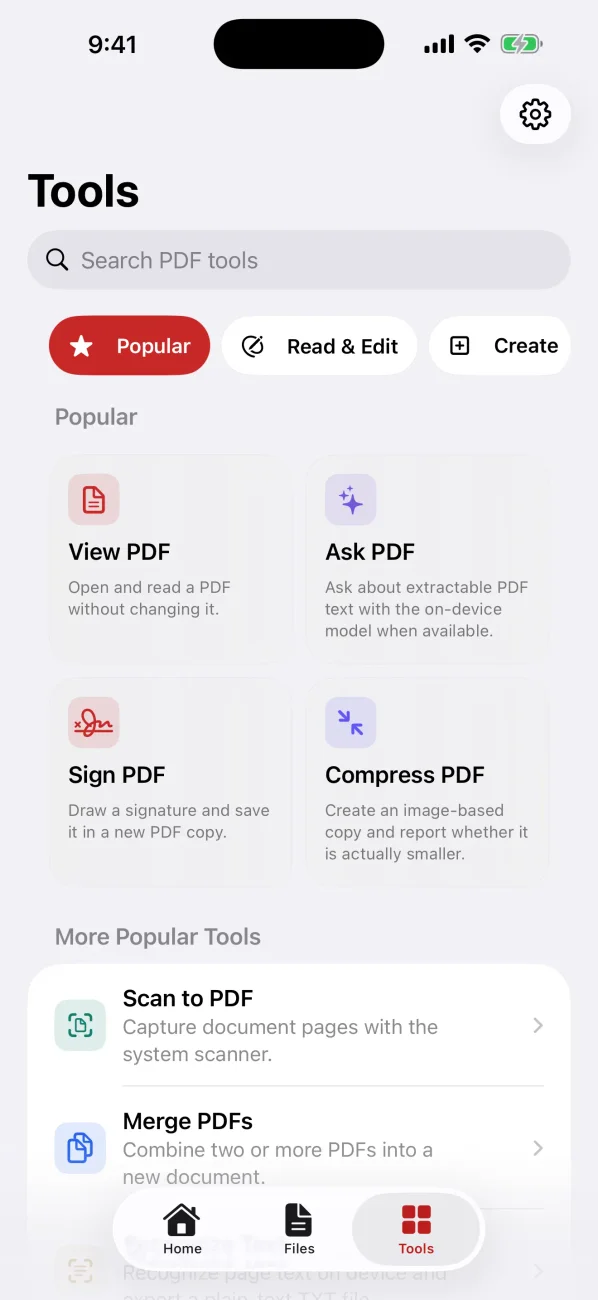
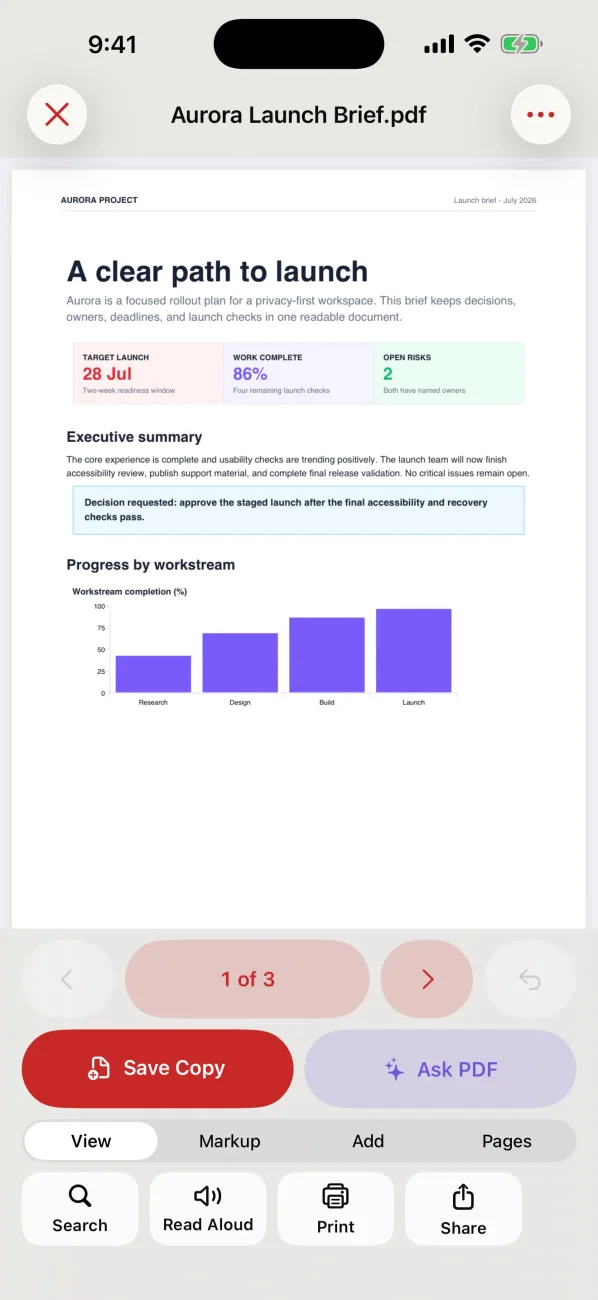
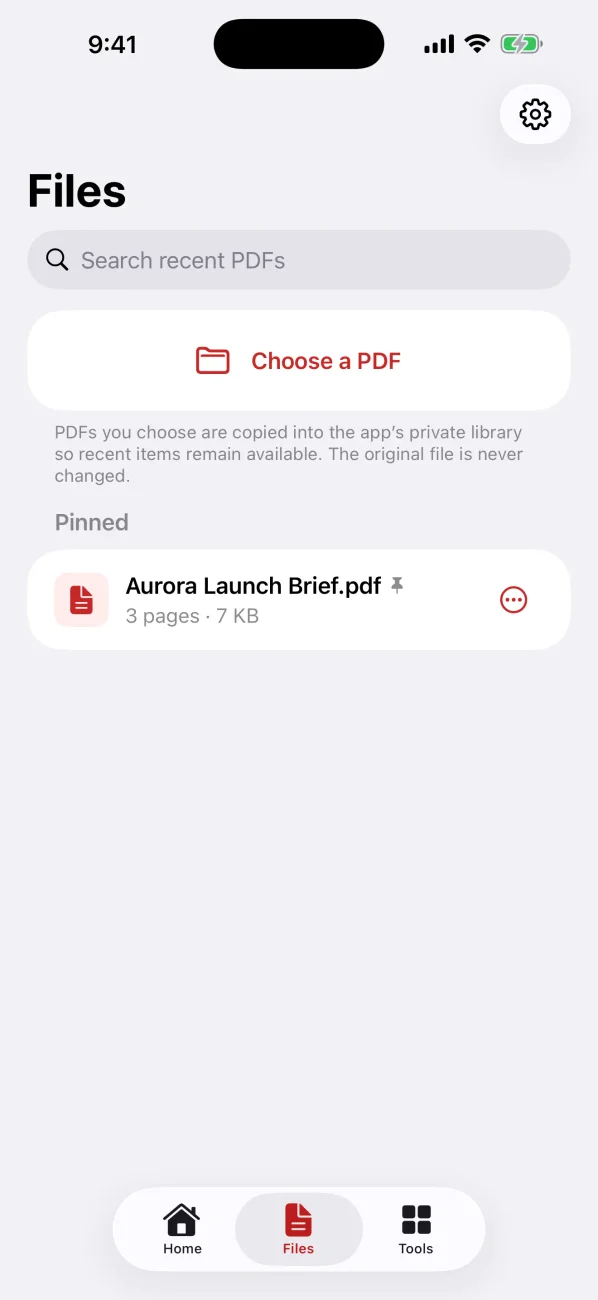
PDF Pro AI gives you 28 practical PDF tools in a private, iOS-native workspace. Open a document from Files, Mail, Safari, or another app, make the changes you need, and save a new copy while the original stays unchanged.
EDIT AND REVIEW
• Read, search, print, share, and listen to PDFs
• Fill compatible AcroForm fields
• Add text, signatures, highlights, opaque covers, stamps, and watermarks
• Move, resize, edit, or delete app-created document blocks
• Ask questions about extractable PDF text on device
CREATE AND ORGANIZE
• Scan paper documents with Apple's document scanner
• Turn selected photos into a PDF
• Merge PDFs and extract, rotate, delete, reorder, or number pages
• Export rendered pages as PNG images
CONVERT AND ENHANCE
• Export extractable text as a Word-compatible RTF document
• Recognize page text on device and export it as TXT
• Enhance scanned pages into a clearer grayscale PDF copy
COMPRESS AND PROTECT
• Compress one PDF or a batch of PDFs into measured new copies
• Choose high-quality, balanced, or small-file output
• Protect a compatible PDF copy with a new password
• Unlock a compatible PDF using its known password
PRIVATE DOCUMENT ASSISTANT
Ask questions or summarize extractable PDF text without uploading the document. Eligible devices can use Apple's on-device language model. Other supported devices use a clearly labeled local extractive result with source excerpts.
BUILT FOR YOUR CONTROL
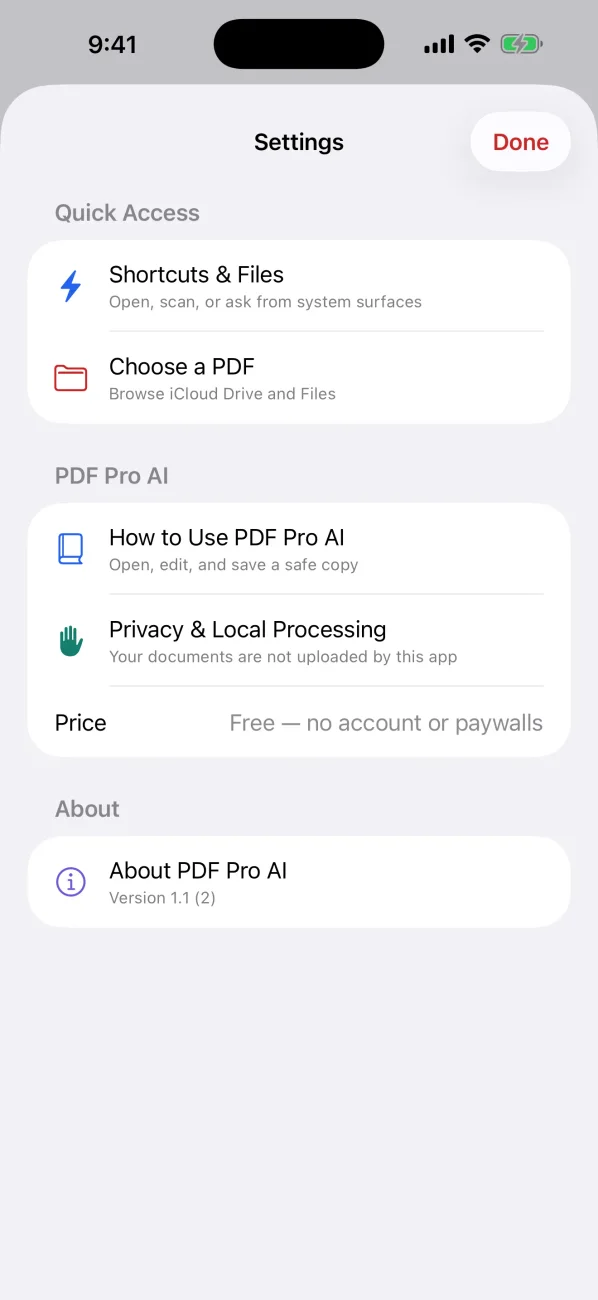
• No account
• No subscription or feature paywall
• No advertising or tracking
• No app-initiated document upload
• Files, camera, photos, printing, and sharing are used only when you choose them
Compatibility varies for malformed PDFs, XFA or JavaScript forms, certificate signatures, uncommon encryption, image-only search, and third-party PDF features. Word-compatible export contains extractable text rather than recreating the original layout. OCR and assistant results should be checked before relying on important details.
What’s new
Version 1.1 · Jul 22, 2026
PDF Pro AI 1.1 brings a cleaner Apple-native design and expands the private tool catalog to 28 workflows.
• Redesigned Home, Tools, and editor controls
• Added page numbering, stamps, and watermarks
• Added batch PDF compression
• Added scanned-page enhancement
• Added Word-compatible RTF text export
• Refreshed the app icon to match PDF Pro AI across platforms
• Improved Dynamic Type, dark mode, Reduce Motion, and press feedback
As before, document work stays on device and changes are saved to new copies.
App privacy
What MathArena declares on the App Store about how this app handles data.
-
Data used to track you
May be used to track you across apps and websites owned by other companies.
- Identifiers
-
Data not linked to you
May be collected but is not linked to your identity.
- Identifiers
Privacy practices may vary, for example with the features you use or your age.
Information
- Seller
- JUANCHENG RONG
- Category
- Productivity
- Version
- 1.1
- Updated
- Jul 22, 2026
- Released
- Jul 21, 2026
- Size
- 1.5 MB
- Requires
- iOS 17.0 or later
- Age rating
- 4+
- Price
- Free
- Languages
- English
- Copyright
- © 2026 Juancheng Rong
You might also like
-
 PDF Pro AIPDF Converter, Editor, AI
-
 BenchSlap: Proven Legal HelpDesigned Not to Fail
-
 Pagez PDF ToolsPDF Editor, Merge, Convert
-
 PDF Studio: Fill and SignPDF to Word, Compressor & OCR
-
 PDF Editor, Converter - ReaderPhoto to PDF, Pdf Compressor
-
 Magic PDF Pro: Offline EditorEdit, Scan & Sign PDF Offline
-
 PDF Fix Pro: PDF Editor ToolsCreate, Scan & Convert PDFs
-
 Washidoc: PDF Editor & ScannerEdit PDF text, sign & fill
-
 PDFAuto-Local PDF AI assistantOffline Chat,Summary&OCR
-
 PDF Toolbox: All tool in onePDF Editor & Smart Tools