
PDF Reader: Edit & OCR Scan
Sign, annotate & convert files
Designed for iPhone, iPad
Free · In-app purchases
- Age rating4+
- CategoryProductivity
- DeveloperDuc Duong Tran
- LanguagesEnglish
- Size21.7 MB
Links to the official App Store page
Download.org hosts no file of PDF Reader: Edit & OCR Scan. The button opens its official App Store page, published by Duc Duong Tran. Listing last checked on Nov 20, 2026.
Screenshots

About
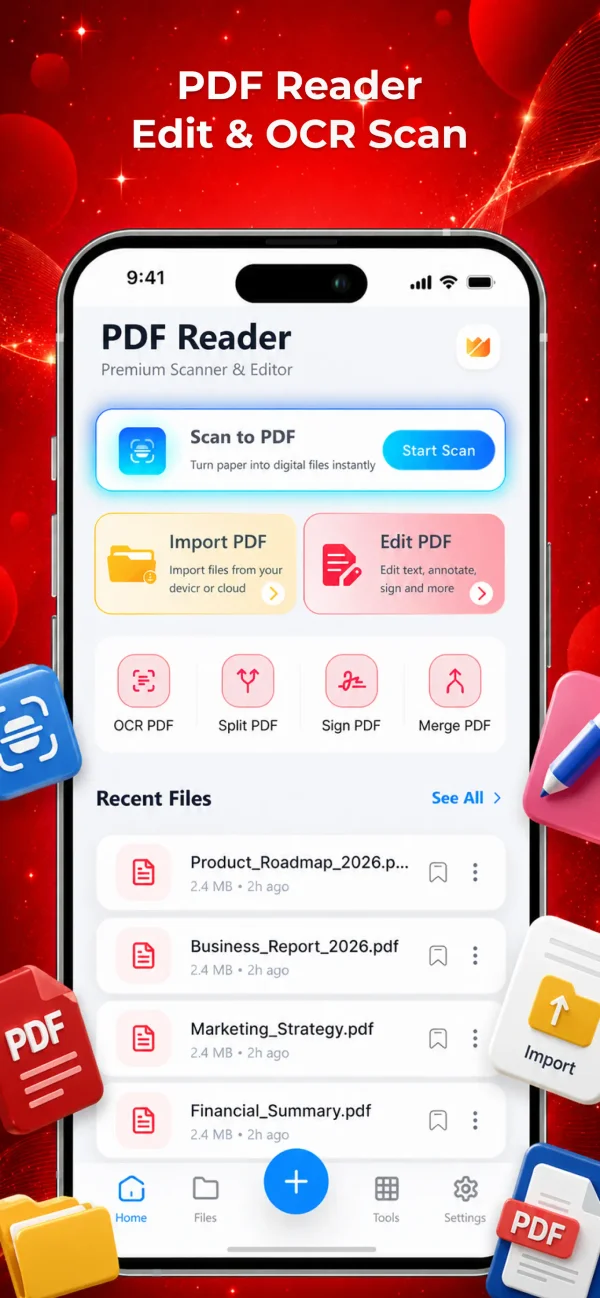
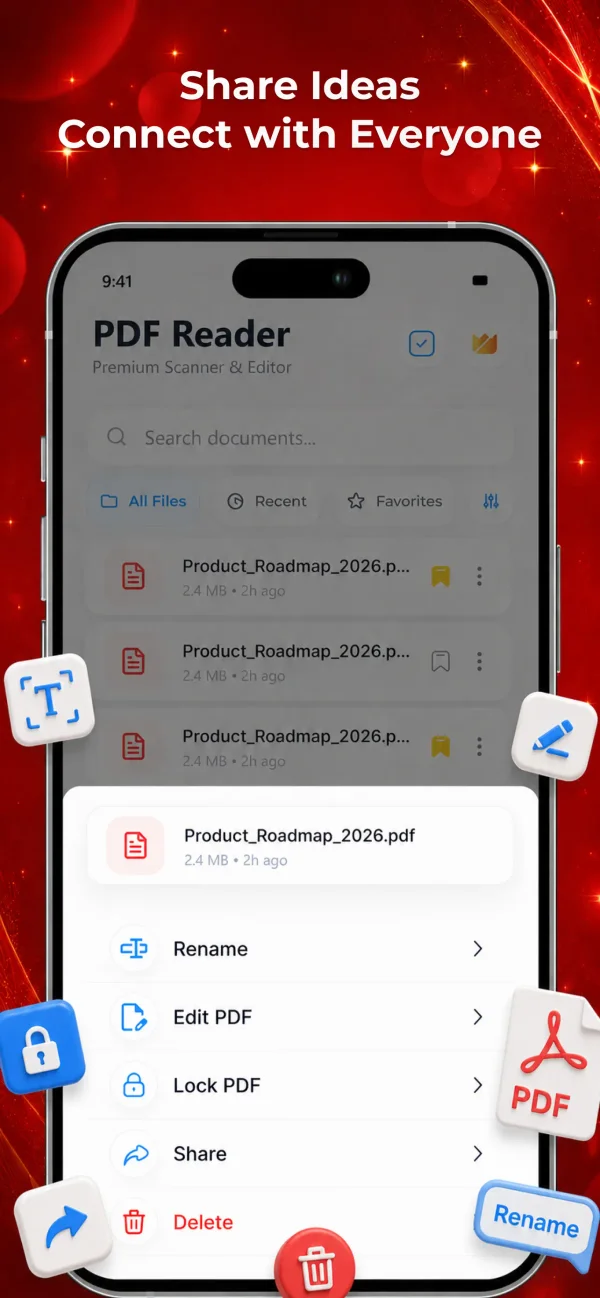
PDF Reader is your all-in-one app to read, scan, edit, and manage PDF documents on iPhone and iPad.
SCAN & CREATE
• Scan paper documents with your camera and save them as crisp PDFs
• Convert photos and images into PDF files
• Extract text from scans and PDFs with OCR
READ & VIEW
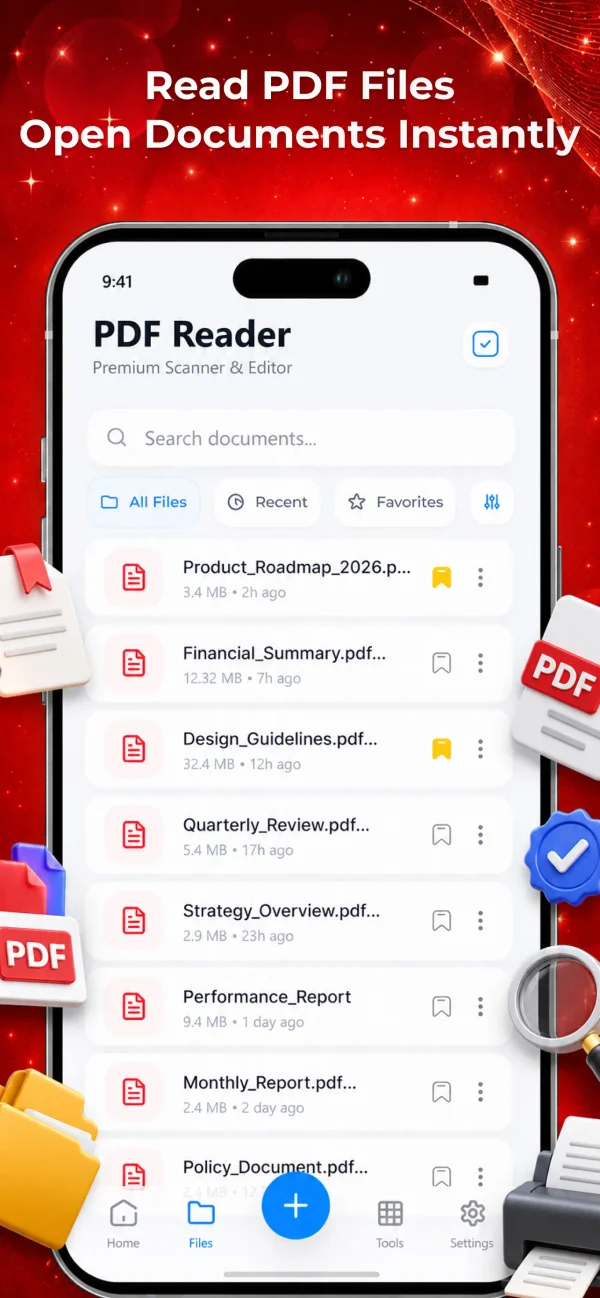
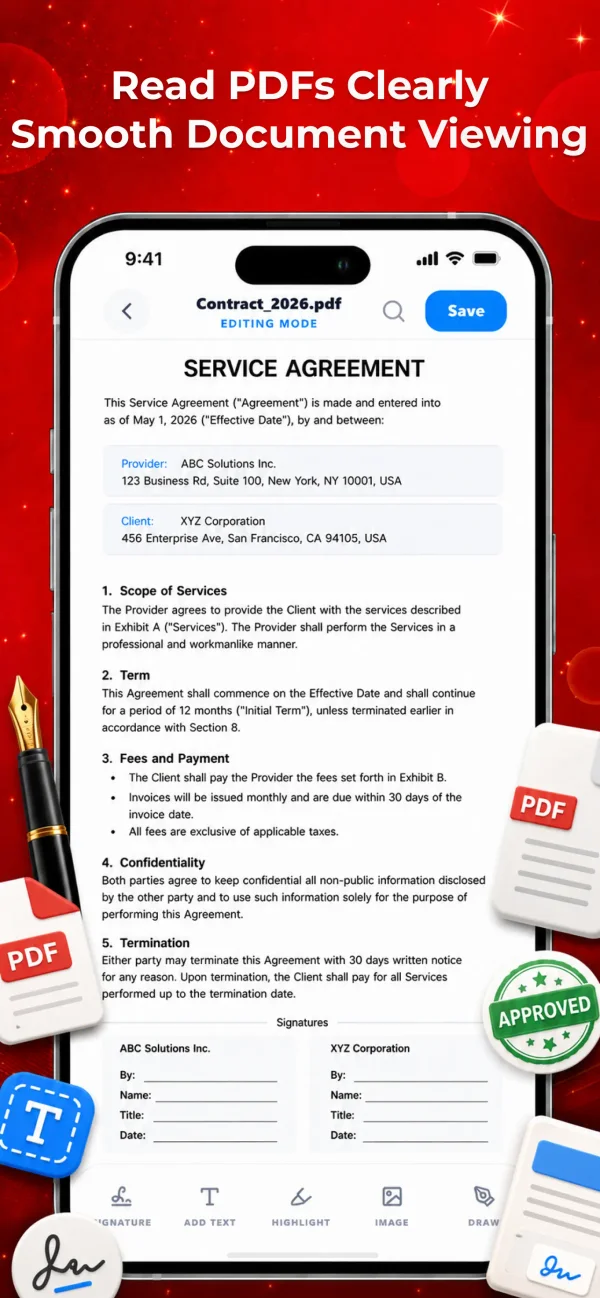
• Smooth, fast PDF viewer with page thumbnails and search
• Open PDFs from Files, email, and other apps
EDIT & ANNOTATE
• Highlight, draw, and add text to any PDF
• Add your signature to sign documents
• Rotate, delete, and reorder pages
ORGANIZE YOUR TOOLS
• Merge multiple PDFs into one
• Split a PDF into separate files
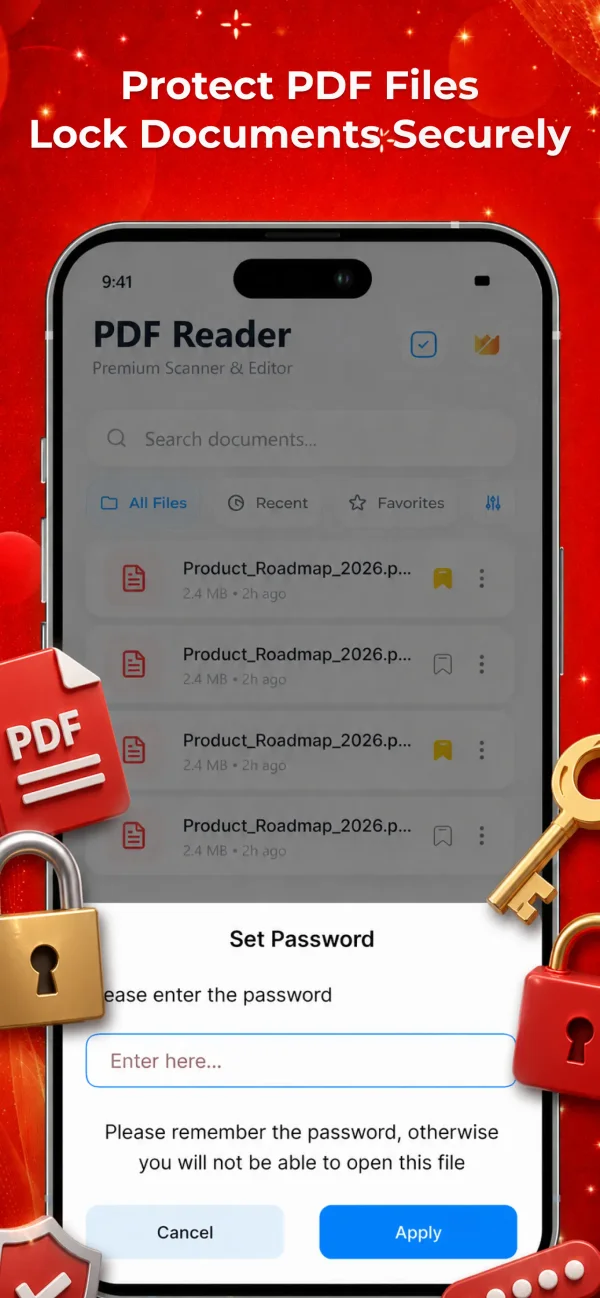
• Lock and unlock PDFs with a password
• Manage files with search and a recycle bin
PDF READER PREMIUM
Upgrade to Premium to remove ads and unlock the full toolset:
• OCR text recognition
• Edit & sign without limits
• Unlimited access to all PDF tools
• An ad-free experience
Subscription details:
• PDF Reader Premium is a weekly auto-renewable subscription.
• Payment is charged to your Apple Account at confirmation of purchase.
• The subscription renews automatically unless canceled at least 24 hours before the end of the current period.
• Manage or cancel anytime in your App Store account settings.
• Terms of Use (EULA): https://www.apple.com/legal/internet-services/itunes/dev/stdeula/
• Privacy Policy: https://goldenboat.io/policy
What’s new
Version 109 · Nov 12, 2026
+ Bugs fixed
App privacy
What Duc Duong Tran declares on the App Store about how this app handles data.
-
Data used to track you
May be used to track you across apps and websites owned by other companies.
- Identifiers
- Usage data
-
Data linked to you
May be collected and linked to your identity.
- Identifiers
- Usage data
-
Data not linked to you
May be collected but is not linked to your identity.
- Purchases
- Diagnostics
Privacy practices may vary, for example with the features you use or your age.
Information
- Seller
- Duc Duong Tran
- Category
- Productivity
- Version
- 109
- Updated
- Nov 12, 2026
- Released
- Jun 7, 2026
- Size
- 21.7 MB
- Requires
- iOS 16.0 or later
- Age rating
- 4+
- Price
- Free
- In-app purchases
- Yes
- Languages
- English
- Copyright
- © 2026 GoldenBoat
You might also like
-
 CleanMe - Phone Cleaner KitClean up now, free up space!
-
 Gallery Slim:Photo CleanerRemove Duplicates, Save Space
-
 Storage Cleaner ·Clean Phone & Duplicate Photos
-
 AI Easy CleanerProductivity
-
 AI Clean-Fast Storage CleanerClean Up Storage,Delete Photo
-
 Clean Now: Format ConversionProductivity
-
 WipeUp: Phone Storage CleanerClean Photos, Free Up Space
-
 Deep Cleaner - Phone CleaningClean Up Storage&Delete Photos
-
 Scan MyPDF ProScan and Share PDF Documents
-
 Clean Manager Storage CleanerFind and Delete Duplicates