PDF Reader: Edit, Scan & Sign
Convert to Word, Excel & Merge
Designed for iPhone, iPad, iPod touch
- Age rating4+
- CategoryProductivity
- DeveloperNguyen Giap
- LanguagesEnglish
- Size118.1 MB
Links to the official App Store page
Download.org hosts no file of PDF Reader: Edit, Scan & Sign. The button opens its official App Store page, published by Nguyen Giap. Listing last checked on Nov 21, 2026.
Screenshots


About
PDF to Word Converter & Editor is your all-in-one document management solution. Easily convert, view, edit, scan, sign, and merge PDF files on your Android device with speed and precision.
Whether you need to convert contracts into editable Word documents, extract spreadsheets from invoices, or digitize paper notes, our app preserves your original formatting, fonts, and layouts seamlessly.
POWERFUL DOCUMENT CONVERSION
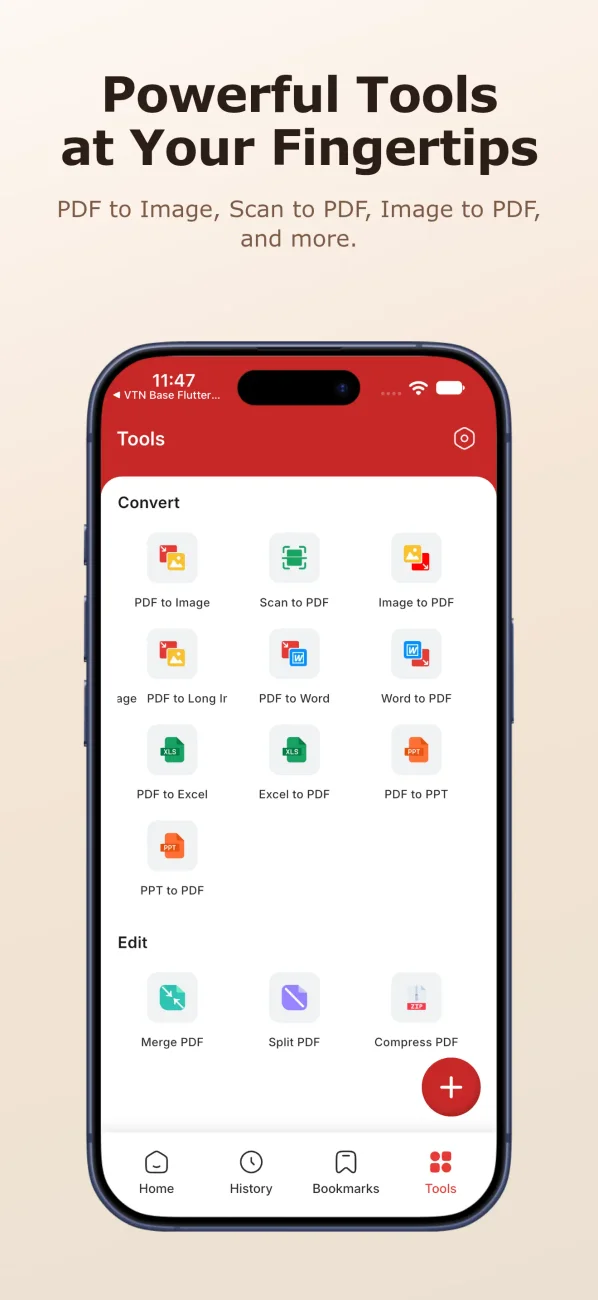
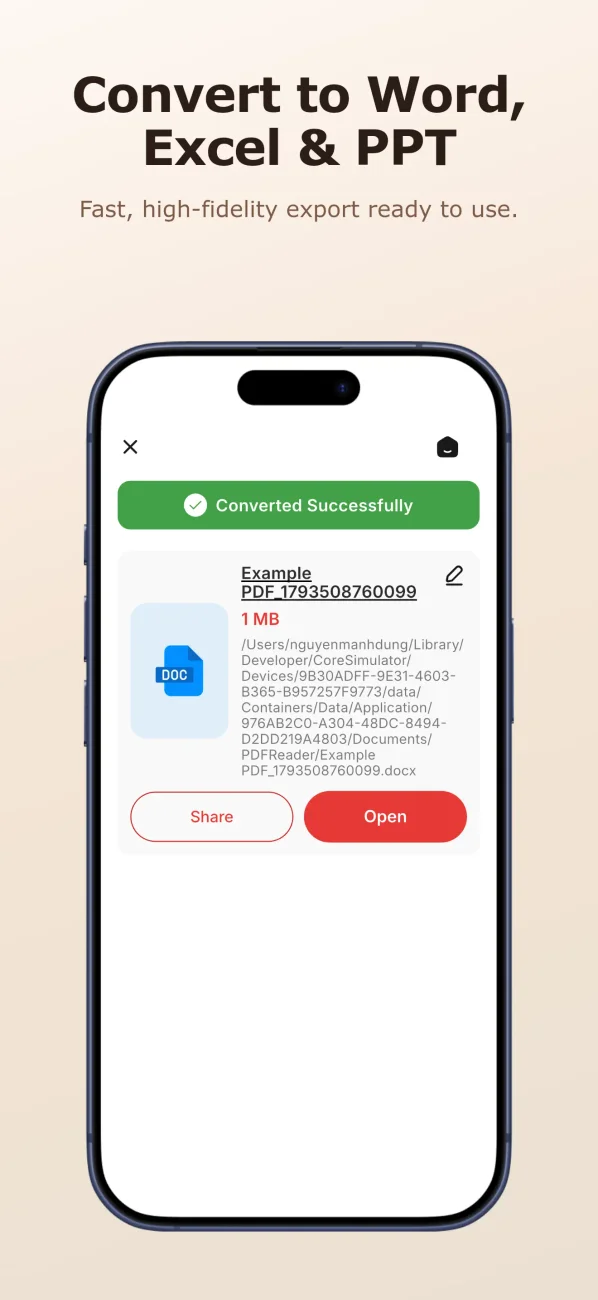
- PDF to Word Converter: Convert PDF to editable Word (DOC, DOCX) files while preserving original layouts and tables.
- PDF to Excel Converter: Extract data and tables from PDF files into organized Excel spreadsheets (XLS, XLSX).
- PDF to PowerPoint Converter: Transform PDF presentations into editable PowerPoint slides (PPT, PPTX).
- Office to PDF: Convert Word, Excel, and PowerPoint files directly into secure PDF format.
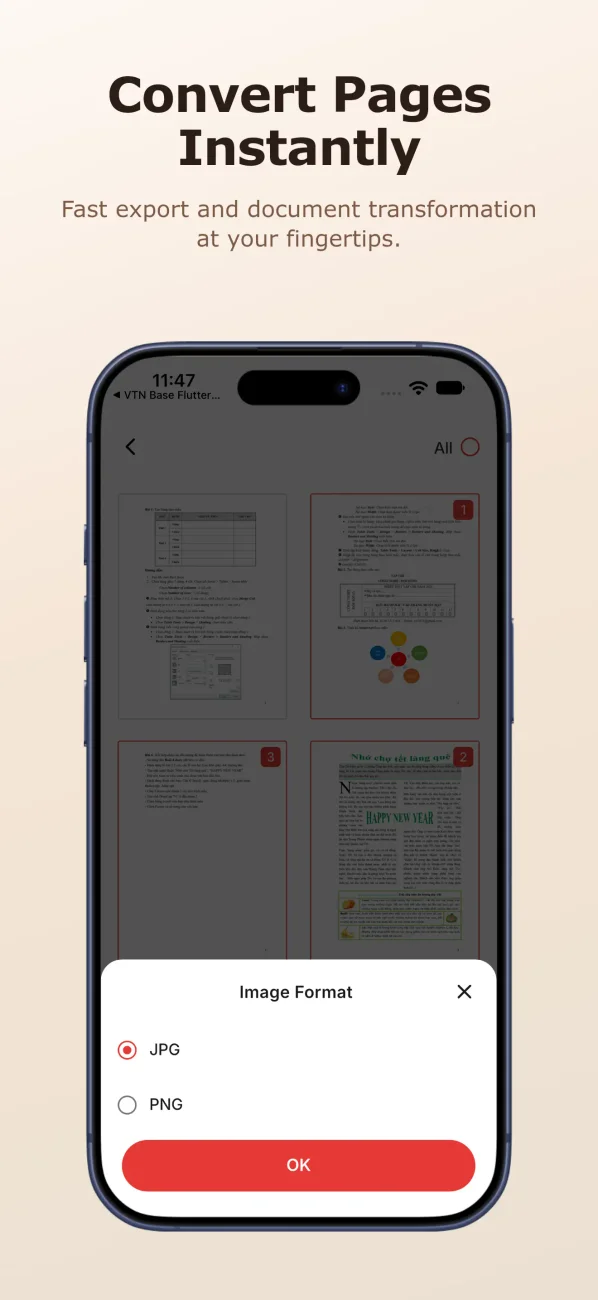
- Image to PDF & PDF to Image: Turn JPG and PNG photos into PDF, or extract high-resolution images from documents.
BUILT-IN DOCUMENT SCANNER
- Portable Camera Scanner: Scan physical receipts, notes, certificates, and multipage documents directly into clean PDFs.
- Auto Edge Detection: Smart perspective correction and auto-cropping for sharp, professional scans.
- Document Filters: Enhance legibility with black-and-white, color, and grayscale scan filters.
FULL-FEATURED PDF READER & VIEWER
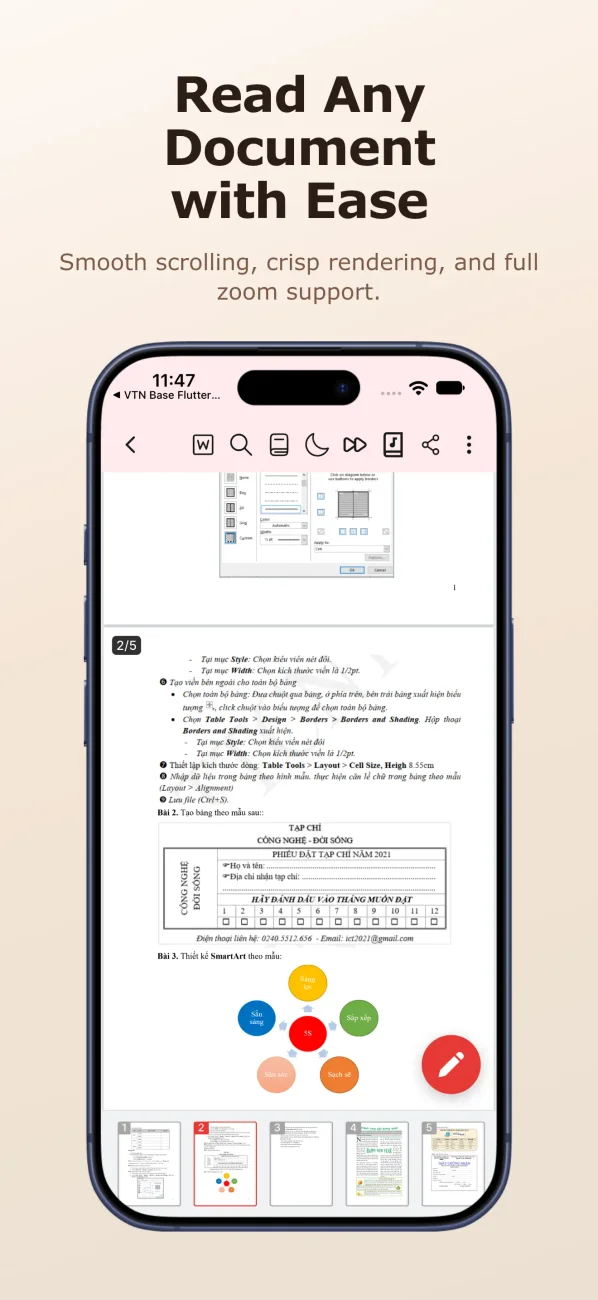
- Fast Document Viewing: Open and read large PDF files smoothly without lag.
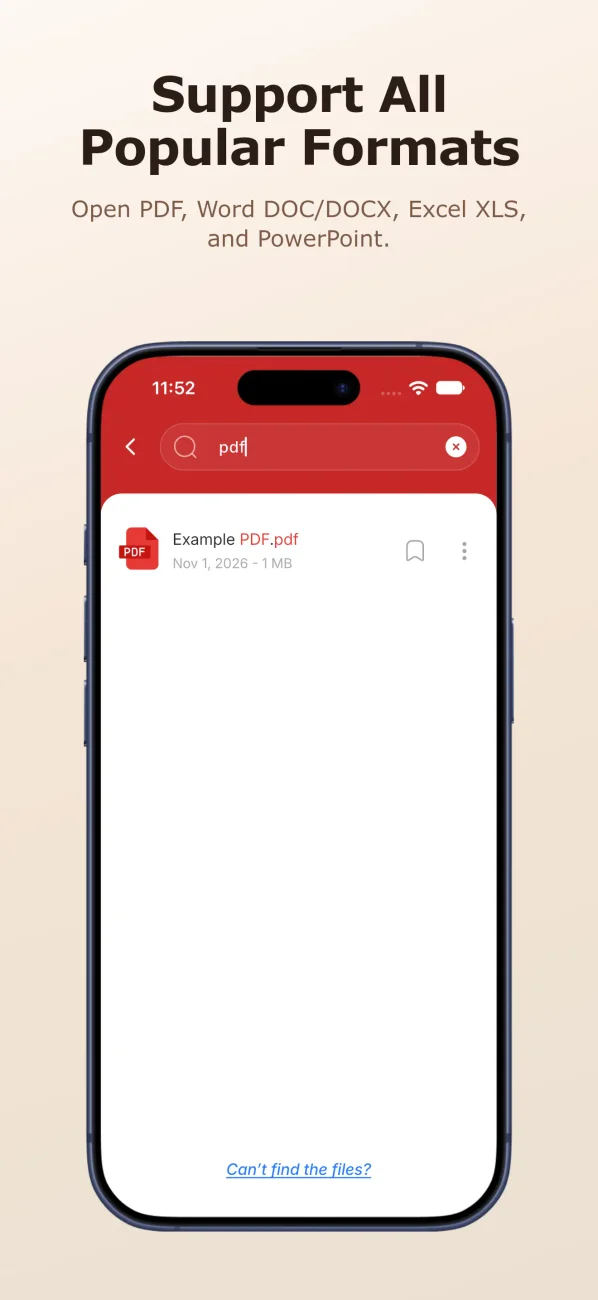
- Search & Navigate: Instantly find keywords inside documents and jump to specific pages.
- Comfortable Reading Modes: Choose between continuous vertical scroll, page-by-page view, and night mode for eye comfort.
FILL & SIGN PDF FORMS
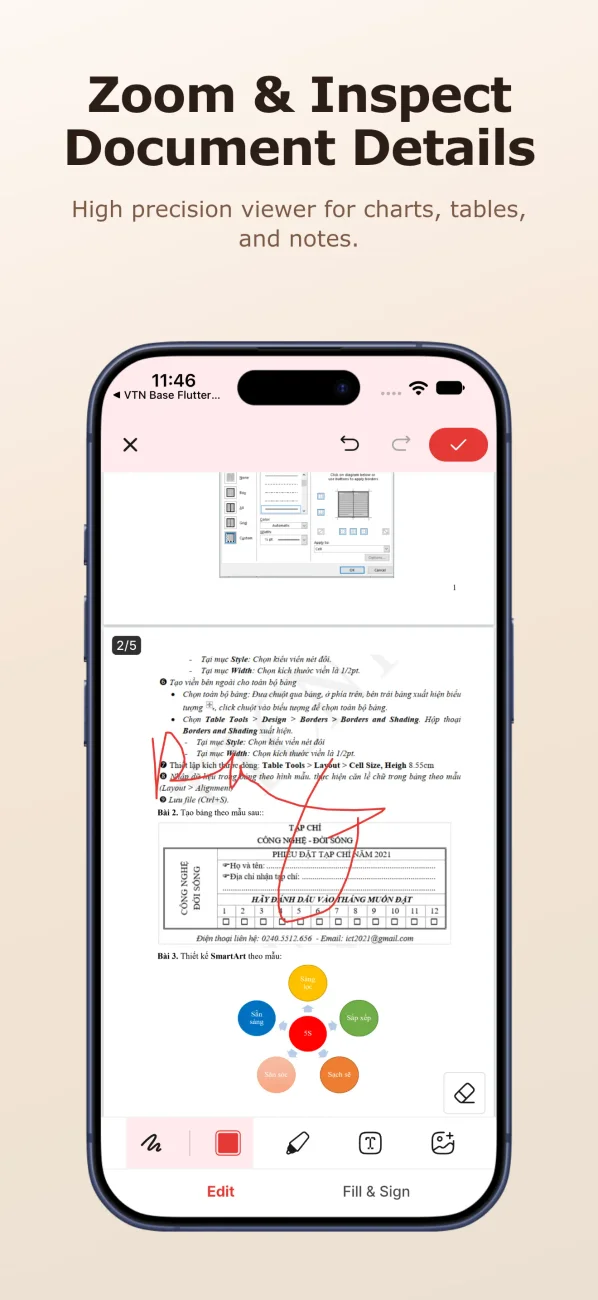
- Digital Signature: Create and save your custom electronic signature with your finger or stylus.
- Contract Signing: Sign business contracts, tax documents, and lease agreements anywhere, anytime.
- Form Filling: Easily type text, check boxes, and fill out PDF forms on the go.
ORGANIZE, MERGE & MANAGE
- Merge PDF Files: Combine multiple PDF files and receipts into a single organized document.
- Secure File Manager: Rename, delete, favorite, and organize your files with ease.
- Quick Sharing: Share converted Word documents, Excel sheets, and PDFs via email, cloud drives, or messaging apps.
PRIVACY & SECURITY
Your privacy matters. All your document processing and file management are handled securely on your device, ensuring your sensitive data remains confidential.
Download PDF to Word Converter & Editor today and streamline your document workflow.
What’s new
Version 1.0.4 · Nov 2, 2026
- Added document conversion: PDF to Word (DOCX), Excel (XLSX), PowerPoint (PPTX) and vice versa
- Reorganized Tools menu for smoother document editing, merging, splitting, and compression
- General performance and stability improvements
App privacy
What Nguyen Giap declares on the App Store about how this app handles data.
-
Data used to track you
May be used to track you across apps and websites owned by other companies.
- Identifiers
- Usage data
-
Data linked to you
May be collected and linked to your identity.
- Usage data
-
Data not linked to you
May be collected but is not linked to your identity.
- Identifiers
- Usage data
- Sensitive info
- Diagnostics
Privacy practices may vary, for example with the features you use or your age.
Information
- Seller
- Nguyen Giap
- Category
- Productivity
- Version
- 1.0.4
- Updated
- Nov 2, 2026
- Released
- Jun 18, 2026
- Size
- 118.1 MB
- Requires
- iOS 15.5 or later
- Age rating
- 4+
- Languages
- English
- Copyright
- © @2026