PDF Reader: Edit & Sign PDF
Annotate, Fill & Sign PDFs
Designed for iPhone, iPad
Free
- Age rating4+
- CategoryUtilities
- DeveloperRahul Alagiya
- LanguagesEnglish
- Size5.5 MB
Links to the official App Store page
Download.org hosts no file of PDF Reader: Edit & Sign PDF. The button opens its official App Store page, published by Rahul Alagiya. Listing last checked on Nov 17, 2026.
Screenshots
About
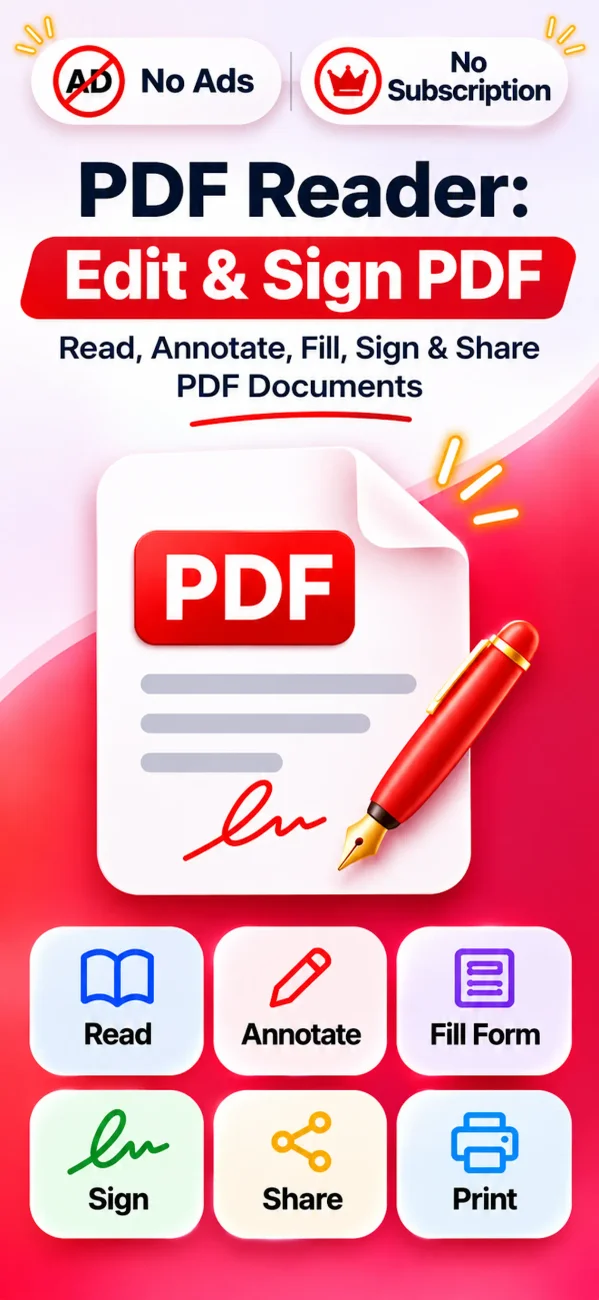
Make PDF document management simple with PDF Reader: Edit & Sign PDF. Read, view, annotate, fill, sign, save and share PDF documents directly from your iPhone or iPad.
Whether you need to read an important document, add notes, sign a PDF or share a file with colleagues, this PDF Reader and Editor gives you convenient tools to manage your documents anytime, anywhere.
ALL-IN-ONE PDF READER & EDITOR
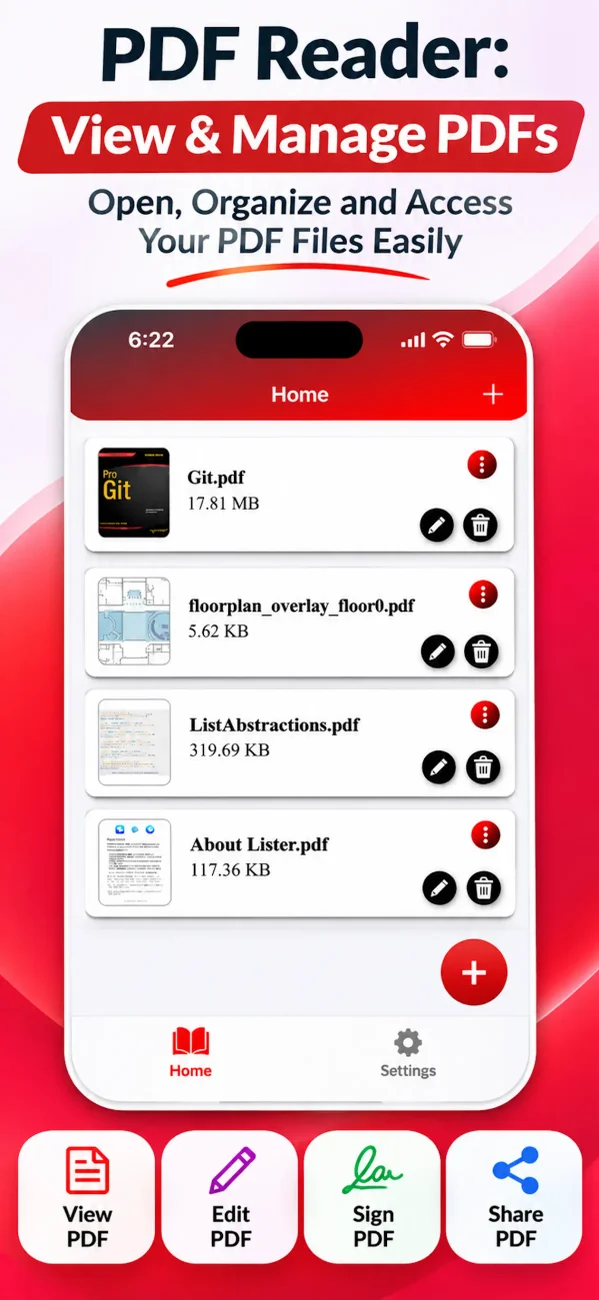
Open your PDF documents quickly and enjoy a simple, convenient reading experience. Manage your files and access the documents you need in one place.
KEY FEATURES
- PDF Reader
- Quickly open and view PDF files.
- Browse your PDF documents easily.
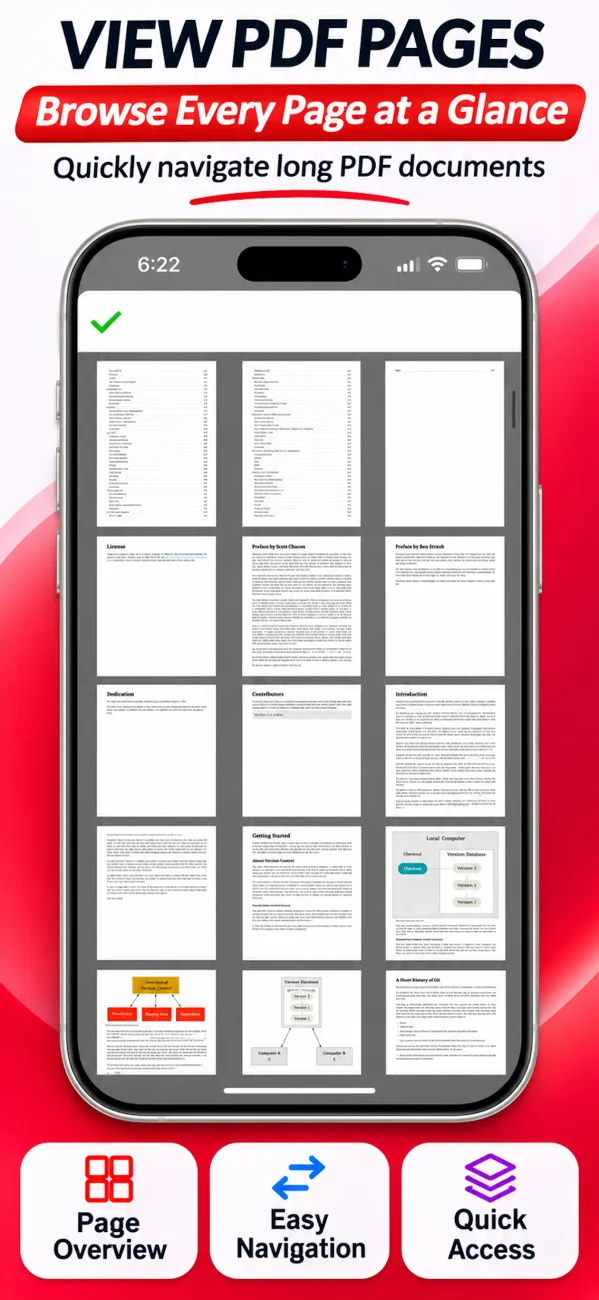
- Navigate through PDF pages.
- Access your documents from a simple file list.
- PDF Editor & Annotation
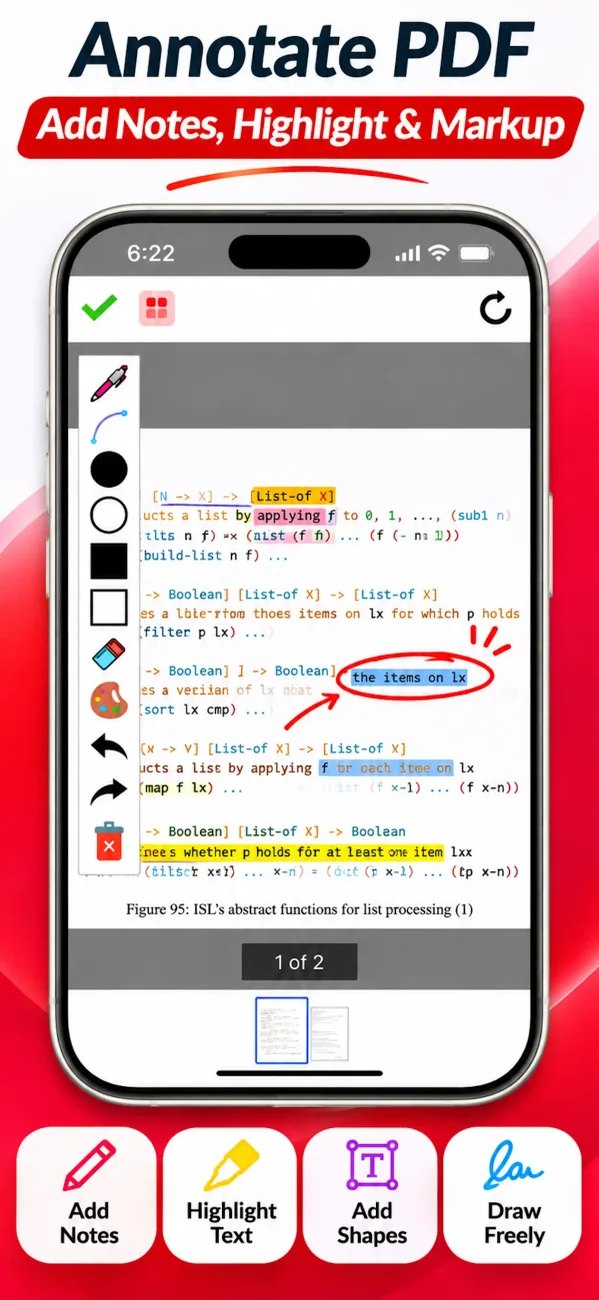
- Annotate PDF documents.
- Add notes and mark up your PDFs.
- Customize your PDF documents.
- Save your updated PDF files.
- Fill & Sign PDF
- Fill out PDF documents.
- Sign PDF files easily.
- Manage important documents conveniently.
PDF File Manager
- View your PDF files in one simple list.
- Delete individual PDF documents.
- Remove unwanted PDF files.
- Keep your documents organized.
- Share & Print PDF
- Share PDF documents with friends, family and colleagues.
- Send files through email and messaging apps.
- Print PDF documents whenever needed.
YOUR DOCUMENTS, ALWAYS WITH YOU
- PDF Reader: Edit & Sign PDF is a useful document management tool for everyday tasks, work, study and personal use.
- Download PDF Reader: Edit & Sign PDF and make managing your PDF documents easier!
- We continuously work to improve the app and bring you a better experience. Thank you for using our app!
Privacy Policy:
https://sites.google.com/view/developer-info/privacy-policy
Terms of Use:
https://sites.google.com/view/developer-info/terms-of-use
What’s new
Version 1.2.3 · Nov 2, 2026
- App Name & Description Updated.
- App Icon Updated.
- iOS 27 Support.
- Remove Ads.
- Remove In-App Subscription.
App privacy
What Rahul Alagiya declares on the App Store about how this app handles data.
-
Data used to track you
May be used to track you across apps and websites owned by other companies.
- Usage data
-
Data not linked to you
May be collected but is not linked to your identity.
- Usage data
Privacy practices may vary, for example with the features you use or your age.
Information
- Seller
- Rahul Alagiya
- Category
- Utilities
- Version
- 1.2.3
- Updated
- Nov 2, 2026
- Released
- Jan 5, 2022
- Size
- 5.5 MB
- Requires
- iOS 17.6 or later
- Age rating
- 4+
- Price
- Free
- Languages
- English
- Copyright
- © Rahul Alagiya
You might also like
-
 Panda PDF-Reader & Editor PDFManagement,Editing and Reading
-
 PDFlexor - PDF Editor ToolsAll-in-One PDF Editing Suite
-
 Greenbox SafeEncrypted Files, Always Safe
-
 Smith Shanklin Sosa AI LegalAI Legal App
-
 Construction Calculator VMeasure, Estimate & Convert
-
 PDF Editor ToolsPDF Merge,eSign,Split,Compress
-
 Hippo PDF - All In One PDF AppSign/Fill, Split, Compress PDF
-
 PDF Viewer - Fast & IntuitivePDF Viewer - Fast & Intuitive
-
 Shuffle-Minimal Photo ViewerBrowsing · Gesture Clean
-
 SnapTimer ProUtilities