PDF Reader Pro: Edit PDFs
Edit Text, Sign & Annotate
Designed for iPhone, iPad, Mac
Free · In-app purchases
- Age rating4+
- CategoryProductivity
- DeveloperSUN TEAME PTE. LTD.
- LanguagesEnglish+ 37 more
- Size10.6 MB
Links to the official App Store page
Download.org hosts no file of PDF Reader Pro: Edit PDFs. The button opens its official App Store page, published by SUN TEAME PTE. LTD. Listing last checked on Nov 15, 2026.
Screenshots
About
Fix a typo in a contract, update a price on an invoice or sign a lease — right on your iPhone or iPad. PDF Reader Pro edits the real text inside your PDFs and keeps the original font, so nobody can tell it was changed.
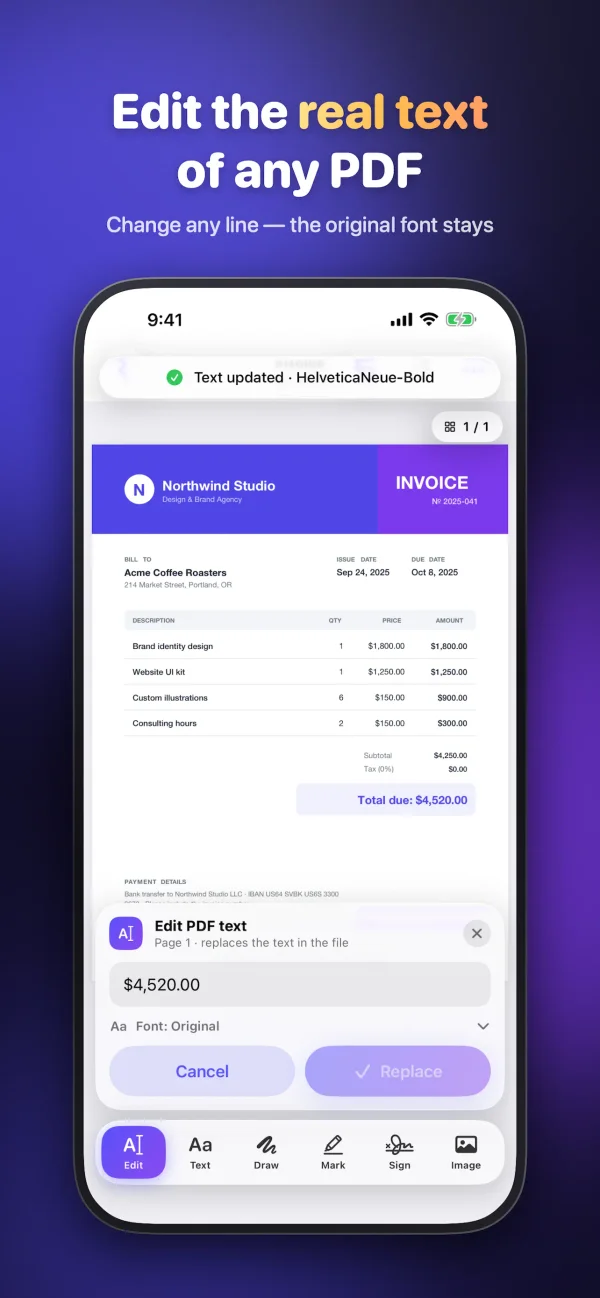
EDIT THE REAL TEXT
• Tap any line and type — no white boxes, no overlays
• The original font, size and color are kept
• Add new text anywhere with your choice of fonts and colors
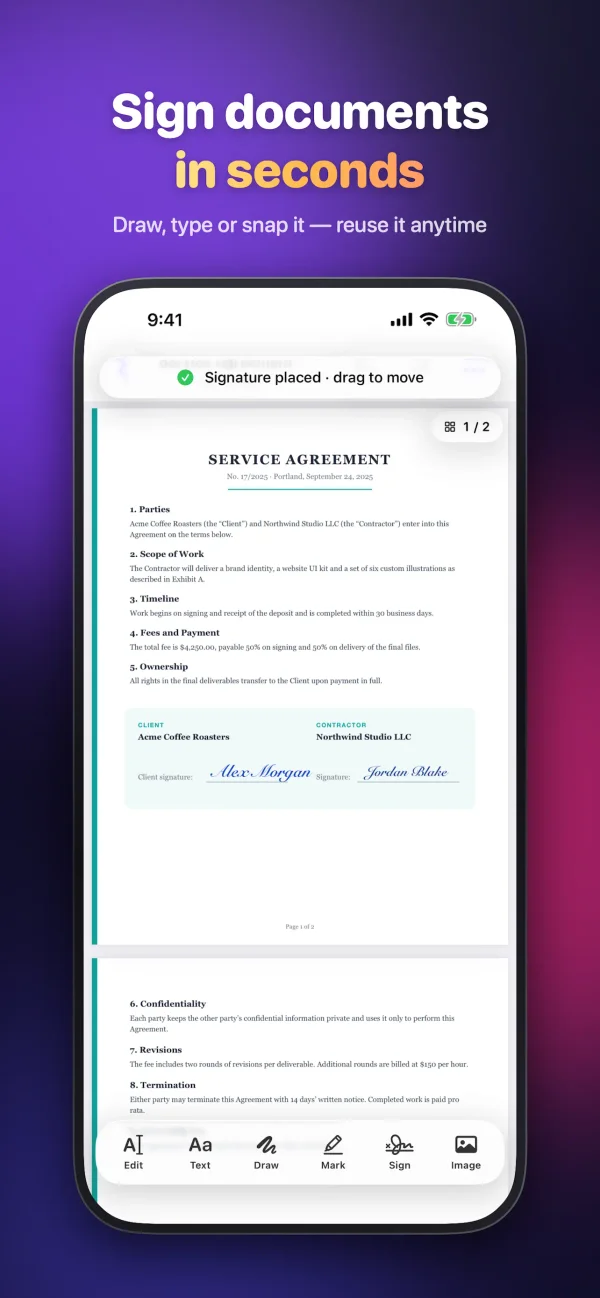
SIGN IN SECONDS
• Draw your signature with a finger or Apple Pencil
• Type it in an elegant handwritten style or snap a photo of it
• Signatures are saved and ready for the next document
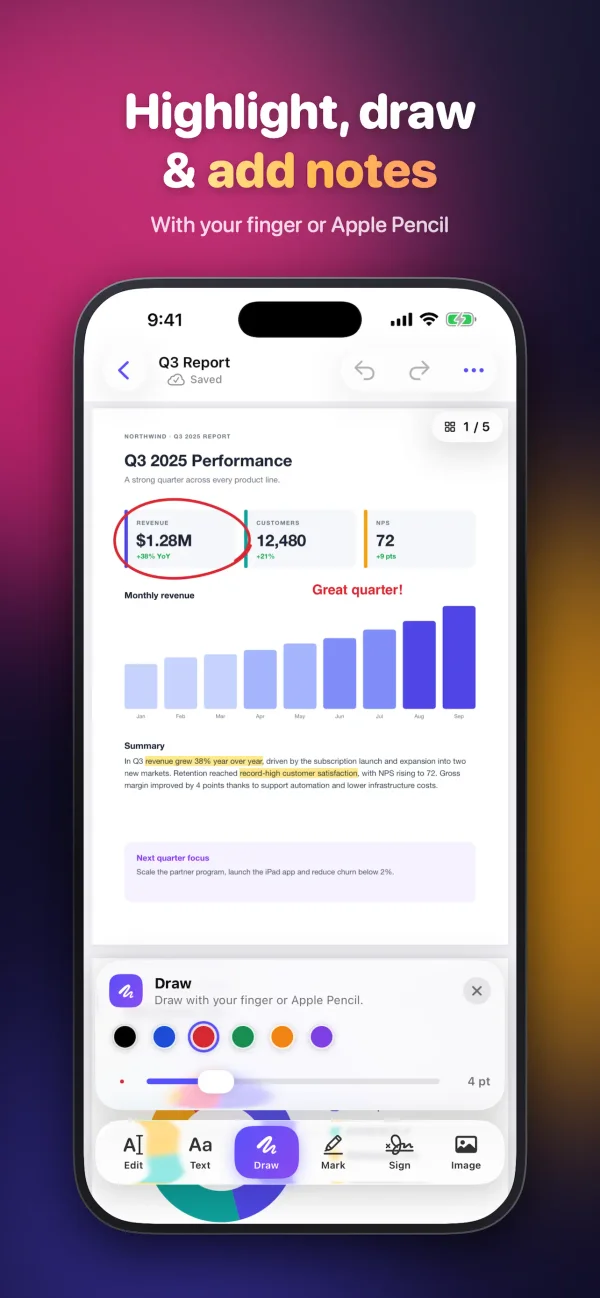
HIGHLIGHT, DRAW & ADD NOTES
• Highlighter, pens and markers in any color and thickness
• Circle, underline and write notes right on the page
• Undo and redo every step
IMAGES & STAMPS
• Place logos, stamps and photos on any page
• Move, resize and rotate them freely
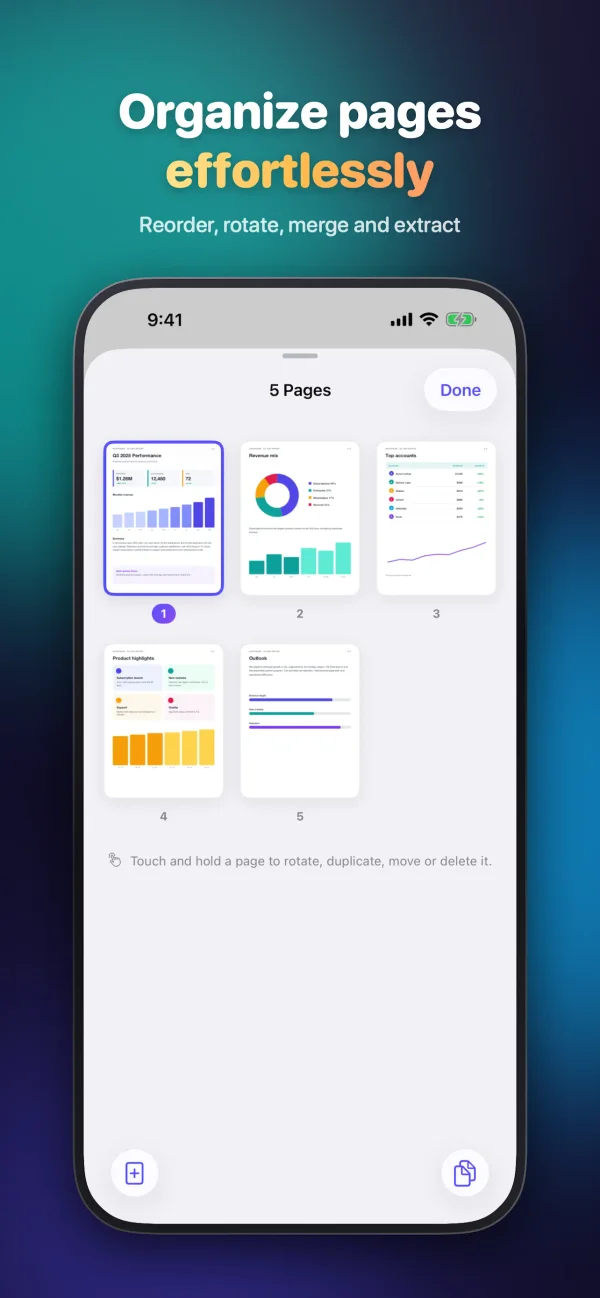
ORGANIZE PAGES
• Reorder pages with drag and drop
• Rotate, duplicate or delete pages
• Merge several PDFs into one or extract just the pages you need
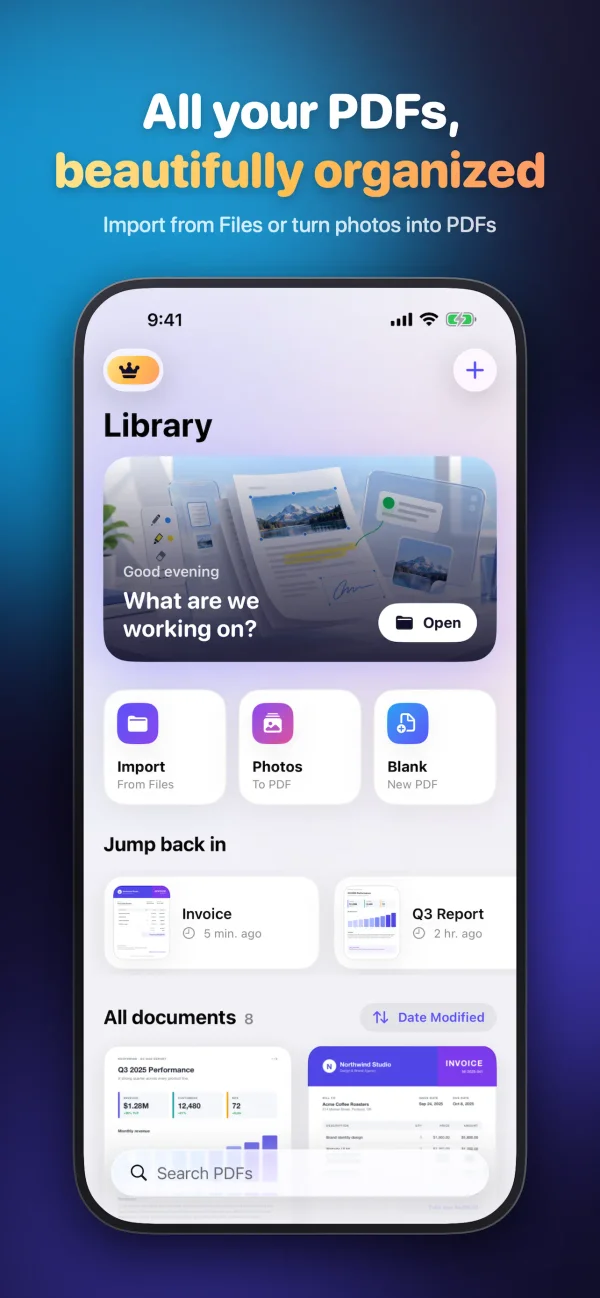
YOUR LIBRARY
• Import from Files, iCloud Drive and other apps
• Turn photos into a clean PDF or start from a blank page
• Search, sort and jump back into recent documents
• Autosave — your work is never lost
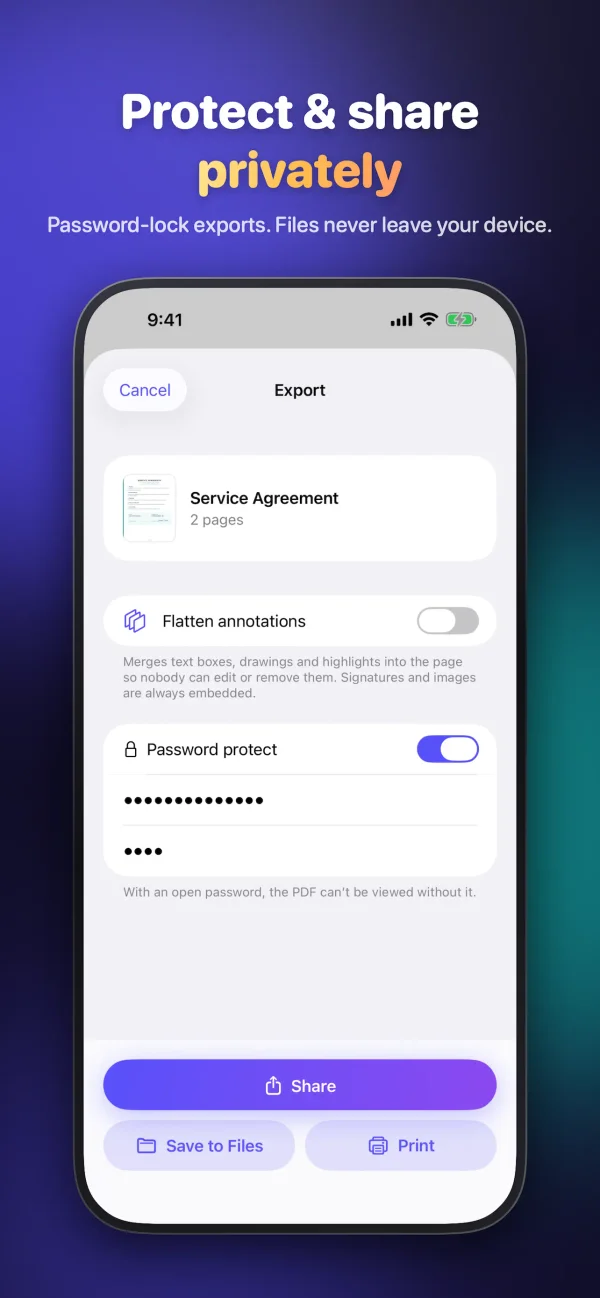
PROTECT & SHARE
• Lock exported PDFs with an open password and permissions
• Flatten annotations so they can't be edited
• Share, print or save to Files
PRIVATE BY DESIGN
Your documents never leave your device. No account, no uploads, works fully offline.
Made for iPhone and iPad, with full Apple Pencil support.
PDF READER PRO SUBSCRIPTION
Reading, highlighting, drawing, notes and page reordering are free. Pro unlocks text editing, signatures, images & stamps, password protection, photos to PDF and merging/extracting pages.
• Pro Yearly with a 3-day free trial, Pro Monthly, or a one-time Pro Lifetime purchase
• Payment is charged to your Apple Account at confirmation of purchase
• Subscriptions renew automatically unless cancelled at least 24 hours before the end of the current period
• Your account is charged for renewal within 24 hours before the end of the current period
• Any unused part of a free trial is forfeited when you purchase a subscription
• Manage or cancel in your Apple Account settings at any time
Terms of Use: https://sunteame.com/terms-of-service
Privacy Policy: https://sunteame.com/privacy-policy
App privacy
What SUN TEAME PTE. LTD. declares on the App Store about how this app handles data.
-
Data not collected
The developer does not collect any data from this app.
Privacy practices may vary, for example with the features you use or your age.
Information
- Seller
- SUN TEAME PTE. LTD.
- Category
- Productivity
- Version
- 1.0
- Updated
- Nov 5, 2026
- Released
- Oct 9, 2026
- Size
- 10.6 MB
- Requires
- iOS 17.0 or later
- Age rating
- 4+
- Price
- Free
- In-app purchases
- Yes
- Languages
- English, Arabic, Belarusian, Bulgarian, Catalan, Croatian, Czech, Danish, Dutch, Filipino, Finnish, French + 26 more
- Copyright
- © 2026@Sun Teame Pte Ltd