
PDF Scan Document: Scanner App
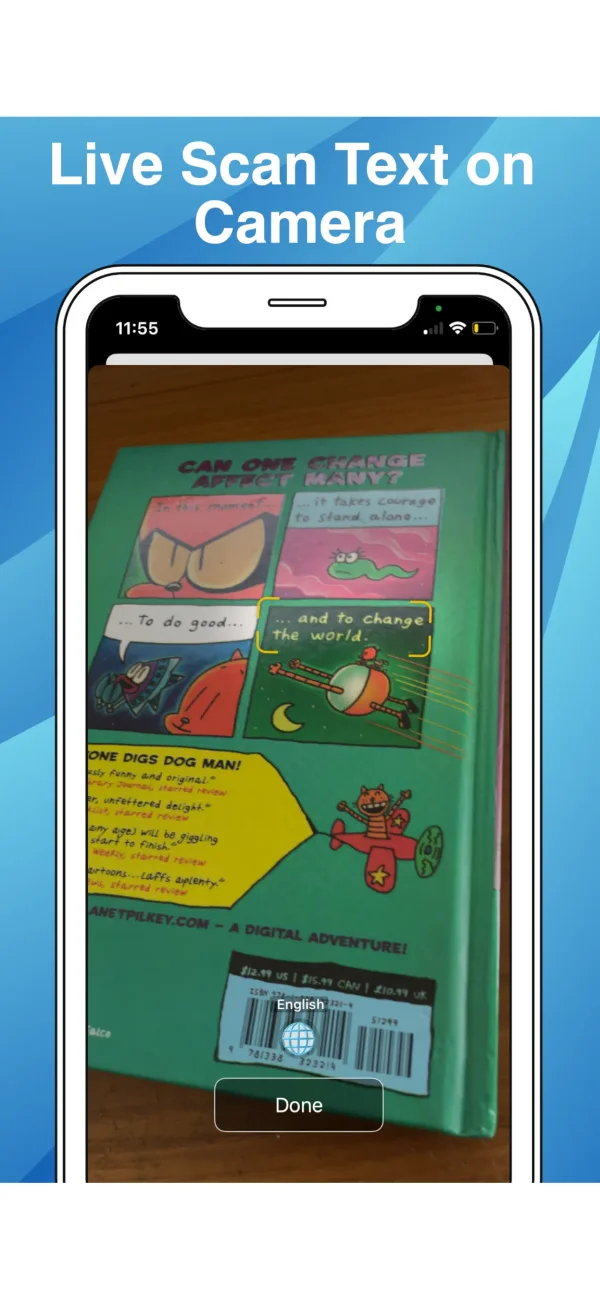
Live Scan Text on Camera Image
Designed for iPhone, iPad, iPod touch
Free · In-app purchases
- Age rating4+
- CategoryUtilities
- DeveloperDao Thang
- LanguagesEnglish+ 32 more
- Size46.2 MB
Links to the official App Store page
Download.org hosts no file of PDF Scan Document: Scanner App. The button opens its official App Store page, published by Dao Thang. Listing last checked on Nov 13, 2026.
Screenshots


About
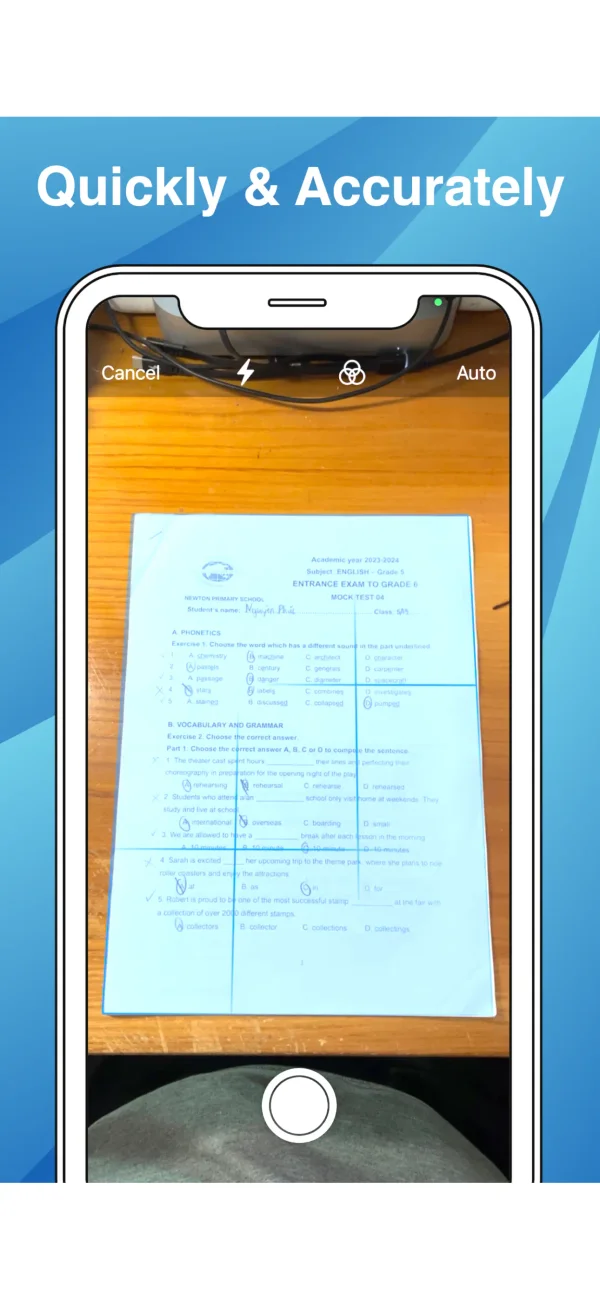
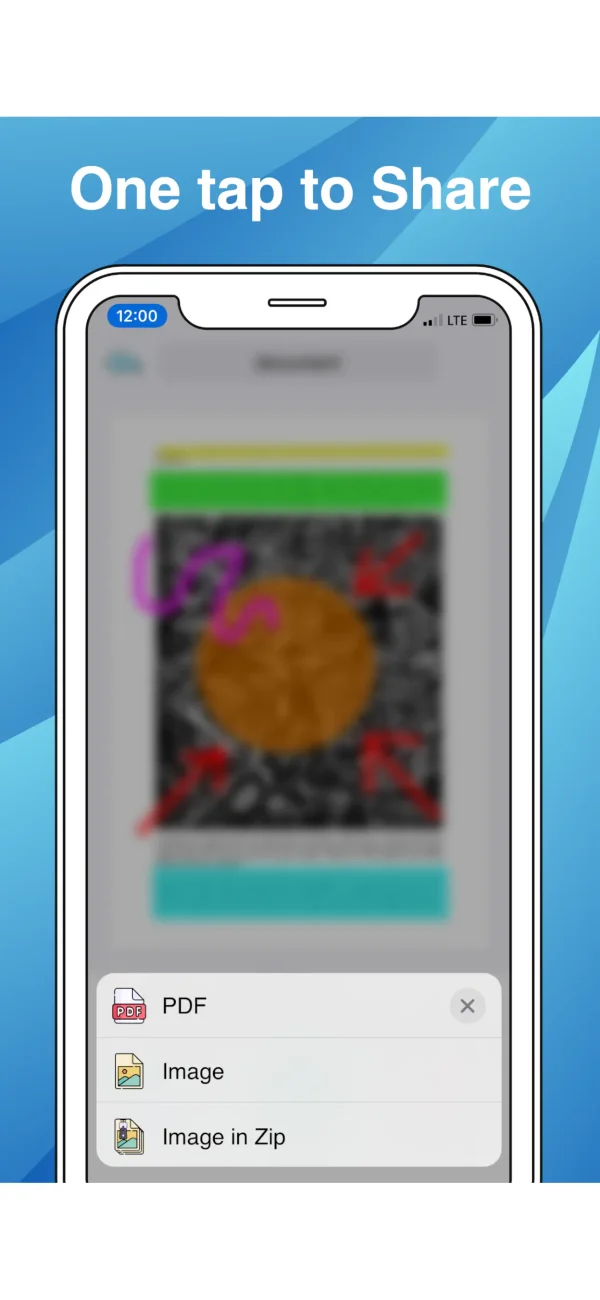
Quickly scan, edit and share any document as a PDF or JPG file. PDF Scanner App will turn your iPhone or iPad into a powerful mobile scanner.
Scan anything — documents, receipts, business cards, notes, and books — and save your scans as multipage PDF or JPG files.
SCAN:
- LIVE scan text on Image, Camera with AI
- LIVE Translate any language on Image, Camera with AI
- Scan any document automatically or manually and save it as a PDF file or image.
- Try various Camera Modes to scan specific types of documents.
- Import documents right from Photos, Files for further editing and sharing.
- Choose between the automatic or manual image capturing modes.
EDITS:
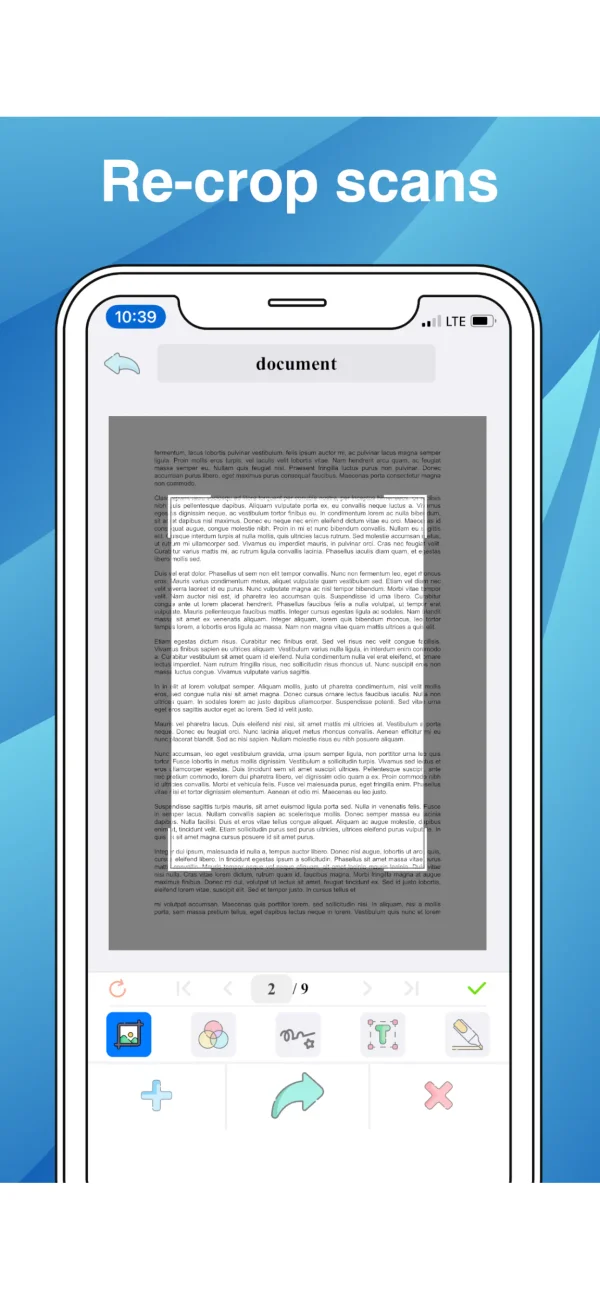
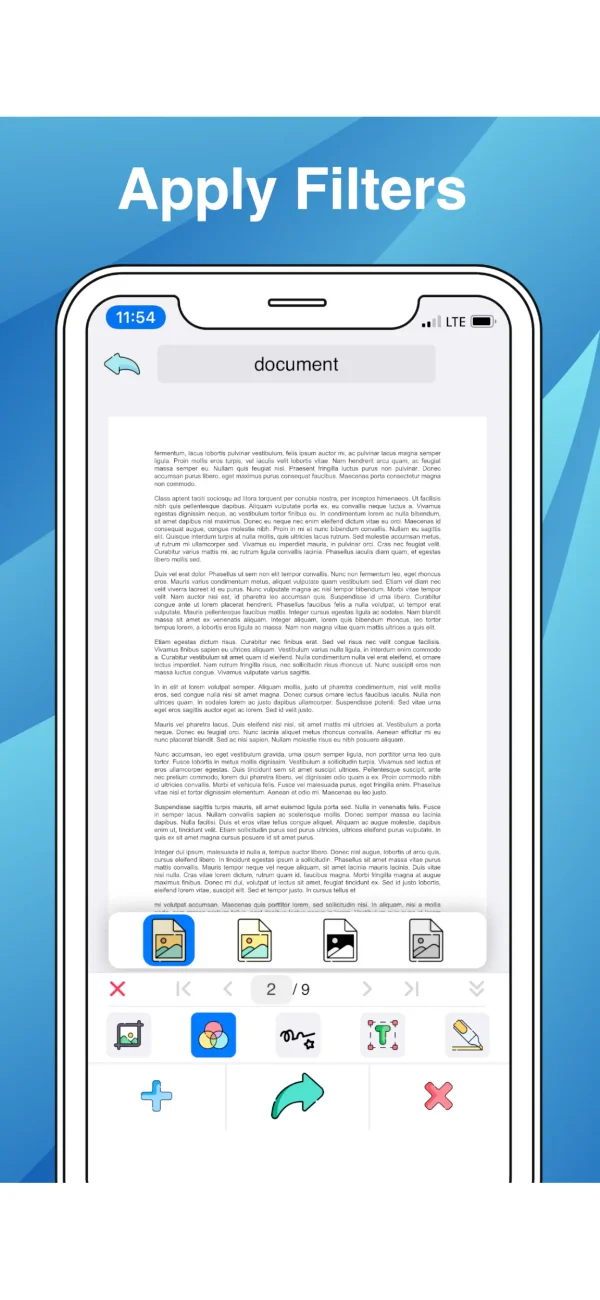
- Re-crop scans, change page perspective and borders, apply filters, adjust contrast, and correct or change the orientation.
- Organize and reorder pages in multipage documents.
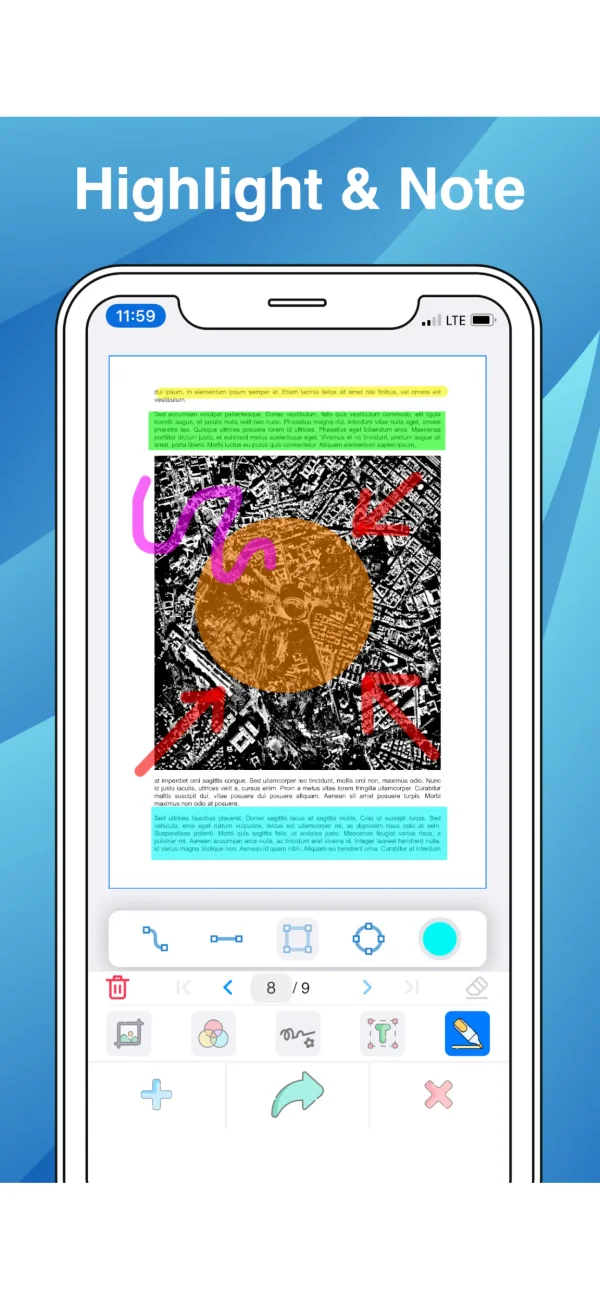
- Highlight the key points of your scans or Note.
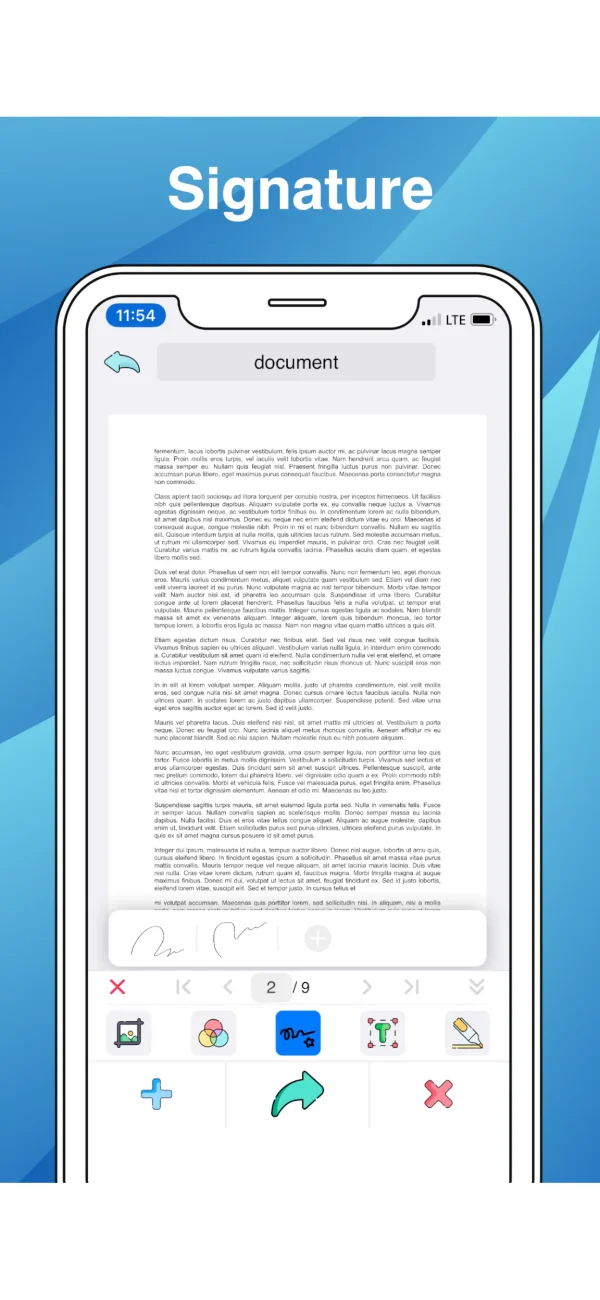
- Add Signature. Create and save one or more signatures, and add them to scans whenever you need.
- Recognize and extract text from your scans with OCR (Optical Character Recognition) technology.
CONVERT:
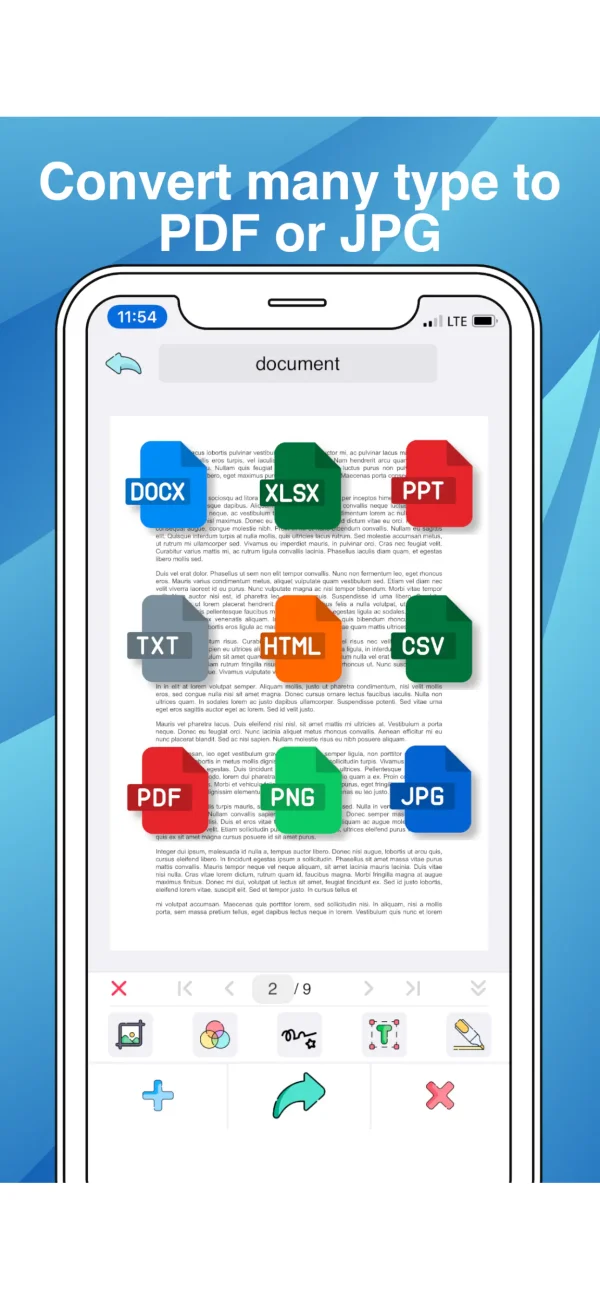
- Convert any file: doc, docx, xls, xlsx, ppt, pptx, txt, csv, html, gif, tiff... to PDF or JPG file.
Subscription Info
• Free trial
• Weekly, monthly and annual payment options
• Unlock all features
• No ads
Any unused portion of the Free Trial will be forfeited when You purchase a subscription. Payment will be charged to iTunes Account at confirmation of purchase. Subscription automatically renews unless autorenewal is turned off at least 24 hours before the end of current period. Payment for renewal is charged within 24 hours prior to the end of the current period. You can manage Your subscription and turn off the autorenewal by going to Your Account Settings after purchase.
Terms & Privacy:
https://koolappstore.blogspot.com/p/privacy-personal-information-we-do-not.html
Thanks for comment!
Support: appbibo@gmail.com
What’s new
Version 1.3 · Mar 14, 2026
- Bug fixes on iOS 26
App privacy
What Dao Thang declares on the App Store about how this app handles data.
-
Data used to track you
May be used to track you across apps and websites owned by other companies.
- Usage data
- Diagnostics
-
Data not linked to you
May be collected but is not linked to your identity.
- Usage data
- Diagnostics
Privacy practices may vary, for example with the features you use or your age.
Information
- Seller
- Dao Thang
- Category
- Utilities
- Version
- 1.3
- Updated
- Mar 14, 2026
- Released
- Mar 21, 2024
- Size
- 46.2 MB
- Requires
- iOS 15.6 or later
- Age rating
- 4+
- Price
- Free
- In-app purchases
- Yes
- Languages
- English, Arabic, Armenian, Catalan, Czech, Danish, Dutch, Finnish, French, German, Greek, Hebrew + 21 more
- Copyright
- © BiBo APP
You might also like
-
 PDF Scanner: Sign, OCR & EditScan Photo, Merge, Split Pages
-
 PDF Convert - PPT, Docx, XLSXWord to PDF Converter
-
 Capture DocumentsProcess with ABBYY Vantage IDP
-
 Fast Scan:PDF Doucment ScanPDF Doucment Moblie ScannerAPP
-
 AnotaloCount the tiles with a photo
-
 TaxTrack: Residency TrackerState Day Counter
-
 monomemo Simple MemoJust opened. Already typing.
-
 MAX-RemoteMaximumSecurity's BLE app
-
 Mission Alarm Clock ProSolve math or shake to wake up