PDF Scanner OCR: Document Scan
Sign & Share Receipts & Photos
Designed for iPhone, iPod touch
Free · In-app purchases
- Age rating4+
- CategoryProductivity
- DeveloperOLEG CHEBULAEV
- LanguagesEnglish+ 1 more
- Size19.2 MB
Links to the official App Store page
Download.org hosts no file of PDF Scanner OCR: Document Scan. The button opens its official App Store page, published by OLEG CHEBULAEV. Listing last checked on Nov 24, 2026.
Screenshots

About
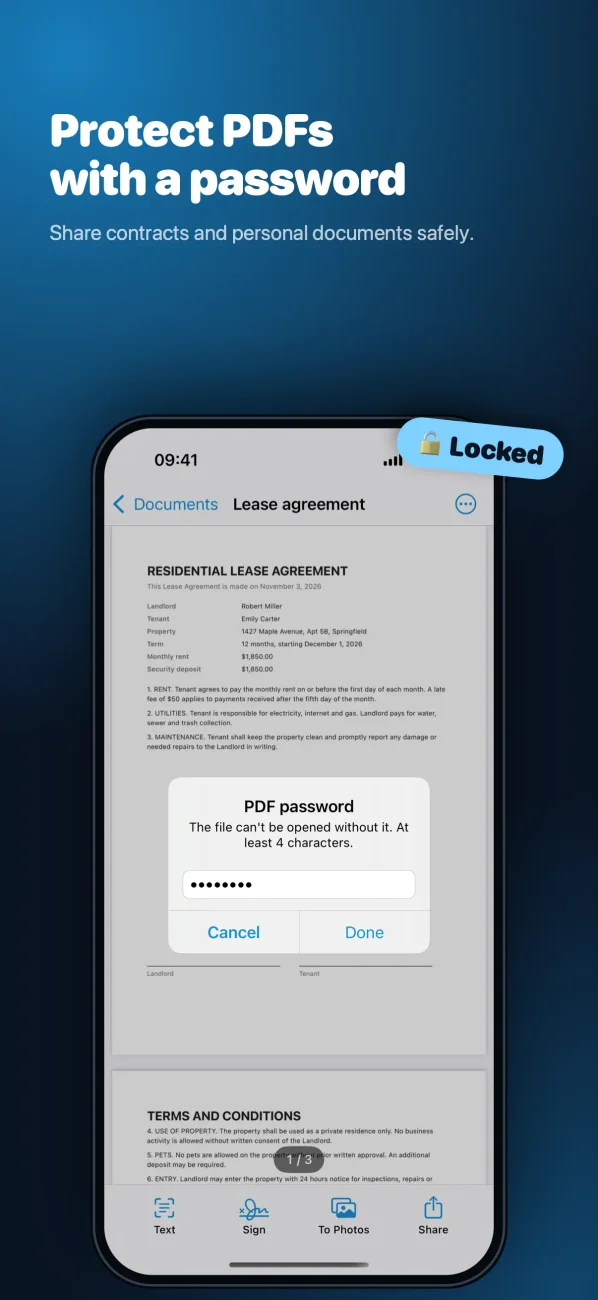
Doc Scanner turns your iPhone into a pocket scanner. Scan contracts, receipts, notes and forms into clean PDFs, pull the text out of any page, sign documents with your finger and keep private files under lock.
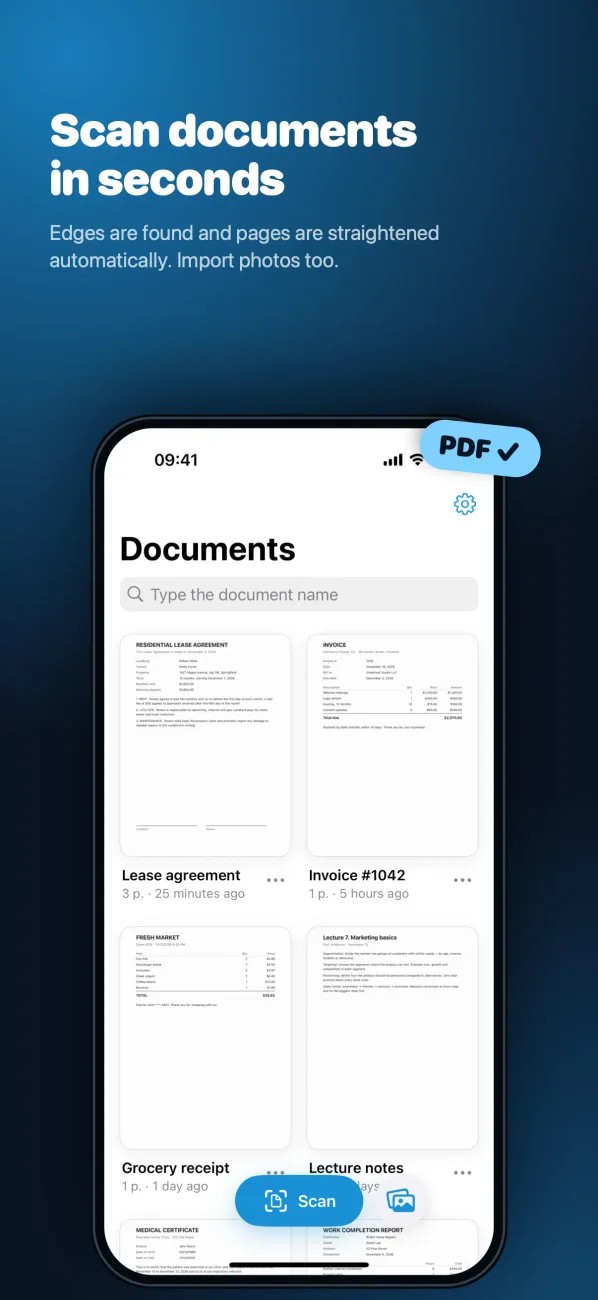
SCAN IN SECONDS
• Point the camera — page edges are found and the scan is straightened automatically
• Multi-page documents in one PDF
• Import photos of documents from your library; they are cropped and straightened too
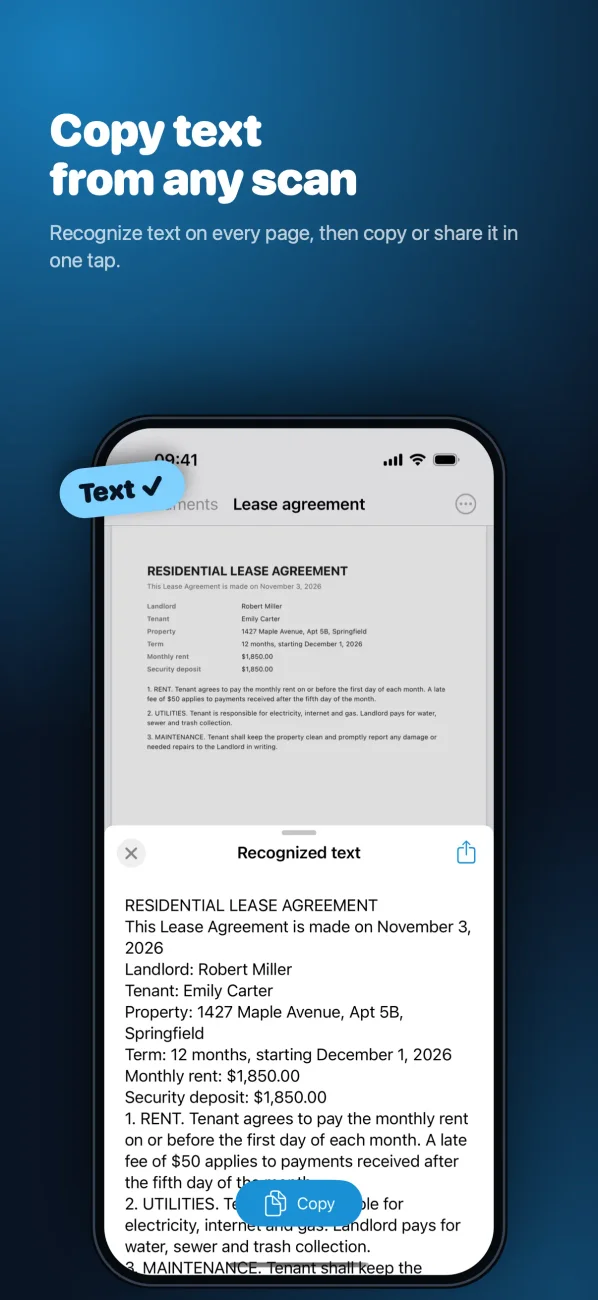
TEXT RECOGNITION (OCR)
• Recognize text on every page and copy or share it in one tap
• Recognized text is built into the PDF, so you can select and search it in any PDF viewer
• Find any document by its name or by the words inside it
• Choose the language of your documents for better accuracy
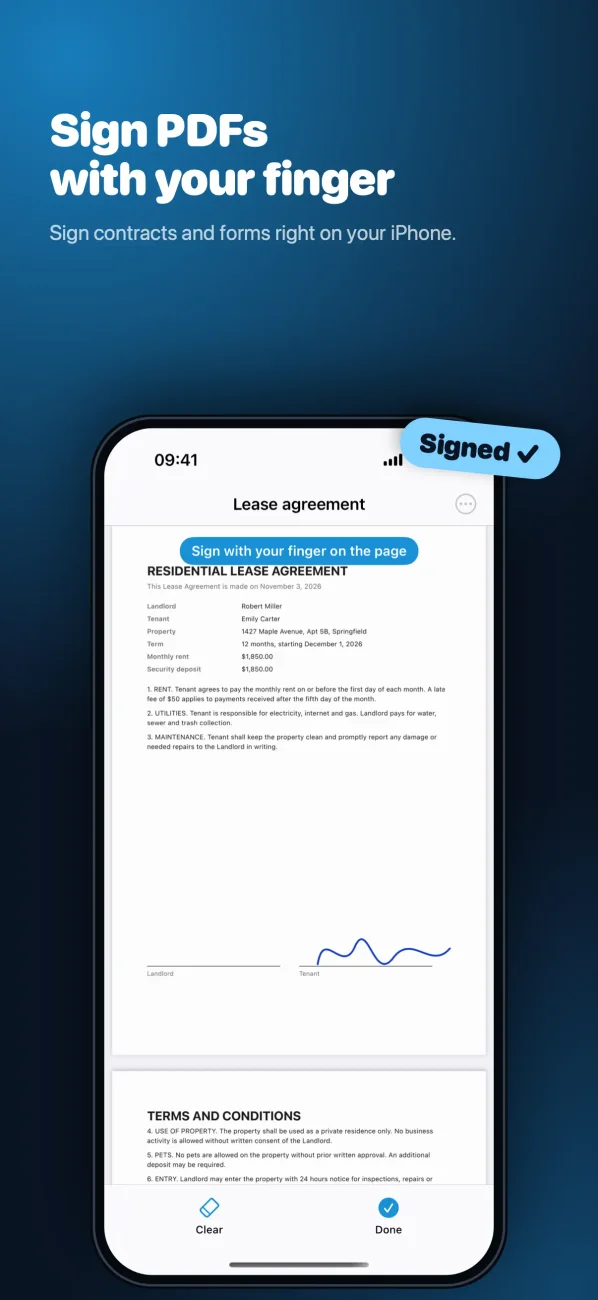
SIGN DOCUMENTS
• Sign contracts and forms with your finger right on the page
SHARE THE WAY YOU NEED
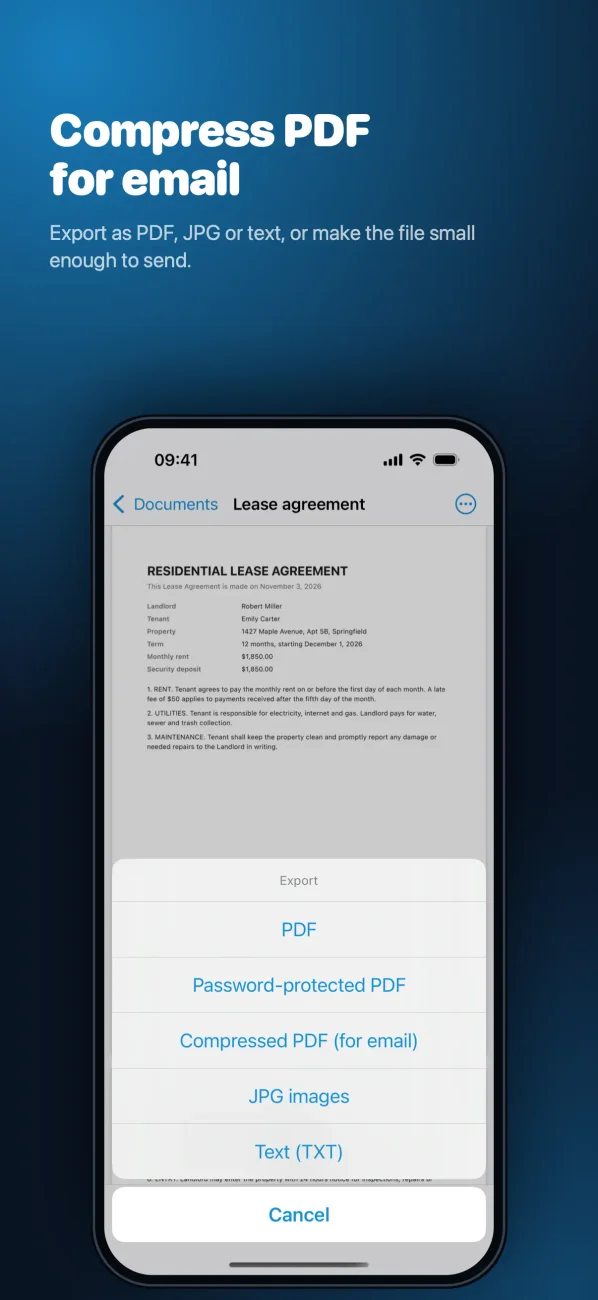
• PDF or JPG images
• Password-protected PDF for contracts and personal documents
• Compressed PDF that is small enough for email
• Plain text (TXT)
• Save pages to Photos, print or send to any app
PRIVATE BY DESIGN
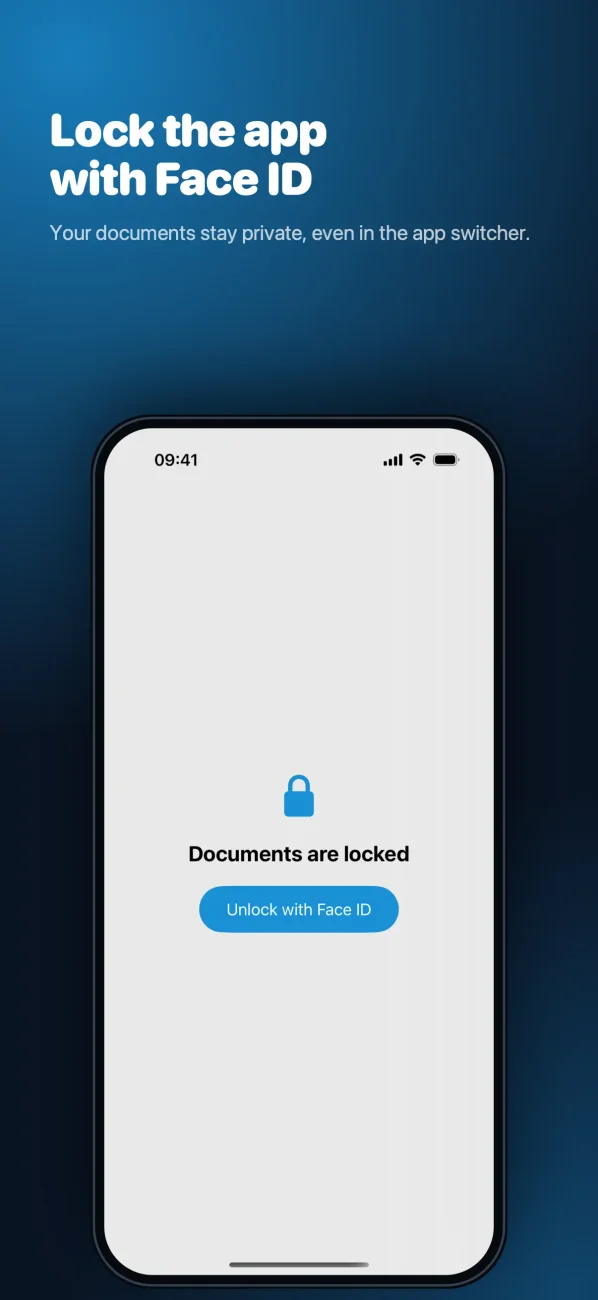
• Lock the app with Face ID, Touch ID or your passcode
• Content is hidden in the app switcher
• Your documents are stored on your iPhone
PLANS
• Free: scan single-page documents and share them as PDF or JPG
• Pro: unlimited and multi-page scans, text recognition and search, signing, password-protected and compressed PDFs, TXT export and Face ID lock
Pro is available as an auto-renewable subscription (weekly, monthly or yearly) or as a one-time lifetime purchase. Payment is charged to your Apple ID at confirmation of purchase. A subscription renews automatically unless it is canceled at least 24 hours before the end of
the current period; your account is charged for renewal within 24 hours before the end of the period. You can manage or cancel subscriptions in your Apple ID account settings. Any unused portion of a free trial is forfeited when you purchase a subscription.
Terms of Use: https://madapps.tilda.ws/docscan_terms_of_use
Privacy Policy: https://madapps.tilda.ws/docscan_policy
What’s new
Version 1.5 · Nov 23, 2026
A big update:
• New look and a faster documents screen
• Import photos — pages are straightened automatically
• Text is built into your PDFs and searchable
• Password-protected and compressed PDFs, TXT export
• Face ID lock
• Scan quick action on the app icon
App privacy
What OLEG CHEBULAEV declares on the App Store about how this app handles data.
-
Data used to track you
May be used to track you across apps and websites owned by other companies.
- Identifiers
-
Data not linked to you
May be collected but is not linked to your identity.
- Purchases
- Identifiers
- Usage data
- Diagnostics
Privacy practices may vary, for example with the features you use or your age.
Information
- Seller
- OLEG CHEBULAEV
- Category
- Productivity
- Version
- 1.5
- Updated
- Nov 23, 2026
- Released
- May 14, 2021
- Size
- 19.2 MB
- Requires
- iOS 15.0 or later
- Age rating
- 4+
- Price
- Free
- In-app purchases
- Yes
- Languages
- English, Russian
- Copyright
- © Oleg Chebulaev
You might also like
-
 Smart Air Printer Pro & ScanPrint Photos and Scanner App
-
 Group Text - Mass SMS MessageAuto send bulk message
-
 Lunir AI: Ask Your RecordingsTranscribe meetings & lectures
-
 Event Countdown – Day CounterDays Since & Until Tracker Pro
-
 AI QR Code Barcode Scanner iqrCreate, scan, design & print
-
 SendHype - Group textMass text message | Text2group
-
 TOR Browsing & VPN SecurityOnion Browser: Orbot & AdBlock
-
 TOR Browser, Prosec Onion VPNFast Private Search & Explore
-
 Dual Messenger For WA AccountSocial Spy Whatsapp Sm Message
-
 Audio Converter: convert mp3Convert video, mp4, wav, etc.