PDF Scanner| Document Scanning
Scan Documents & Photo
Designed for iPhone
Free · In-app purchases
- Age rating4+
- CategoryProductivity
- DeveloperValentyn Shynkaruk
- LanguagesEnglish+ 5 more
- Size72.3 MB
Links to the official App Store page
Download.org hosts no file of PDF Scanner| Document Scanning. The button opens its official App Store page, published by Valentyn Shynkaruk. Listing last checked on Nov 22, 2026.
Screenshots


About
Easily scan, edit, and manage your PDF documents with a powerful and user-friendly scanner app built for everyday productivity. Whether you're reviewing files, filling out forms, or organizing pages, this mobile scanner is the ideal PDF scanner and scanning app for work, school, or home.
Transform paper into digital format in seconds. Use the built-in scanner to capture documents, receipts, or notes, and instantly scan to PDF. Whether it's turning photos to PDF, creating files with our document scanner, or managing scans, this all-in-one tool simplifies your workflow.
Key Features (requiring additional purchase):
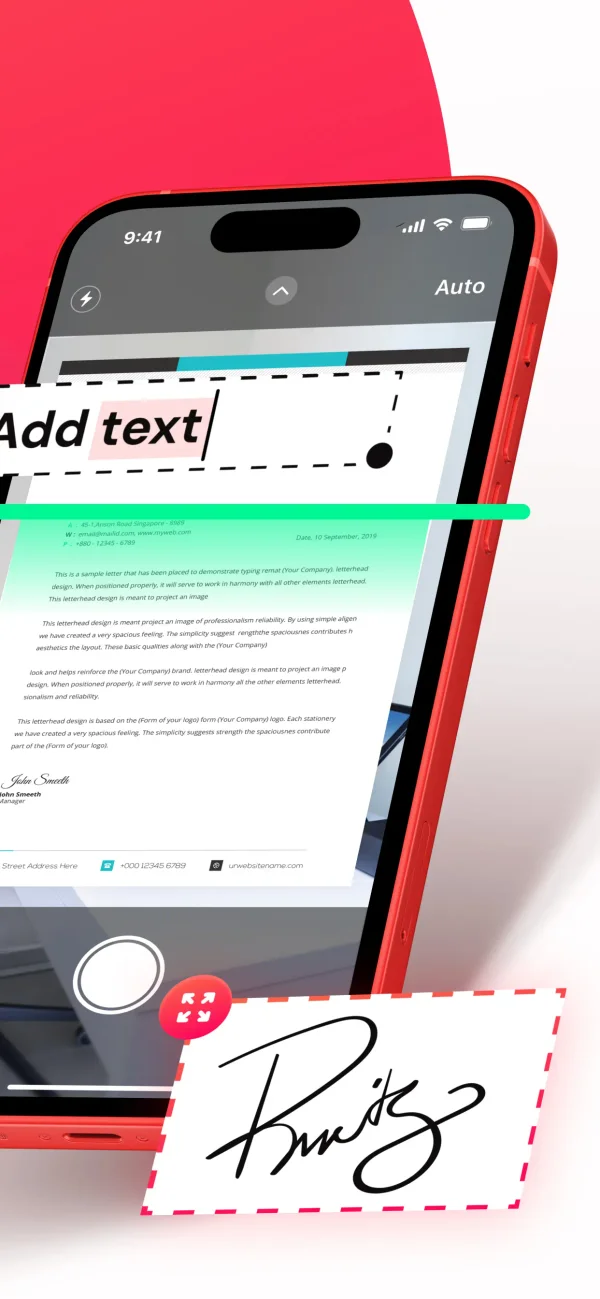
- Scan to PDF – Quickly scan physical documents and save them as high-quality PDFs.
- Edit Text and Images – Make direct changes to your scanned PDF content.
- Add Signatures – Sign documents seamlessly using the mobile scanner feature.
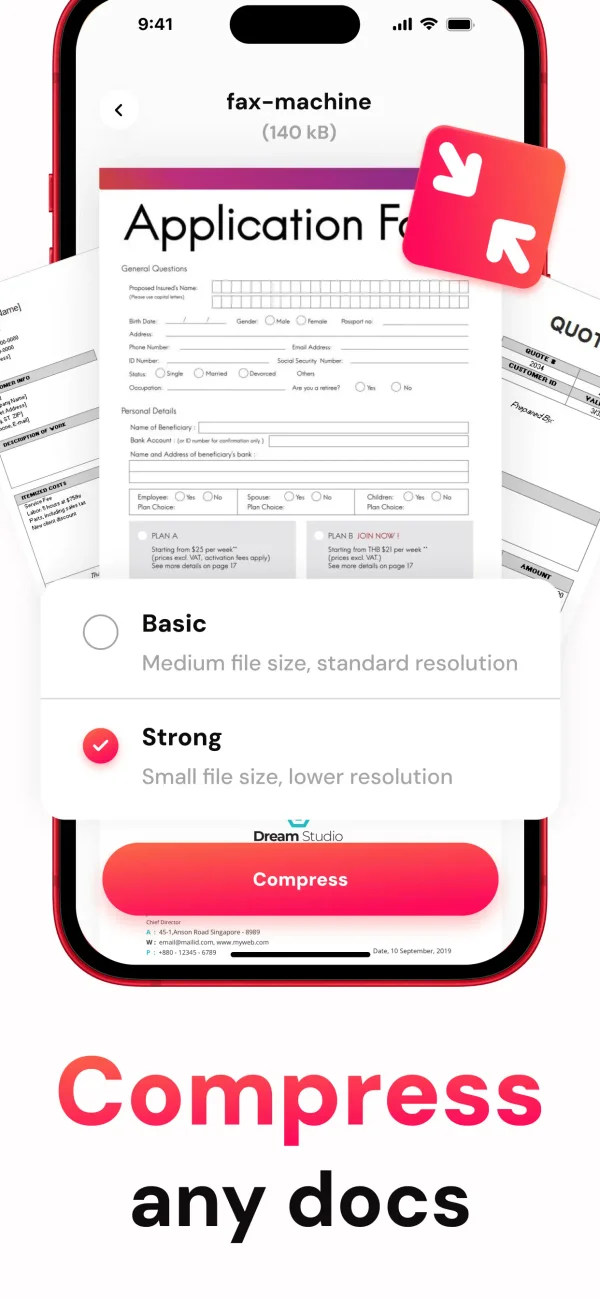
- Compress Files – Reduce file sizes without losing clarity in your PDF scanner documents.
- Organize Documents – Rename, reorder, and manage all your scanning app files effortlessly.
Whether you're converting photos to PDF, digitizing paperwork, or editing with a scanner tool, this document scanner is your ultimate scan to PDF solution. Download now and take control of your productivity with the best PDF scanner and mobile scanner in one!
Subscription Details:
Weekly Plan: Full access for $4.99/week with a 3-day free trial.
Annual Plan: Unlock all features for $19.99/year.
- Payment will be charged to your iTunes account upon purchase confirmation.
- Subscription auto-renews at the selected price and duration unless canceled at least 24 hours before the current period ends.
- Renewal charges occur within 24 hours before the current period ends.
- Unused portions of free trials, if offered, are forfeited upon subscription purchase.
- Manage your subscription and disable auto-renewal through your iTunes Account Settings.
- No refunds will be issued for unused subscription periods.
Privacy Policy - https://docs.google.com/document/d/1tkEj6uuUEp4jt5sAnAa8Su0ubHOzMl-GHLas2RZh2bY/edit?usp=sharing
Terms of Use - https://docs.google.com/document/d/1gwzoGzGArSJbKjCXkyjE_d55ZXw8DKIA9cNDY_cMfc0/edit?usp=sharing
What’s new
Version 1.0.8 · Sep 17, 2025
Bug fixes
App privacy
What Valentyn Shynkaruk declares on the App Store about how this app handles data.
-
Data not linked to you
May be collected but is not linked to your identity.
- Purchases
- Usage data
- Diagnostics
Privacy practices may vary, for example with the features you use or your age.
Information
- Seller
- Valentyn Shynkaruk
- Category
- Productivity
- Version
- 1.0.8
- Updated
- Sep 17, 2025
- Released
- Apr 14, 2025
- Size
- 72.3 MB
- Requires
- iOS 16.4 or later
- Age rating
- 4+
- Price
- Free
- In-app purchases
- Yes
- Languages
- English, French, German, Italian, Portuguese, Spanish
- Copyright
- © Fiffy Esma Edryzal Bin Ismail
You might also like
-
 Remote for Samsung Smart TV*TV Smart Controller
-
 PDF Converter: Scan & ConvertDocument Scanner・File Reader
-
 Authenticator App: 2FA・MFA・OTPProductivity
-
 PDF Editor, Files Converter.Convert & Compress Documents
-
 PDF Converter: Convert・ScannerScan・Document, Photos, FIles
-
 PDF Converter・Doc ScannerScan & Convert Document File
-
 Auto Clicker: Click & Tap ToolAutoclicker・Automatic Tapper
-
 Universal TV Remote |Control for Smart TV
-
 PDF Editor & Files ConverterConvert & Compress Documents
-
 PDF Editor - Reader&ConverterEdit, Convert PDF Files