- Age rating4+
- CategoryUtilities
- DeveloperMetin Karaduman
- LanguagesGerman+ 22 more
- Size8.0 MB
Links to the official App Store page
Download.org hosts no file of PDF Scanner & Editor: Sign. The button opens its official App Store page, published by Metin Karaduman. Listing last checked on Nov 13, 2026.
Screenshots


About
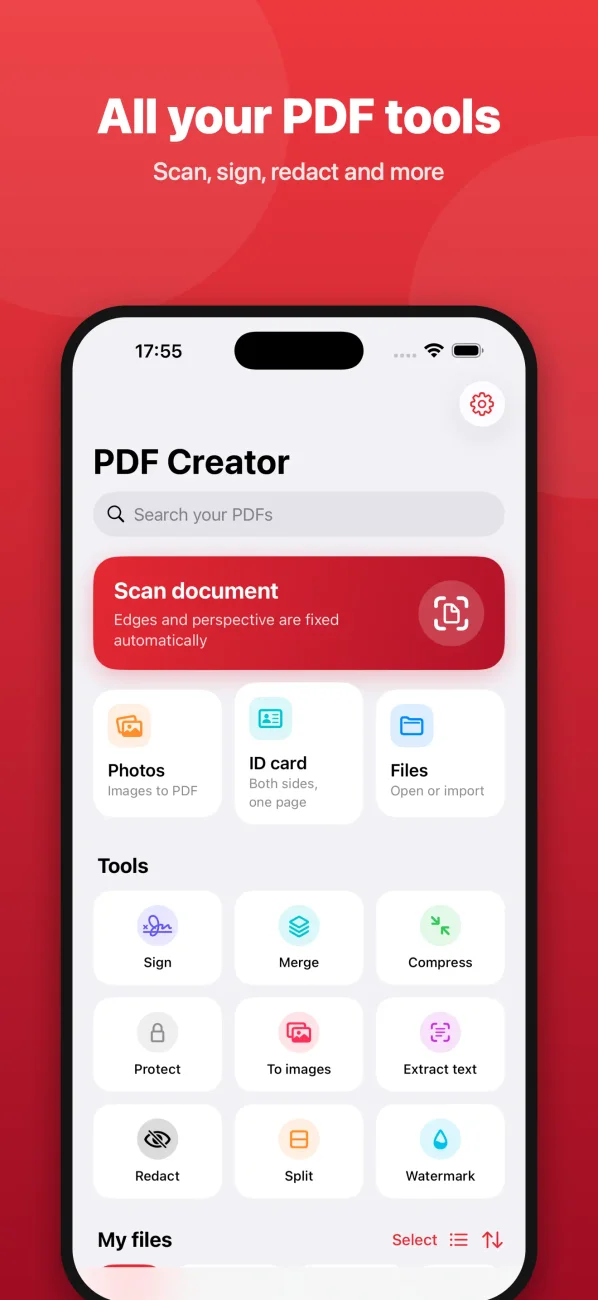
PDF Scanner & Editor is the fastest way to scan documents, sign PDFs and fill in forms on your iPhone — and now on iPhone Duo. Turn paper, receipts, ID cards and photos into clean, searchable PDFs, then edit, redact, merge, compress, protect and share them — in two or three taps, with no account.
SCAN DOCUMENTS
• Point your camera at any page: edges are found and perspective is fixed automatically
• Scan multi-page documents in one go; ID cards get both sides on one page
• Choose the look: enhanced, grayscale or black & white
• Text recognition (OCR) makes scanned PDFs searchable — and names them from their heading
SIGN AND FILL IN
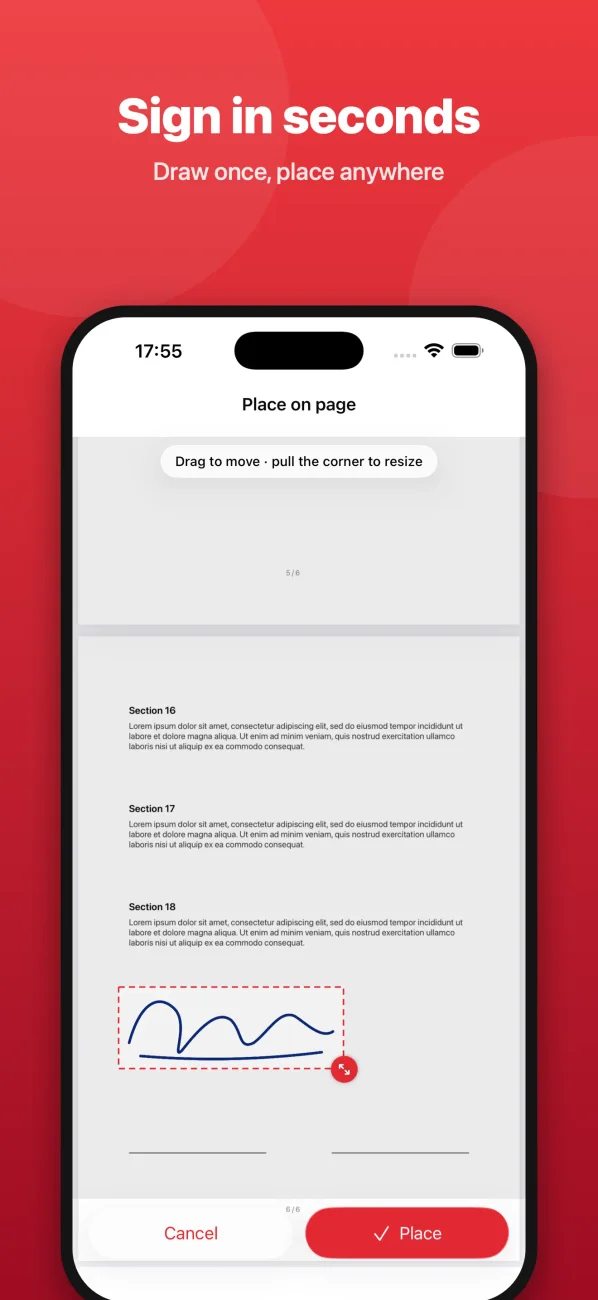
• Draw your signature once and place it on any PDF; add initials to every page
• Fill in real PDF forms, then flatten them
• Add text, today's date, notes, checkmarks, crosses and your saved details
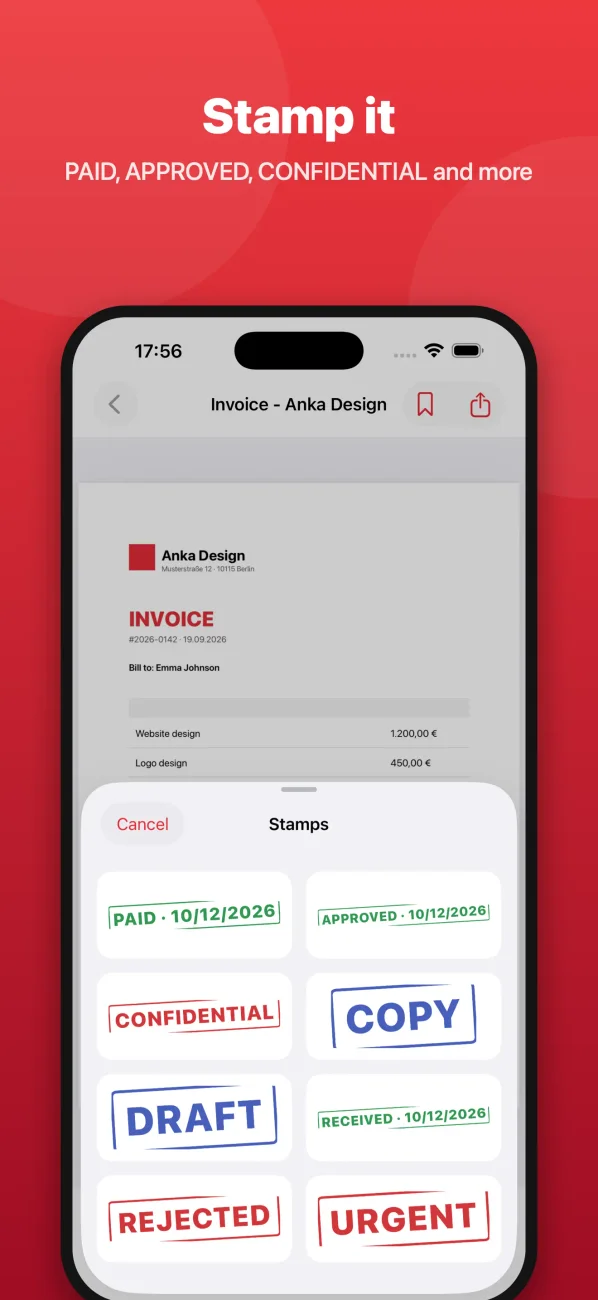
• Stamps: PAID, APPROVED, CONFIDENTIAL, COPY, DRAFT and more
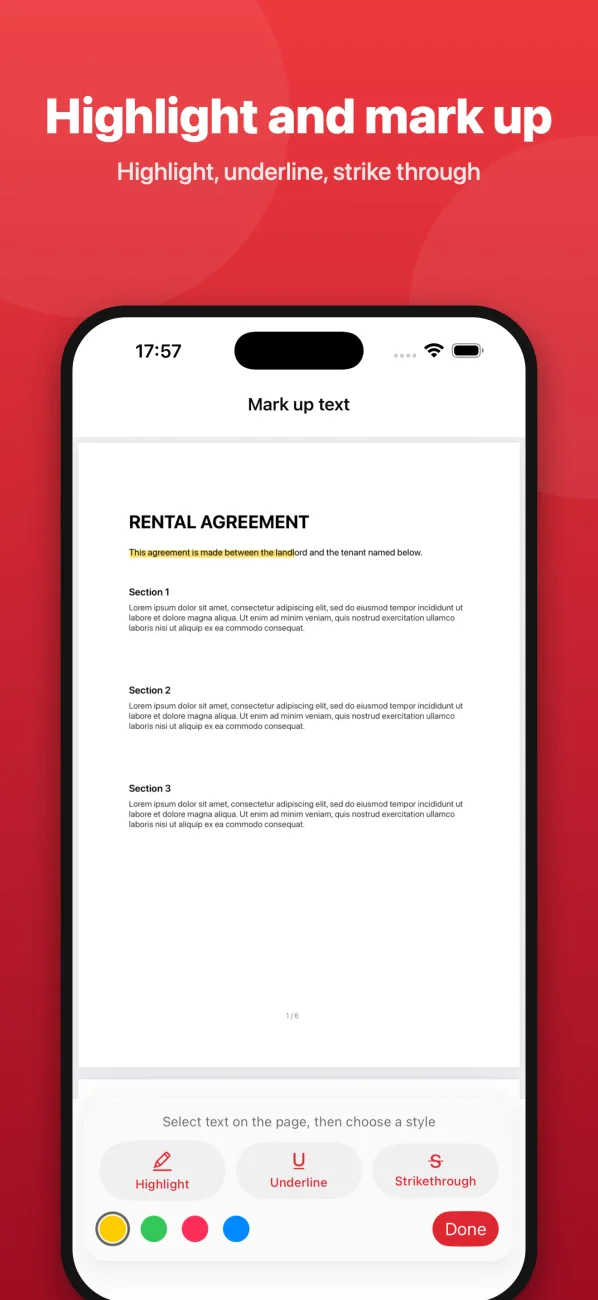
• Highlight, underline and strike through text; draw with Apple Pencil or your finger
FIND, UNDERSTAND, PROTECT
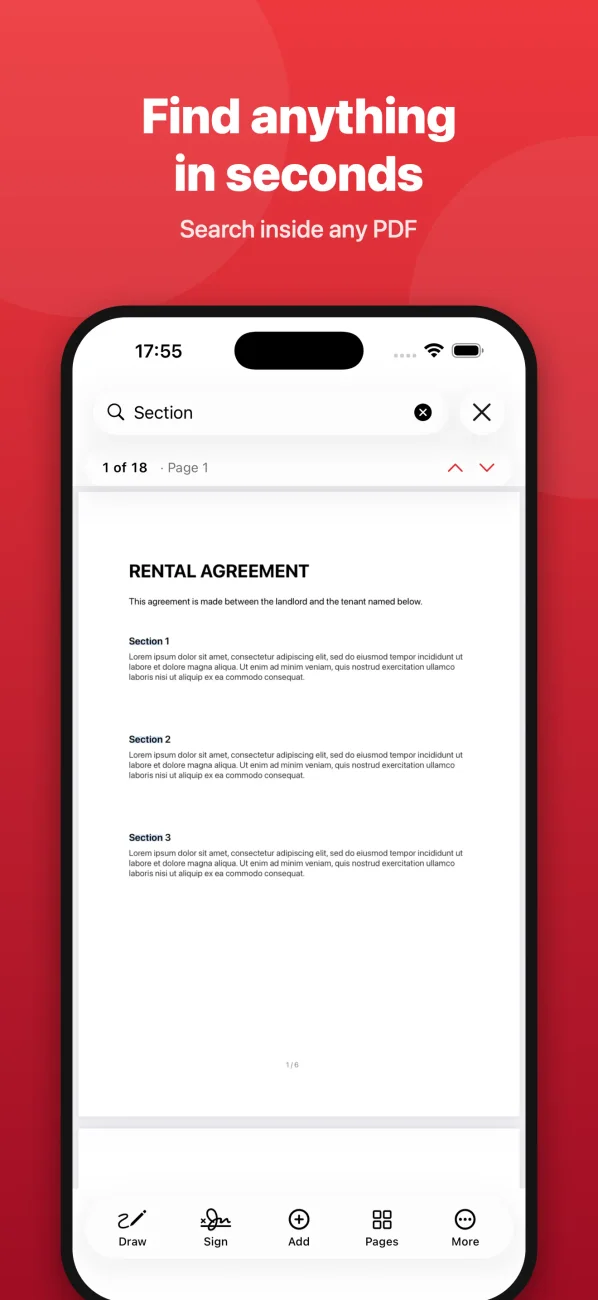
• Find in document: search inside any PDF and jump between matches
• Summary & key details with Apple Intelligence — amount, date, IBAN, what to do — on your device
• Translate extracted text or have it read aloud
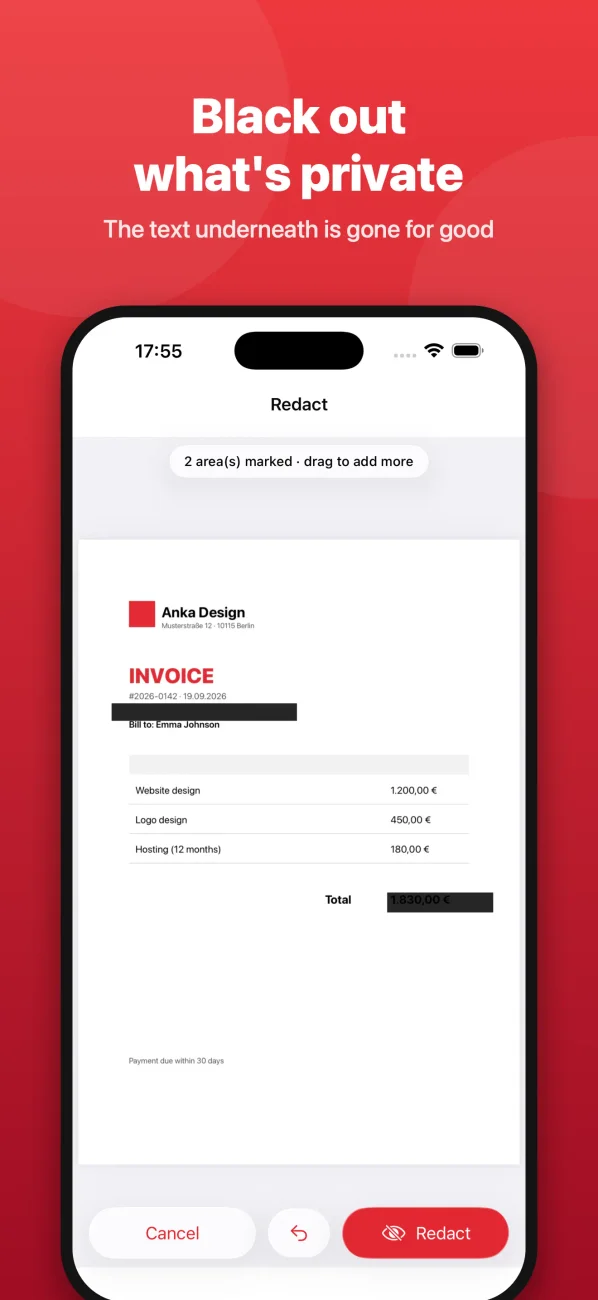
• Redact: black out anything — the text underneath is removed for good
• Protect PDFs with a password, remove document info before sharing, lock the app with Face ID
PDF TOOLS
• Merge several PDFs into one; split by pages or by size
• Compress with three quality levels, or to a target size (under 1, 2 or 5 MB)
• Watermark and page numbers
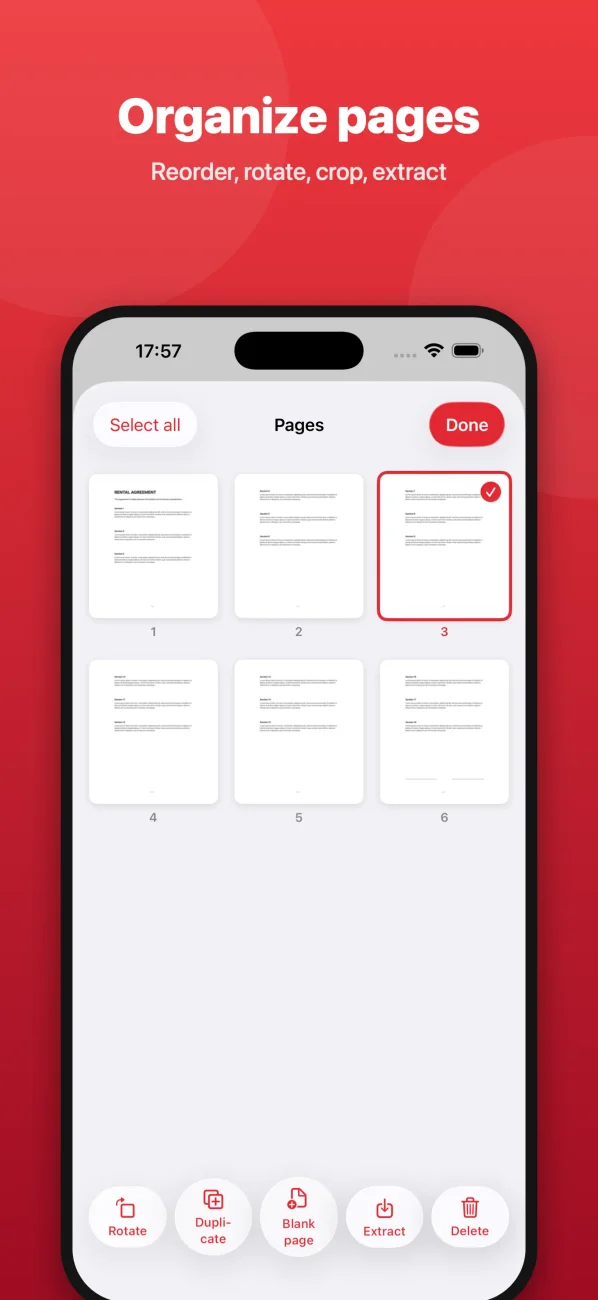
• Rotate, reorder, delete, duplicate, crop and extract pages; add blank pages
• Save pages as images or as one long image; grayscale copy; print
STAY ORGANIZED
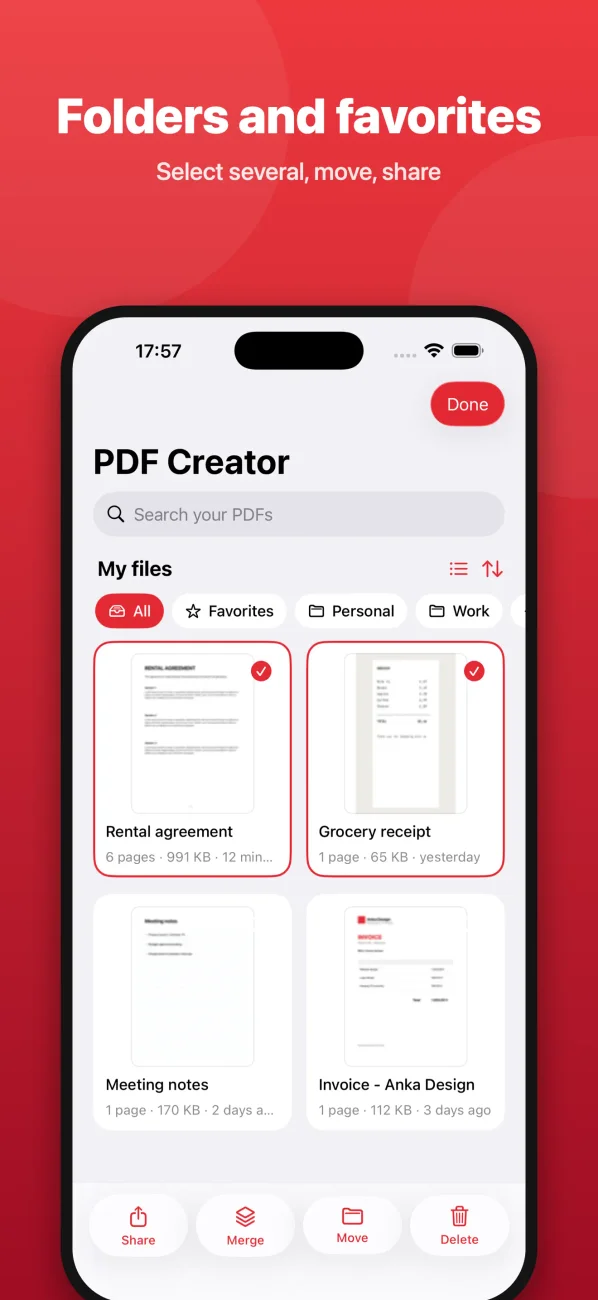
• Folders, favorites, grid or list, sorting, select several at once
• Recently deleted keeps files for 30 days
• Version history: every change keeps a copy, so you can always go back
• Contents, bookmarks and go-to-page
SIMPLE AND PRIVATE
• Most tasks take just two or three taps
• Your files stay on your device — no account, no upload
• Your PDFs also appear in the Files app; Siri Shortcuts and Home Screen quick actions
• A two-column layout on iPad and on iPhone Duo's inner display
PDF Scanner & Editor is free and supported by ads.
What’s new
Version 3.0 · Oct 15, 2026
Version 3.0 is our biggest update yet — and it's ready for iPhone Duo.
NEW
• Find in document: search inside any PDF, jump between matches
• Fill real PDF forms, then flatten them
• Redact: black out anything — the text underneath is removed for good
• Highlight, underline and strike through text
• Stamps (PAID, APPROVED, CONFIDENTIAL…), initials and "initial every page"
• Summary & key details with Apple Intelligence, on your device
• Translate extracted text, or have it read aloud
• ID card scan: both sides on one page
• Scan looks: enhanced, grayscale, black & white
• Compress to a target size (under 1, 2 or 5 MB)
• Watermark, page numbers, split, grayscale copy, long image, crop, blank pages
• Folders, favorites, grid view, sorting, select several at once
• Recently deleted (30 days) and version history with one-tap undo
• Scans are named from their heading automatically
• Lock the app with Face ID
• Siri Shortcuts and Home Screen quick actions
• A two-column layout on iPad and on iPhone Duo's inner display
App privacy
What Metin Karaduman declares on the App Store about how this app handles data.
-
Data not collected
The developer does not collect any data from this app.
Privacy practices may vary, for example with the features you use or your age.
Information
- Seller
- Metin Karaduman
- Category
- Utilities
- Version
- 3.0
- Updated
- Oct 15, 2026
- Released
- Sep 11, 2026
- Size
- 8.0 MB
- Requires
- iOS 26.2 or later
- Age rating
- 4+
- Languages
- German, Arabic, English, French, Hebrew, Hindi, Indonesian, Italian, Japanese, Korean, Dutch, Polish + 11 more
- Copyright
- © 2026 AnkaSoftware
You might also like
-
 Every PDF: Scanner & ConverterReader, Compress & Annotate
-
 PDF Cooker: Sign & Convert PDFScan, Edit & Offline Toolkit
-
 LOTONUtilities
-
 FOCUS ImmoUtilities
-
 Photo to PDF: Document ScannerScan Docs, JPG Image Converter
-
 PDF: Reader, Scanner, EditoreSign, Converter, Viewer & OCR
-
 EU_NFC蓝牙和nfc
-
 Schulferien & Feiertage DEUtilities
-
 ロトの箱 - ロト番号ジェネレーターUtilities
-
 PDFWelder – PDF MergerEditor, Scanner & Converter