- Age rating4+
- CategoryProductivity
- DeveloperAman Kumar
- LanguagesEnglish+ 26 more
- Size11.3 MB
Links to the official App Store page
Download.org hosts no file of Pdf Scanner - Fast Scan. The button opens its official App Store page, published by Aman Kumar. Listing last checked on Nov 14, 2026.
Screenshots

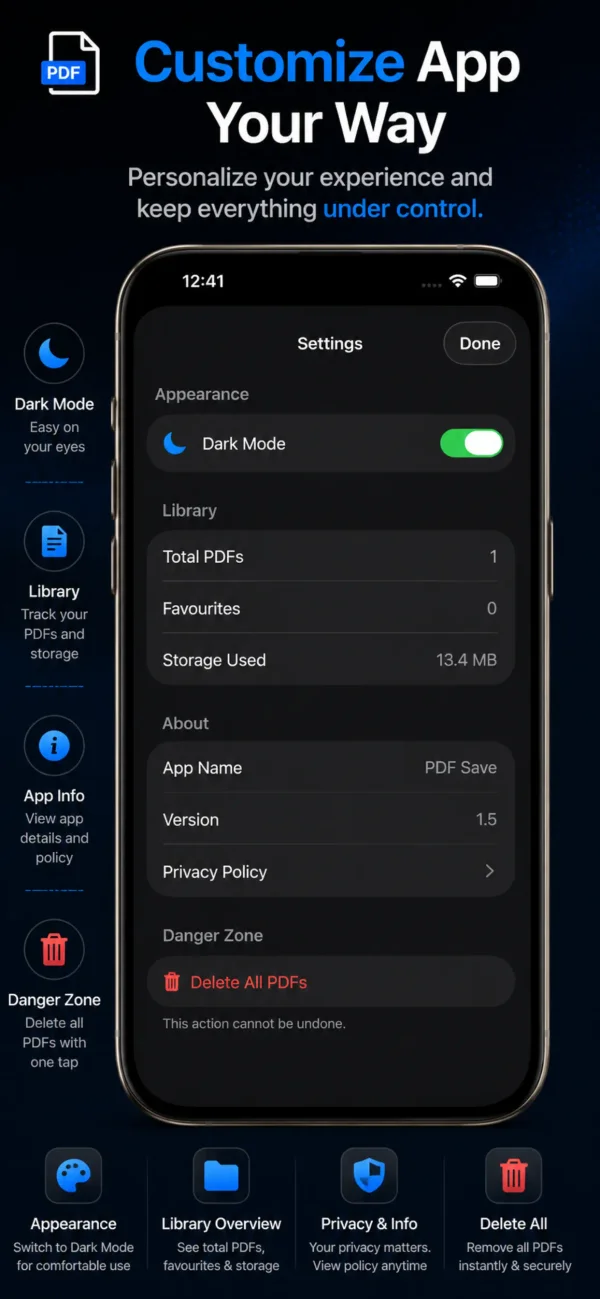
About
PDF Save – Scan, Create & Manage
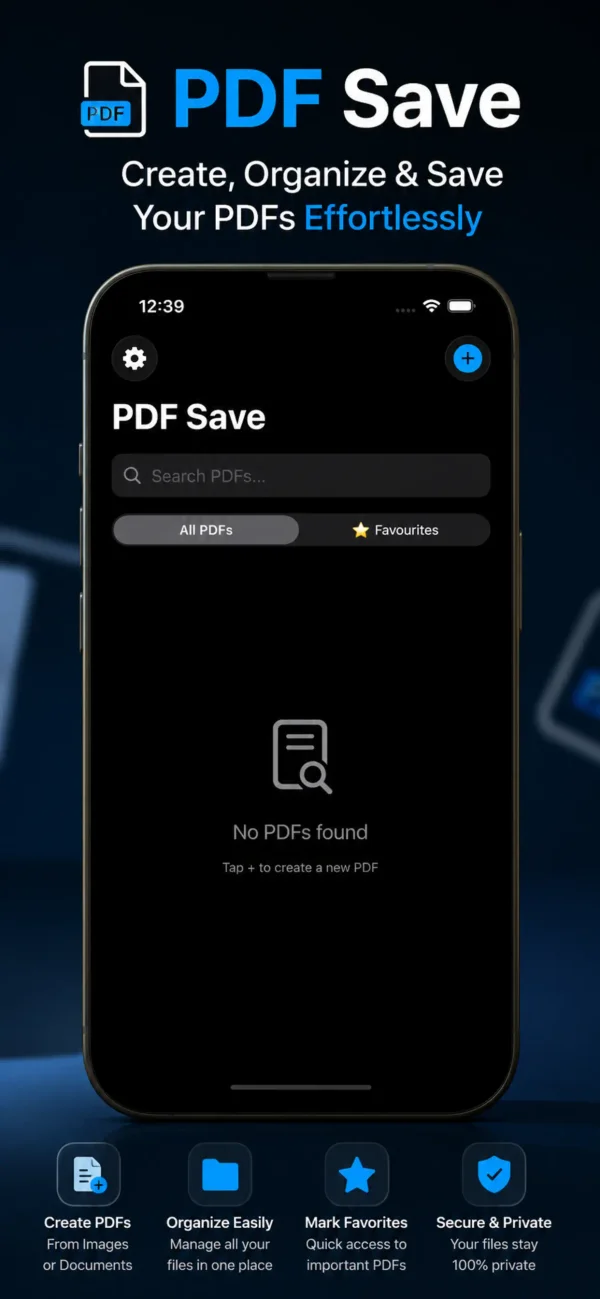
Transform your iPhone into a powerful PDF scanner, PDF maker, and document manager — all in one elegant app. Whether you're a student, professional, or business owner, PDF Save makes it effortless to digitize, organize, and access your documents anytime, anywhere — completely offline and private.
Scan & Create PDFs Instantly
Capture documents directly with your camera or import images from your photo library and convert them into clean, professional PDFs in seconds. PDF Save works as your all-in-one photo to PDF converter, turning receipts, notes, contracts, book pages, and handwritten documents into perfectly formatted files with a single tap.
Smart Multi-Page Document Builder
Select multiple photos from your gallery and combine them into one polished file. Our built-in PDF merger lets you batch-convert images and compile multi-page documents effortlessly — no desktop software needed. Fast, seamless, and free to use right on your iPhone.
Full-Featured Document Manager
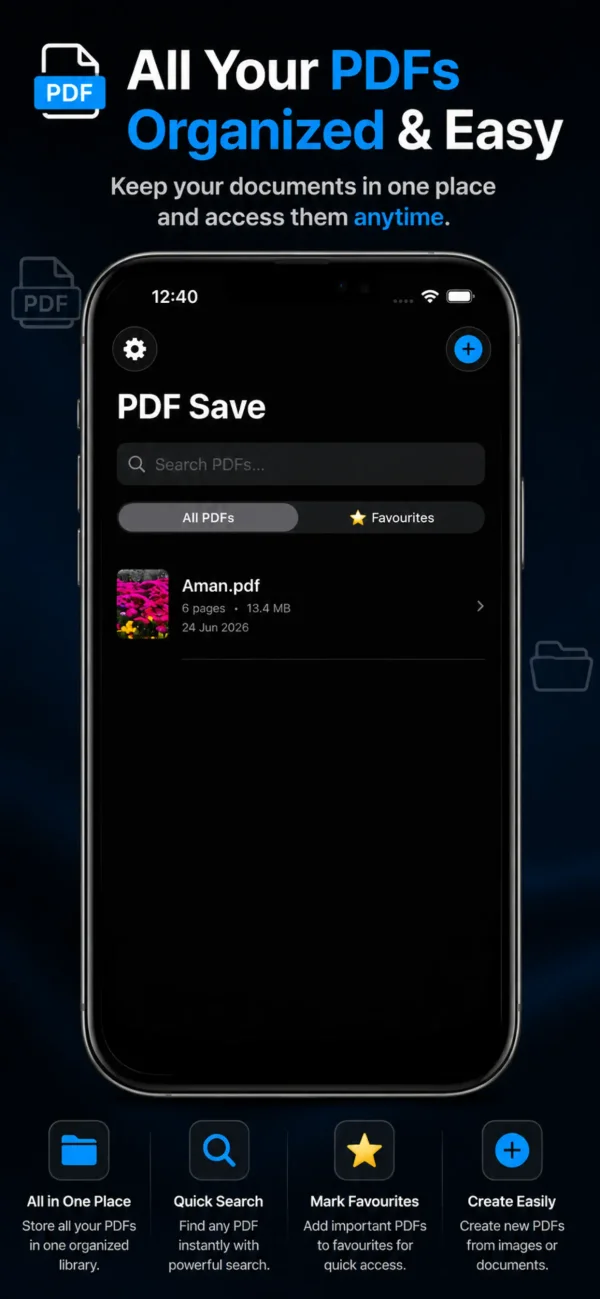
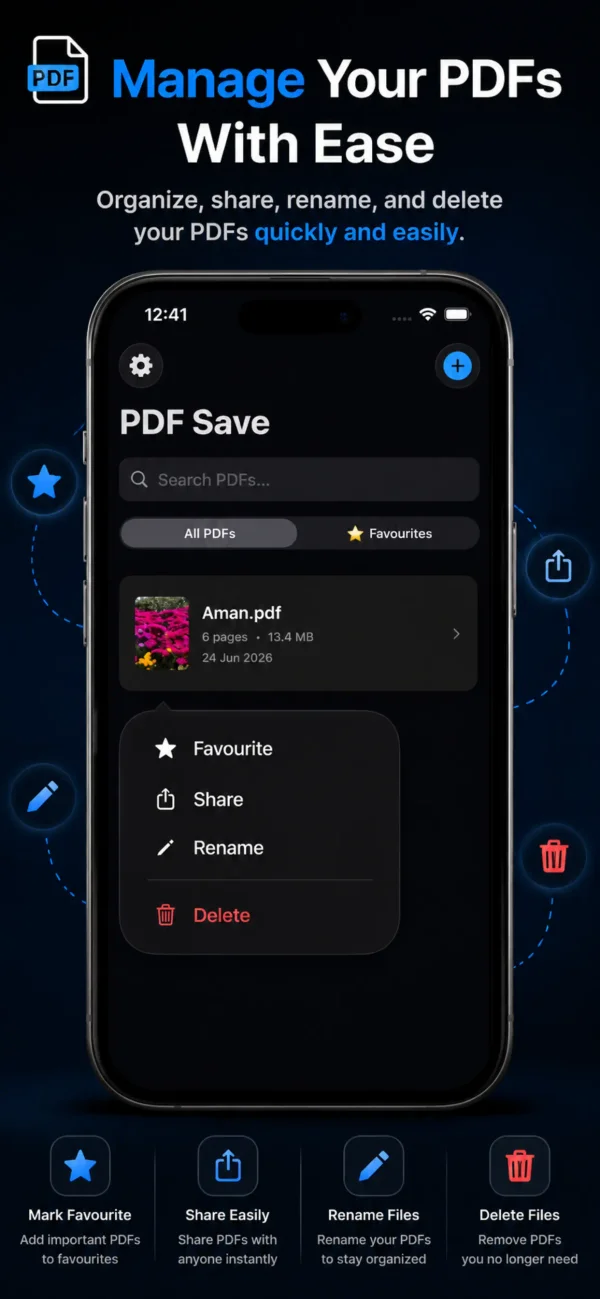
Stay organized with a clean, intuitive dashboard that gives you complete control over your files. View page counts, file sizes, and creation dates at a glance. Rename any document instantly, mark your most important files as Favourites for quick access, and use the Smart Search Bar to locate any PDF without endless scrolling.
Share, Export & Stay Connected
Sharing your files is just one tap away. Send any PDF directly via Mail, Messages, AirDrop, or any app on your iPhone. PDF Save also works seamlessly as a share extension — save PDFs from other apps directly into your library without switching screens.
100% Private & Offline
Every scan, conversion, and file operation happens entirely on your device. No cloud uploads. No accounts required. Your documents stay yours — protected, local, and secure.
Why PDF Save?
PDF scanner for iPhone — fast, accurate, always ready
Photo to PDF converter — turn any image into a document
PDF maker — create professional files from camera or gallery
PDF merger — combine multiple images into one file
File manager — favorites, search, size tracking, and more
Completely offline — 100% private, no internet needed
Clean iOS design — intuitive, minimal, distraction-free
Stop carrying paper clutter. Download PDF Save today and experience the smartest, most private PDF scanner and PDF maker on iPhone — right in your pocket.
What’s new
Version 1.7 · Aug 6, 2026
Normal Update
App privacy
What Aman Kumar declares on the App Store about how this app handles data.
-
Data used to track you
May be used to track you across apps and websites owned by other companies.
- Location
- Identifiers
- Usage data
- Diagnostics
-
Data linked to you
May be collected and linked to your identity.
- Location
- Identifiers
- Usage data
- Diagnostics
-
Data not linked to you
May be collected but is not linked to your identity.
- Location
- Identifiers
- Usage data
- Diagnostics
Privacy practices may vary, for example with the features you use or your age.
Information
- Seller
- Aman Kumar
- Category
- Productivity
- Version
- 1.7
- Updated
- Aug 6, 2026
- Released
- May 3, 2026
- Size
- 11.3 MB
- Requires
- iOS 16.6 or later
- Age rating
- 4+
- Languages
- English, Arabic, Assamese, Bengali, French, German, Gujarati, Hindi, Indonesian, Italian, Japanese, Kannada + 15 more
- Copyright
- © 2026 Aman. All rights reserved.
You might also like
-
 PDF Tools - Scan, Merge, SplitScan, Merge, Compress Pdf
-
 Notica To DoReminder App
-
 My Notes: Diary, Voice & MemosUtility app to save notes
-
 PT DuctulatorDuct Calculator
-
 Easy PDF Scanner--All DocumentYour Pocket PDF Scanner
-
 Scanner • PDF Document ScannerCam scanner PDF scanner app
-
 AI Keyboard: Writing AssistGrammar Check & Spell Correct
-
 GLance ColorColor Picker & Palette Maker
-
 AI Keyboard – AnyWrite Type AIGrammar Checker & Translator
-
 pdf変換 ・ 写真をpdfに変換Productivity