PDF Scanner: OCR Scanner
Scan Docs, Photos to PDF
Designed for iPhone, iPad
Free · In-app purchases
- Age rating4+
- CategoryProductivity
- DeveloperIsinsu Arici Tan
- LanguagesEnglish+ 7 more
- Size16.8 MB
Links to the official App Store page
Download.org hosts no file of PDF Scanner: OCR Scanner. The button opens its official App Store page, published by Isinsu Arici Tan. Listing last checked on Nov 17, 2026.
Screenshots


About
Turn your photos into clean, professional PDFs in seconds.
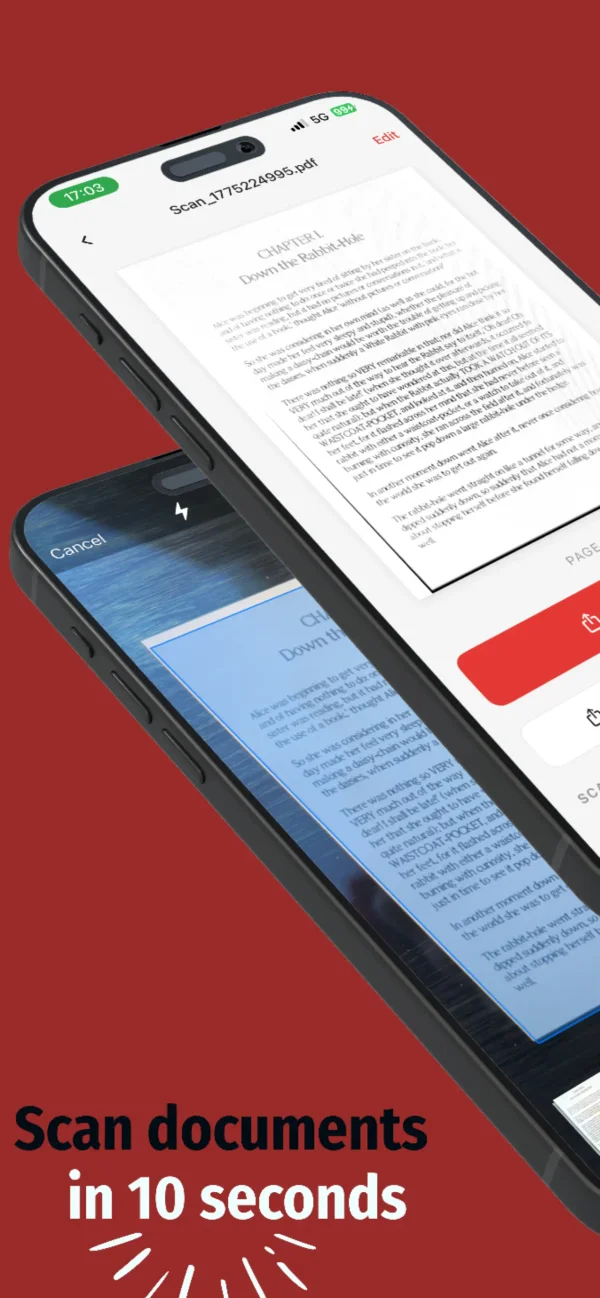
Smart PDF Scanner is a fast, minimal, and powerful document scanner designed to make scanning effortless. Capture documents, enhance them instantly, and convert them into high-quality PDFs — all in just a few taps.
Perfect for scanning receipts, notes, contracts, invoices, and more.
---
KEY FEATURES
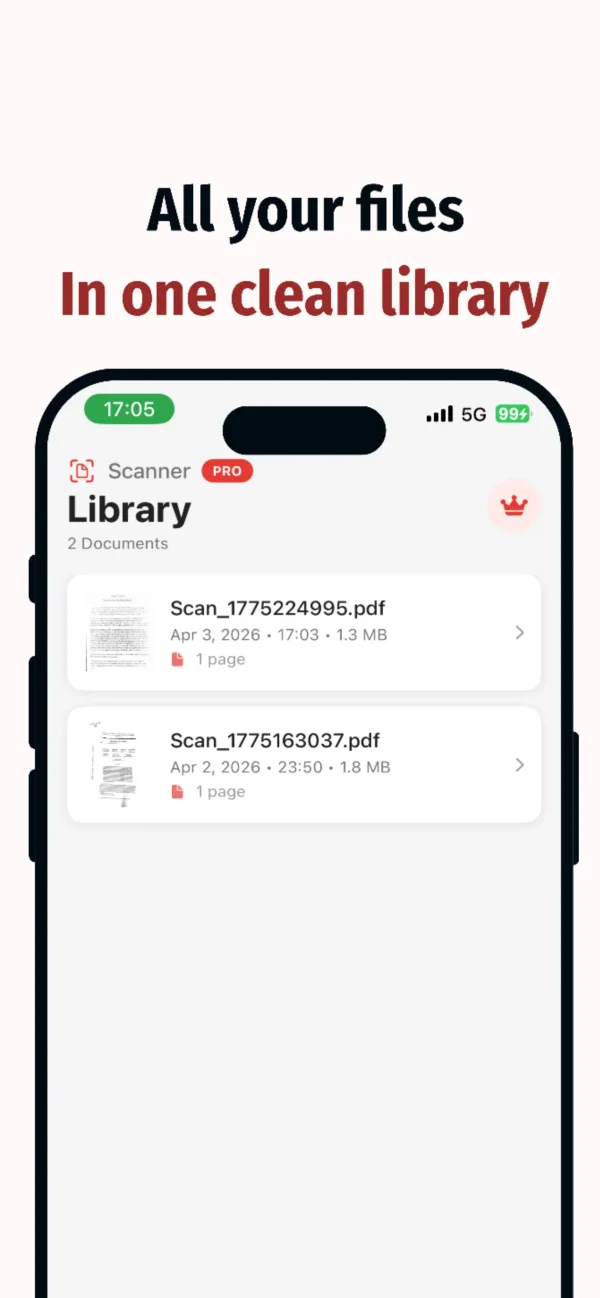
• Scan documents instantly using your camera
• Automatically enhance and clean your scans
• Create multi-page PDFs
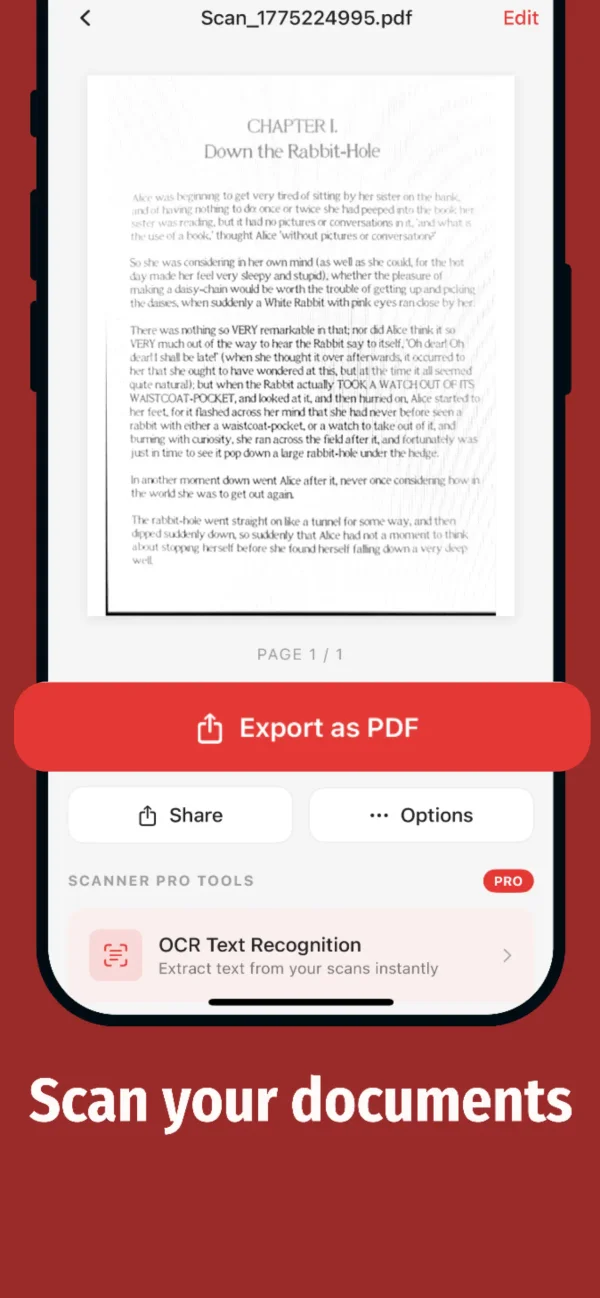
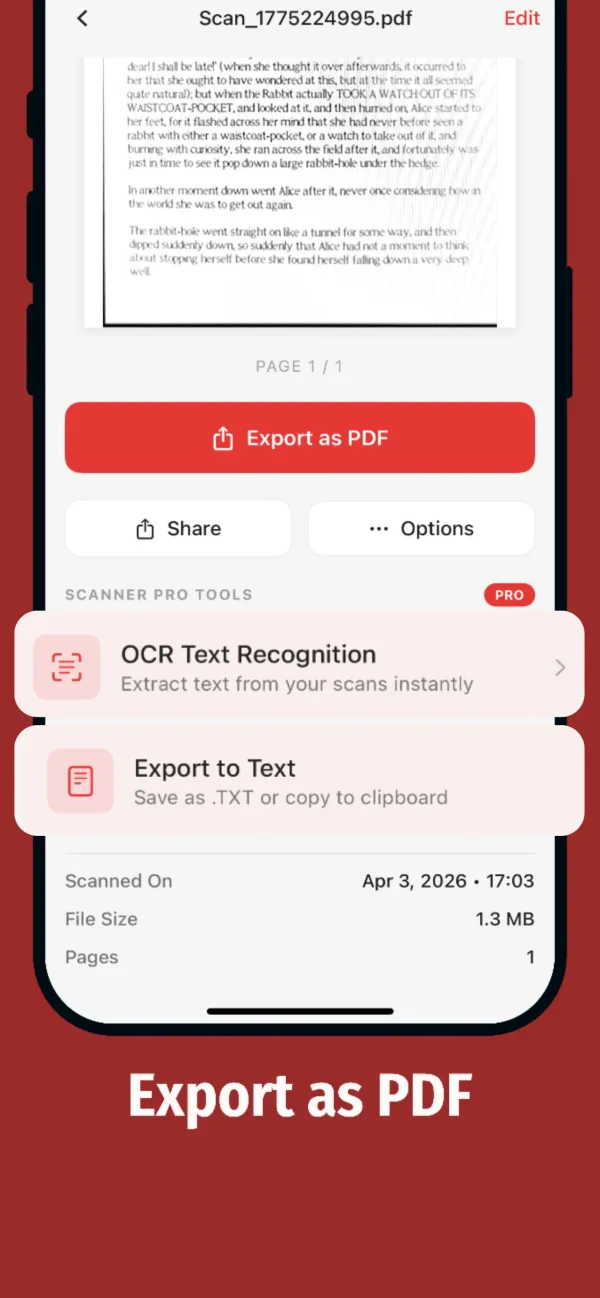
• Export and share PDFs
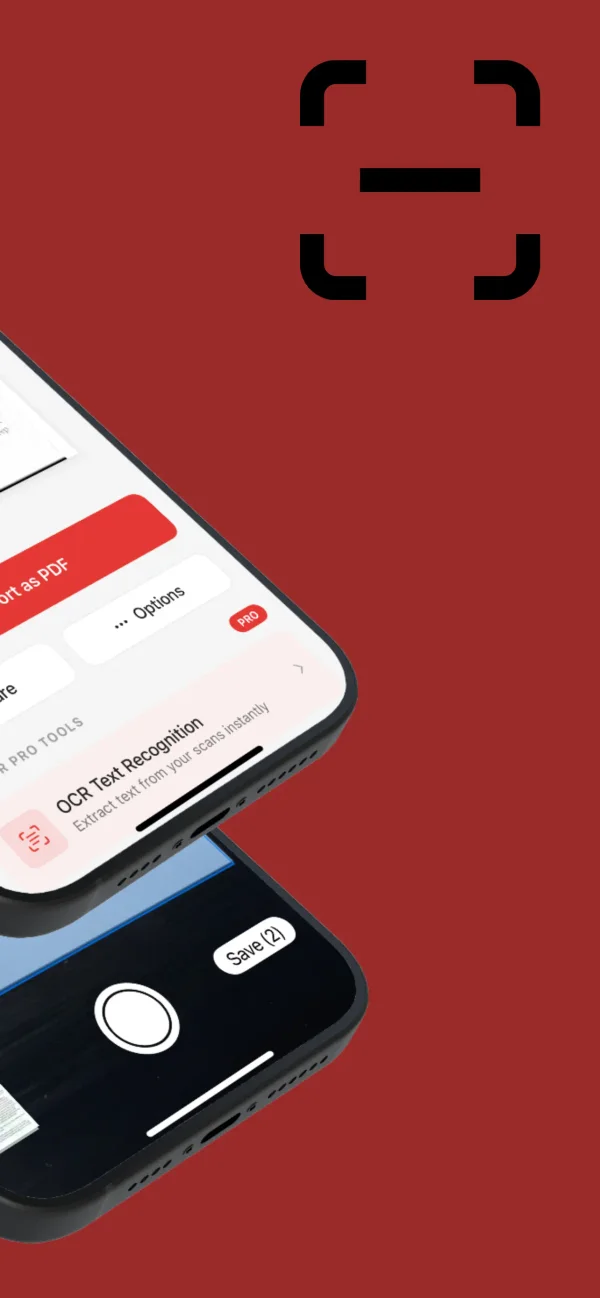
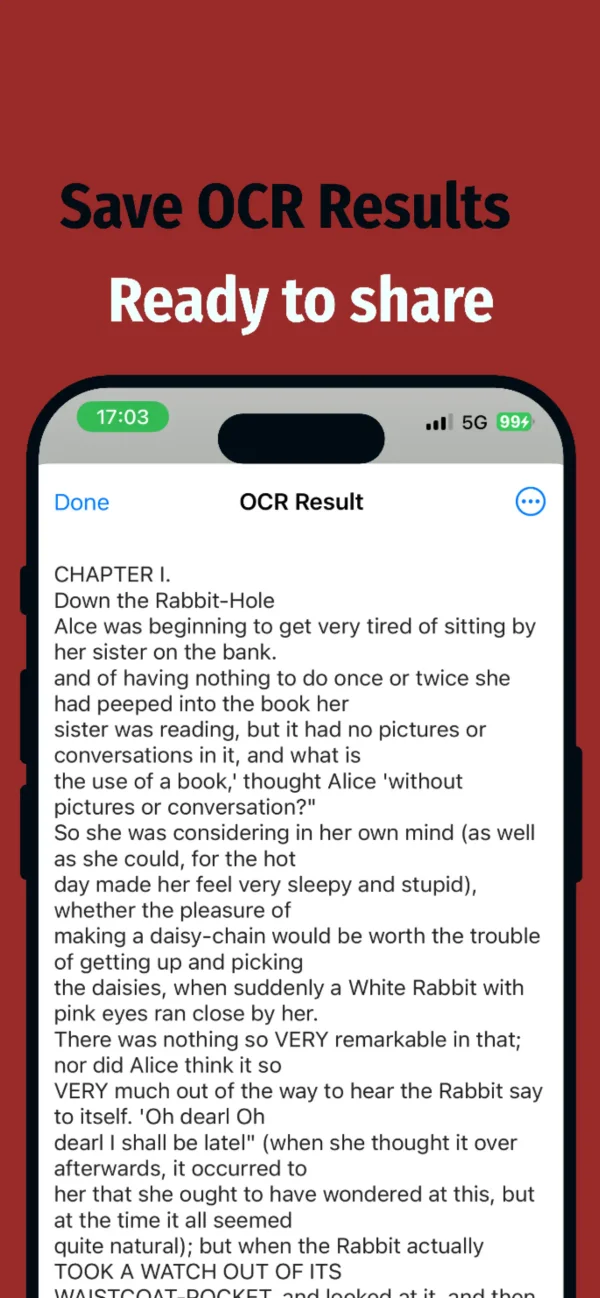
• Extract text from documents (OCR)
• Convert scans into editable text
---
FAST & EASY TO USE
No complicated tools. Just point, scan, and get a clean result instantly. Designed for speed and simplicity.
---
SMART OCR (TEXT RECOGNITION)
Easily extract text from your scanned documents. Copy, edit, or export text in seconds.
---
FREE & PREMIUM
Free Version
Enjoy essential scanning features with up to 3 lifetime scans and basic PDF export.
Free Trial
Start a 3-day free trial and unlock all Premium features with no limitations.
Premium
• Unlimited scans
• Advanced OCR (Text Recognition)
• Export text from scanned documents
• Ad-free experience
---
PRIVACY FIRST
All processing happens entirely on your device. Your documents are never uploaded to or stored on external servers.
---
Download now and start scanning in seconds.
Privacy policy: https://sites.google.com/view/scannerapp-pp
Terms of service: https://sites.google.com/view/scannerapp-tos
What’s new
Version 1.2 · Aug 25, 2026
What's new in version 1.2:
• The app now speaks your language! Added French, Spanish, German, Japanese, Hindi, Chinese and Arabic, alongside English.
• Switch languages anytime with the new language button on the Home screen.
• Full right-to-left layout support for Arabic.
• Smoother scanning, sharper filters and general performance improvements.
Thanks for using PDF Scanner. If you enjoy the app, a quick review really helps!
App privacy
What Isinsu Arici Tan declares on the App Store about how this app handles data.
-
Data used to track you
May be used to track you across apps and websites owned by other companies.
- Usage data
-
Data not linked to you
May be collected but is not linked to your identity.
- Usage data
Privacy practices may vary, for example with the features you use or your age.
Information
- Seller
- Isinsu Arici Tan
- Category
- Productivity
- Version
- 1.2
- Updated
- Aug 25, 2026
- Released
- Apr 9, 2026
- Size
- 16.8 MB
- Requires
- iOS 16.0 or later
- Age rating
- 4+
- Price
- Free
- In-app purchases
- Yes
- Languages
- English, Arabic, French, German, Hindi, Japanese, Simplified Chinese, Spanish
- Copyright
- © 2026 Işınsu Arıcı Tan
You might also like
-
 ScanKit - PDF Document ScannerOCR, Sign, Edit & Merge Files
-
 Snap2Text: OCR Text ScannerExtract & copy from images
-
 Echo: AI Prompt LibraryDiscover & Copy AI Prompts
-
 JPG to PDF Converter - PDFPipPhoto & PNG to PDF - Offline
-
 Unrepost: Repost RemoverRepost Removal Tool
-
 PDF Scanner App: Scanner ProScan, Convert, Edit & Sign !
-
 PDF Editor: Sign, Fill & ScanPhoto to PDF Converter & Maker
-
 PDF Converter • Photos to PDFEdit or Scan Images to PDF
-
 PDF to Text Converter.Convert PDF to Text, Edit TXT
-
 VoicePDF: Scan and RecordCapture, export, free up space