PDF Scanner - Offline OCR
Private Offline OCR Scanning
Designed for iPhone, iPad
Free
- Age rating4+
- CategoryProductivity
- DeveloperHD Computers d.o.o.
- LanguagesEnglish+ 17 more
- Size4.2 MB
Links to the official App Store page
Download.org hosts no file of PDF Scanner - Offline OCR. The button opens its official App Store page, published by HD Computers d.o.o. Listing last checked on Nov 12, 2026.
Screenshots
About
Turn paper into clean, searchable PDFs in seconds, completely free and entirely on your device.
PDF Scanner is the full version with nothing held back. There are no subscriptions, no watermarks, no ads and no page limits. You don't need an account, and nothing is ever uploaded.
SCAN WITH APPLE'S DOCUMENT CAMERA
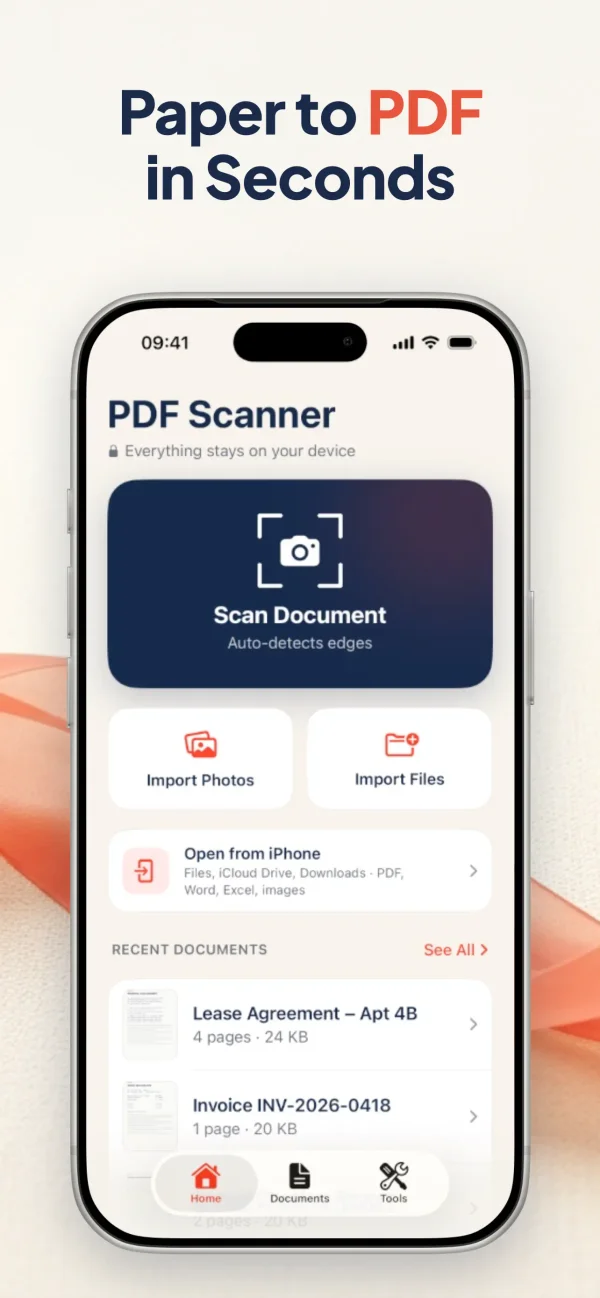
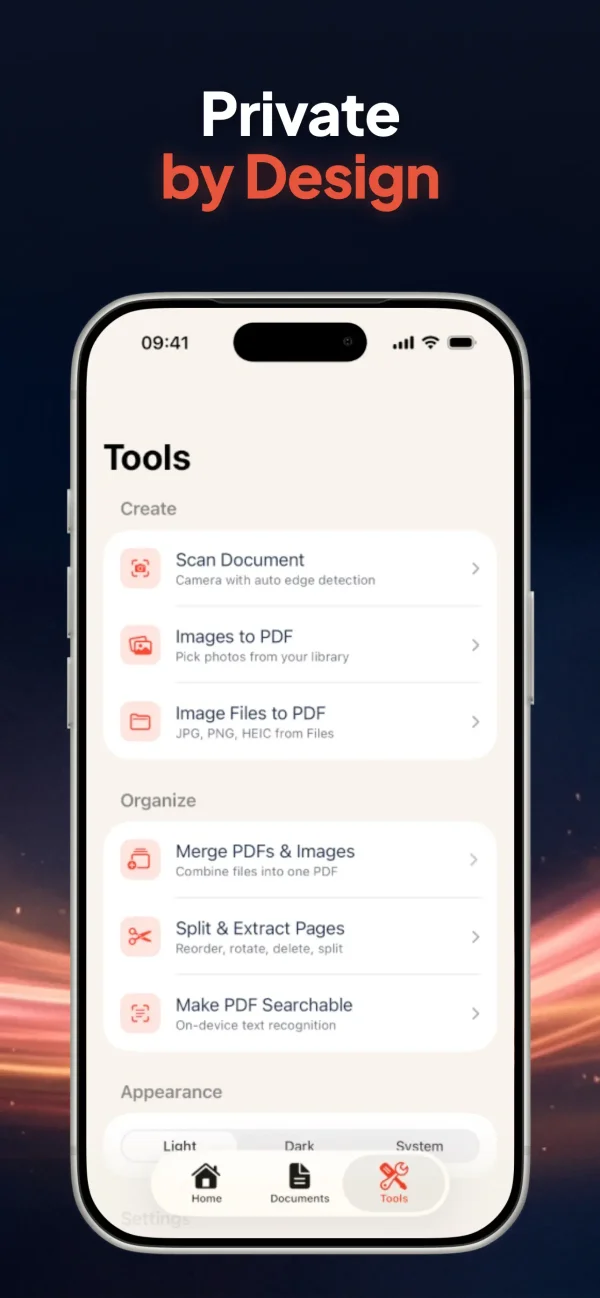
Scan with the same native document camera built into iOS. It detects page edges, captures automatically and corrects perspective, so every page comes out straight and sharp. Scan a single receipt or a 50-page contract in one session.
CLEAN, READABLE PAGES
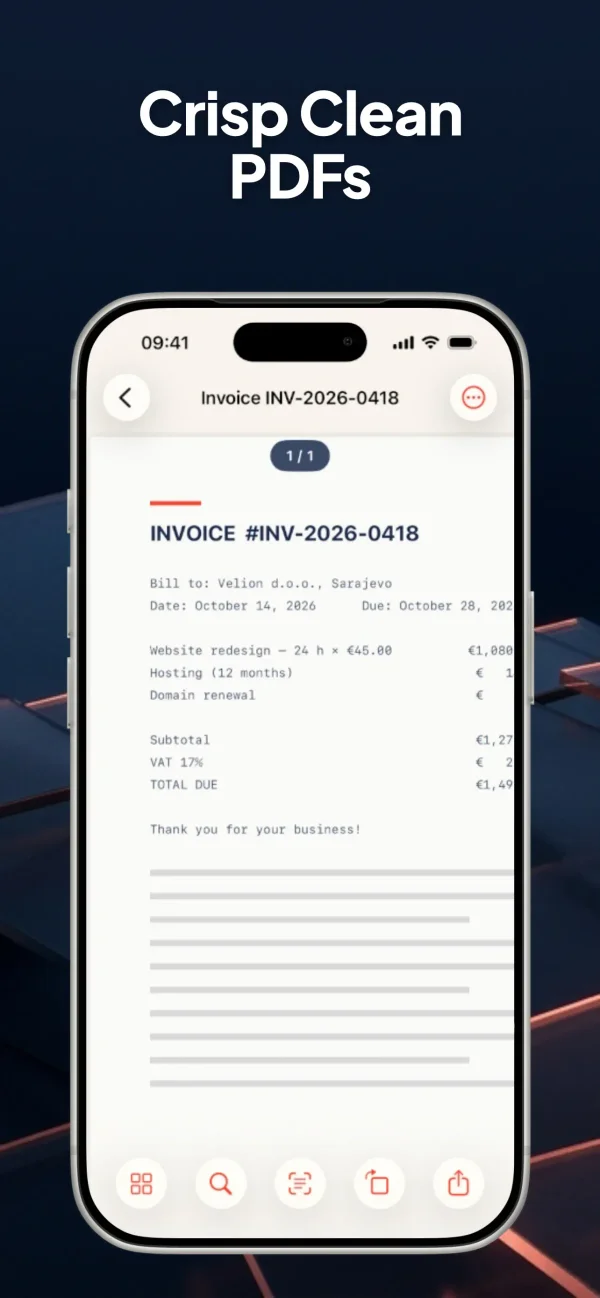
Auto Enhance removes shadows and whitens paper right on your device. Choose from Document, Color, B&W, Grayscale and High Contrast filters, then fine-tune brightness, contrast and sharpness until every page is easy to read.
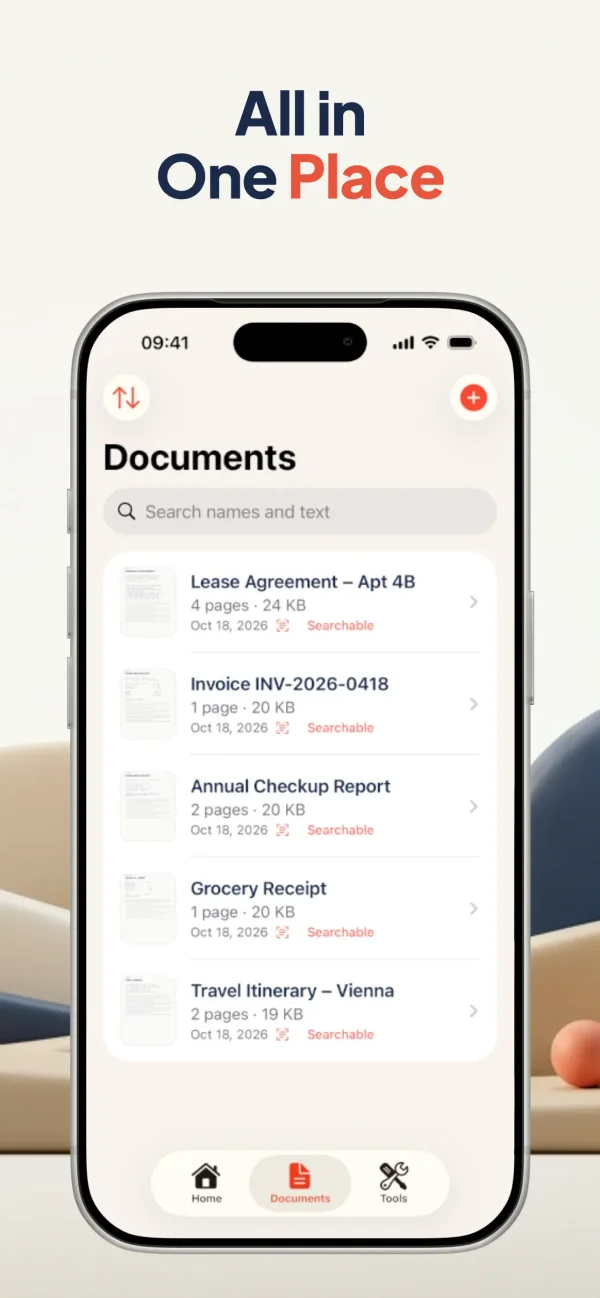
SEARCHABLE PDFS WITH OCR
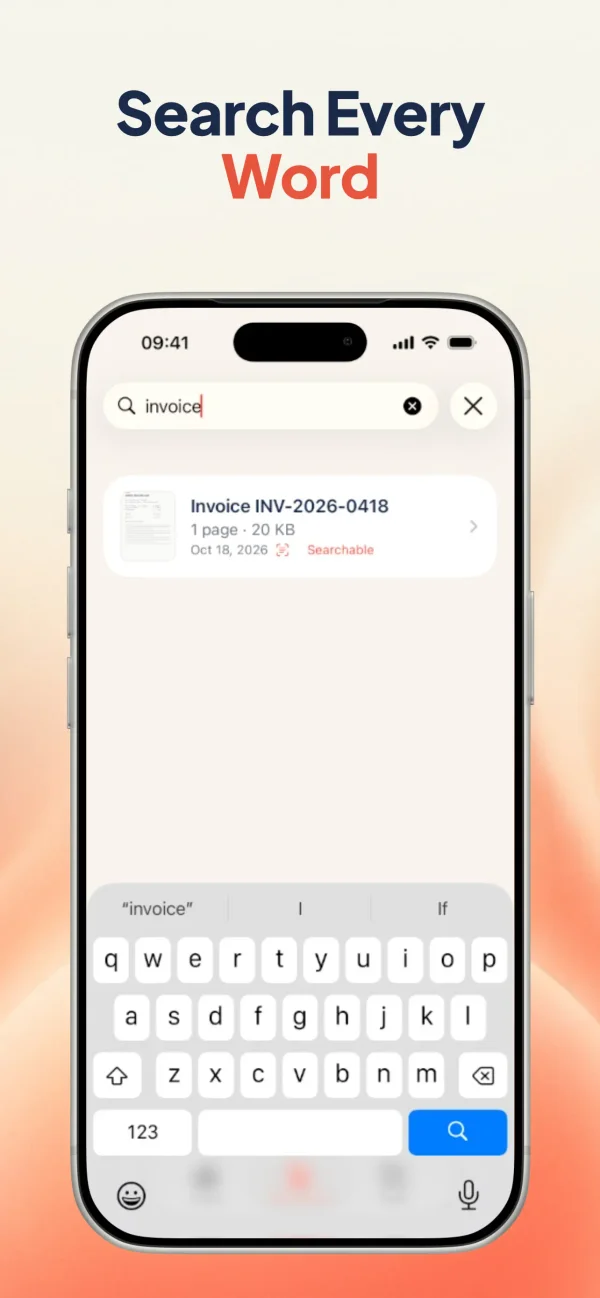
On-device text recognition makes your PDFs searchable and lets you copy text. It supports 19 languages, including English, Croatian, Bosnian, Serbian, German, French, Spanish, Italian, Russian and Ukrainian. Find any word in any document in a moment.
IMPORT AND CONVERT
Bring in photos, images and existing PDFs. Open Word, Excel and PowerPoint files from your device and convert them to PDF in a few taps.
A COMPLETE PDF TOOLKIT
Merge PDFs and images into one file. Split documents, extract pages, and reorder, rotate or delete pages. The built-in reader lets you jump to any page, search text, copy, rotate and share.
AN ORGANIZED LIBRARY
Search inside the text of every document, sort your files, and rename or duplicate them. Your scans also appear in the Files app, so they work with the rest of your device.
PRIVATE BY DESIGN
Scanning, enhancement and text recognition all happen 100% on your device. Your documents stay yours, and the app works fully offline.
The interface is available in 19 languages and supports light and dark mode.
Download PDF Scanner and start scanning for free.
App privacy
What HD Computers d.o.o. declares on the App Store about how this app handles data.
-
Data not collected
The developer does not collect any data from this app.
Privacy practices may vary, for example with the features you use or your age.
Information
- Seller
- HD Computers d.o.o.
- Category
- Productivity
- Version
- 1.0.0
- Updated
- Oct 31, 2026
- Released
- Oct 31, 2026
- Size
- 4.2 MB
- Requires
- iOS 18.0 or later
- Age rating
- 4+
- Price
- Free
- Languages
- English, Albanian, Bosnian, Croatian, Danish, Finnish, French, German, Greek, Italian, Macedonian, Russian + 6 more
- Copyright
- © 2026 Velion