PDF Scanner: Scan & Edit
Document Scanner with OCR
Designed for iPhone, iPad
Free · In-app purchases
- Age rating4+
- CategoryBusiness
- DeveloperHarshil Savaj
- LanguagesEnglish+ 16 more
- Size17.5 MB
Links to the official App Store page
Download.org hosts no file of PDF Scanner: Scan & Edit. The button opens its official App Store page, published by Harshil Savaj. Listing last checked on Nov 17, 2026.
Screenshots
About
PDF Scanner : Scan & Edit
Turn your iPhone into a powerful all-in-one PDF scanner, converter, editor & QR utility app.
Scan documents, compress PDFs, merge files, create QR codes, and manage your PDFs with ease — anytime, anywhere.
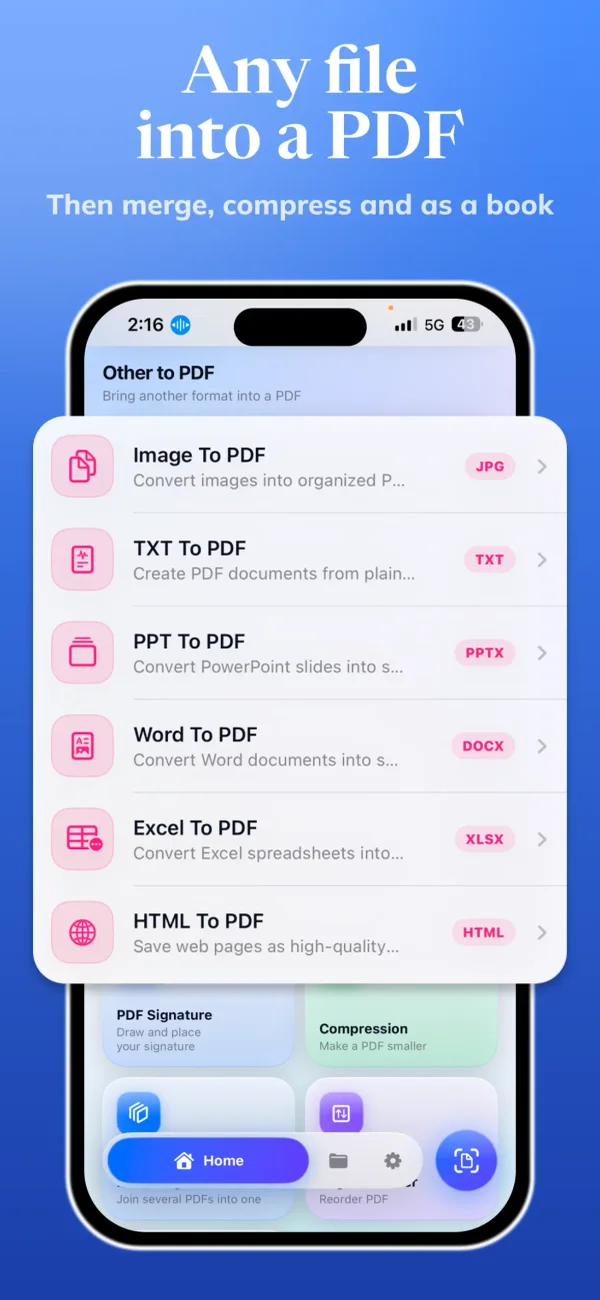
All-in-One PDF & File Converter
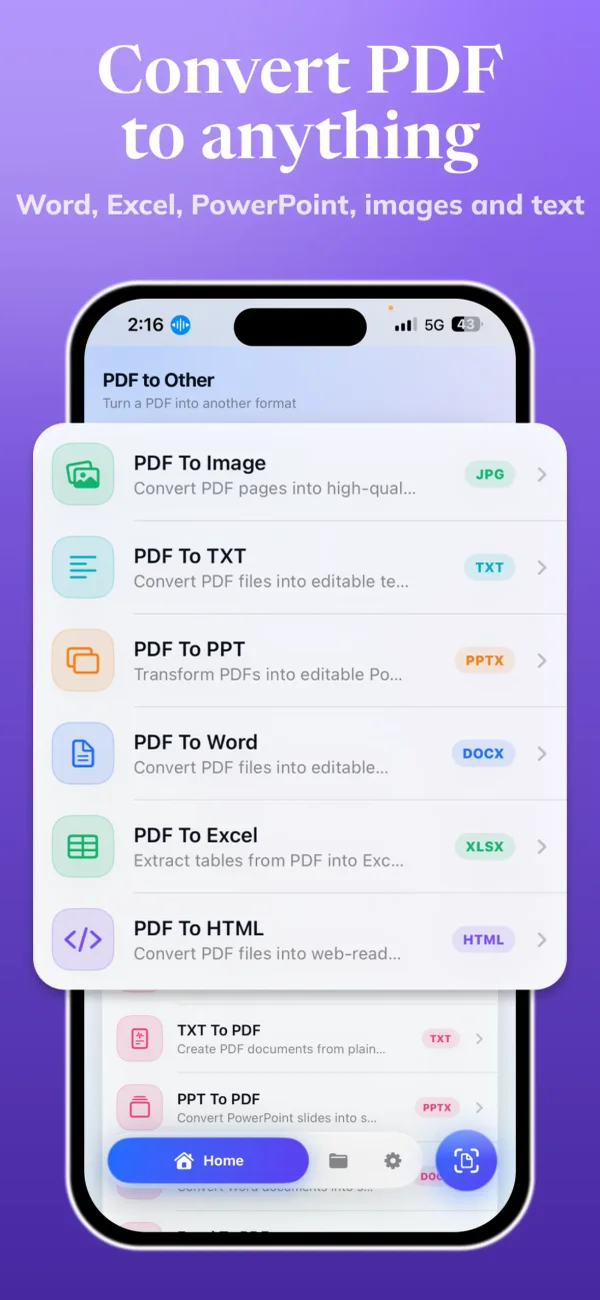
Convert your files instantly with powerful tools:
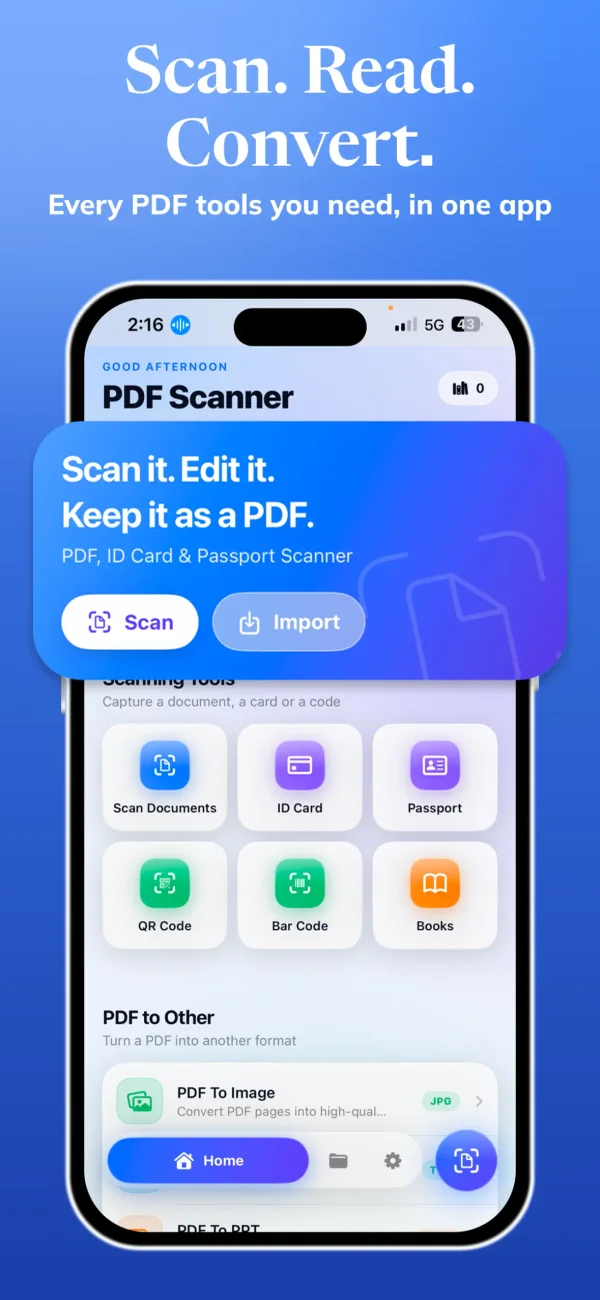
• PDF to TXT, PPT, Word, Excel, HTML
• TXT, PPT, Word, Excel, HTML to PDF
• PDF to Image & Image to PDF
Smart PDF Scanner
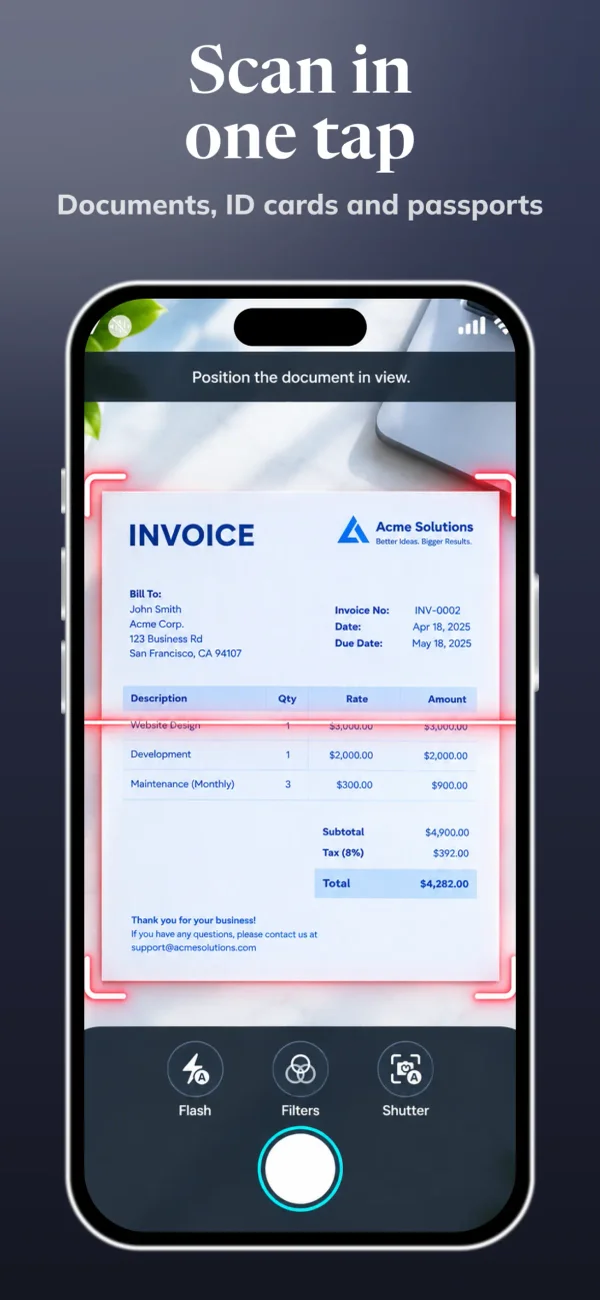
Scan documents in seconds with high-quality results:
• Live document scan
• Passport & ID scan
• Auto edge detection
• High-quality PDF output
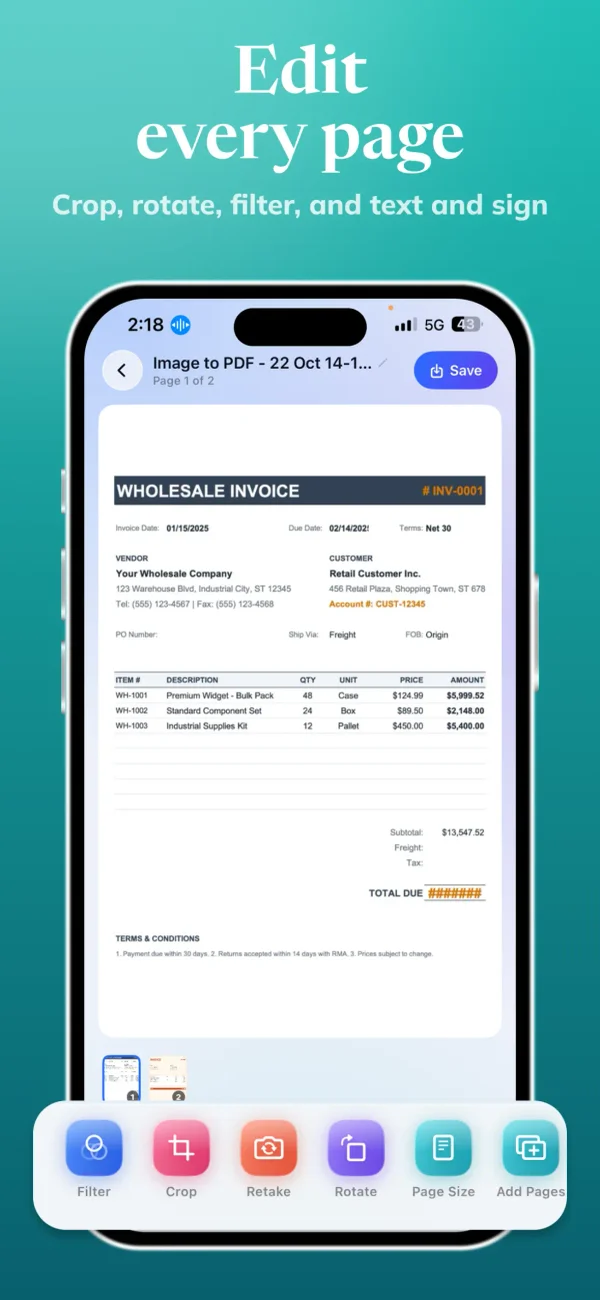
Advanced PDF Editor
Edit your PDFs like a pro:
• Crop, Rotate & Resize pages
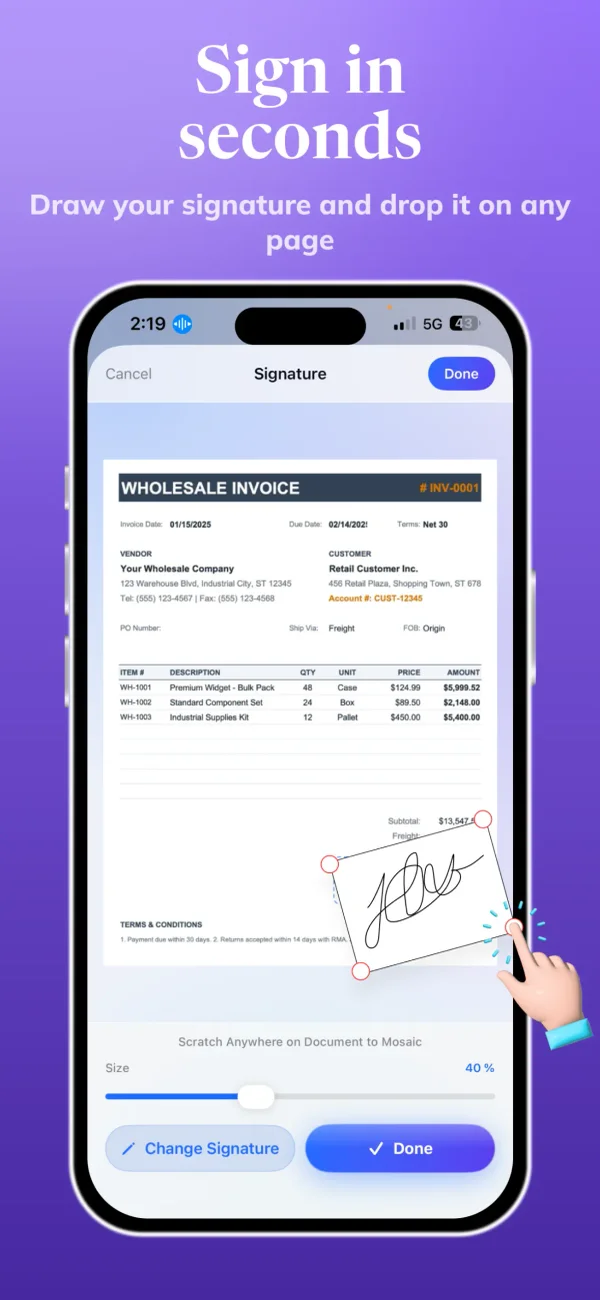
• Add Text & Markup
• Reorder, Add or Delete pages
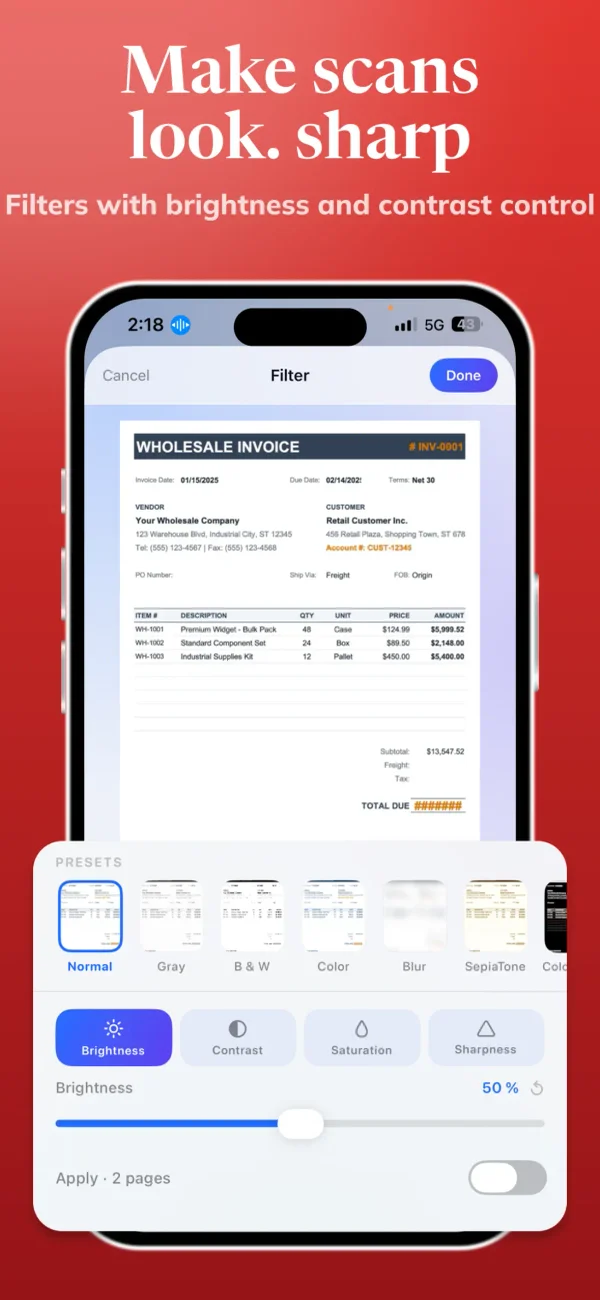
• Apply Filters & Enhance scans
• Mosaic (blur sensitive info)
• Retake & improve scan quality
Powerful PDF Tools
Manage your PDF files with advanced utilities:
• PDF Compression
• PDF Merge
• PDF Books
• Fast PDF Sharing
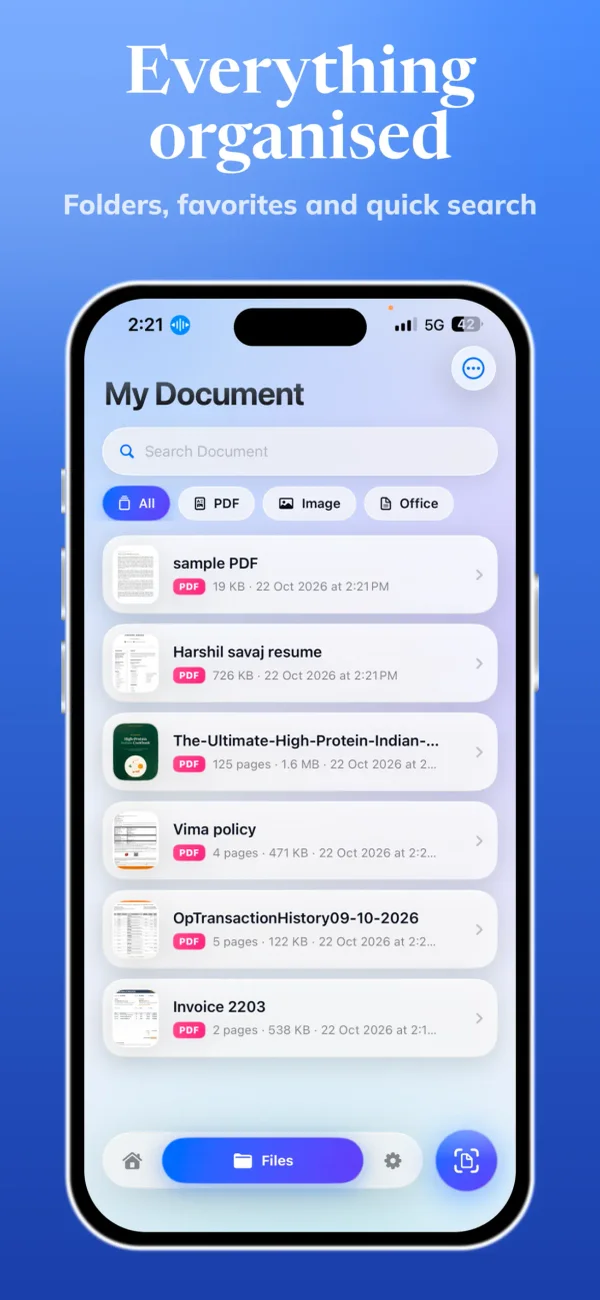
• Easy File Management
QR & Barcode Tools
Everything you need in one app:
• QR Code Scanner
• Barcode Scanner
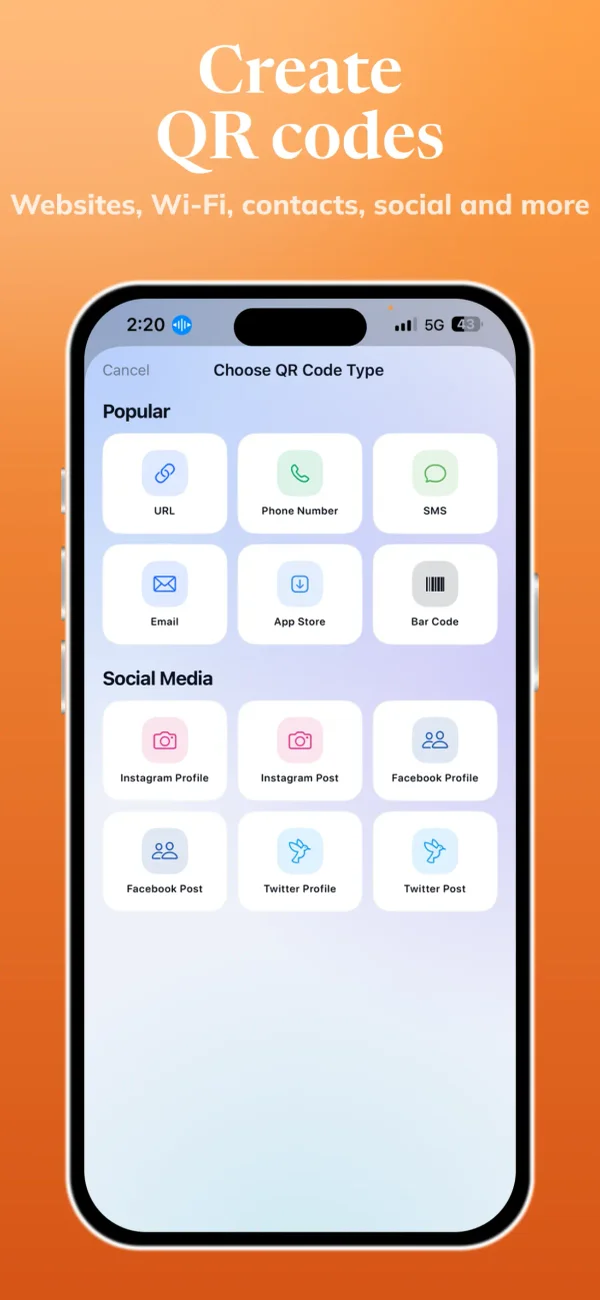
• QR Code Generator
• Instant Scan Results
• Share QR Codes Easily
Why Choose PDF Scanner : Scan & Edit?
• Fast, simple & user-friendly
• All-in-one scanner, converter & editor
• No watermark on scans
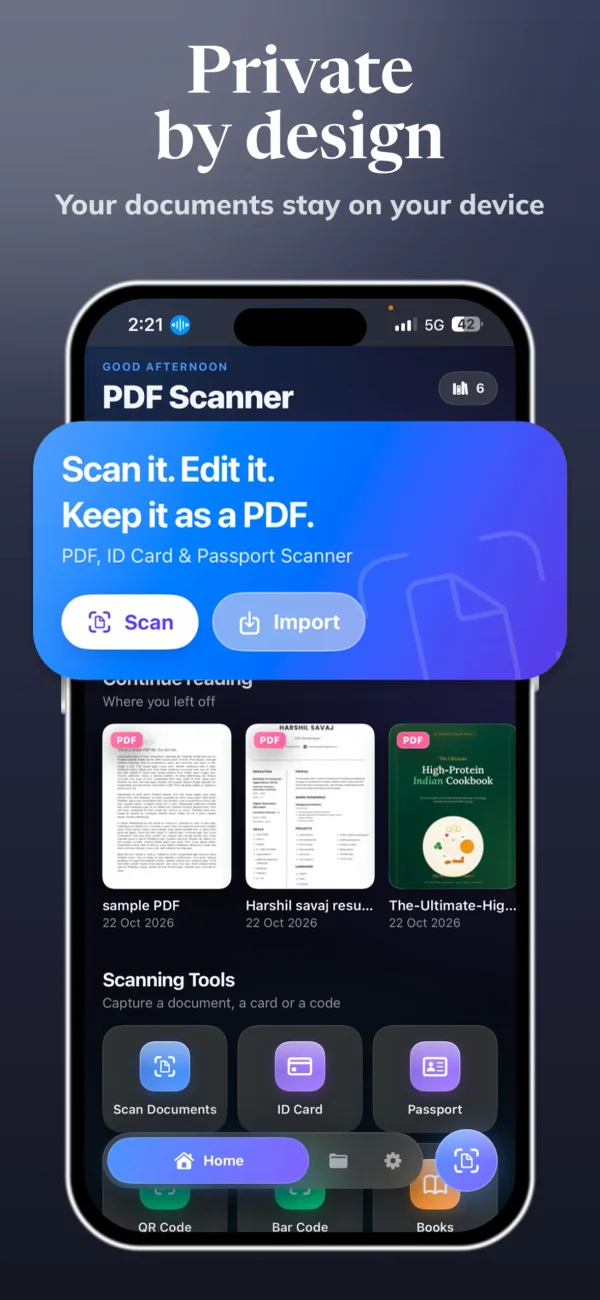
• Secure & private
• High-quality PDF output
• Smart QR & Barcode tools
Privacy Policy: https://pdfscannerscaneditsopprt.blogspot.com/2026/04/privacy-policy.html
Terms of Use: https://www.apple.com/legal/internet-services/itunes/dev/stdeula/
Download Now
Simplify your work with the ultimate PDF Scanner & Editor app.
Scan, convert, edit, compress, merge, and share your documents in seconds!
What’s new
Version 2.0 · Oct 23, 2026
Improve app performance
App privacy
What Harshil Savaj declares on the App Store about how this app handles data.
-
Data used to track you
May be used to track you across apps and websites owned by other companies.
- Identifiers
- Usage data
-
Data not linked to you
May be collected but is not linked to your identity.
- Identifiers
- Usage data
Privacy practices may vary, for example with the features you use or your age.
Information
- Seller
- Harshil Savaj
- Category
- Business
- Version
- 2.0
- Updated
- Oct 23, 2026
- Released
- May 2, 2026
- Size
- 17.5 MB
- Requires
- iOS 17.0 or later
- Age rating
- 4+
- Price
- Free
- In-app purchases
- Yes
- Languages
- English, Danish, Finnish, French, German, Hindi, Italian, Japanese, Korean, Norwegian Bokmål, Polish, Portuguese + 5 more
- Copyright
- © Pdf scanner
You might also like
-
 PDF Scanner: Doc & OCRScan Documents & Convert PDF
-
 Scanovo: QR & PDF ScannerScan, Create QR & PDF
-
 AI Voice to Text - SuperflowSpeak. Translate. Send.
-
 FlyAds - AI Video Ads MakerPremium quality AI video ads
-
 DhandaTool to grow your business!
-
 IPO PremiumAll IPO Info in One App
-
 OkCredit - Udhar Bahi KhataMost Trusted Udhar Khata App
-
 ECINETProductivity
-
 RIISE: Stocks by Motilal OswalDemat, IPO, MF & Stock Market
-
 SweepAI CleanerYour Smarter Storage Partner