PDF Scanner: Sign Documents
Receipts, Photos & Search Text
Designed for iPhone, iPad, iPod touch
- Age rating4+
- CategoryProductivity
- Developer彩月 姚
- LanguagesJapanese+ 43 more
- Size49.8 MB
Links to the official App Store page
Download.org hosts no file of PDF Scanner: Sign Documents. The button opens its official App Store page, published by 彩月 姚. Listing last checked on Nov 22, 2026.
Screenshots

About
Turn paperwork into a PDF ready to share. Scan receipts, letters and contracts, extract text and add your handwritten signature. No adverts or account required; your document library stays on your iPhone or iPad.
FROM PAPER TO PDF
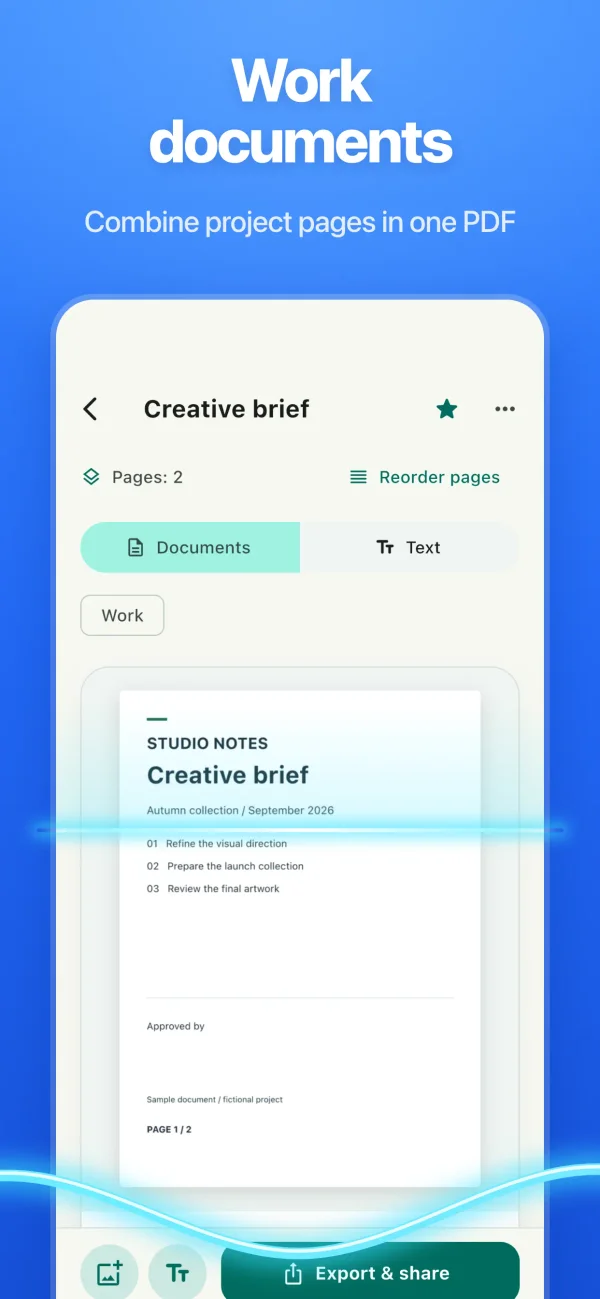
• Scan several pages or import selected photos and PDFs.
• Review automatic edge suggestions, adjust corners, correct perspective and rotate pages.
• Improve contrast with enhanced colour, greyscale or black and white.
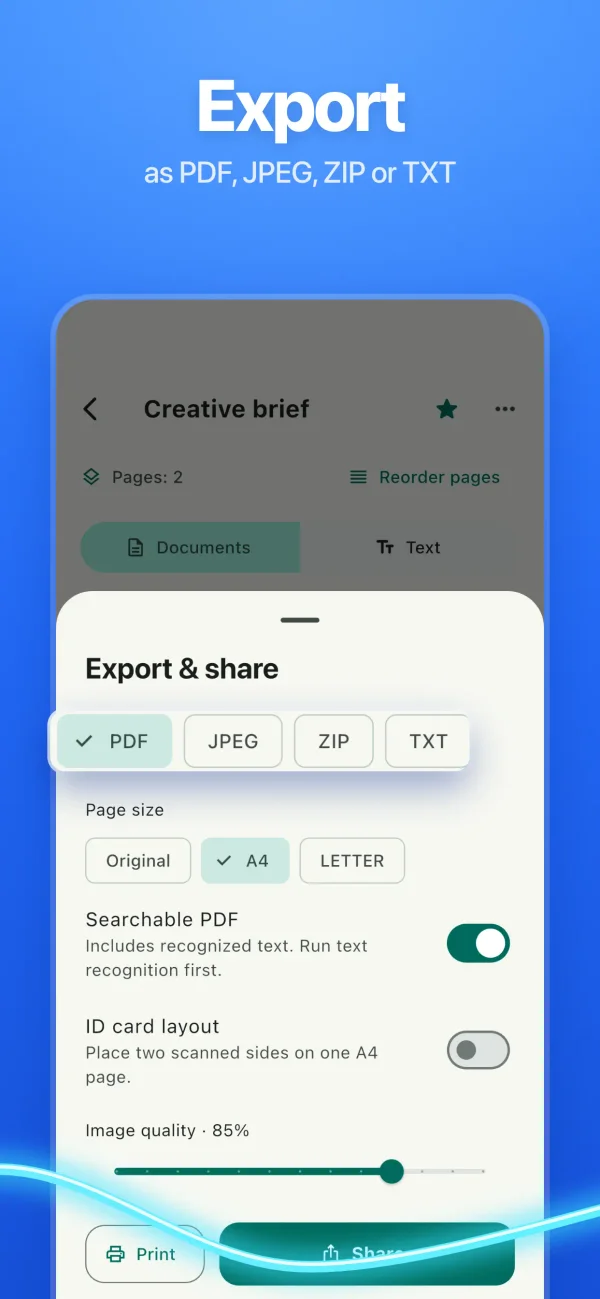
• Arrange both sides of an ID card on one page.
EXTRACT AND SEARCH TEXT
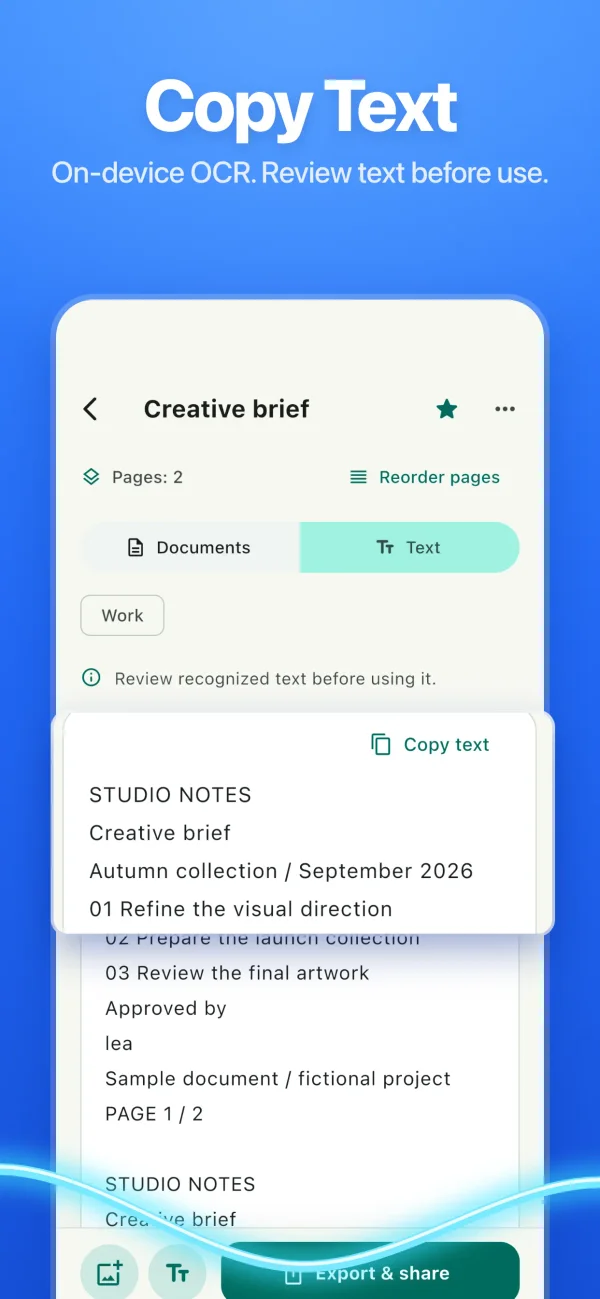
Recognise text on your device, copy it or export a TXT file. Add recognised text to a searchable PDF, then find documents by title, tags or their recognised content.
SIGN BEFORE YOU SHARE
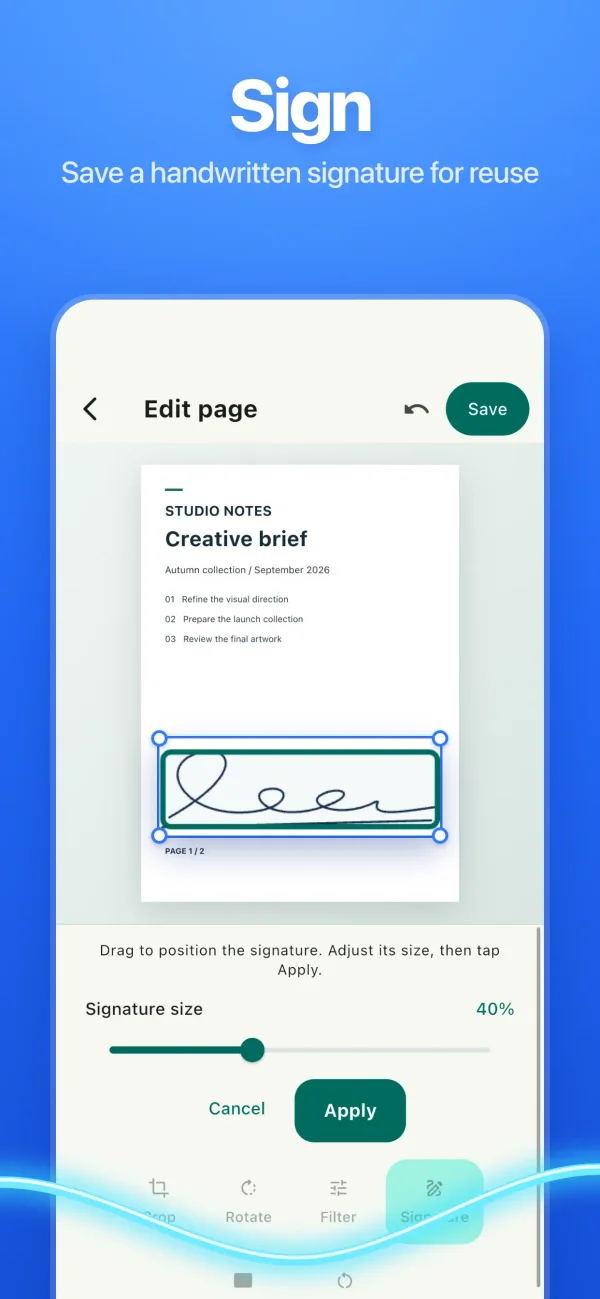
Draw, move and resize your signature. Keep up to 10 reusable signature templates. Cover sensitive details with opaque blocks and review the exported file before sending it.
KEEP YOUR PAPERWORK IN ORDER
Organise expense receipts, invoices and study notes with folders, tags and favourites. Merge documents, rearrange pages and recover deleted items from the bin.
Export PDF, JPEG, plain text or page images in a ZIP. Choose A4, Letter or original page dimensions and adjust image quality. Share or print with system tools, or export selected documents as separate PDFs in one ZIP.
LOCAL DOCUMENTS, SIMPLE ACCESS
Your library and text recognition stay on your device; documents are not uploaded automatically. Enable the app lock to require device authentication when you return.
OCR language support depends on your device and system version. Check important recognised text. Imported PDFs are converted to page images. Drawn signatures are graphical marks, not certified digital signatures.
What’s new
Version 1.0.3 · Nov 4, 2026
More interface languages, clearer page-editing titles, and improved timing of optional rating requests.
App privacy
What 彩月 姚 declares on the App Store about how this app handles data.
-
Data linked to you
May be collected and linked to your identity.
- Contact info
- User content
- Other data
Privacy practices may vary, for example with the features you use or your age.
Information
- Seller
- 彩月 姚
- Category
- Productivity
- Version
- 1.0.3
- Updated
- Nov 4, 2026
- Released
- Sep 15, 2026
- Size
- 49.8 MB
- Requires
- iOS 15.0 or later
- Age rating
- 4+
- Languages
- Japanese, Arabic, Italian, Indonesian, Ukrainian, Urdu, Dutch, Oriya, Catalan, Kannada, Greek, Croatian + 32 more
- Copyright
- © 2026 ColorfulMoon
You might also like
-
 ScanNgai: Scan, Sign & SendPDF scanner & certified copies
-
 Handwriting to Text ConverterHandwriting to editable text
-
 VFNotesVideo Footnotes
-
 PDF Scanner - PDF Scanner AppDocument Scanner PDF Converter
-
 PDF Assistant:PDF Scanner AppDocuments Editor & Converter
-
 BibliomePrivate Mac library companion
-
 Scan to PDF: Sign & RedactPrivate Offline Scanner No Ads
-
 Photo to PDF: Convert & ScanJPG PNG Image OCR Maker
-
 Scanner App: PDF & DocsPDF Editor, Sign & Convert
-
 Conveyxonic Wizard ®Productivity