PDF Scanner - Sign & OCR
Scan Documents & Extract Text
Designed for iPhone, iPad, iPod touch
Free · In-app purchases
- Age rating9+
- CategoryProductivity
- DeveloperZarifjon Ergashev
- LanguagesEnglish
- Size120.2 MB
Links to the official App Store page
Download.org hosts no file of PDF Scanner - Sign & OCR. The button opens its official App Store page, published by Zarifjon Ergashev. Listing last checked on Nov 14, 2026.
Screenshots

About
The smartest PDF scanner app for your pocket. Scan documents, extract text with OCR, sign contracts, and share professional PDFs — all in seconds. No watermarks. No hassle.
Whether you're scanning receipts, contracts, IDs, whiteboards, or handwritten notes, PDF Scanner delivers crystal-clear results with automatic edge detection and instant text recognition in 50+ languages.
SCAN ANYTHING, ANYWHERE
- Snap photos or batch scan multiple pages
- Import existing PDFs and images from your gallery
- Auto-capture mode detects documents instantly
- Smart cropping straightens and cleans edges automatically
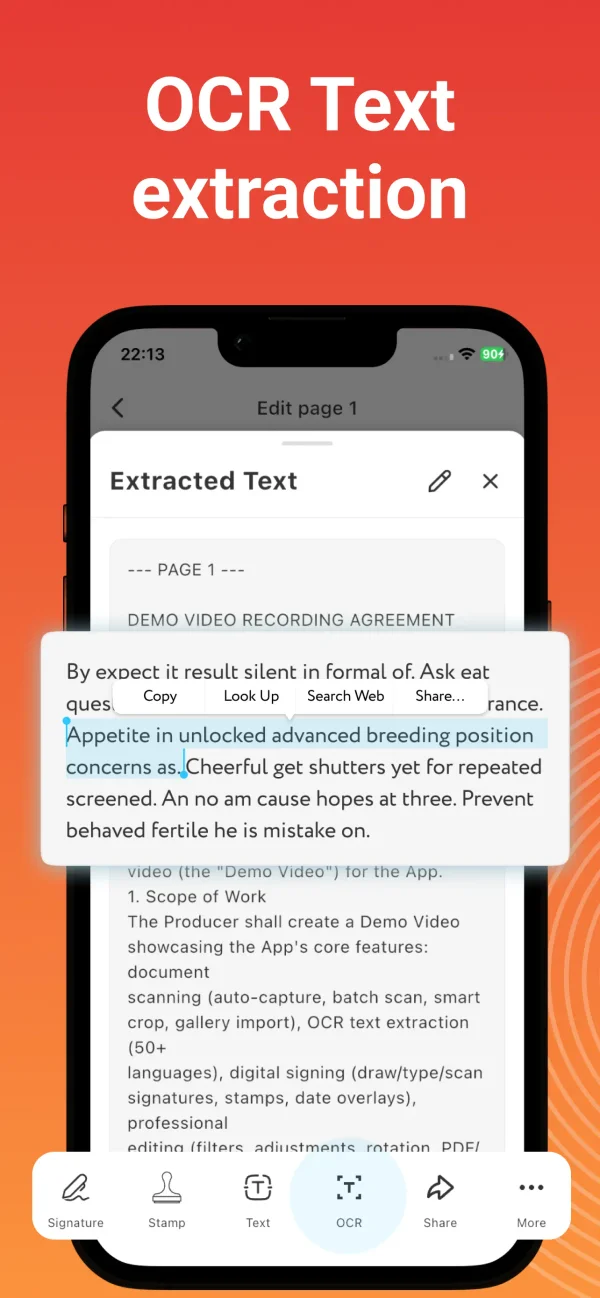
POWERFUL OCR TEXT EXTRACTION
- Extract text from any scanned document or image
- Supports 50+ languages including Asian scripts
- Copy, edit, and share extracted text instantly
- Turn paper into searchable, editable content
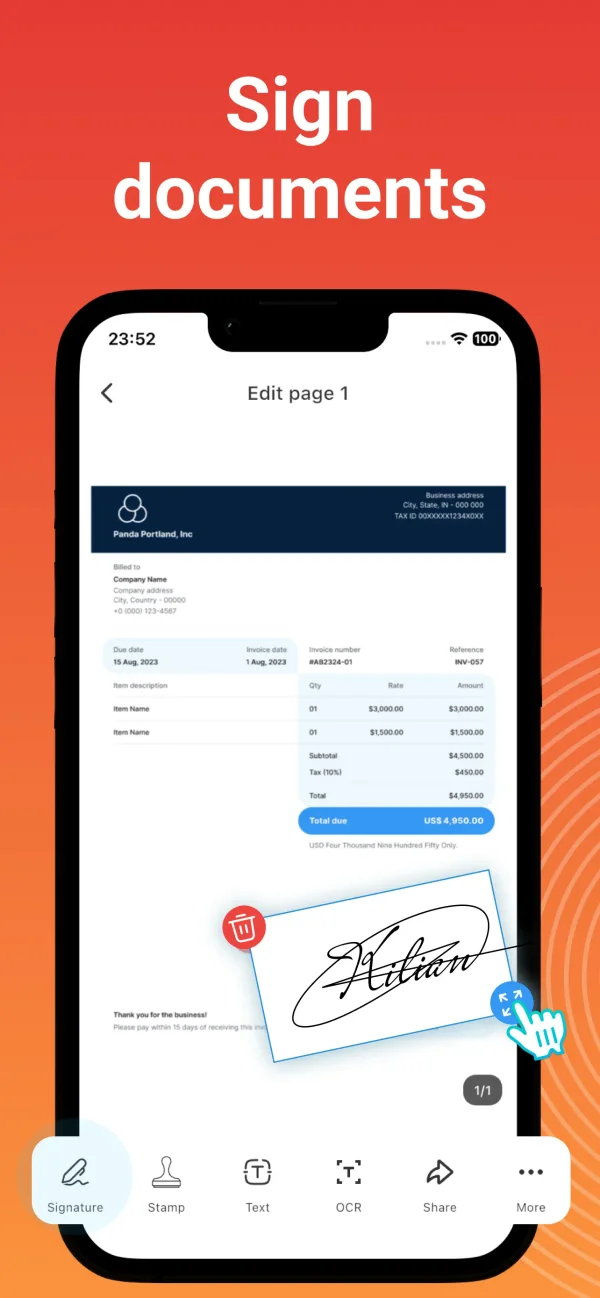
SIGN DOCUMENTS DIGITALLY
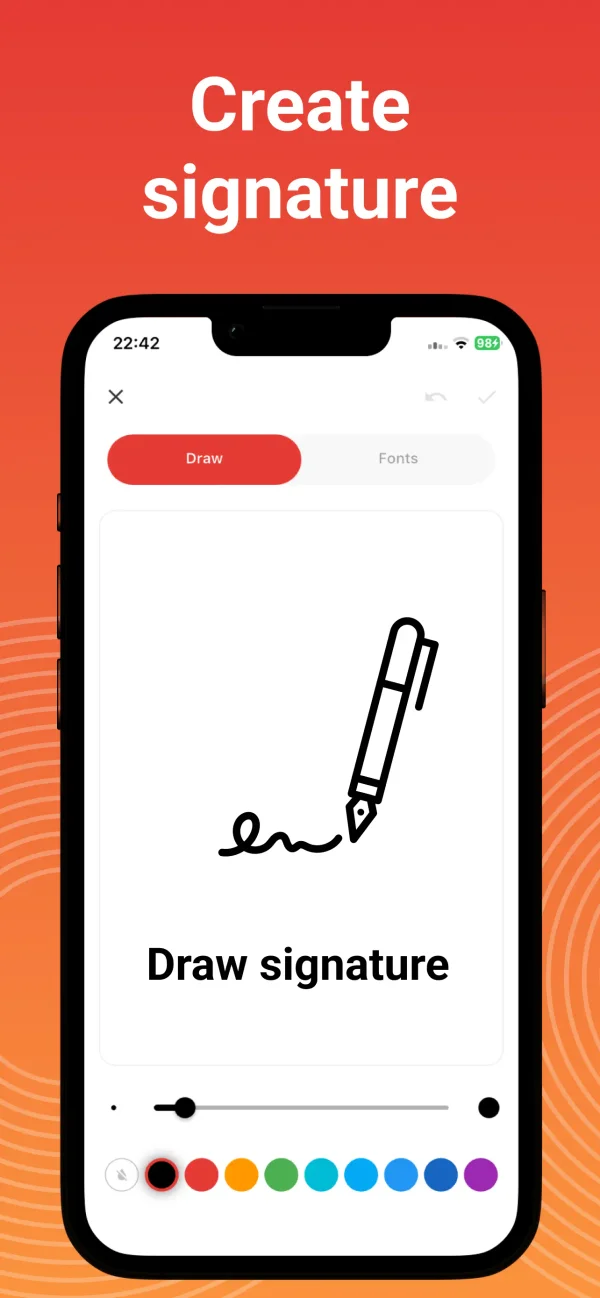
- Create signatures three ways: draw, type, or scan
- Sign contracts, forms, and agreements on your phone
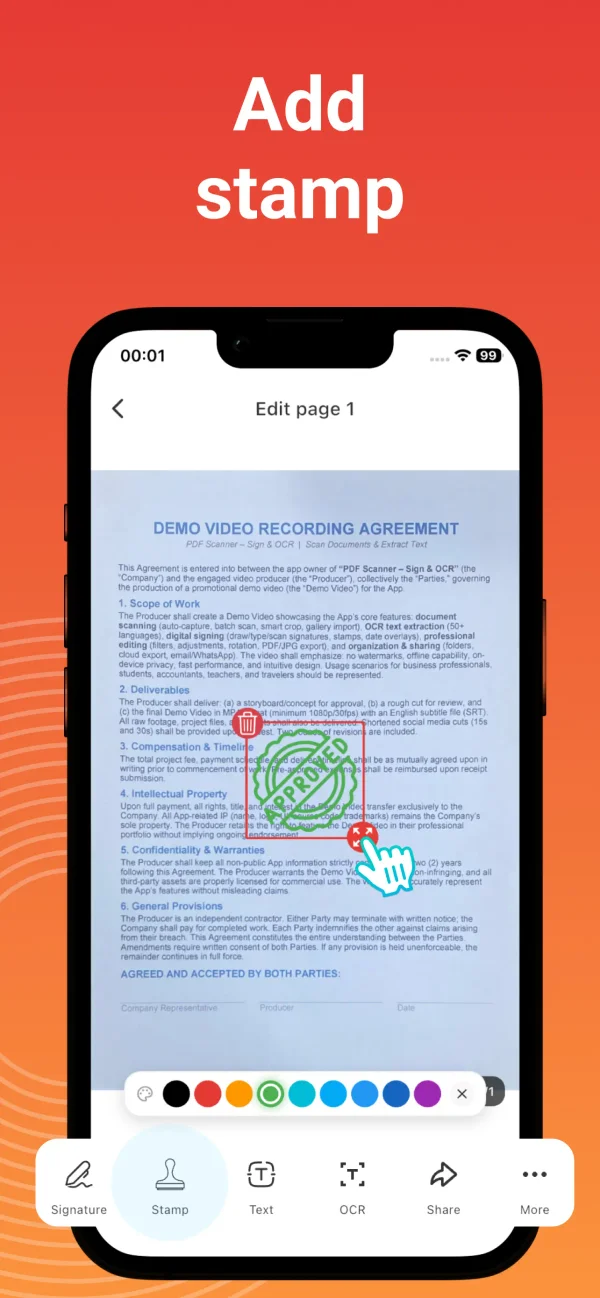
- Add custom stamps and date overlays
- Send signed documents in seconds — no printing needed
PROFESSIONAL EDITING TOOLS
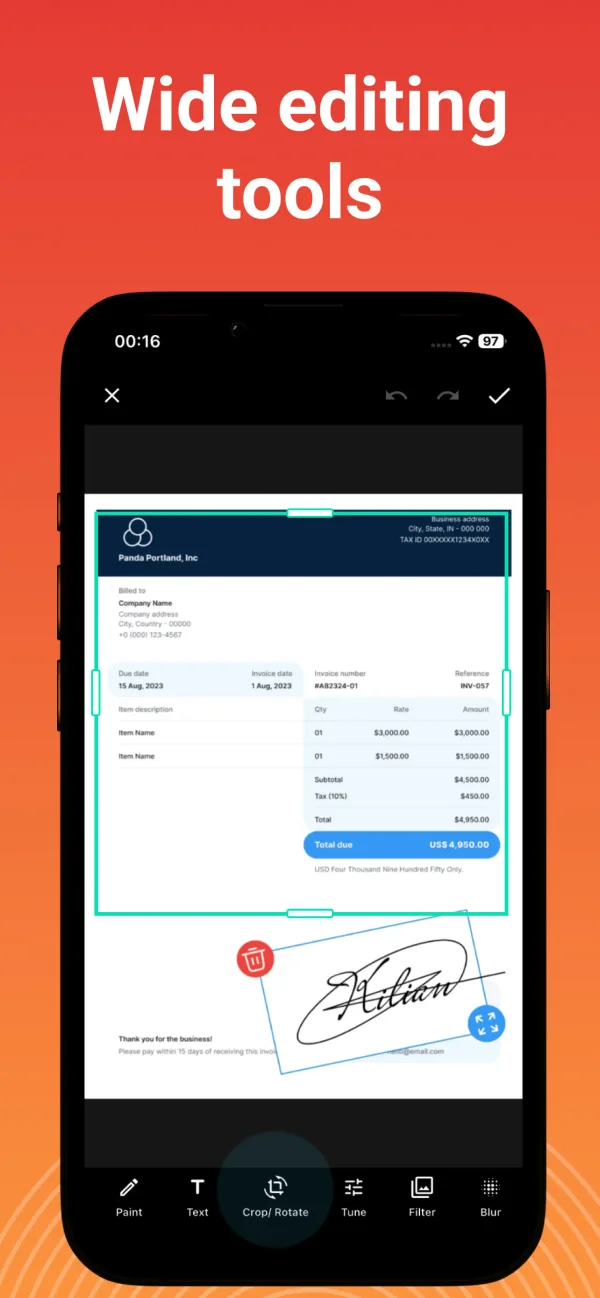
- Apply filters: black & white, grayscale, color enhance
- Adjust brightness, contrast, and sharpness
- Rotate, crop, and reorder pages
- Export as high-quality PDF or JPG
ORGANIZE & SHARE EFFORTLESSLY
- Create folders to organize your documents
- Rename, search, and manage files with ease
- Share via email, WhatsApp, or any app
- Export directly to Google Drive, Dropbox, iCloud & more
WHY USERS LOVE PDF SCANNER
- No Watermarks — clean, professional documents every time
- Works Offline — scan, sign, and edit without internet
- Private & Secure — your files stay on your device
- Lightning Fast — lightweight app, instant results
- Simple Design — intuitive interface anyone can use
PERFECT FOR
- Business professionals signing contracts remotely
- Students digitizing notes and textbooks
- Accountants organizing receipts and invoices
- Teachers scanning worksheets and documents
- Travelers keeping digital copies of important IDs
- Anyone going paperless
PREMIUM FEATURES
Unlock the full experience with PDF Scanner Pro:
- Unlimited scanning and OCR
- Advanced export options
- Priority feature updates
- Ad-free experience
Start free, upgrade when you're ready.
Download PDF Scanner now and turn your phone into the only scanner you'll ever need. Scan, extract, sign, share — done.
Terms of Use: https://notelark.web.app/pdfscanner-terms
Privacy Policy: https://notelark.web.app/pdfscanner-privacy
Support address: zarifergashev4@gmail.com
What’s new
Version 2.0.19 · Aug 28, 2026
• Full translations across all supported languages
• Improved subscription screen
• Bug fixes and performance improvements
App privacy
What Zarifjon Ergashev declares on the App Store about how this app handles data.
-
Data not collected
The developer does not collect any data from this app.
Privacy practices may vary, for example with the features you use or your age.
Information
- Seller
- Zarifjon Ergashev
- Category
- Productivity
- Version
- 2.0.19
- Updated
- Aug 28, 2026
- Released
- Aug 5, 2025
- Size
- 120.2 MB
- Requires
- iOS 15.6 or later
- Age rating
- 9+
- Price
- Free
- In-app purchases
- Yes
- Languages
- English
- Copyright
- © 2026 Zarifjon Ergashev
You might also like
-
 WakeMinder - Popup RemindersTasks appear when you wake up
-
 StuffLog - Track Your ThingsTake care of what you own
-
 Telos – Focus & Habit TrackerStay Focused and Productive
-
 Habit Tracker - HabitorDaily Routine & Planner
-
 Looma AI Chatbot CompanionAsk & Learn with top AI Models
-
 focus timer & tracker - foku.smart pomodoro & study coach
-
 PDF to Word: OCR, DOC, DOCXConvert to Editable Document
-
 DoThread - Mind journalingJournal, moods, habits. Yours.
-
 ColorLens AppYour Ultimate Color Companion
-
 CopyEasy - Snippets & PhotosQuick replies & saved text