
PDF Splitter Studio
Split PDF pages instantly
Designed for iPhone, iPad, iPod touch
$0.99
- Age rating4+
- CategoryProductivity
- DeveloperStudyBridge LLC
- LanguagesEnglish
- Size28.0 MB
Links to the official App Store page
Download.org hosts no file of PDF Splitter Studio. The button opens its official App Store page, published by StudyBridge LLC. Listing last checked on Nov 17, 2026.
Screenshots


About
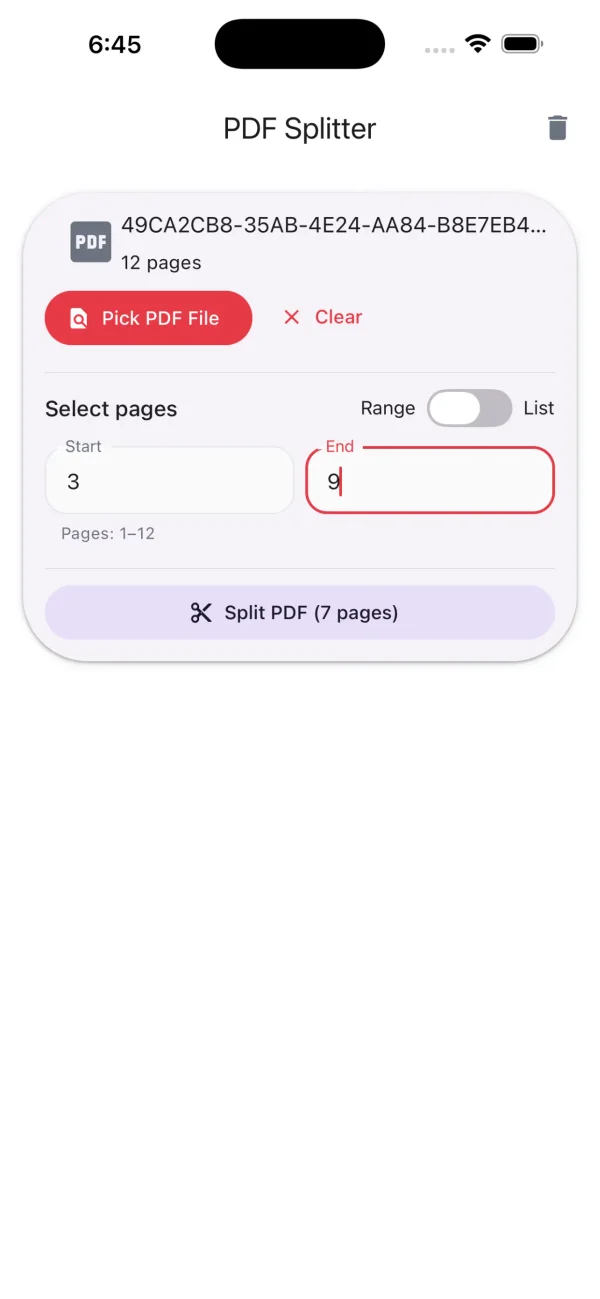
PDF Splitter Studio is a powerful yet simple tool that lets you split PDF files directly on your device - no internet, no cloud processing, and no ads.
Whether you need to extract specific pages, separate a long report, or save only selected sections, PDF Splitter Studio makes it effortless.
Key Features:
• Split PDFs by page range or custom page list.
• All processing happens offline - your files stay private.
• Open any PDF from your device storage or Files app.
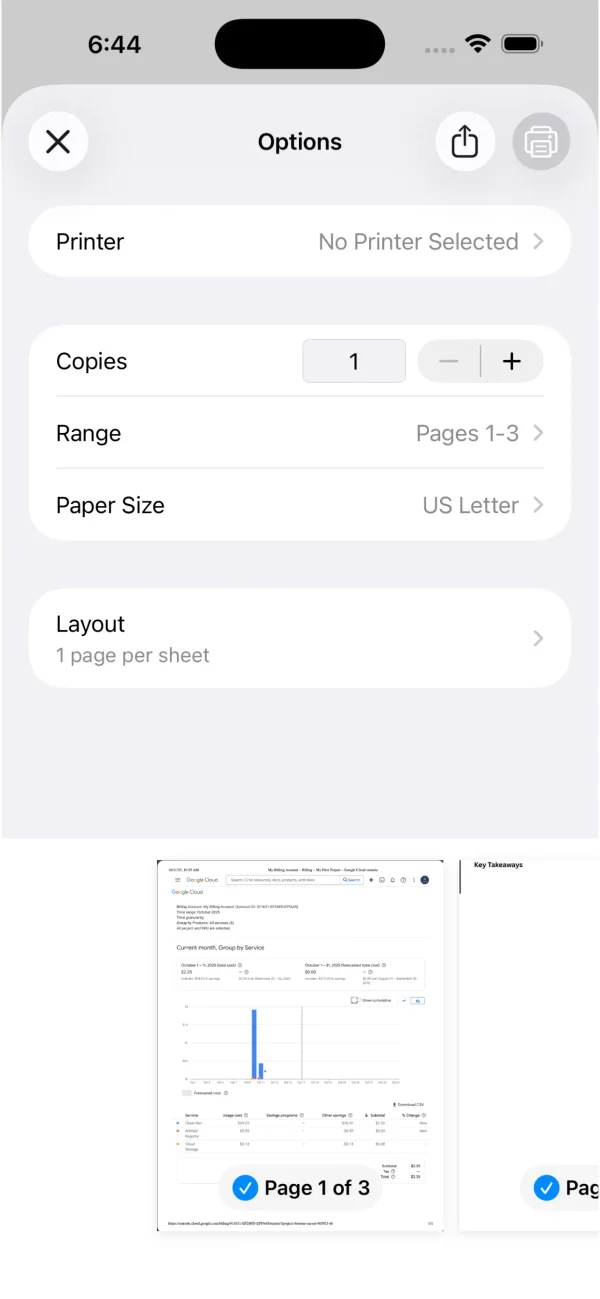
• Save results locally or share instantly via AirDrop or Mail.
• Clean, modern interface for quick workflows.
Why choose PDF Splitter Studio?
• Privacy first - everything runs on your device.
• Lightweight and optimized for speed.
• No subscriptions, no hidden fees - a one-time purchase.
Perfect for:
Students, teachers, business professionals, and anyone who works with PDF documents daily.
Experience the simplest way to split PDFs - fast, secure, and offline.
App privacy
What StudyBridge LLC declares on the App Store about how this app handles data.
-
Data not collected
The developer does not collect any data from this app.
Privacy practices may vary, for example with the features you use or your age.
Information
- Seller
- StudyBridge LLC
- Category
- Productivity
- Version
- 1.0.4
- Updated
- Nov 4, 2025
- Released
- Nov 3, 2025
- Size
- 28.0 MB
- Requires
- iOS 15.1 or later
- Age rating
- 4+
- Price
- $0.99
- Languages
- English
- Copyright
- © 2025 StudyBridge LLC
You might also like
-
 Pdf scan translateScan, Translate & Manage PDFs
-
 Translay AIPDF Translator with AI
-
 n-eight-n WorkflowsEnhance your self-automations
-
 Epub to Pdf Converter*Fast File Format Converter
-
 Text Extractor OCRCapture Detect Extract
-
 Fraction Calculator PRO #1Decimal to Fractions Converter
-
 PDF Splitter 2025Fast & Easy PDF Splitting
-
 PDF Splitter - Split PDFpdf splitter + pdf merge
-
 PDF OCR: Scanner & EditorSign, Annotate, Convert, Merge
-
 Montee: AI Meeting CopilotMeeting Minutes & Voice Notes