PDF Tools: Editor & Converter
Photo to PDF, Merge & Compress
Designed for iPhone, iPad, Mac
Free · In-app purchases
- Age rating4+
- CategoryUtilities
- DeveloperVijay Kale
- LanguagesEnglish
- Size35.6 MB
Links to the official App Store page
Download.org hosts no file of PDF Tools: Editor & Converter. The button opens its official App Store page, published by Vijay Kale. Listing last checked on Nov 17, 2026.
Screenshots

About
The Ultimate PDF Solution for Your Device
Discover the simplicity and power of PDF App: Split, Merge & More, your all-in-one PDF converter and editor. Convert, merge, split, lock, unlock, compress, and more with just a few taps.
Key Features:
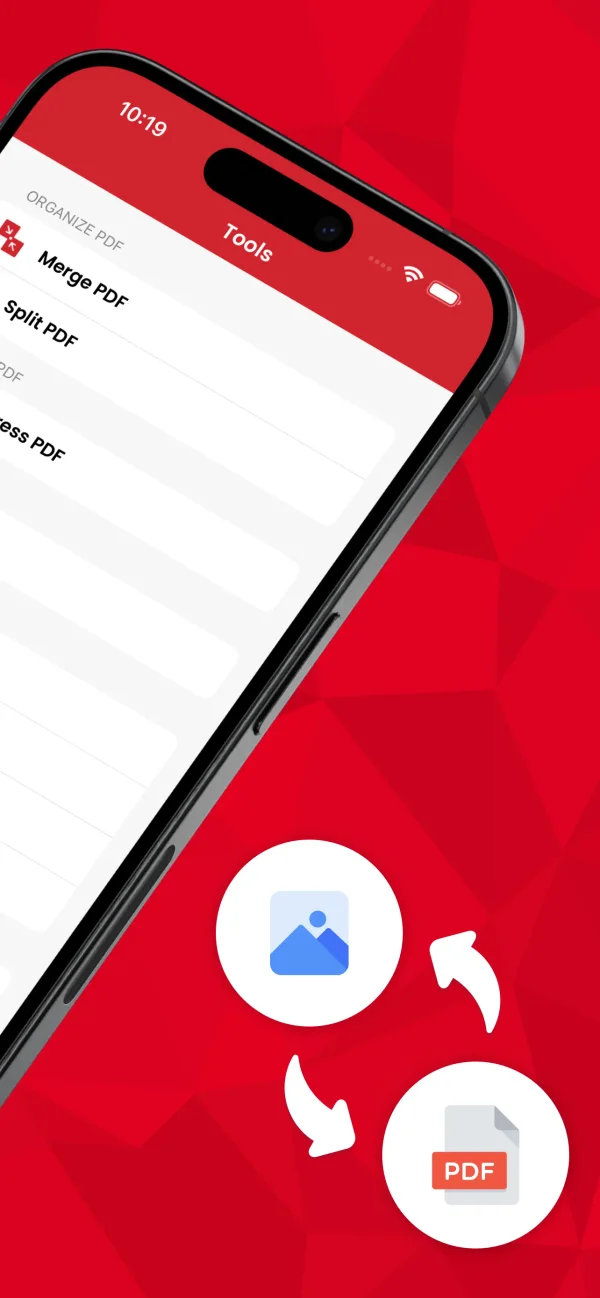
• Split PDF: Split a long detailed PDF into single-page PDFs without much effort. Select specific page ranges and get your desired pages in seconds.
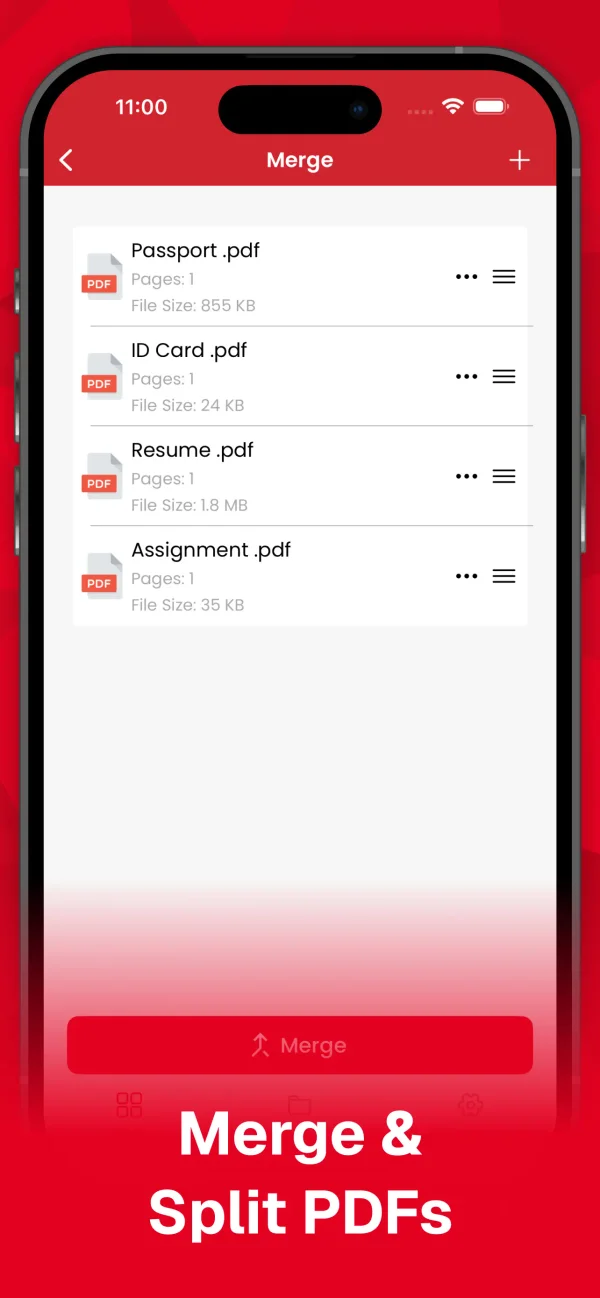
• Merge PDFs: Combine multiple PDF documents into a single file. Our PDF merger helps design a single-page PDF from different PDFs, eliminating the hassle of storing separate documents.
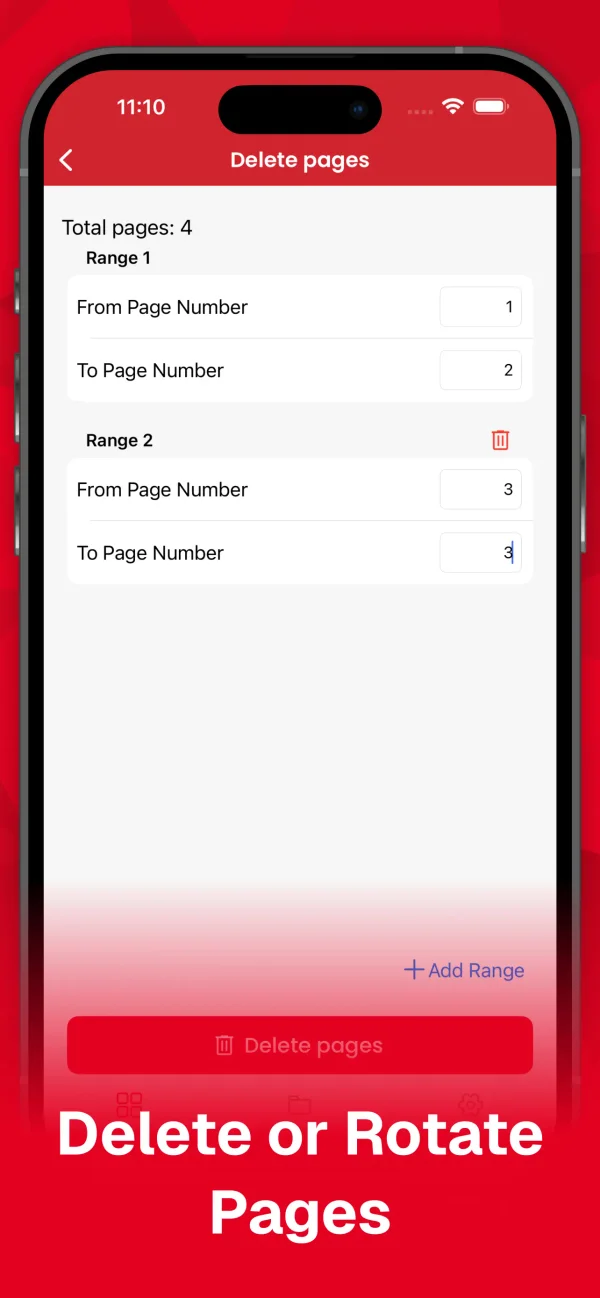
• Delete Pages: Remove unwanted pages from your PDFs while merging or splitting them. Perfect for eliminating extra or unnecessary content.
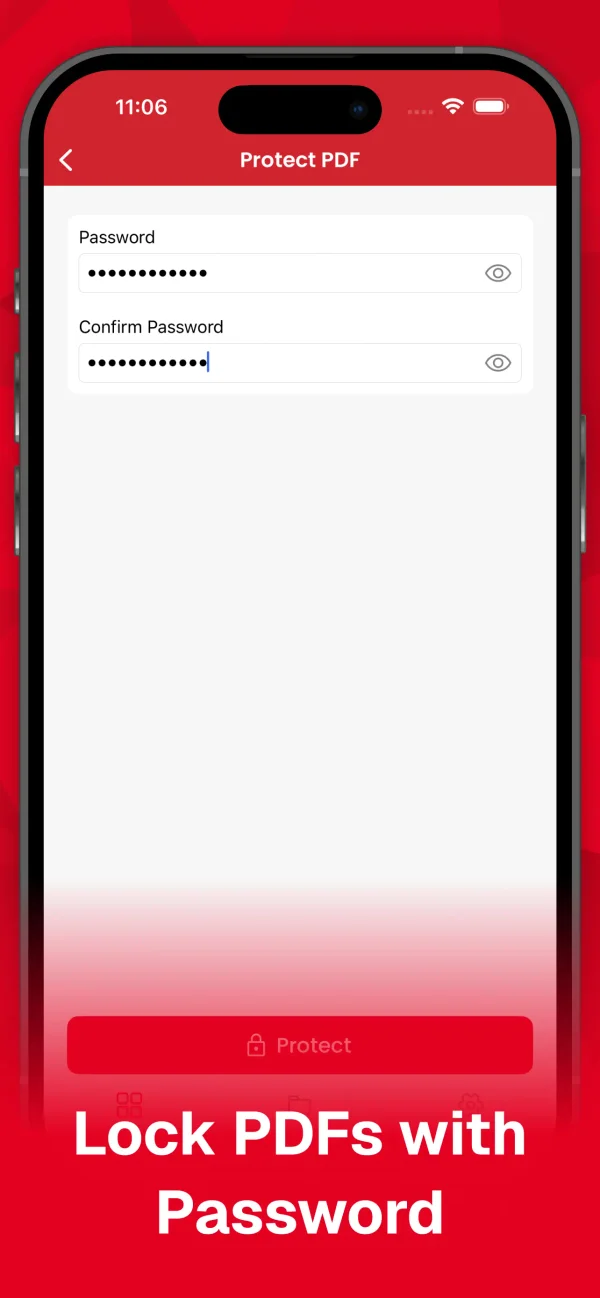
• Unlock PDFs: Easily unlock secured PDFs to split or merge them.
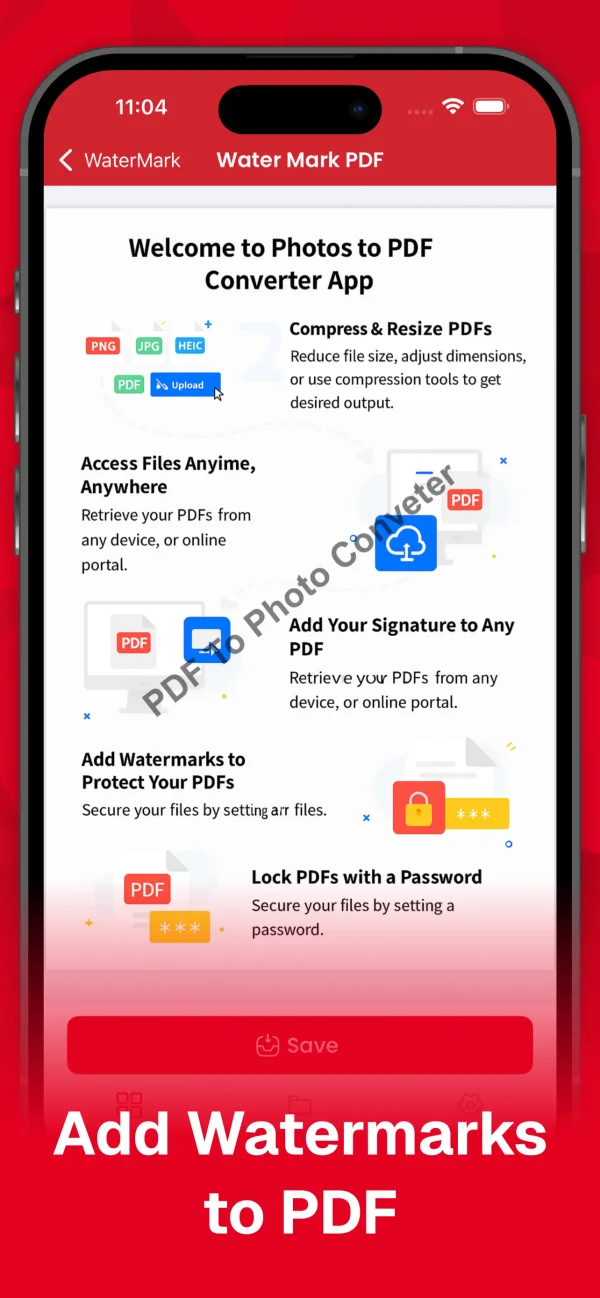
• Watermark: Add text or image watermarks to protect your documents or give them a customized appearance.
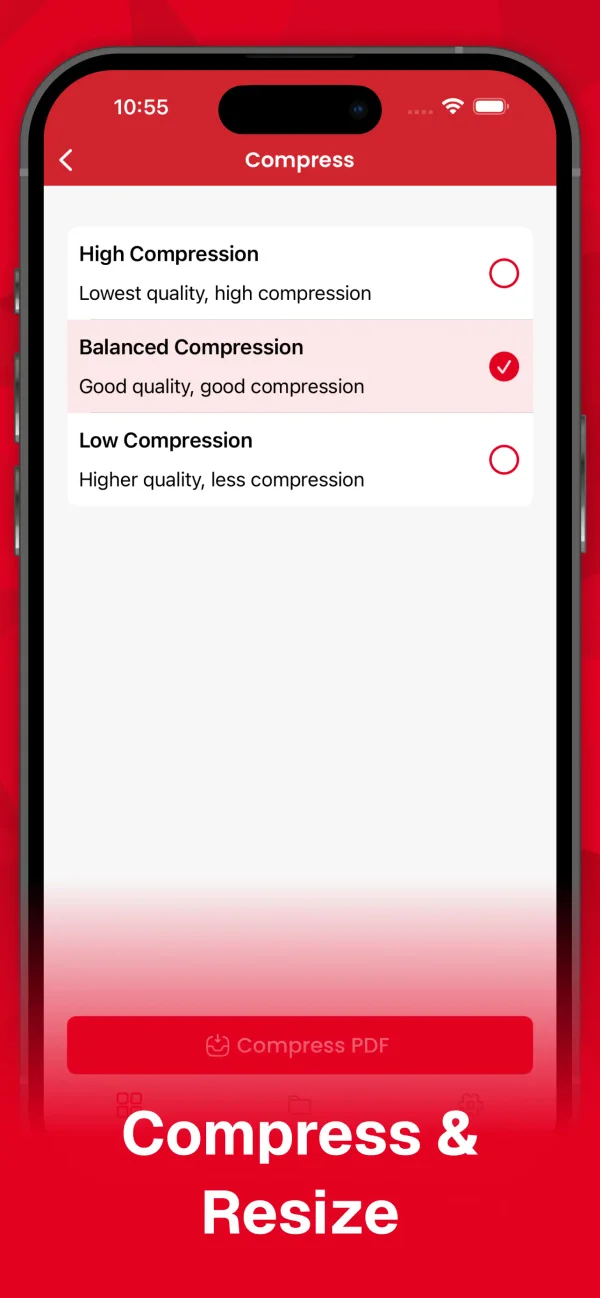
• Compress PDFs: Reduce the size of your PDFs for easier sharing and storage, whether you merge or split them.
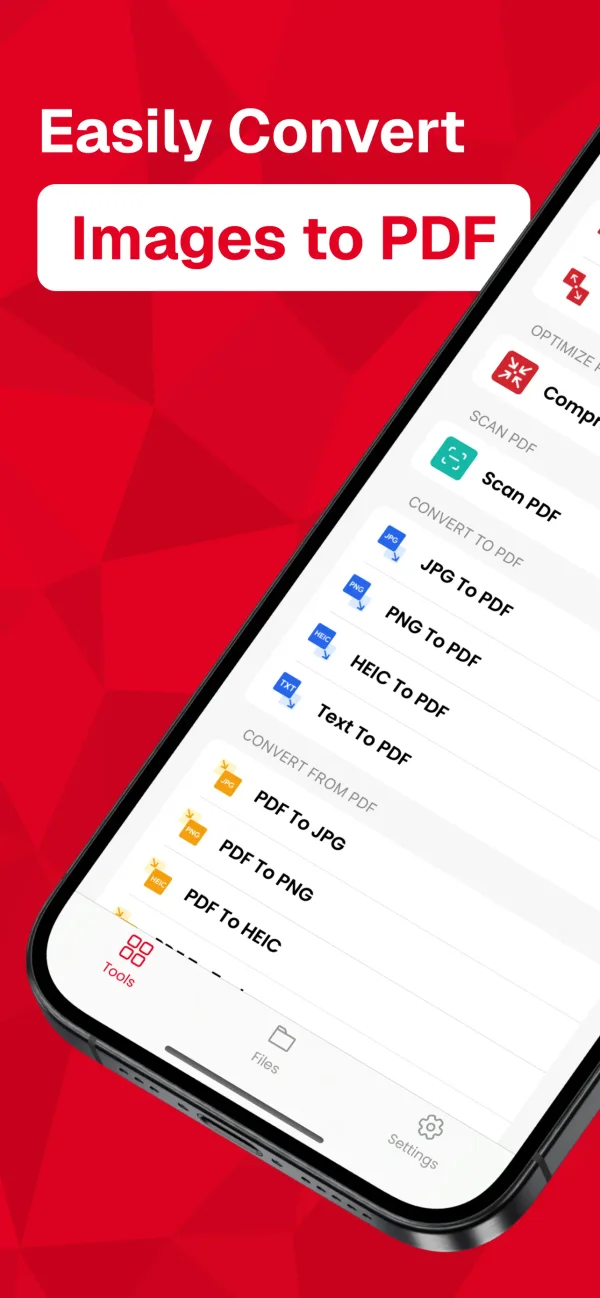
• Image to PDF Conversions: Convert PNG, JPEG, and HEIC images to PDF format.
• PDF to Text: Convert PDF files to standard text quickly and easily.
• PDF to Image Conversions: Convert your PDFs to PNG, JPEG, and HEIC formats.
• Extract Pages: Select and extract specific pages from your PDF files.
• Rotate Pages: Rotate individual pages or entire documents for better viewing.
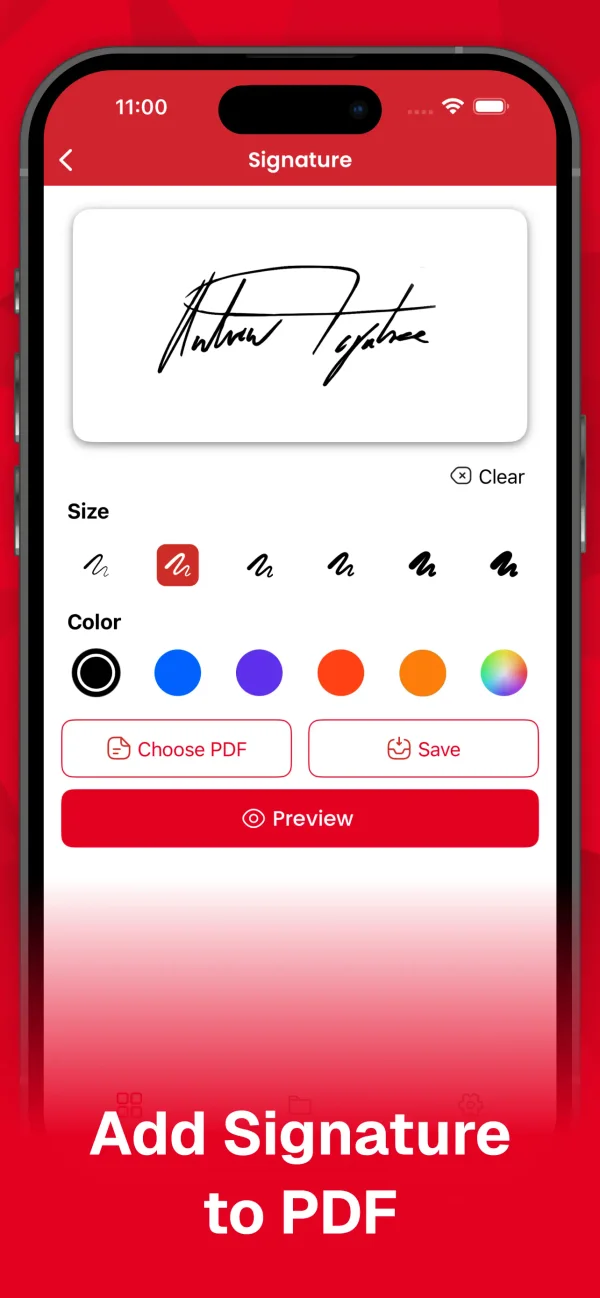
• Signature: Sign your PDF documents with ease.
• Preview & Read PDFs: View and read your PDF files with a built-in reader.
• Rename PDFs: Rename your PDF files for better organization.
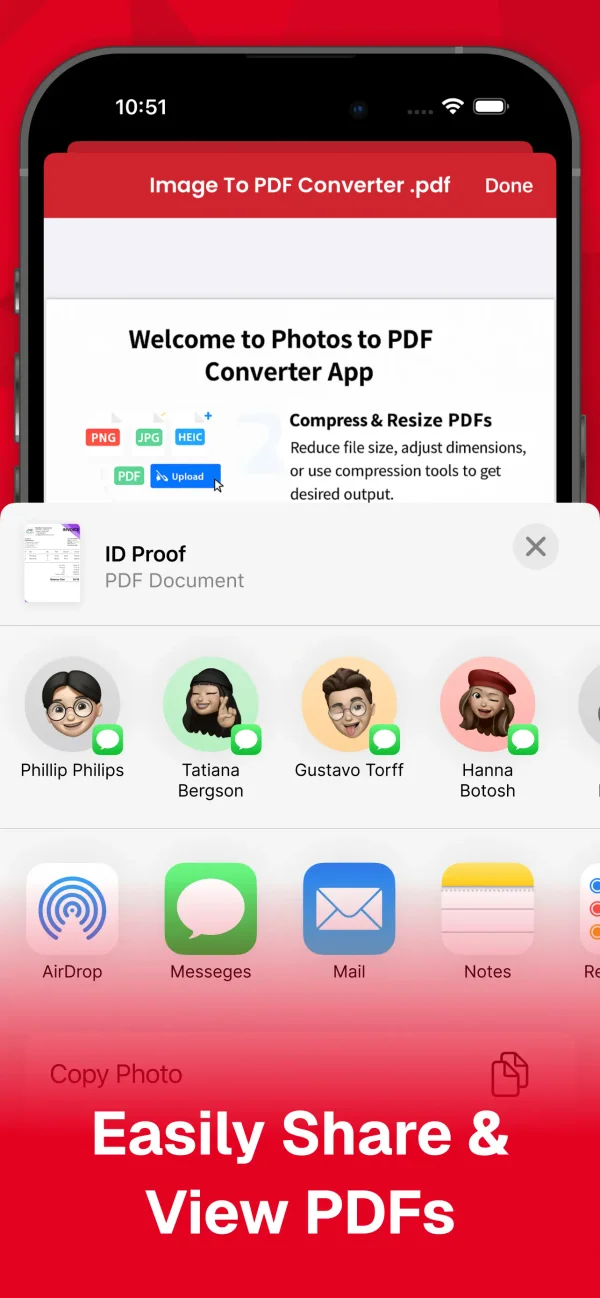
• Share PDFs: Share your PDFs directly from the app.
• Dark & Light Mode Support: Enjoy a seamless user experience in both dark and light modes.
• Face ID, Touch ID & Passcode Authentication: Secure your app with biometric and passcode authentication.
Easy-to-Use Interface:
1. Select Your Tool: Choose the conversion or editing tool you need.
2. Add Your File: Upload your document or image from your device.
3. Convert or Edit: Perform your desired action with a simple tap.
4. Save & Share: Download the converted or edited file to your local storage or share it directly.
24/7 Customer Support:
Our dedicated support team is available around the clock to assist you with any issues or questions.
Download PDF App: Split, Merge & More Today!
Streamline your document management with the most comprehensive PDF app available. Experience the convenience and efficiency of PDF App: Split, Merge & More on your iPhone, Mac, and iPad.
About Premium Plan Billing:
If you upgrade to the Premium plan, payment will be charged to your iTunes account. Your account will be charged for renewal within 24 hours prior to the end of the current period. You can choose to be billed monthly or yearly. You can turn off auto-renew in your Apple ID
Account Settings at any time.
Privacy Policy: https://appinferencesoftware.wordpress.com/privacy-policy/
Terms of use:https://appinferencesoftware.wordpress.com/terms-of-use/
Contact Us: For any questions or support, reach out to us at passwordmanagerteam@gmail.com
What’s new
Version 2.1 · Oct 15, 2026
• Updated for iOS 27
• Cleaner Files tab: only the files you created
• Fixed renaming and duplicating files
• Fixed signing the wrong page
• Fixed getting stuck on the Face ID screen
• Bug fixes and stability improvements
App privacy
What Vijay Kale declares on the App Store about how this app handles data.
-
Data not collected
The developer does not collect any data from this app.
Privacy practices may vary, for example with the features you use or your age.
Information
- Seller
- Vijay Kale
- Category
- Utilities
- Version
- 2.1
- Updated
- Oct 15, 2026
- Released
- Aug 5, 2024
- Size
- 35.6 MB
- Requires
- iOS 16.0 or later
- Age rating
- 4+
- Price
- Free
- In-app purchases
- Yes
- Languages
- English
- Copyright
- © PDF Tools: Editor & Converter 2026
You might also like
-
 Lockdown: Protect Your SecretsPrivate Photos & Text Locker
-
 Digital Building TwinAll your building info digital
-
 Call Shield: Spam Call BlockerBlock phone number ranges
-
 Video Compressor: VideoShrinkSave Space, Keep Quality
-
 HEIC to JPG - Pics2PDFCreate JPG, PNG, or PDF Files
-
 Cleaner Pro - Phone StorageReclaim Your Storage Space
-
 Cleaner Cat: Clean StorageSwipe, Compress & Free Space
-
 geniverse.ai: #1 generator kituniversal content generator
-
 ZIP Extractor・Unzip・OpenerFile Reader・Extract・Open Files
-
 AR TextFusion: Photo TranslateImage Tanslator - Ai Scanner